


For modern professionals, students, and remote workers, efficiency and multitasking are key.
Whether you're switching between spreadsheets or juggling creative tools, one screen often isn’t enough.
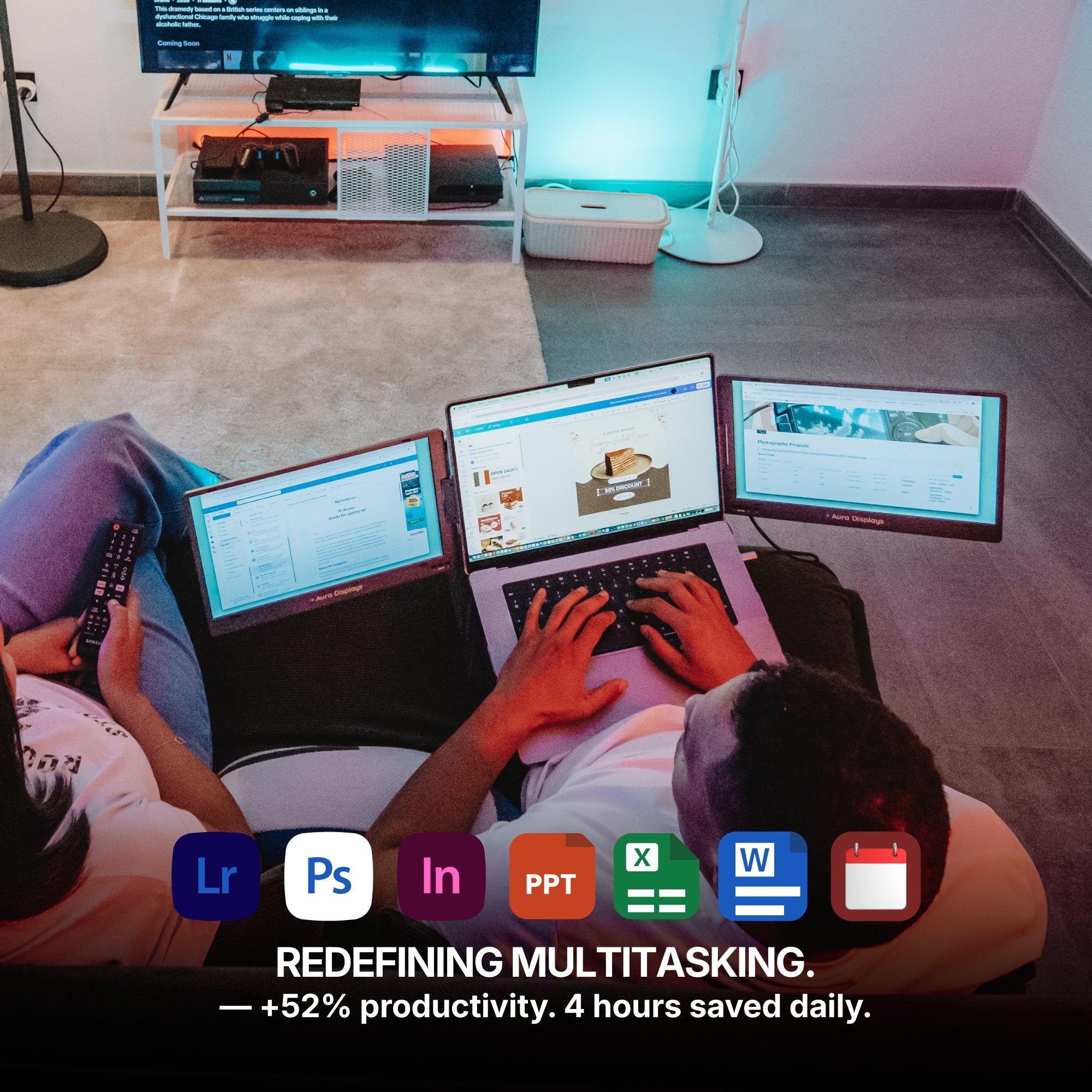
That’s where a laptop screen extender can change how you work or create, offering dual-screen flexibility in a portable form.
What Exactly Is a Laptop Screen Extender?
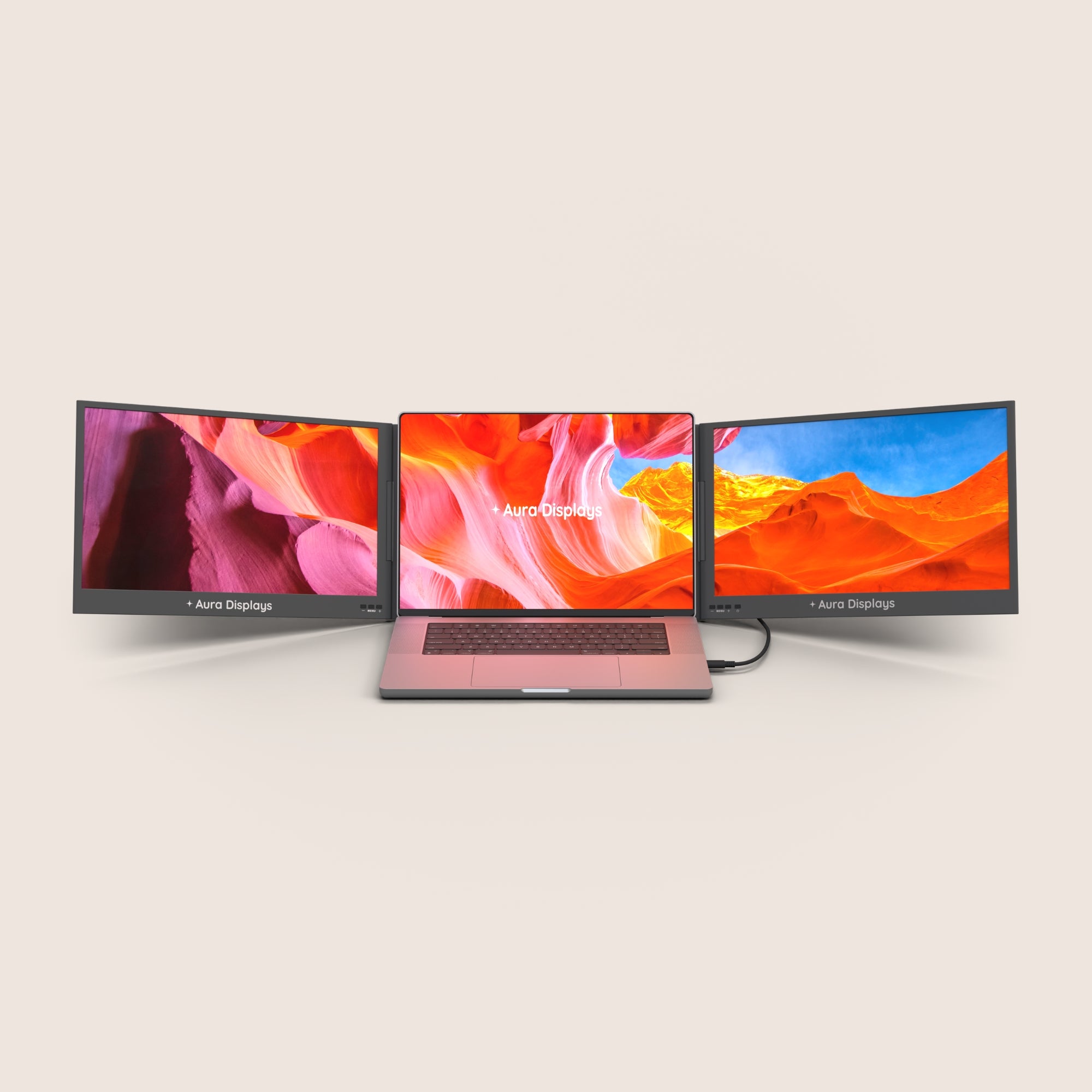
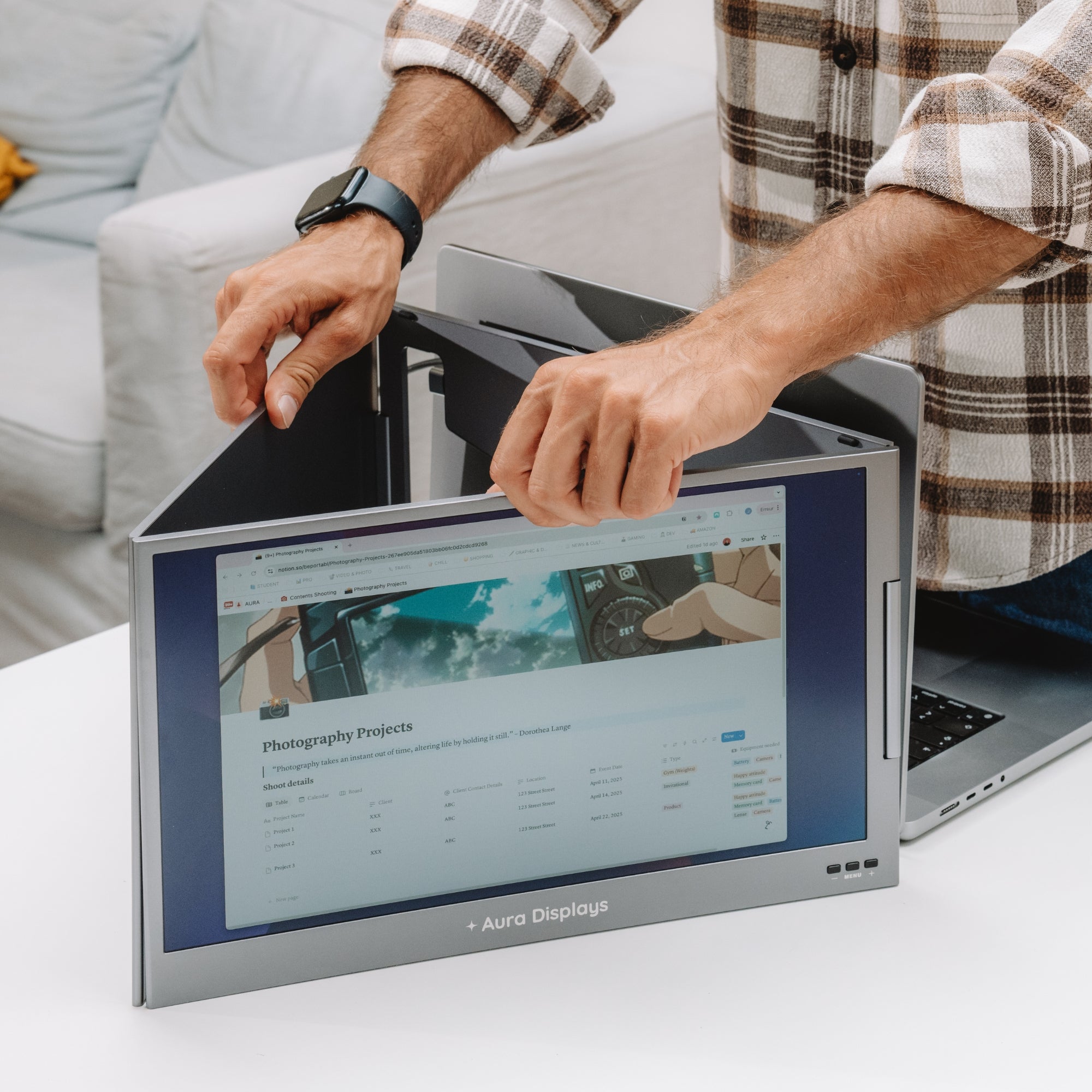
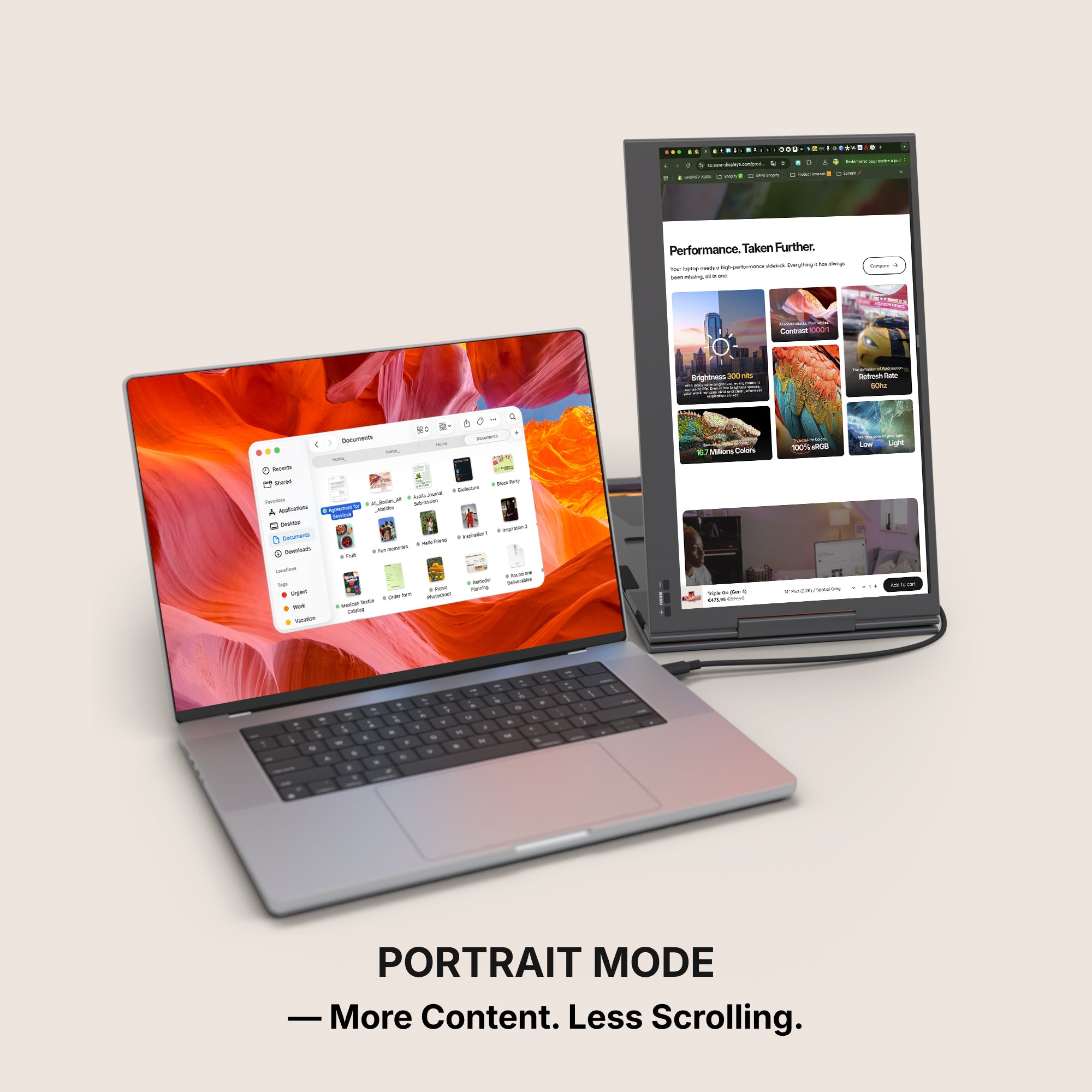
A laptop screen extender is a plug-and-play solution that attaches an additional screen—or even two—to your existing laptop.
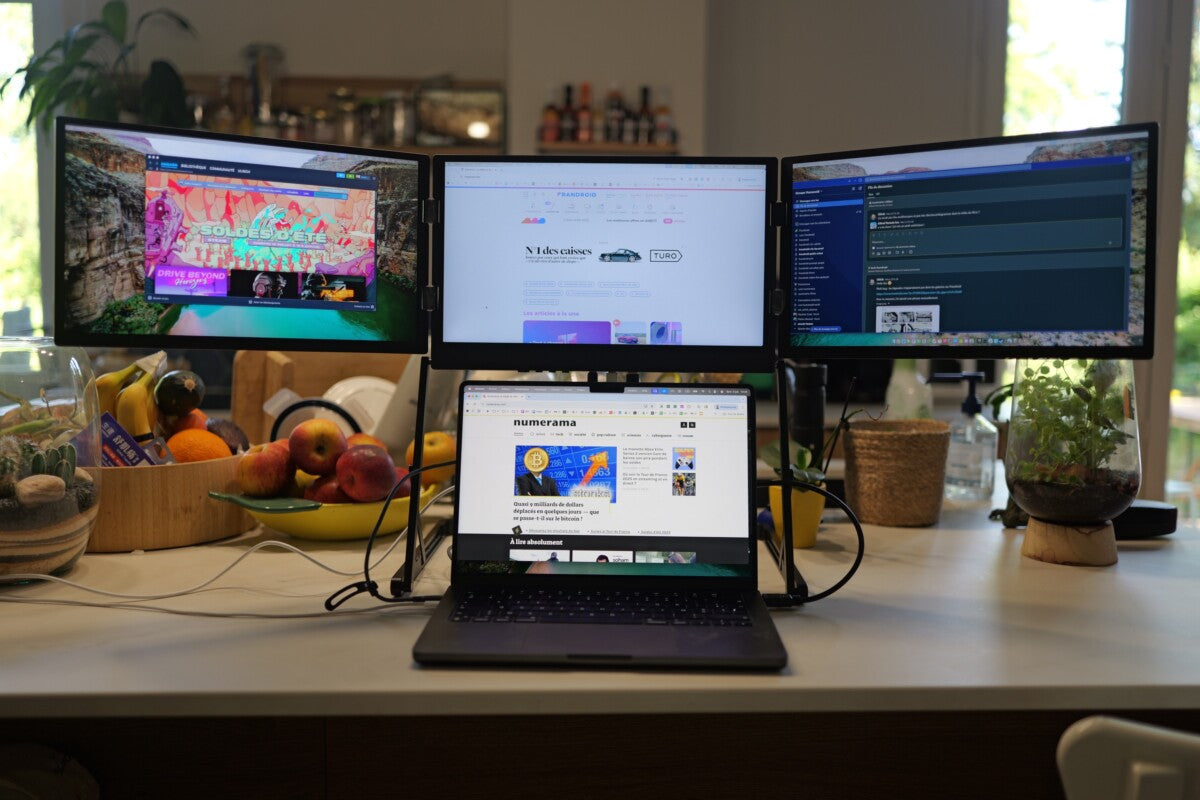
Instead of carrying a bulky monitor or being limited by a single display, users can attach an extender directly to their laptop chassis or plug it in via USB-C or HDMI.
These devices are engineered for portability and fast setup, making them perfect for both travel and at-home use.
They offer the convenience of a second screen without requiring a full desktop setup.
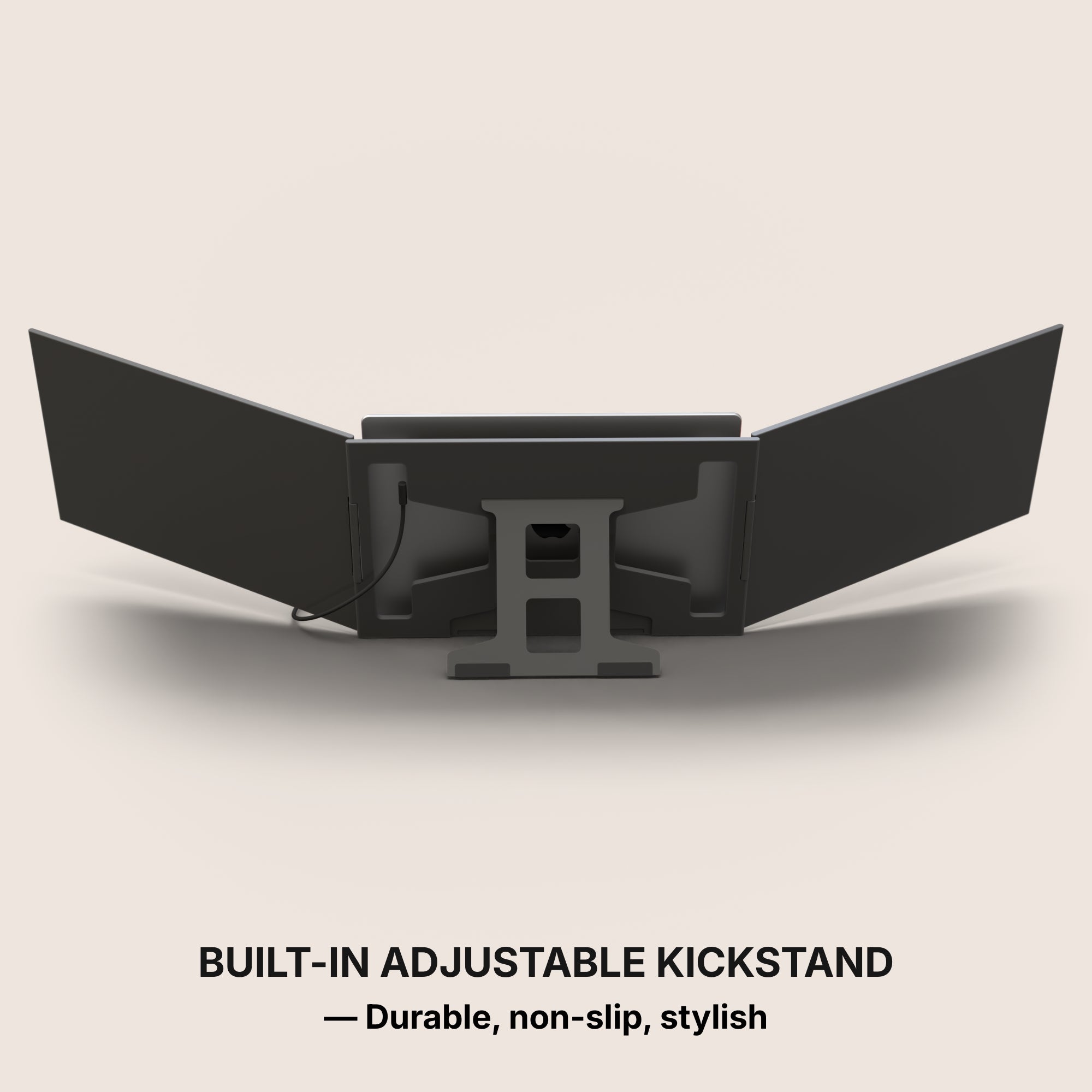
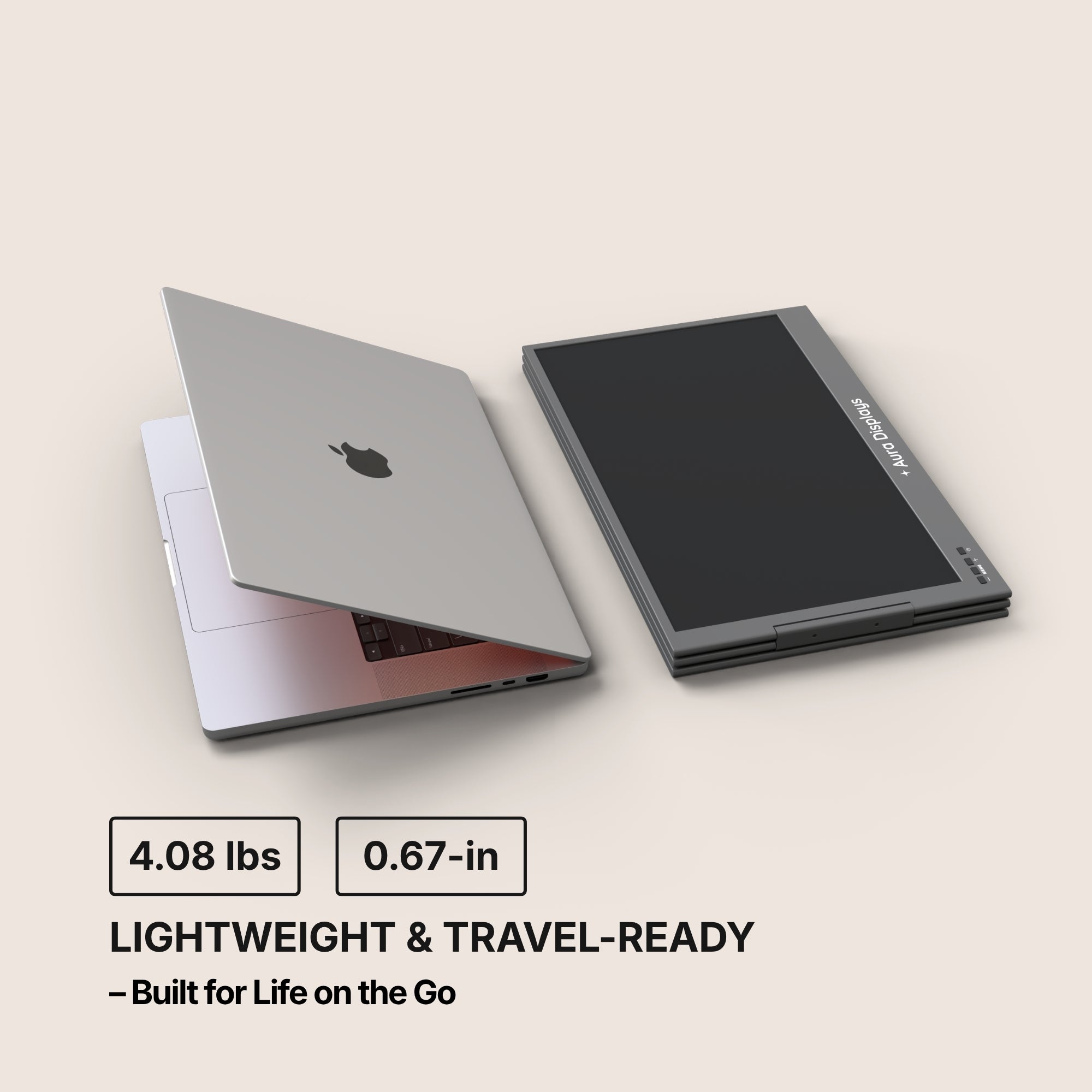
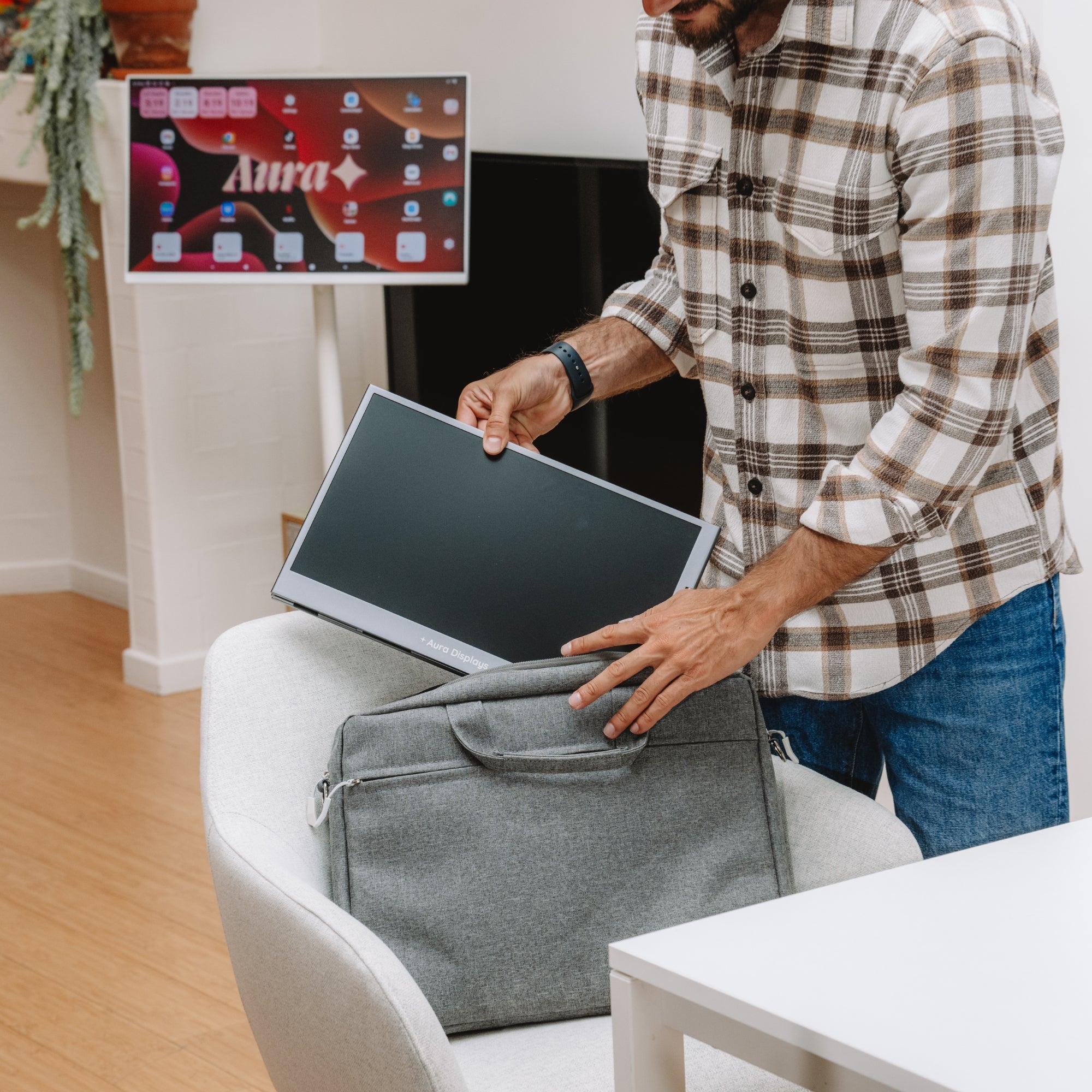
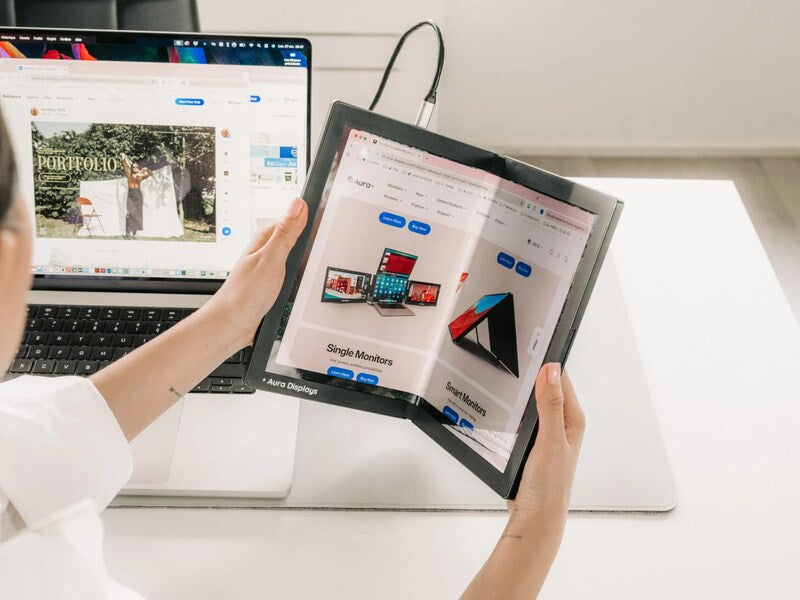
Many models fold into the size of a thin laptop, making them easy to carry in a backpack or briefcase.
Who Can Benefit from Using One?
The use of a screen extender spans across multiple professions and lifestyles.
Let’s look at who finds the most value in these devices.
Remote Workers
Juggling meetings, emails, and project tools becomes far easier when you have more screen real estate.
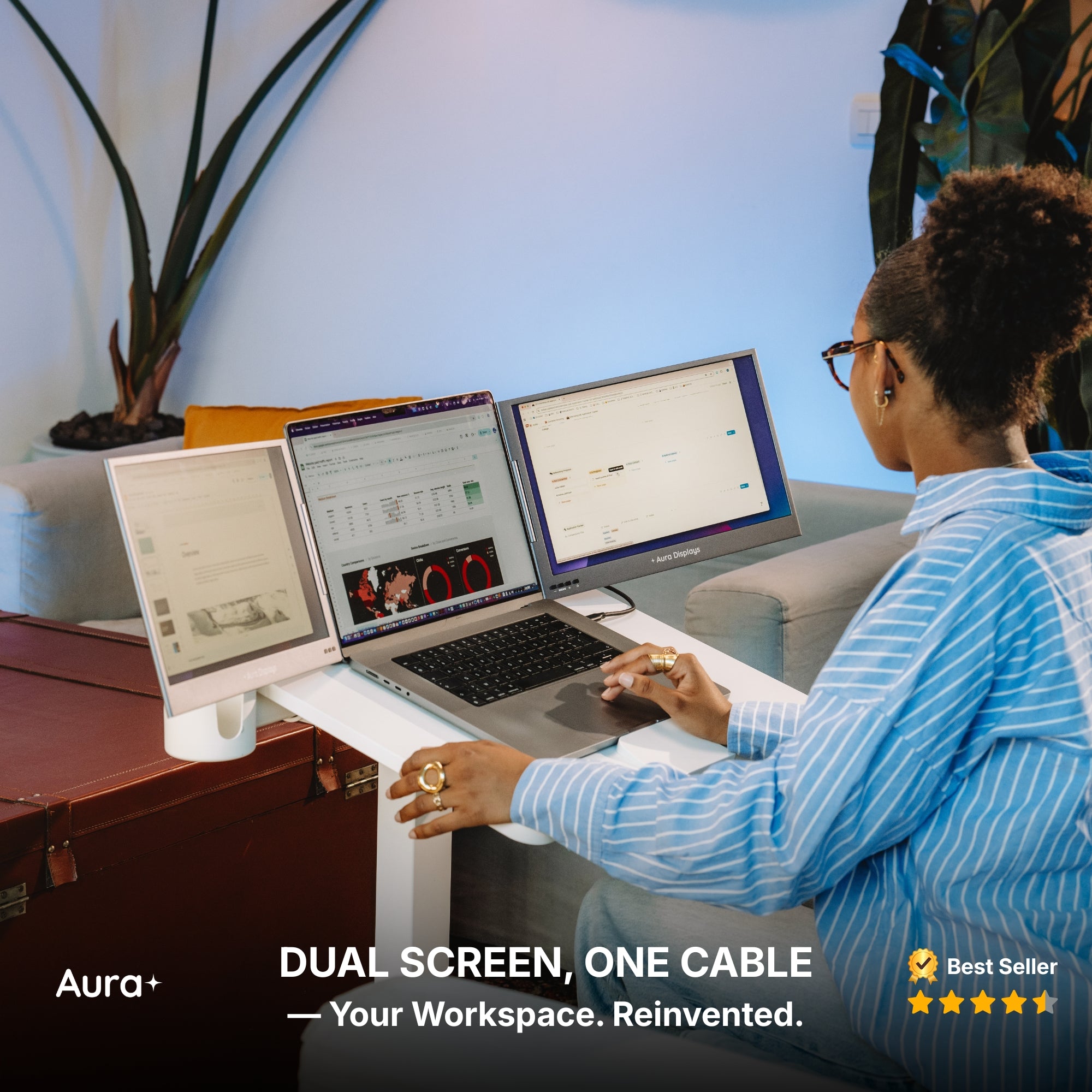
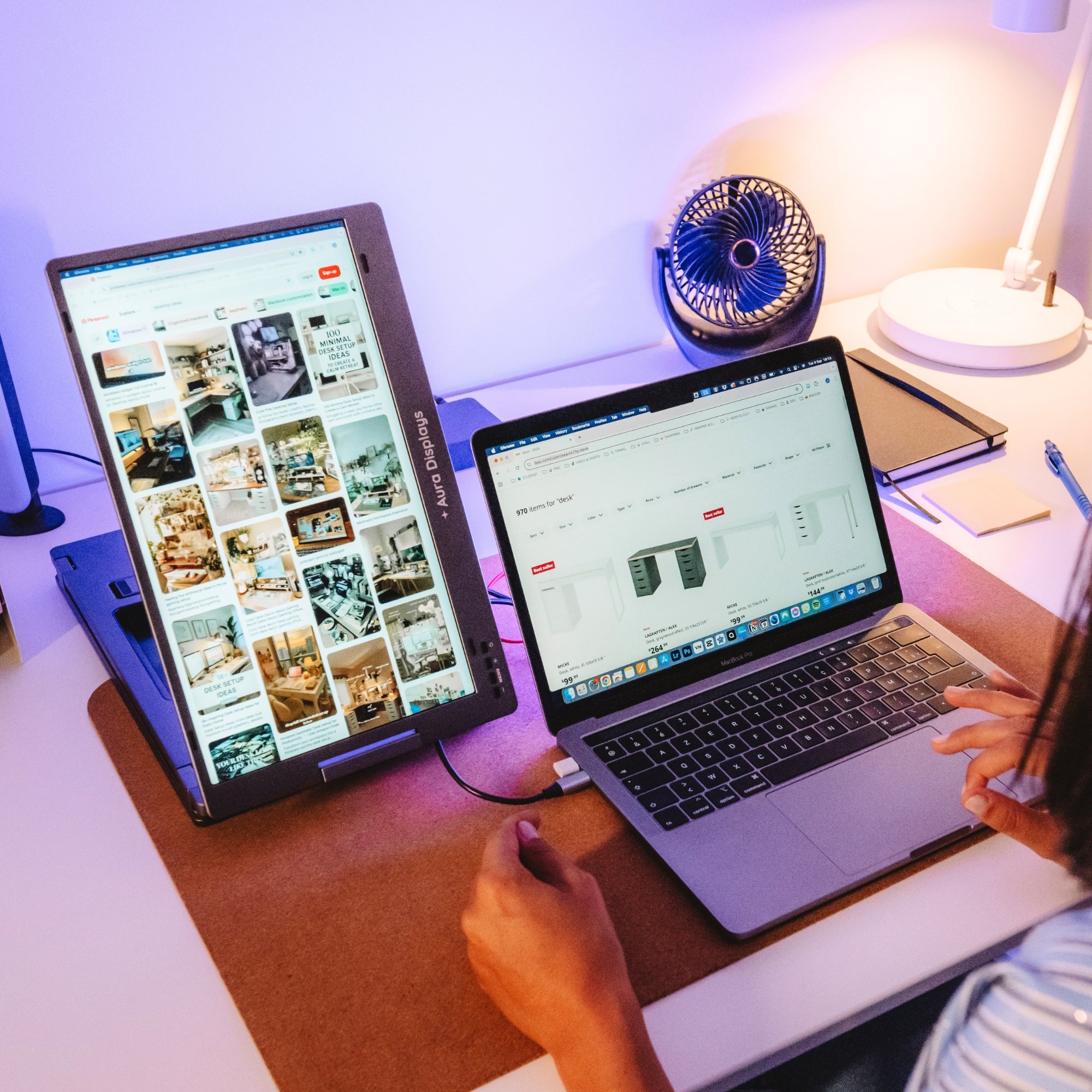
A laptop screen extender lets you keep communication tools open on one screen while you focus on work on the other.
Designers and Creatives
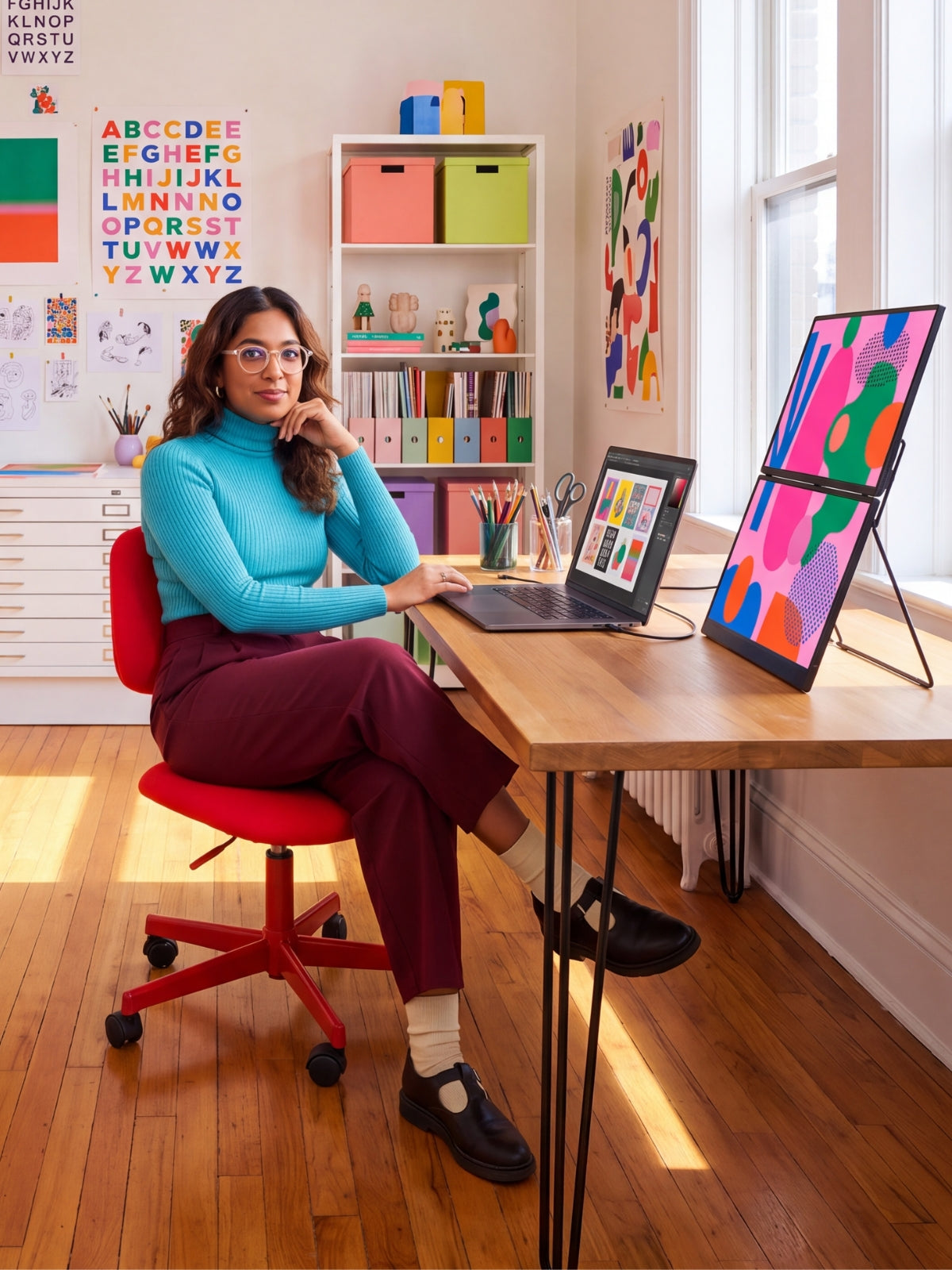
Whether you're editing videos or designing graphics, having your editing timeline on one screen and the canvas on another streamlines the process.
It’s especially useful for color correction, detailed visual work, and layout design.
Students and Researchers
Note-taking while watching lectures or comparing sources side by side becomes a breeze.
It eliminates constant window switching, which improves focus and retention.
Business Professionals
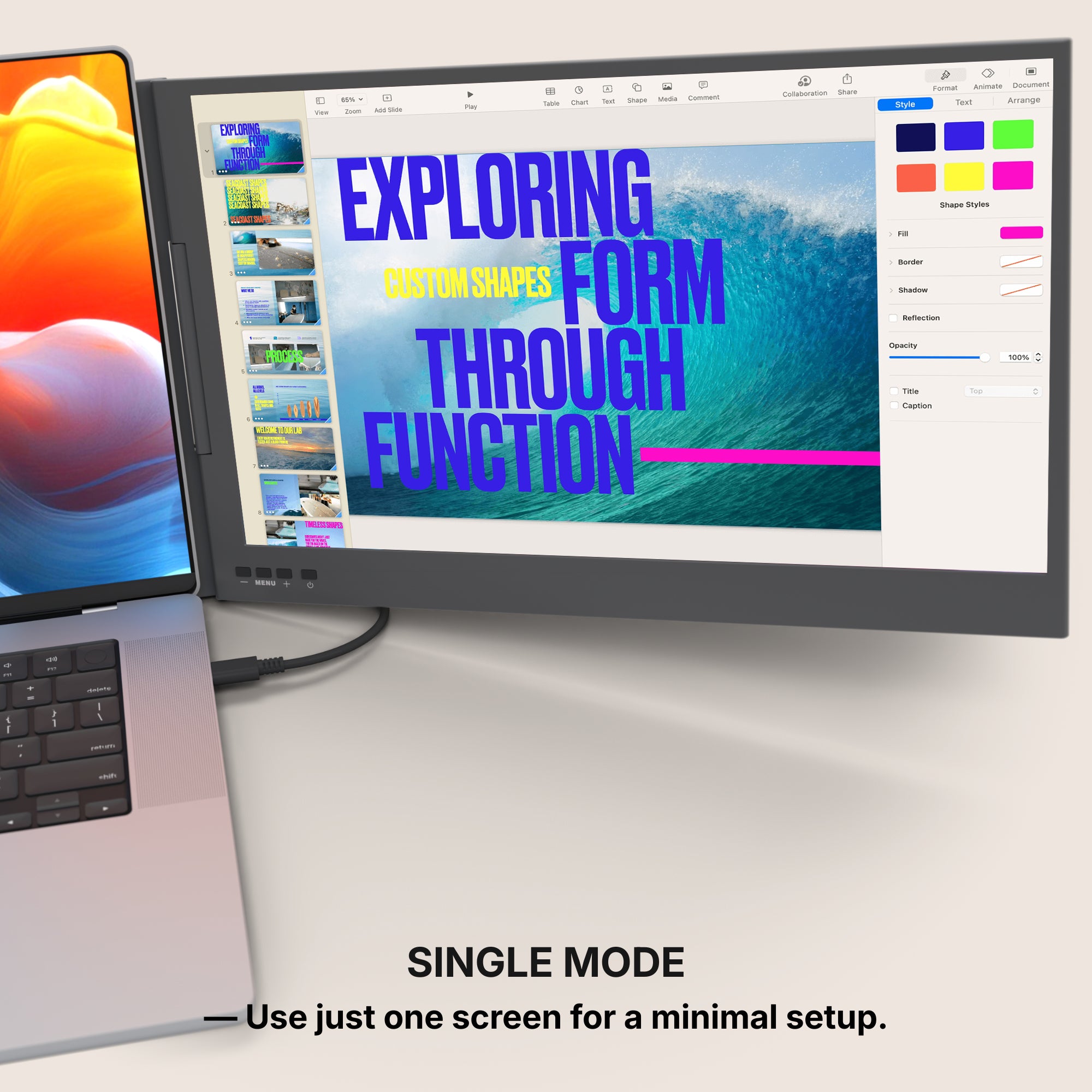
Presentations, reports, and live documents can be handled more efficiently during meetings.
One screen for reference material, another for editing in real time.
Notable Features That Make a Difference
All screen extenders are not created equal.
Depending on your workflow or lifestyle, you’ll want to consider specific specs and features.
Size and Compatibility
-
Most screen extenders range from 12" to 15.6", striking a balance between usability and portability.
-
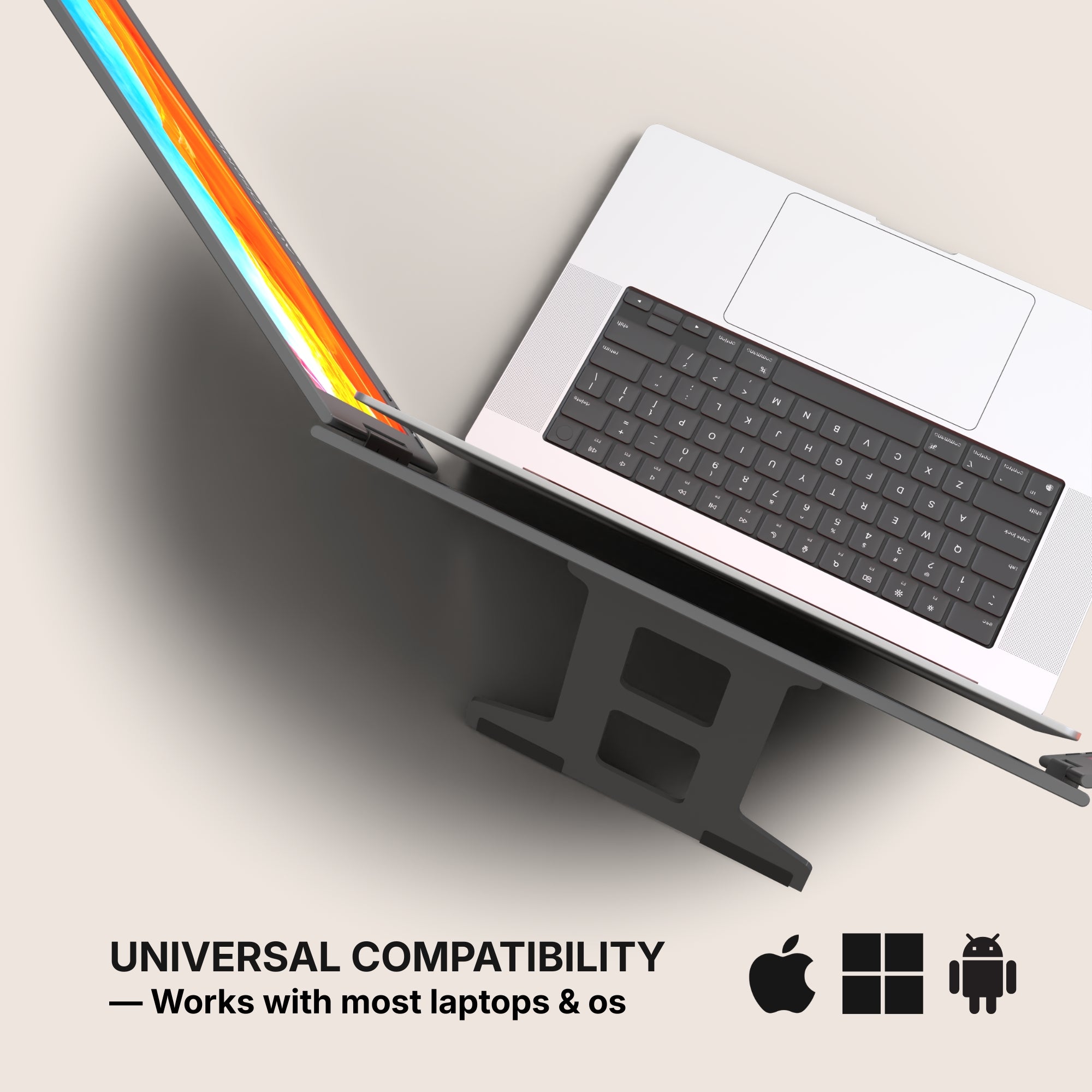
Be sure to check compatibility with your laptop’s operating system and ports.
-
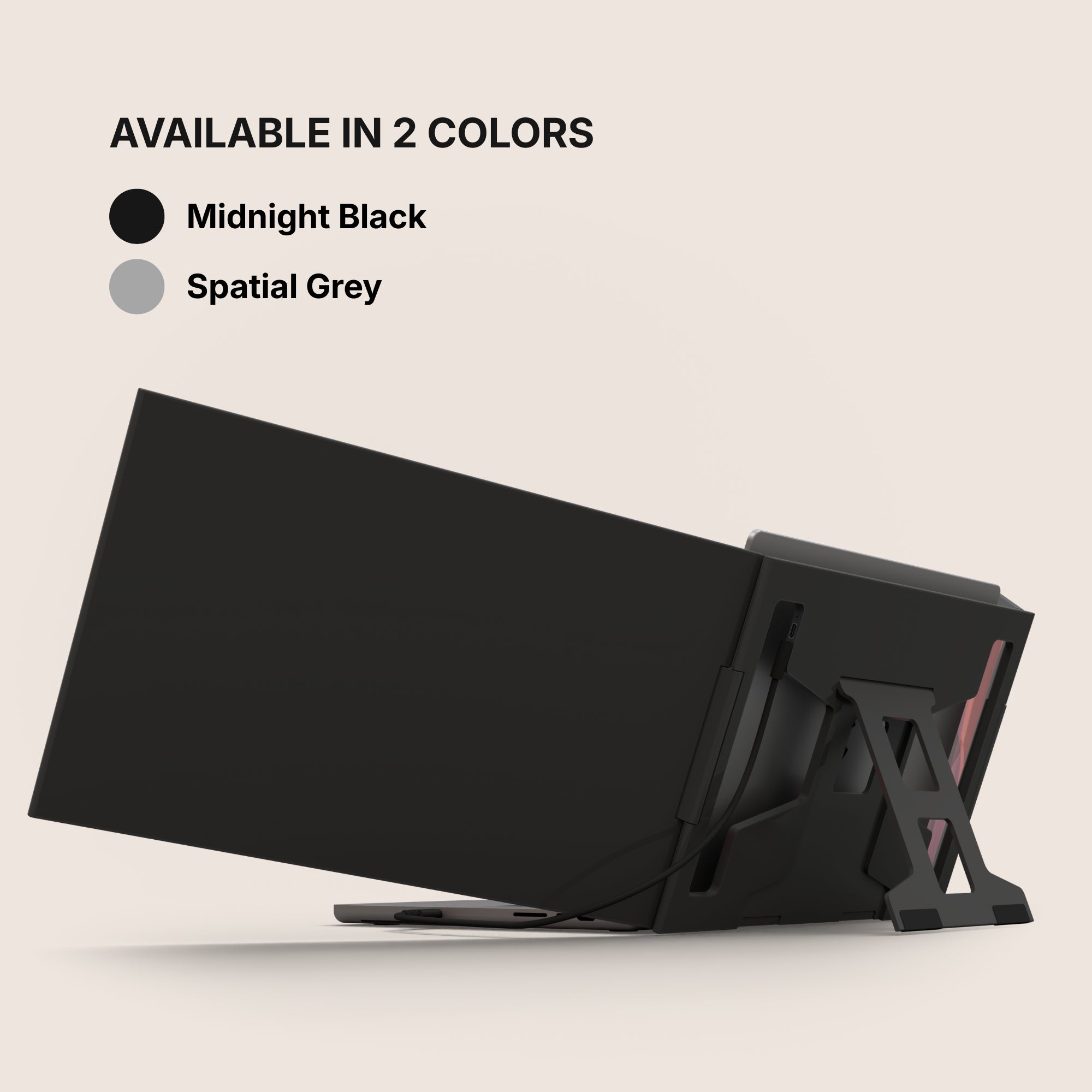
Models with adjustable brackets fit a wider range of screen sizes.
Display Quality
-
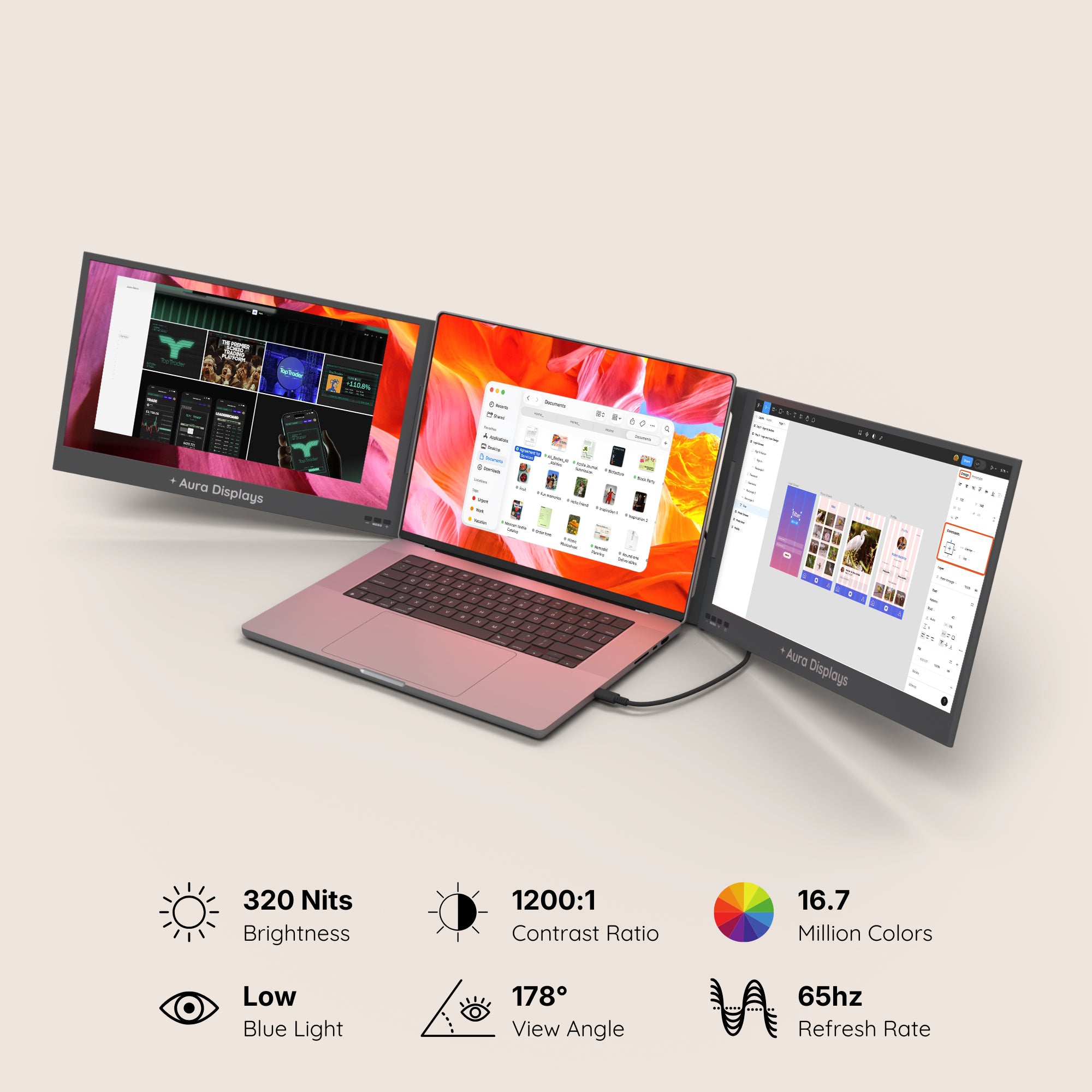
Full HD (1920x1080) is standard for most models.
-
IPS panels offer better color accuracy and viewing angles.
-
Anti-glare coatings improve usability in brightly lit spaces.
Port Options
-
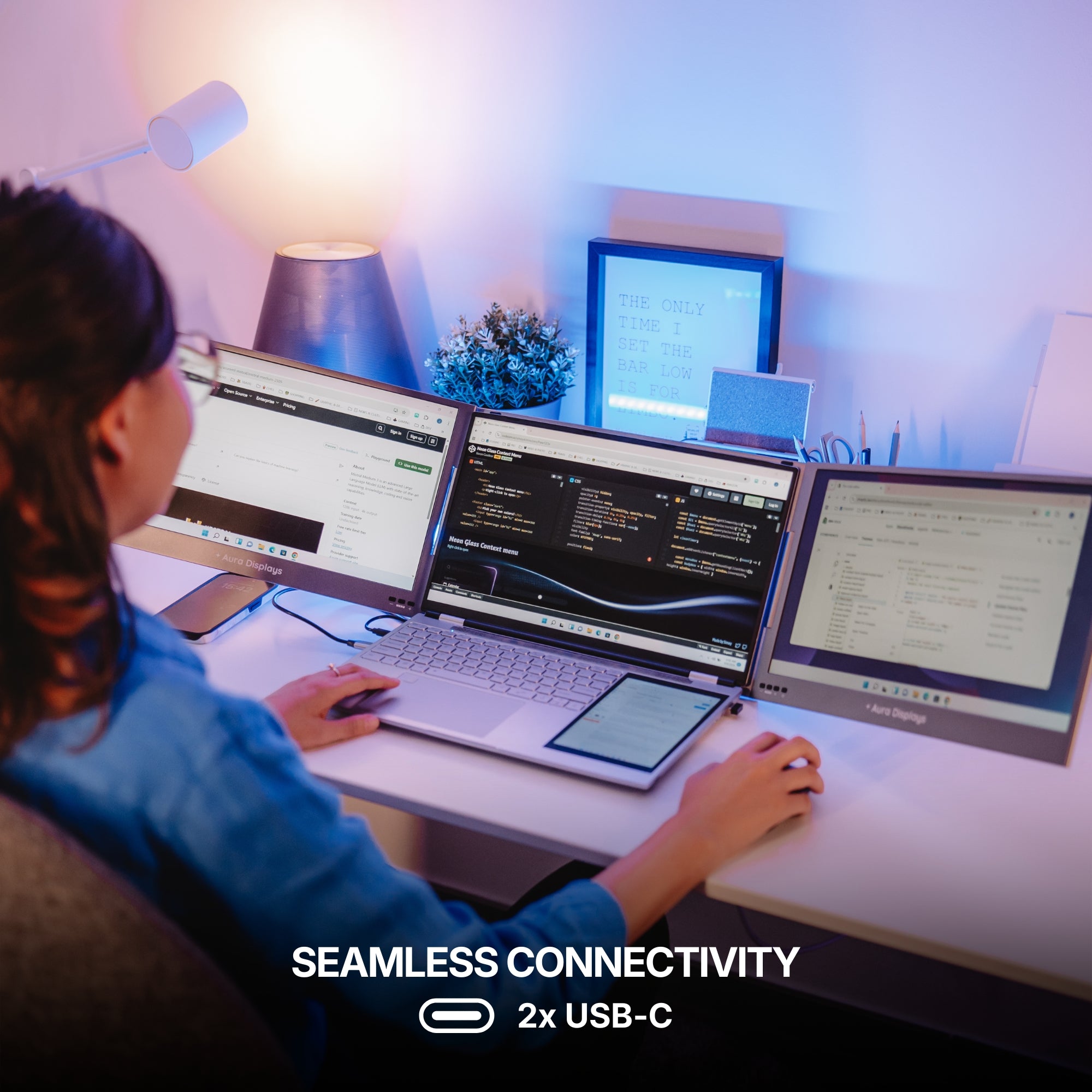
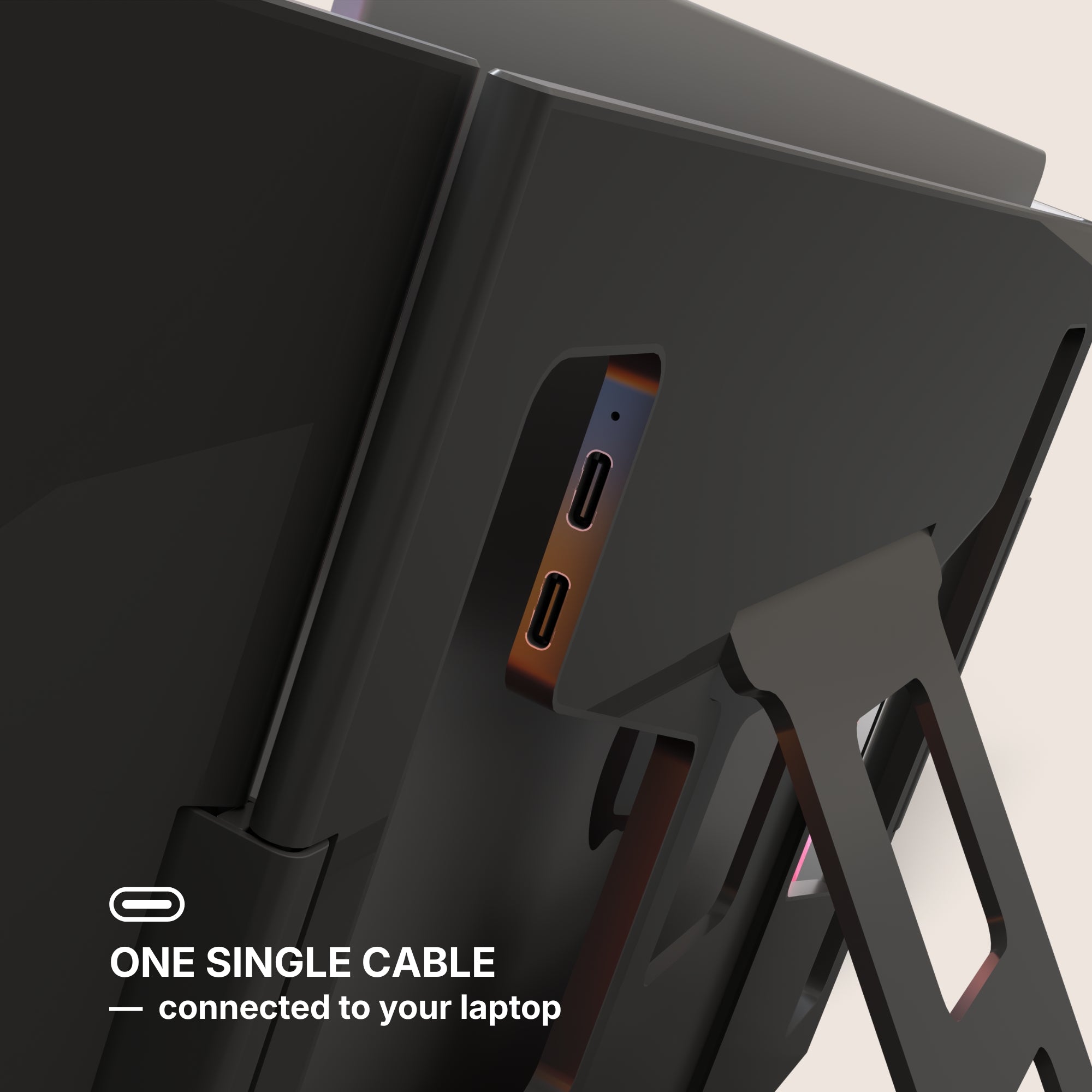
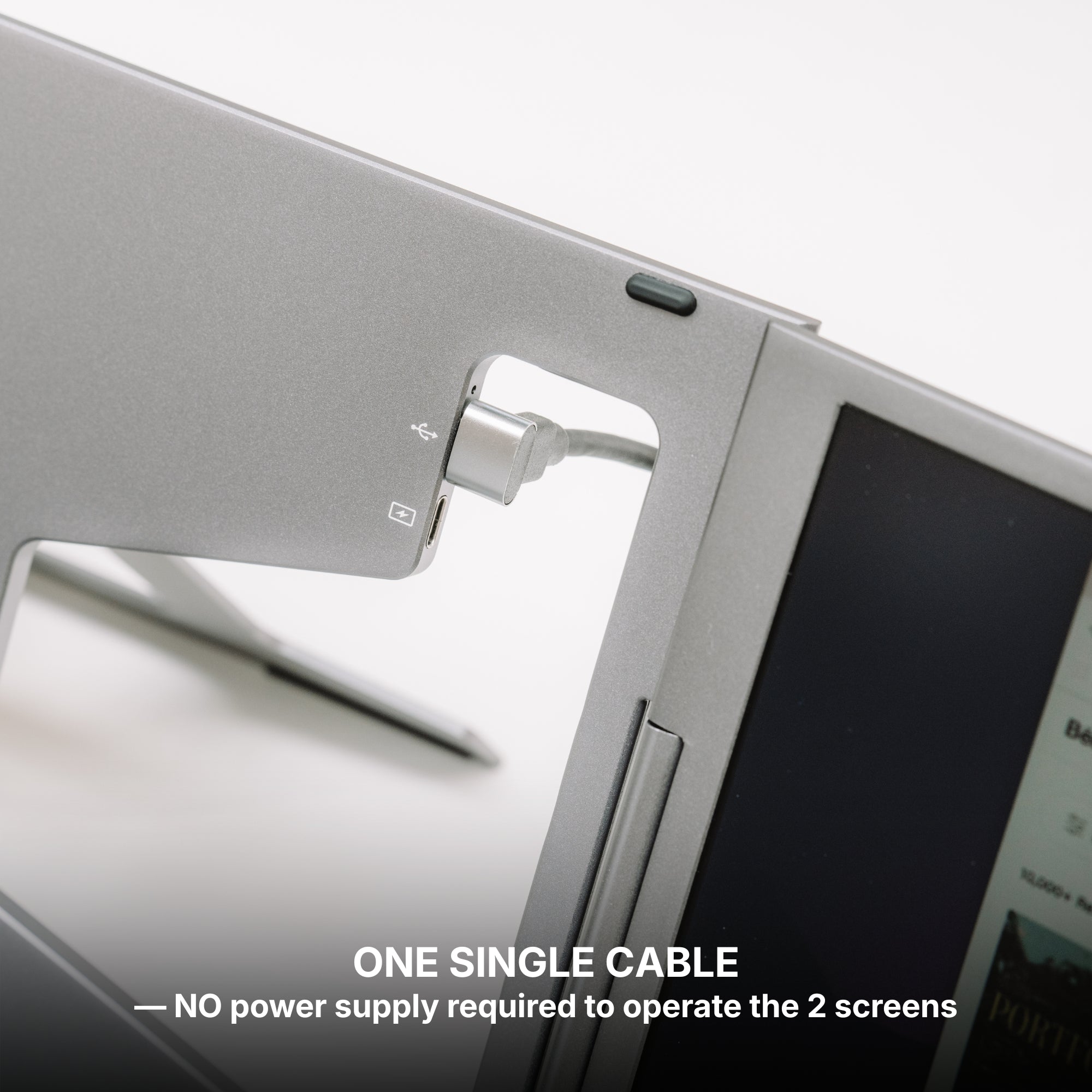
USB-C offers both power and display transmission in a single cable.
-
HDMI support is a must for older laptops and some gaming setups.
-
Some models include mini DisplayPort or dual-USB options for flexibility.
Practical Applications in Daily Work
Now that we’ve covered the basics, let’s look at how people actually use screen extenders in their daily routines.
During Travel
Working from cafes, airports, or hotel rooms often means compromising on tools.
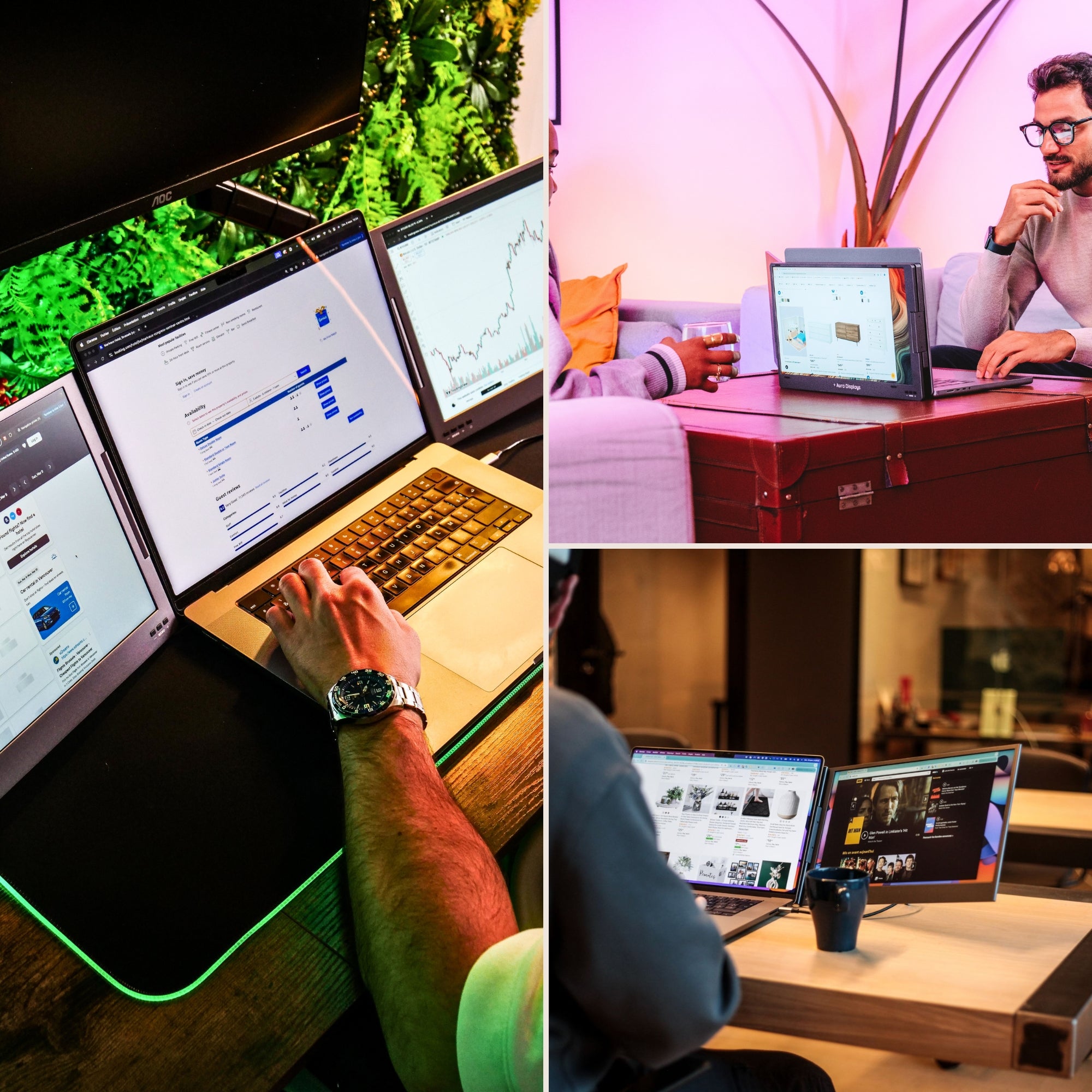
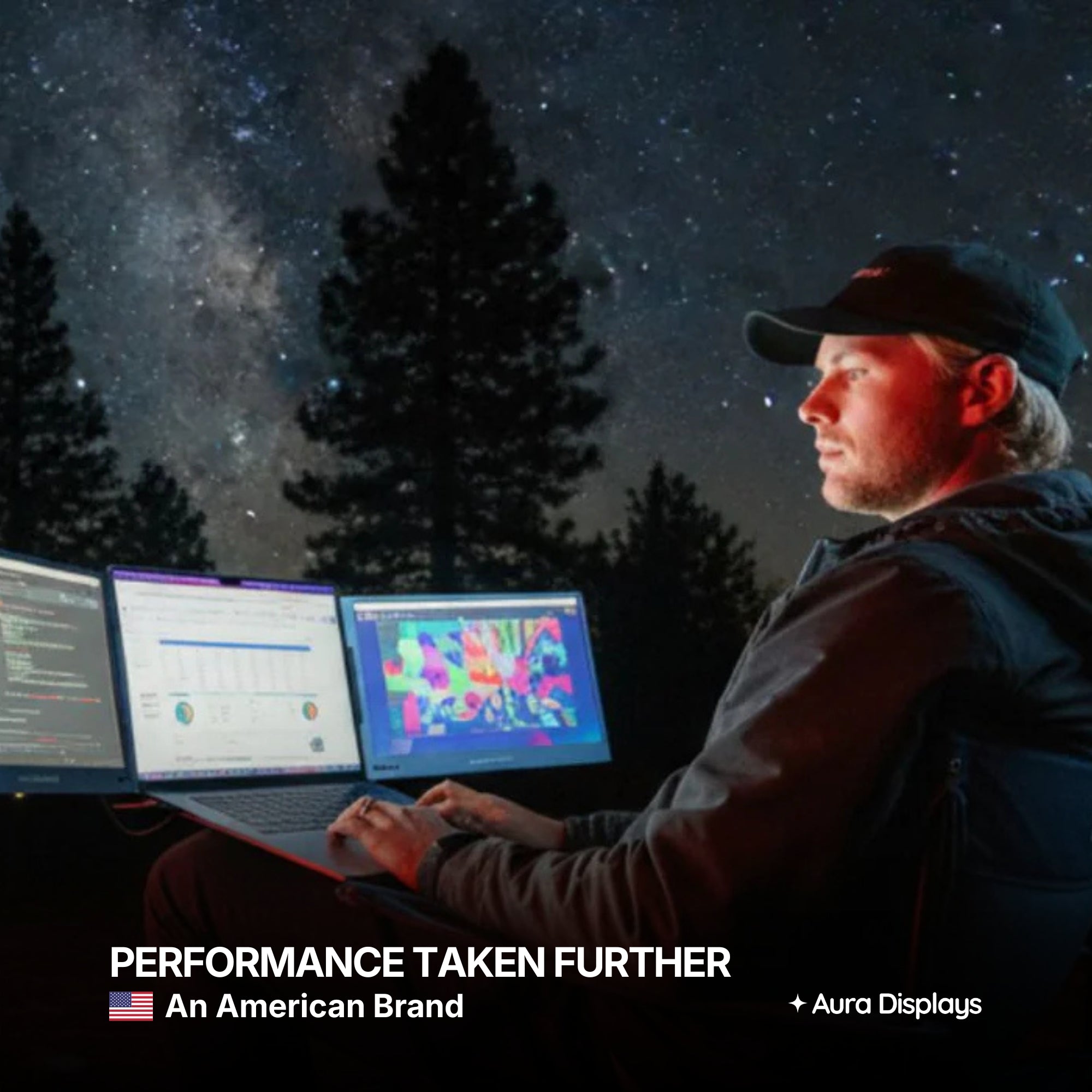
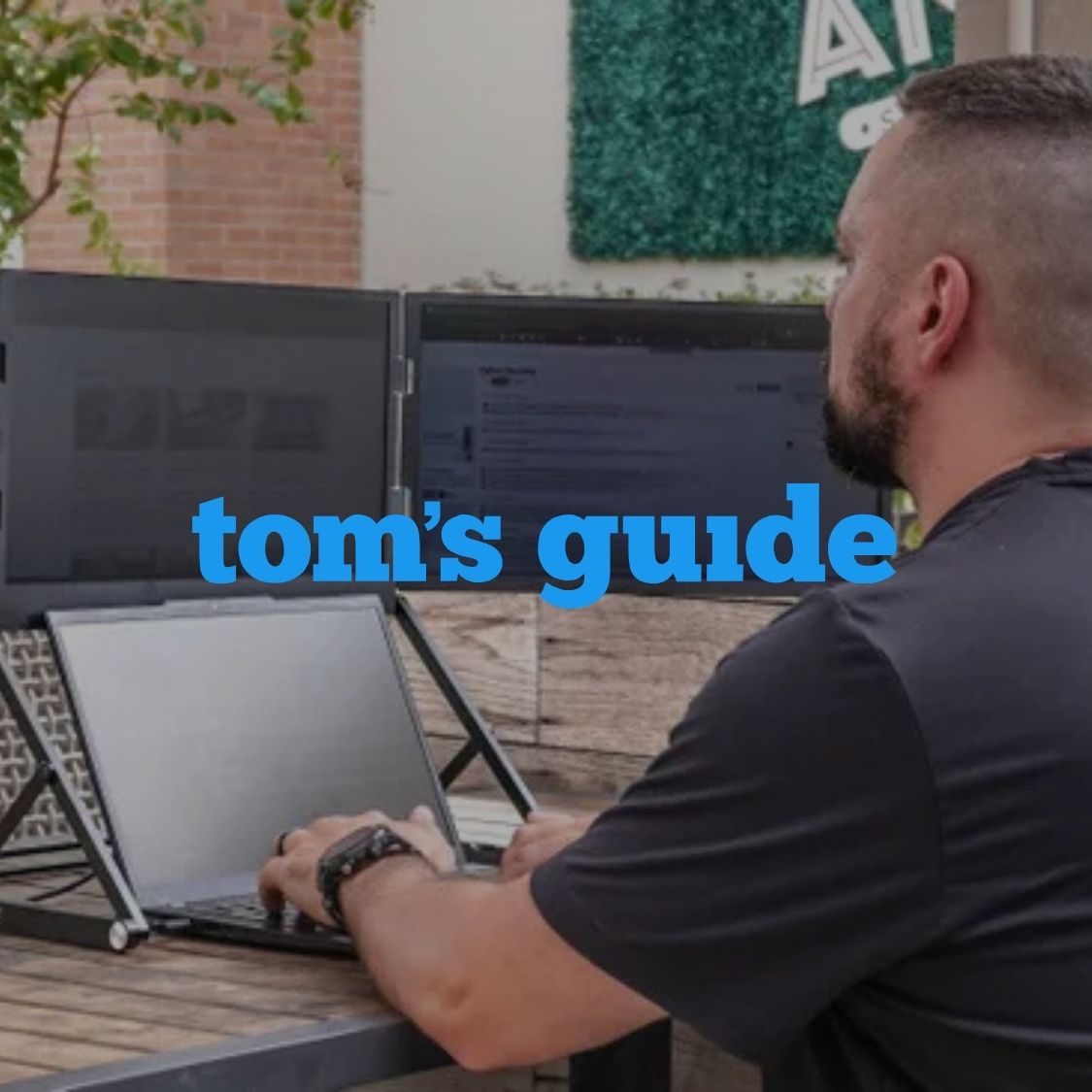
With a lightweight laptop screen extender, users can enjoy a desktop-style setup from virtually anywhere.
In Compact Home Offices
Not everyone has space for a full monitor setup.
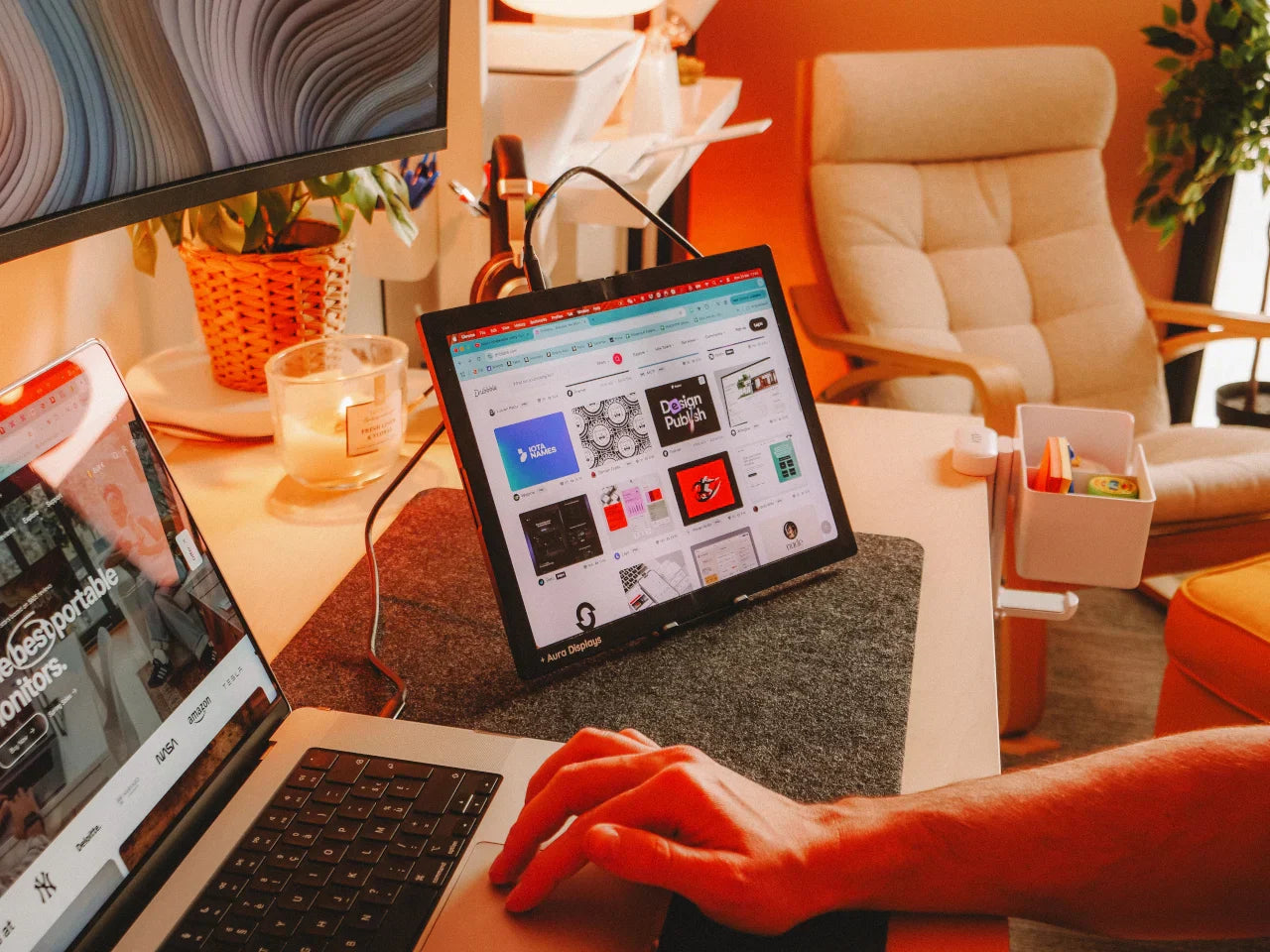
A screen extender adds functionality without cluttering your desk.
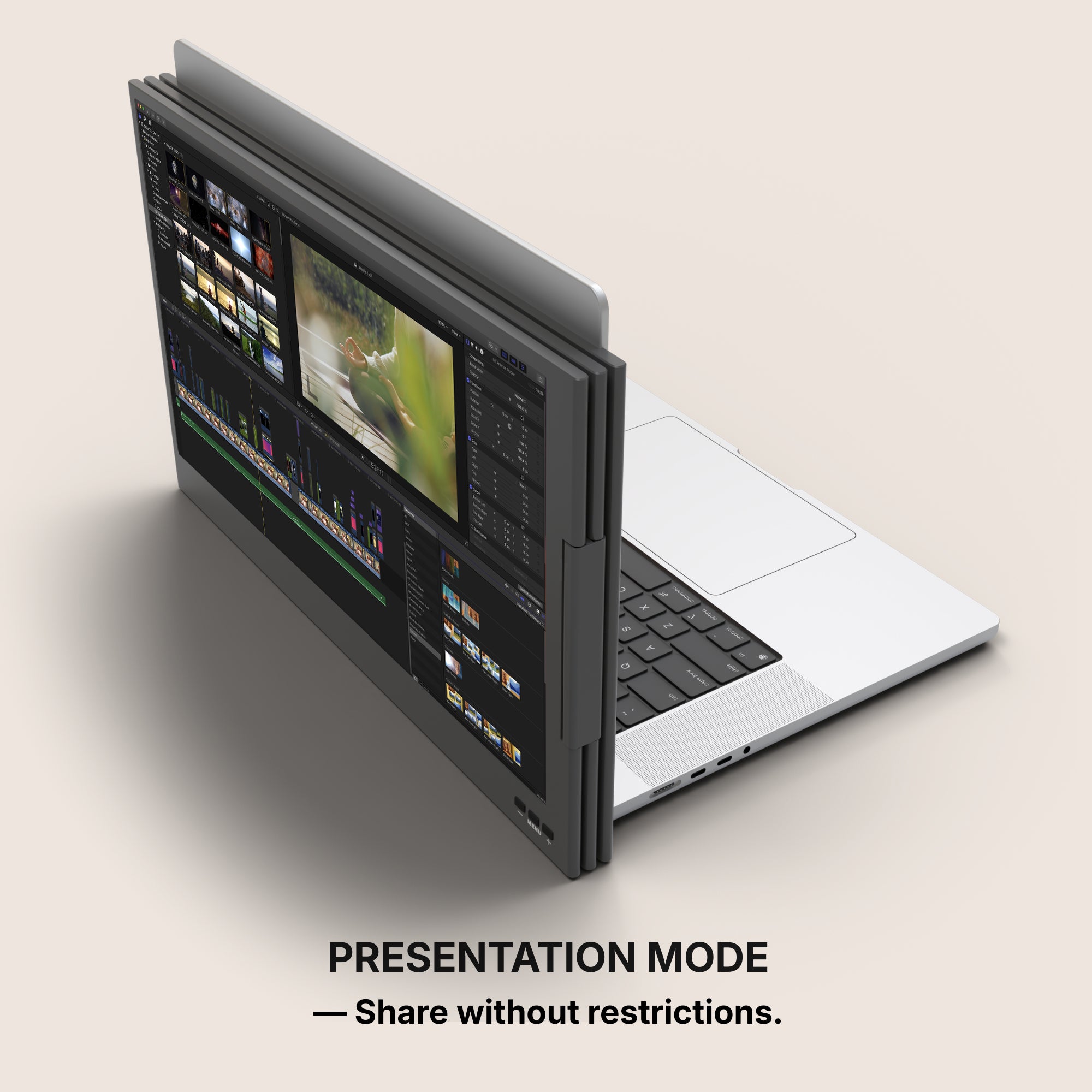
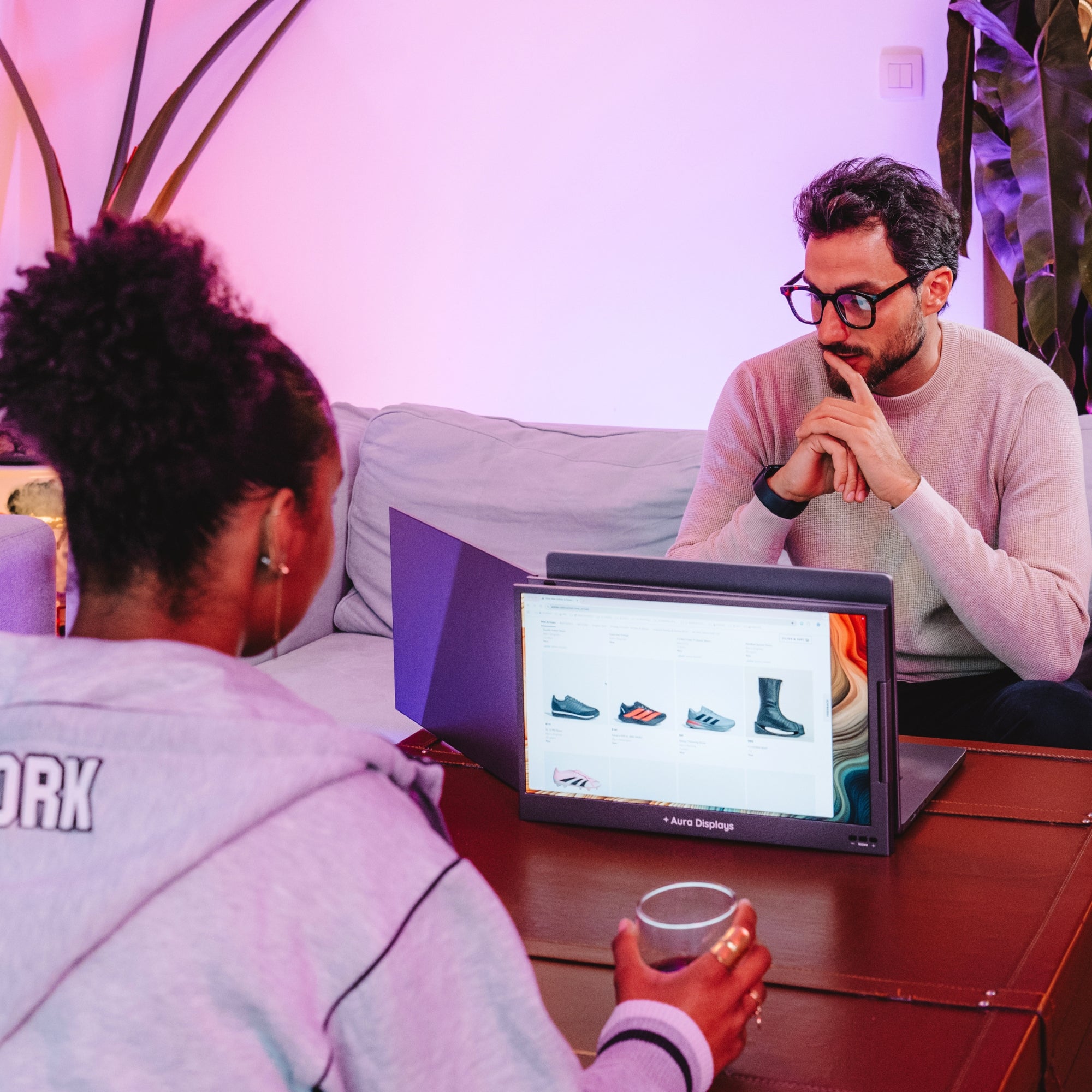
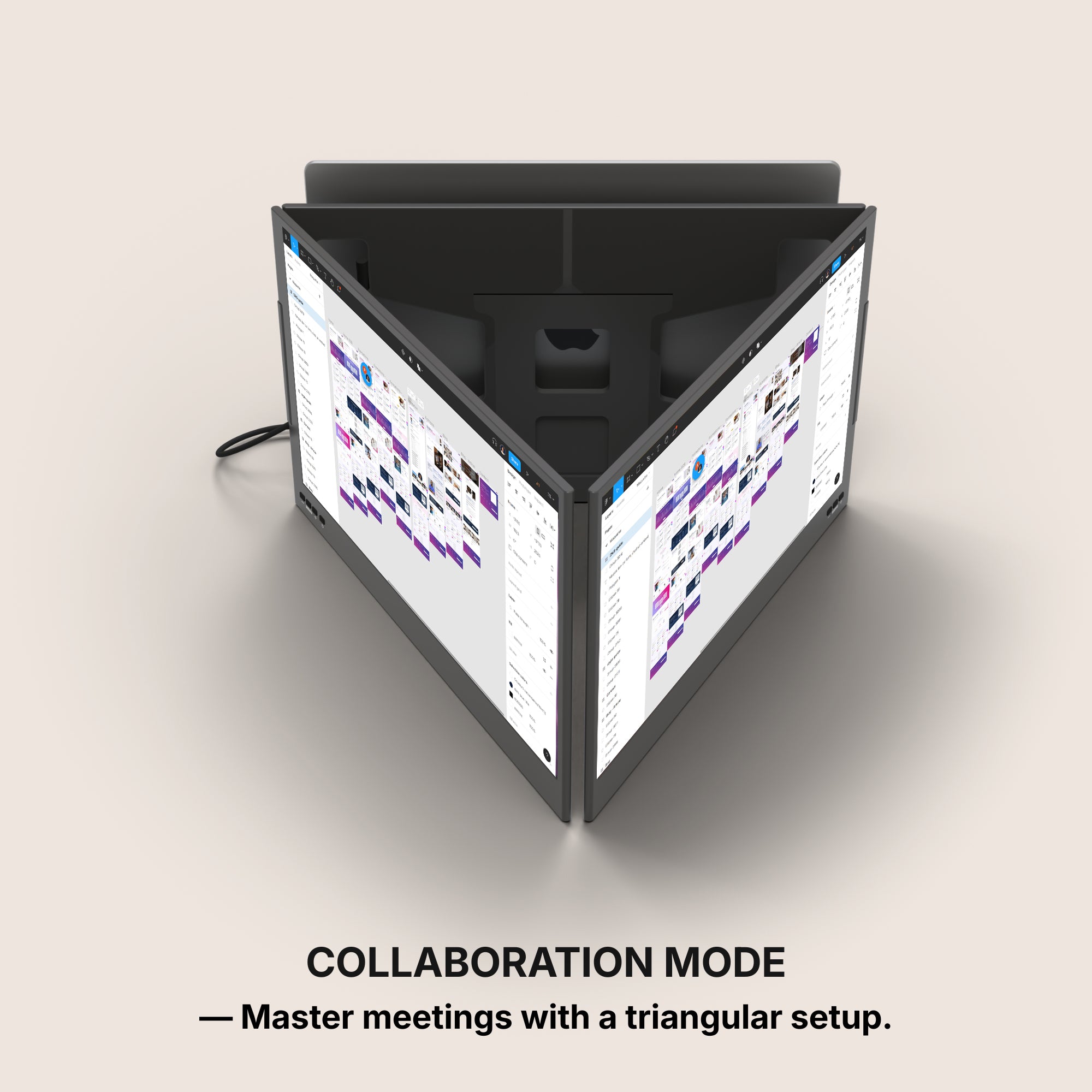
For Presentations and Collaboration
Share one screen with a client while working from the other.
This setup supports dynamic collaboration in real time without shuffling files or applications. For more info Click here
Set-Up Tips for First-Time Users
Even if you're new to portable tech accessories, setting up a screen extender is a quick and intuitive process.
Here are some tips to get the best results:
-
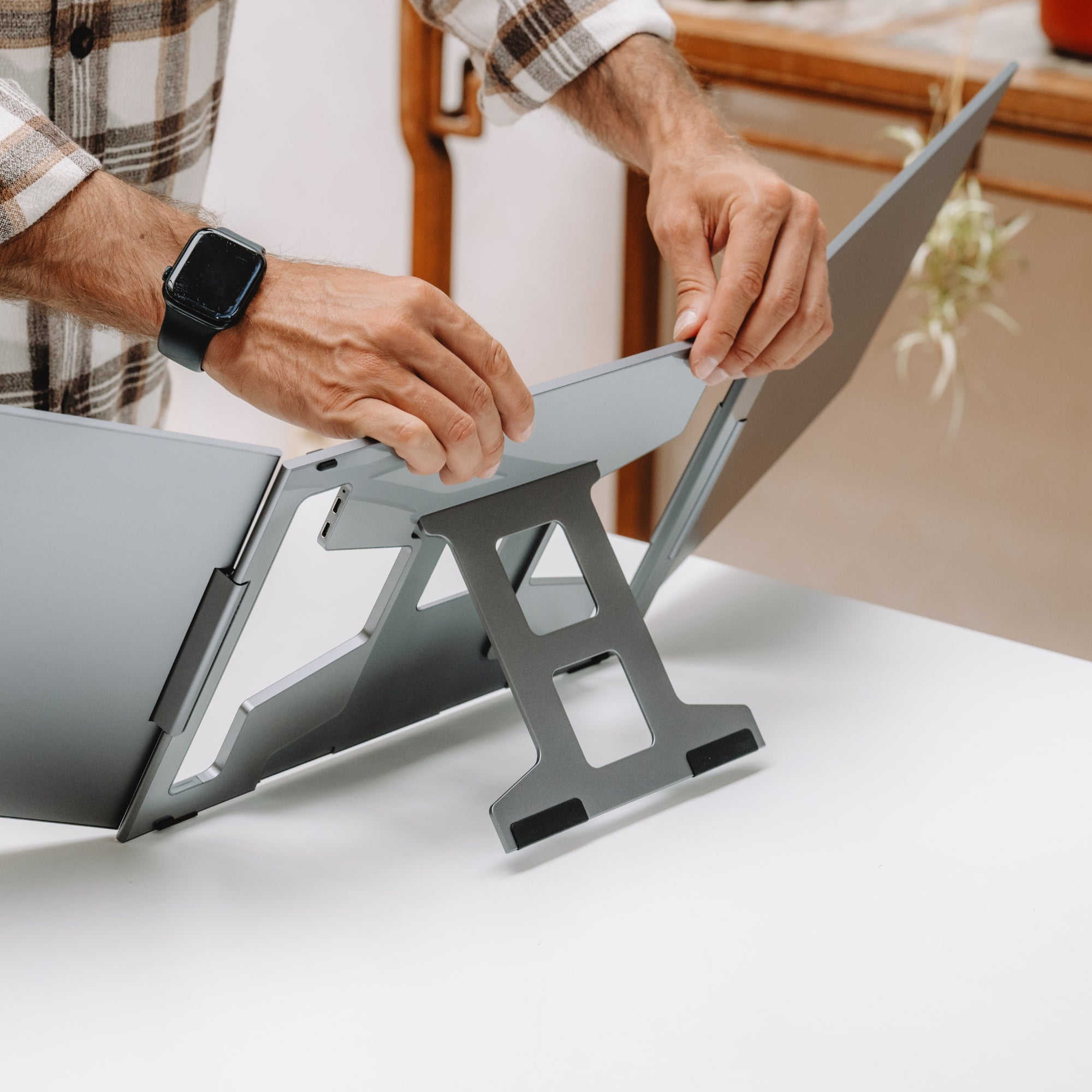
Start with a clean workspace to mount the extender smoothly.
-
Use the appropriate cable—USB-C is preferred for simplicity.
-
Adjust display settings through your OS to extend or mirror screens.
-
Position the extender at eye level for ergonomic comfort.
-
Enable scaling if the resolution feels too small or too large.
Use It Beyond the 9-to-5
The benefits of a laptop screen extender aren’t limited to professional tasks.
Many users find them useful for lifestyle and entertainment as well.
Streaming and Media
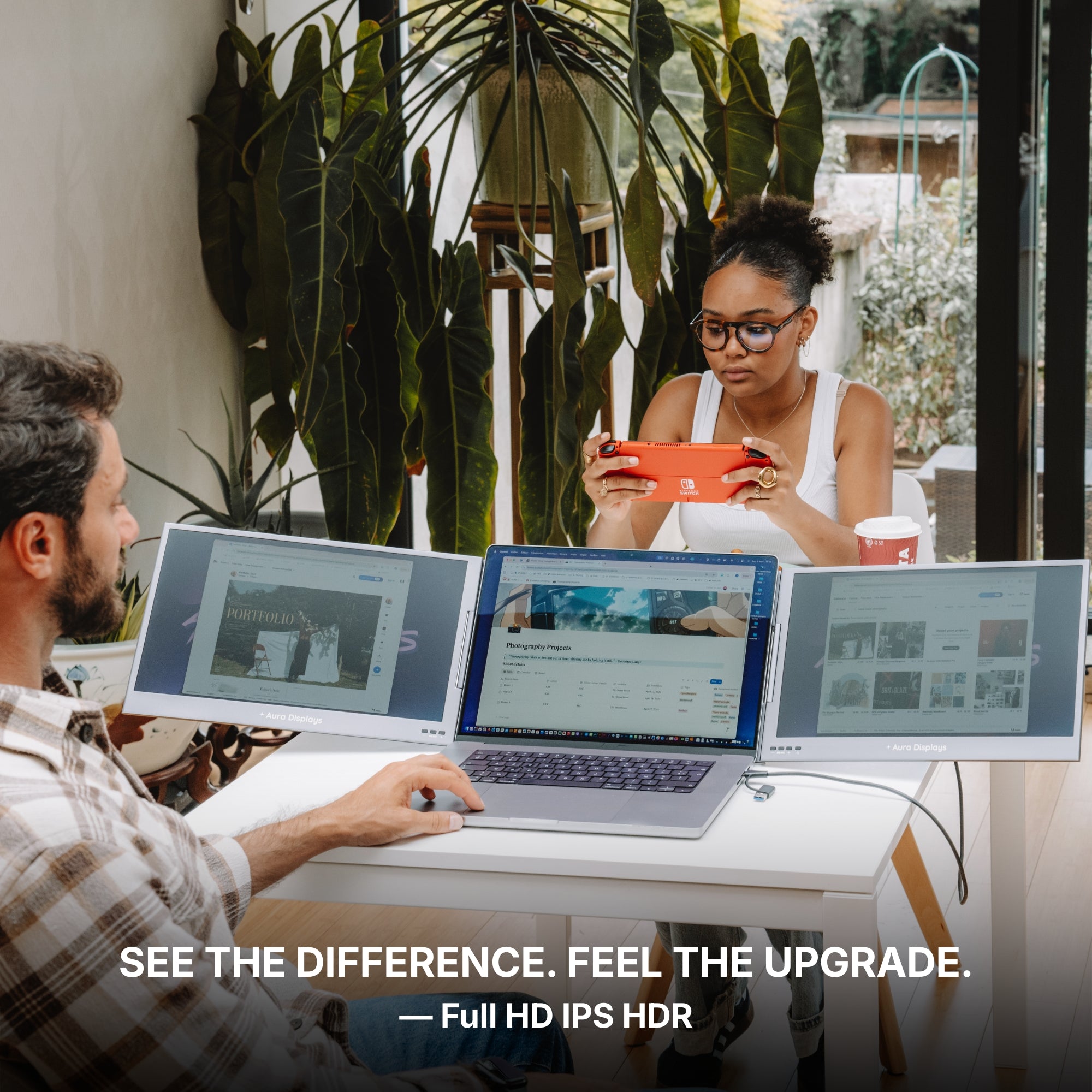
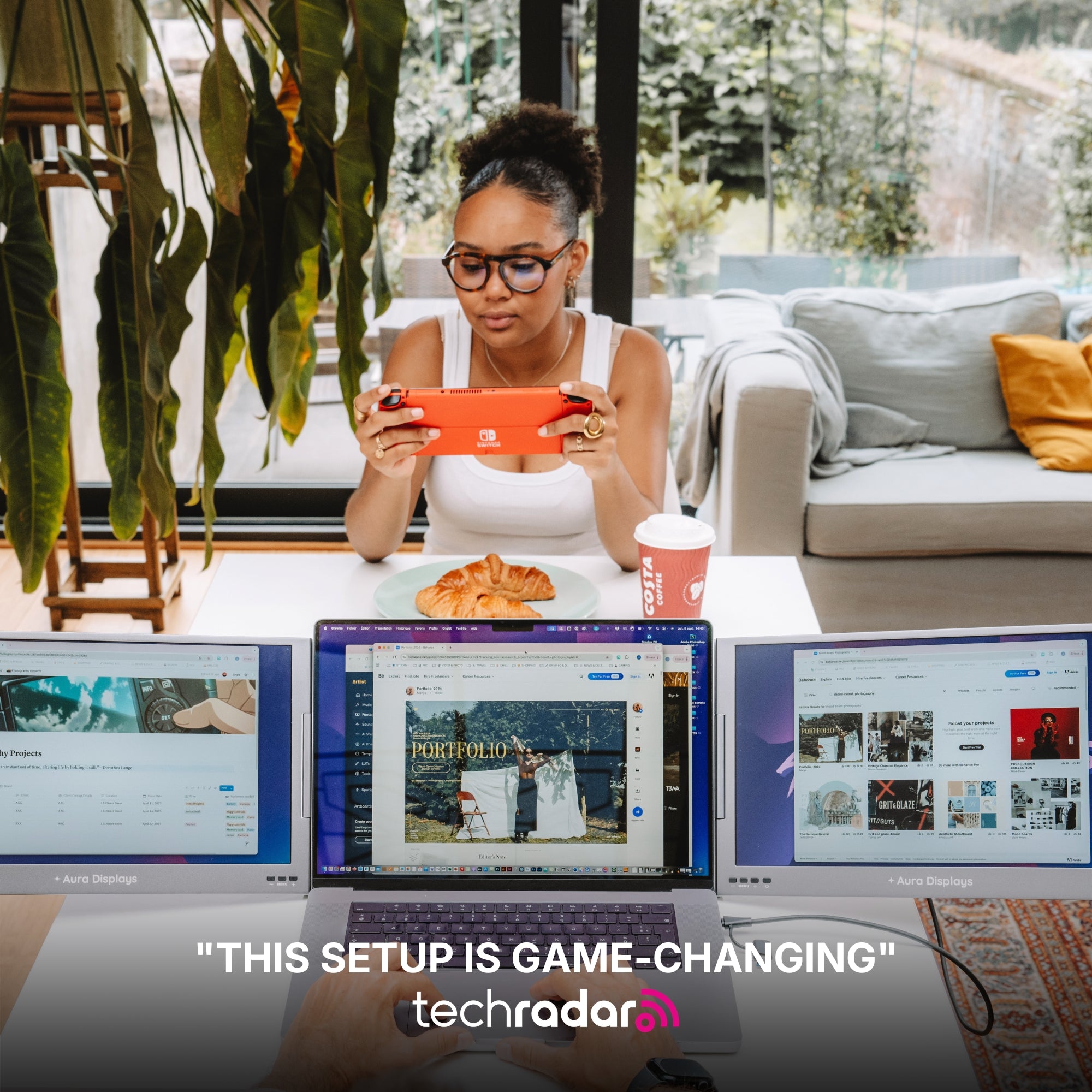
Watch a show on one screen while browsing on the other.
Perfect for weekend multitasking or following tutorials while working on projects.
Gaming
Extend your view, use one screen for gameplay and another for chat, strategy guides, or streaming overlays.
Learning
Keep instructional videos or course material on one screen and take notes on the other.
This setup is ideal for online classes or skill-building platforms like Coursera or Skillshare.
Aura Displays: Portable Tech That Works With You
At Aura Displays, we design products that match the pace of modern life.
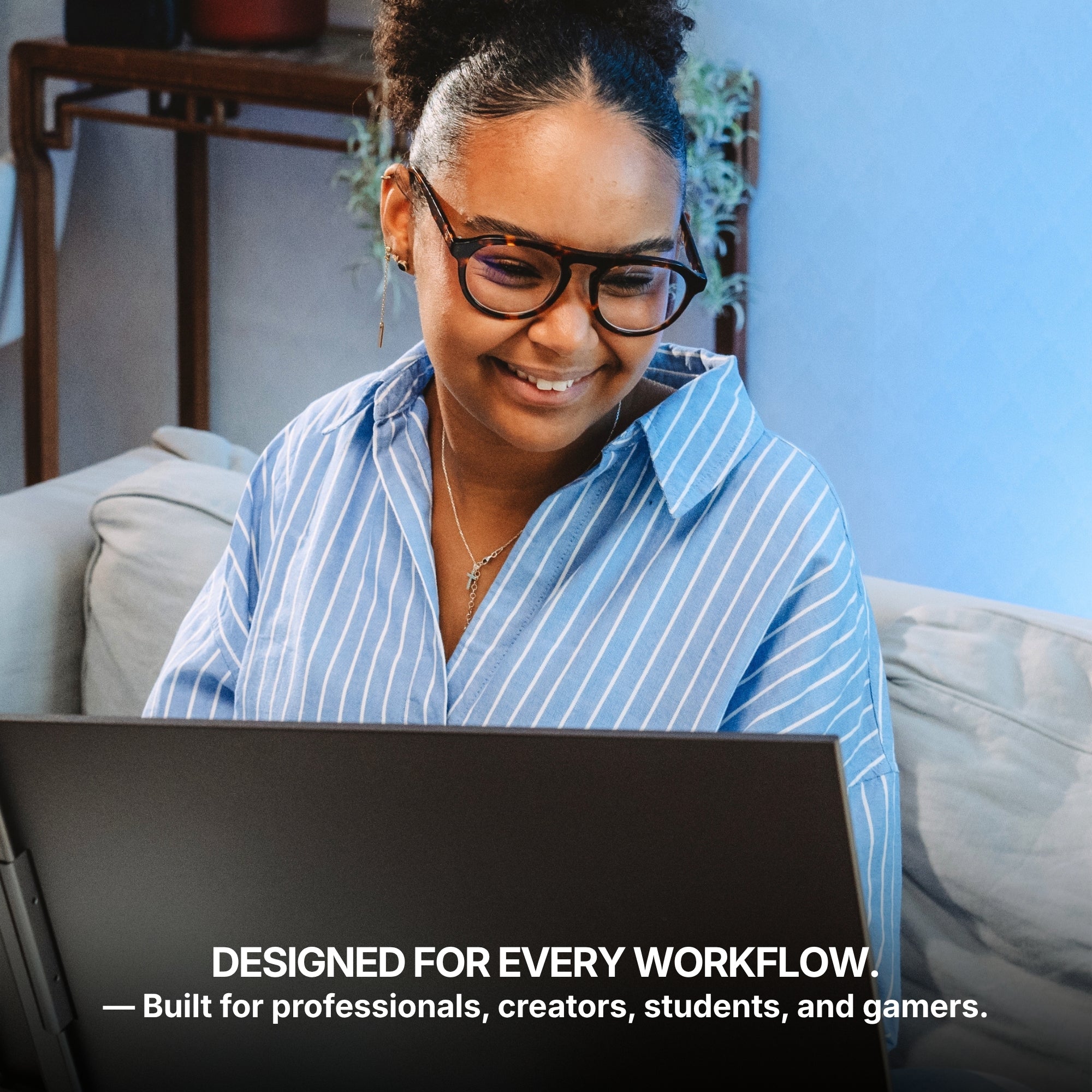
Our laptop screen extenders combine ultra-light form with high-definition clarity, ideal for professionals, students, and creatives alike.
Here’s what sets us apart:
-
Slim and foldable designs that travel easily
-
Multiple connectivity options for wide compatibility
-
Eye care features like blue light reduction and flicker-free displays
-
Durable build quality that’s made for life on the go
Whether you're expanding your work setup or improving how you consume content, we offer solutions that are built to perform anywhere.







Share: