We’re available Monday to Friday, 9 AM to 5 PM (CET).

Welcome to the Aura

Self-Help Center

Easily manage everything related to your order — update or cancel it, change shipping details, track your package, start a return, download your invoice, or access drivers and manuals — all in one place.
Our Self-Help Center is here to save you time and help our support team respond faster and more efficiently when you need us.

My account

Easily manage your orders directly from your customer account (please use the email address registered when ordering)

Login / Register

Track My Order

Track your order's progress easily using the email address provided during checkout.

Track my order

Edit My Order

You can modify, cancel, or update items or address in your order as long as it hasn’t shipped yet.

Edit my order

Return My Order

You can handle your returns directly from your customer account — quick, simple, and hassle-free.

Return my order

Helpdesk

Do you have any unanswered questions? Visit our helpdesk, where you're sure to find what you're looking for.

Visit ou Helpdesk

Download My Invoice

Need your invoice? You can easily download it from your customer account whenever you need it.

Download my invoice

Drivers, Manuals & Tech Specs

Find all your product resources — including drivers, user manuals, and technical specifications — directly here.

Find my product

My Credit Rewards

After each purchase, you receive 10% back in store credit. Track your credit history anytime from your customer account.

My Credit Rewards

Contact Us

If you didn’t find the option you were looking for in your account or self-support section, feel free to contact us directly. We’re here to help!

Contact us

Leave a Review

Join thousands of customers and share your experience by leaving a review of our products.

Leave a Review

Compare Products

Compare our portable monitors to explore technical specifications and find the perfect match.

Compare now

Affiliate Program

Become an affiliate with Aura and start earning by promoting our products today.

Discover

Worldwide Shipping

Explore all the countries we deliver to and enjoy fast, secure shipping worldwide.

Explore now

News from Aura Displays

View all

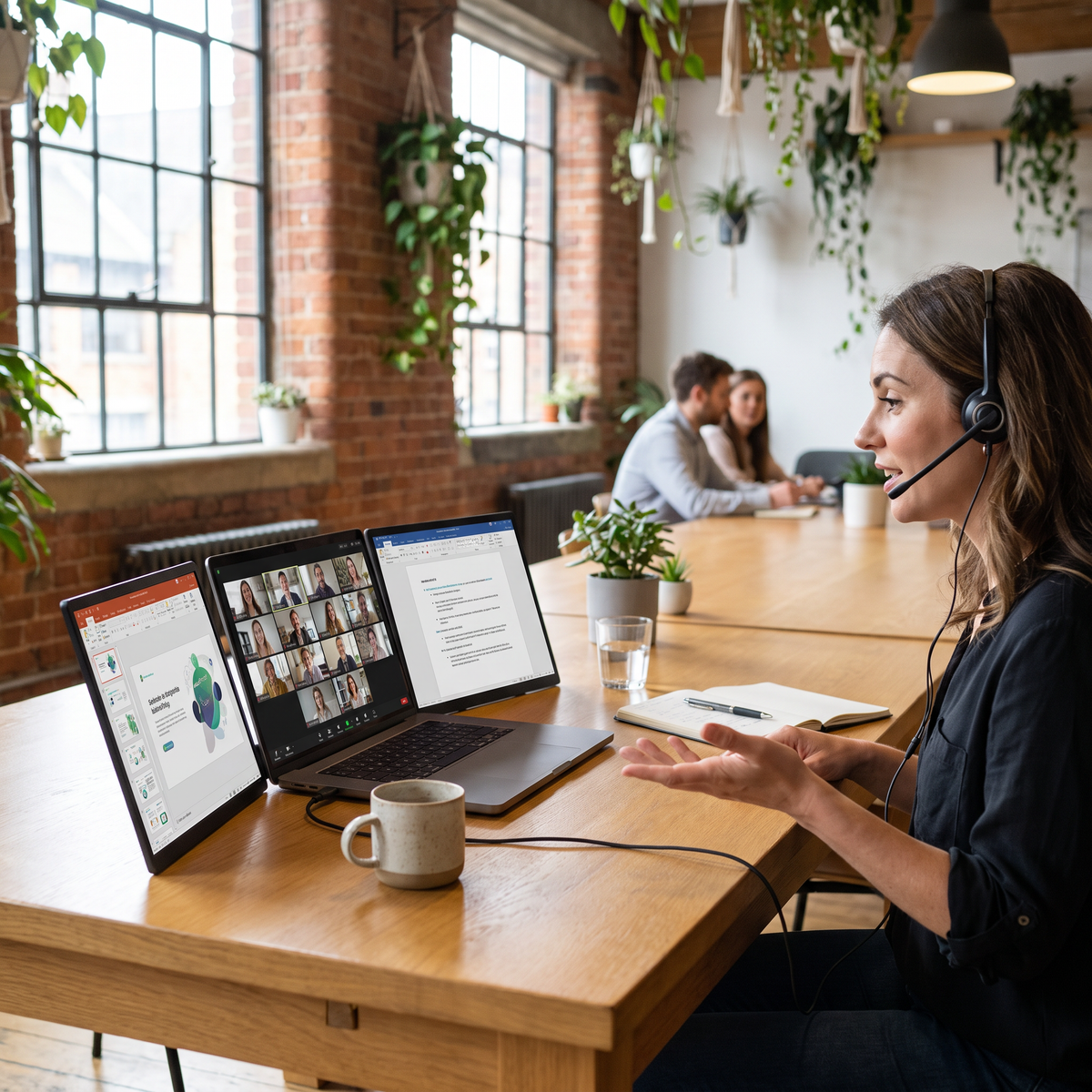
A woman mid video call at a shared table in a brick-walled coworking space, headset on, the call on her laptop and the slide she is sharing on one Aura panel, her notes on the other.
  • 4.63

The Video Call Layout: Camera on One Screen, What You Share on Another

Read moreabout The Video Call Layout: Camera on One Screen, What You Share on Another

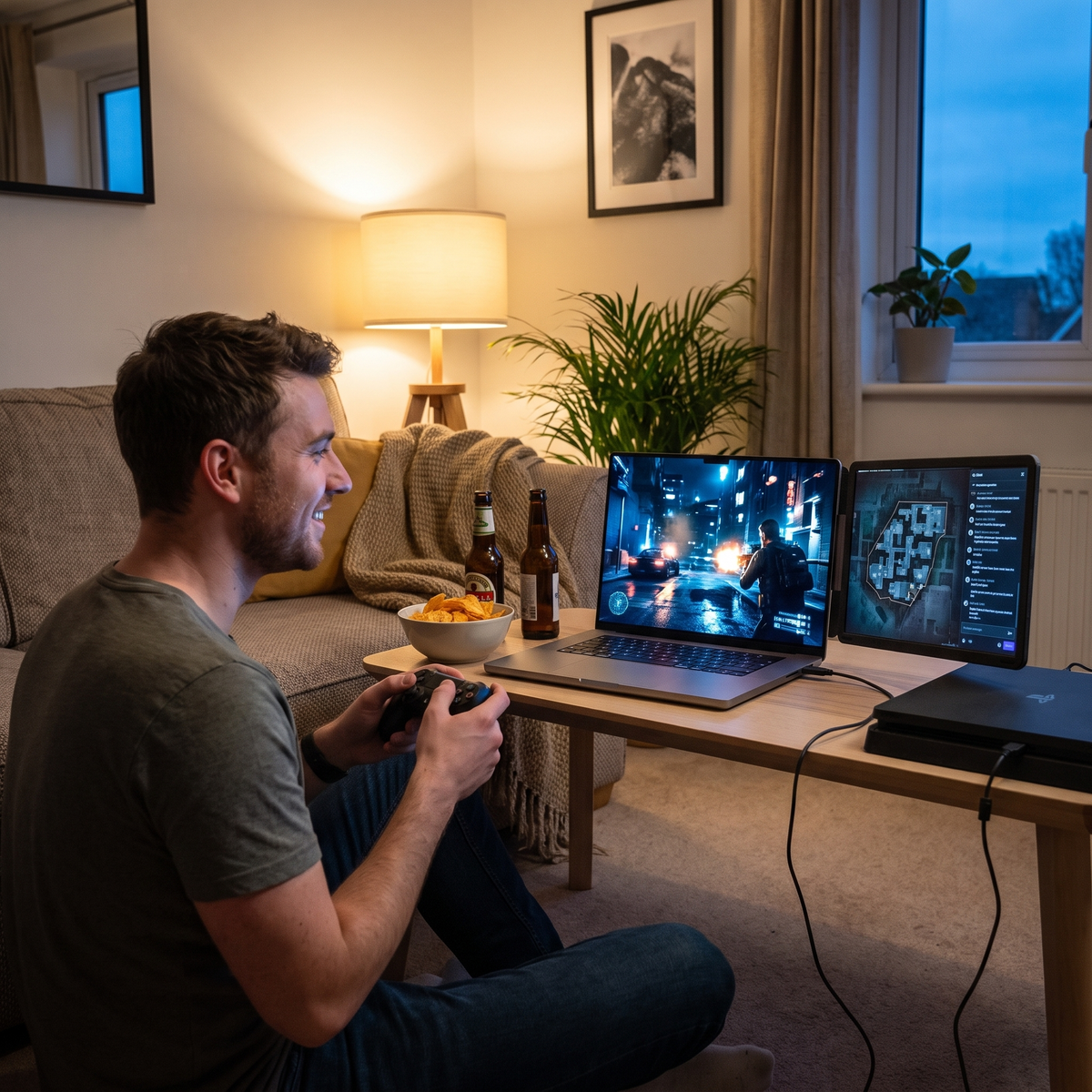
A man sits on the floor of a lived-in flat on an autumn evening, controller in hand, playing on a laptop with two attachable Aura panels: the game on one, a map and chat on the other.
  • 4.4

Modern Warfare 4 on a Portable Screen: Check the Ports, Not the Reviews

Read moreabout Modern Warfare 4 on a Portable Screen: Check the Ports, Not the Reviews

A student writing at a library table, her essay on the laptop screen and two source pages on the Aura panel hinged out to its right.
  • 4.78

The Student and Consultant Layout: Document One Side, Sources the Other

Read moreabout The Student and Consultant Layout: Document One Side, Sources the Other

A man on a balcony terrace at golden hour, one continuous landscape wallpaper running unbroken across the laptop screen and both hinged Aura panels.
  • 4.75

One Wallpaper, Two Screens: How to Span It, and When Not To

Read moreabout One Wallpaper, Two Screens: How to Span It, and When Not To

An analyst at a city office desk with charts, an execution grid and message feeds spread across a laptop and three hinged Aura panels.
  • 4.5

The Analyst's Three-Screen Layout: Charts Left, Execution Centre, Feeds Right

Read moreabout The Analyst's Three-Screen Layout: Charts Left, Execution Centre, Feeds Right

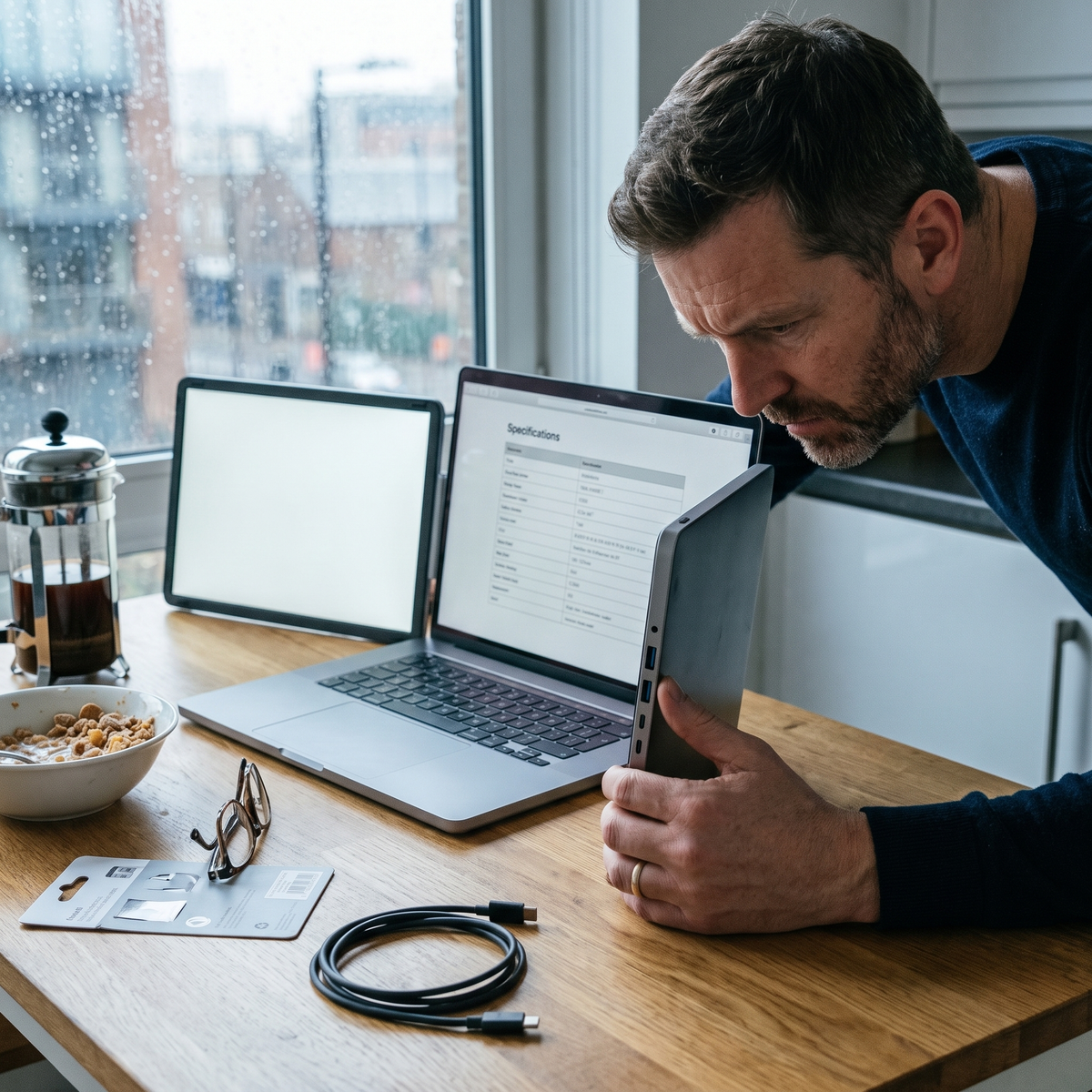
A man at a kitchen table turning an Aura panel on its hinge to inspect the row of ports along its edge before buying.
  • 4.4

Before the Discount: The Four Fields That Decide If a Screen Works for You

Read moreabout Before the Discount: The Four Fields That Decide If a Screen Works for You

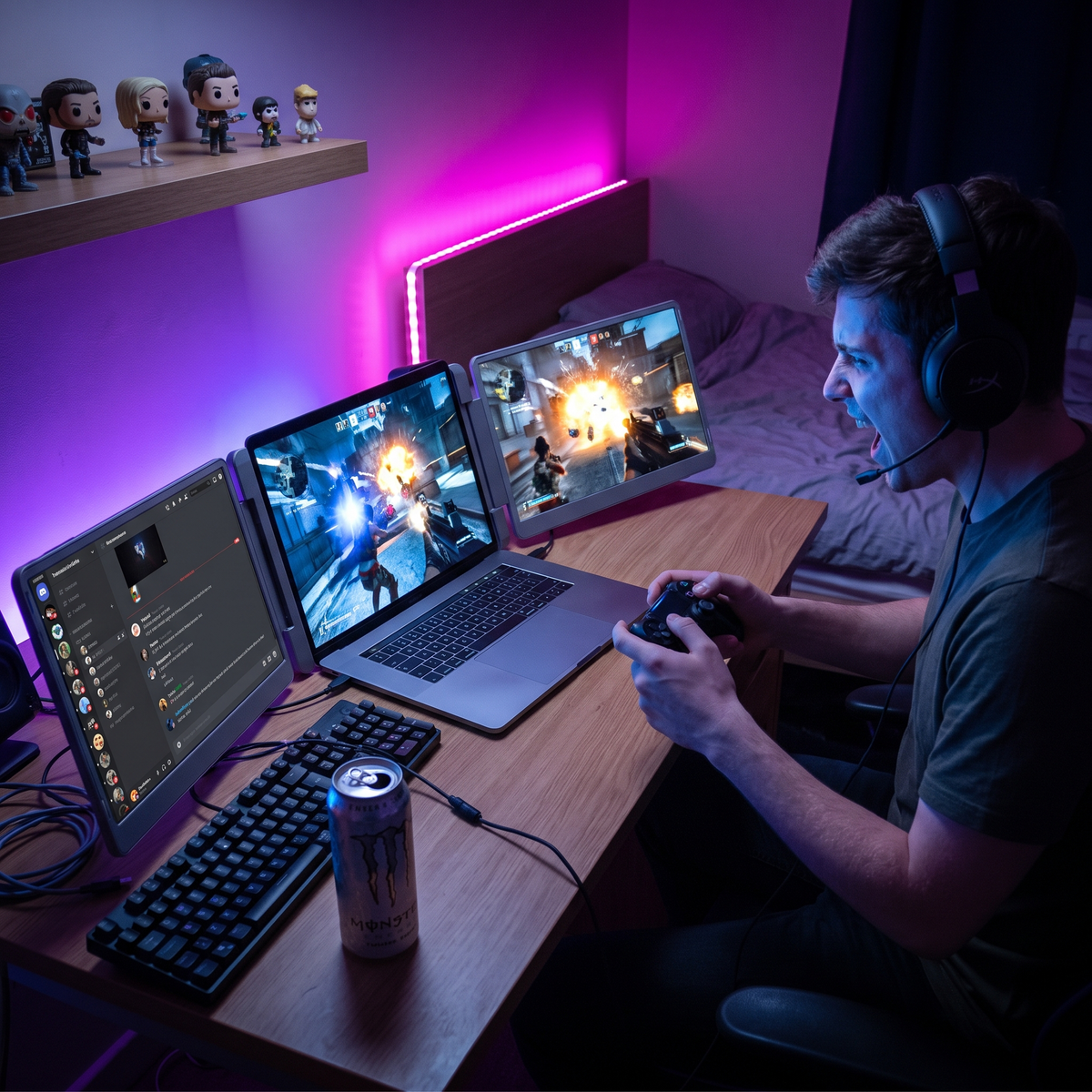
A gamer at a bedroom desk at night, controller in hand, the game across two screens and voice chat on the third.
  • 4.75

The Gamer's Two-Screen Layout: Game on One, Everything Else on the Other

Read moreabout The Gamer's Two-Screen Layout: Game on One, Everything Else on the Other

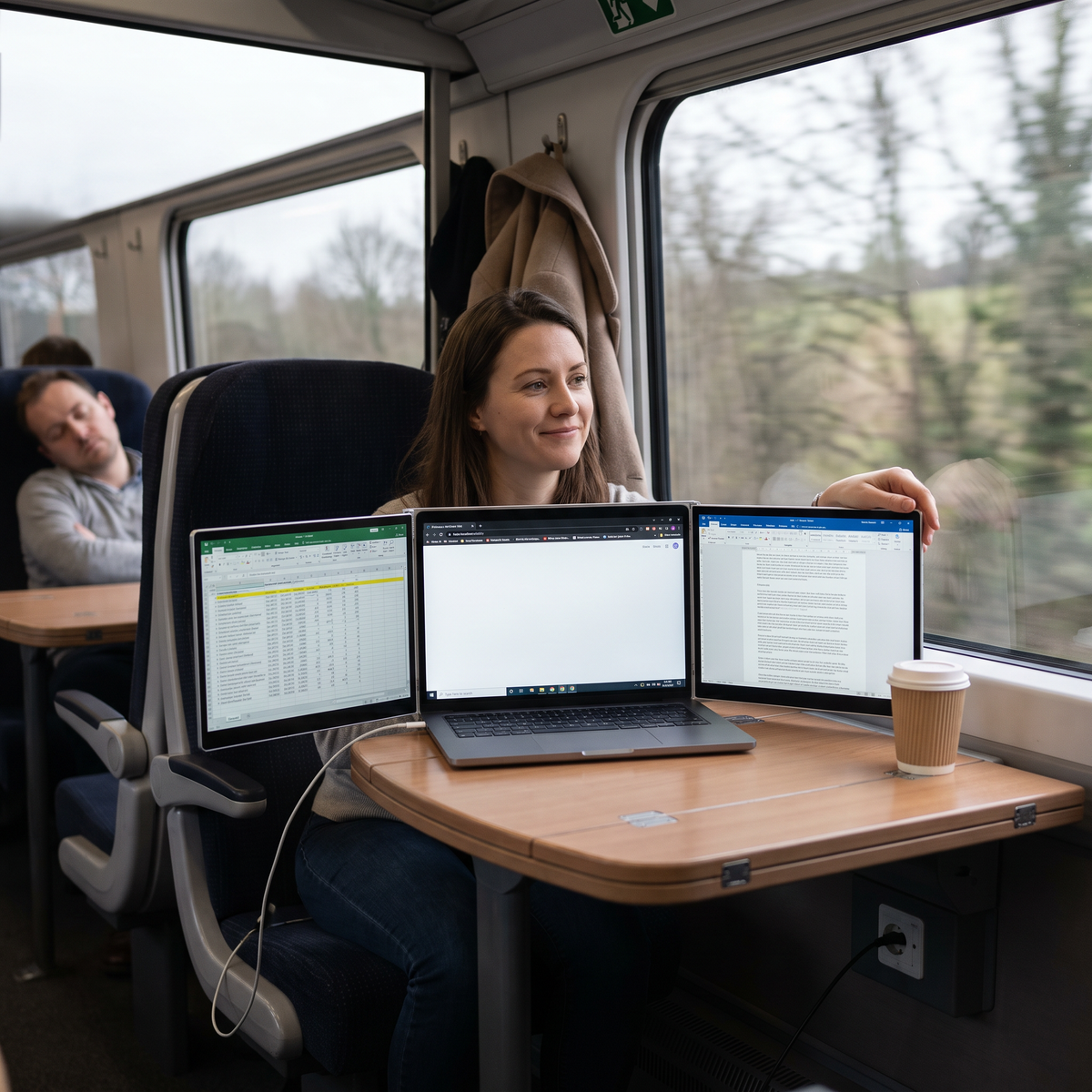
A woman at a train table leaning back to assess her setup, a hand on the edge of one of the two Aura panels hinged out from her laptop.
  • 4.63

One, Two or Three Screens: What Your Laptop Can Actually Drive

Read moreabout One, Two or Three Screens: What Your Laptop Can Actually Drive

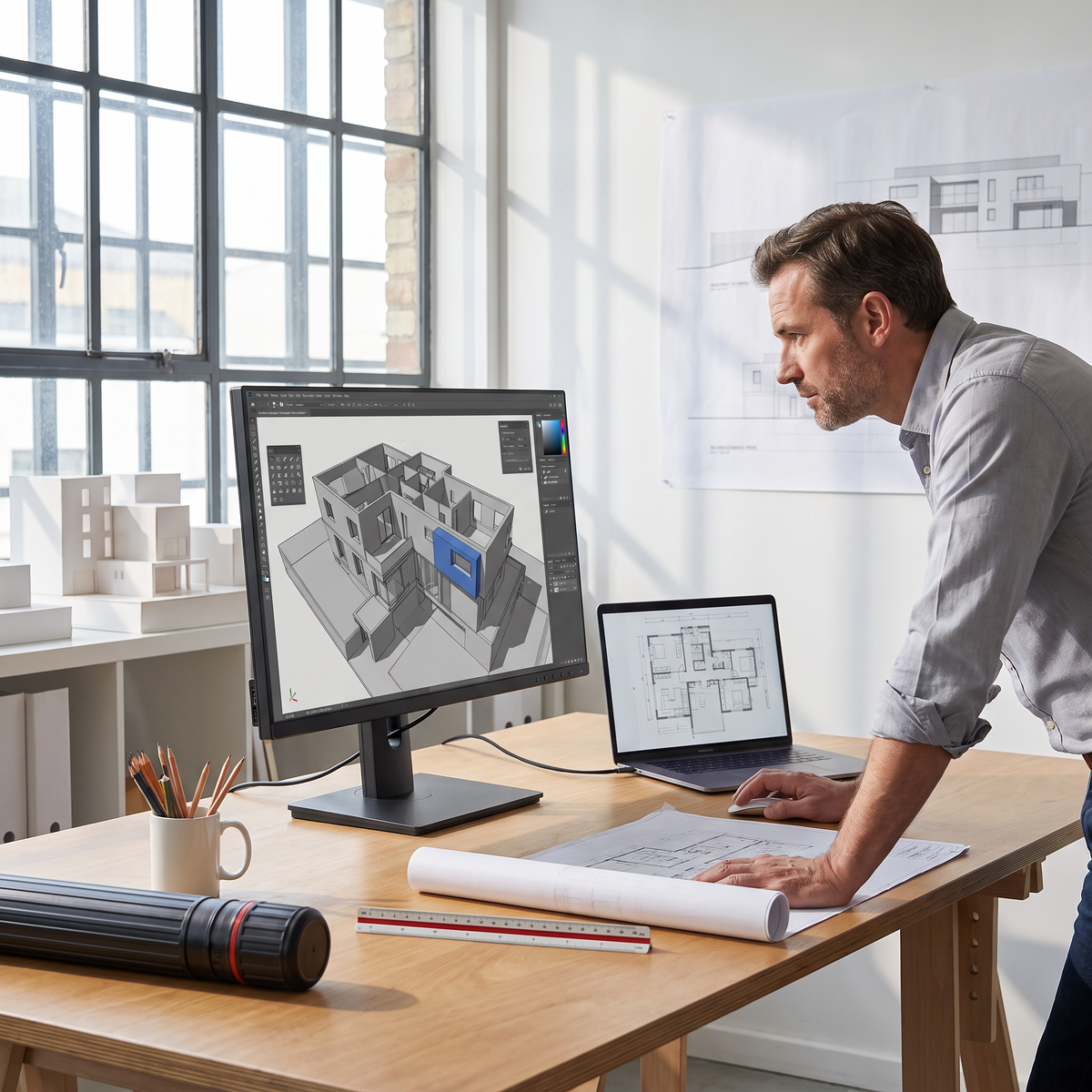
An architect standing at his desk in a warehouse studio, a 3D building model filling the 27-inch Aura monitor with palettes at its edges.

The Architect's Screen Layout: Model Big, Palettes Out, Sheets on the Side

Read moreabout The Architect's Screen Layout: Model Big, Palettes Out, Sheets on the Side

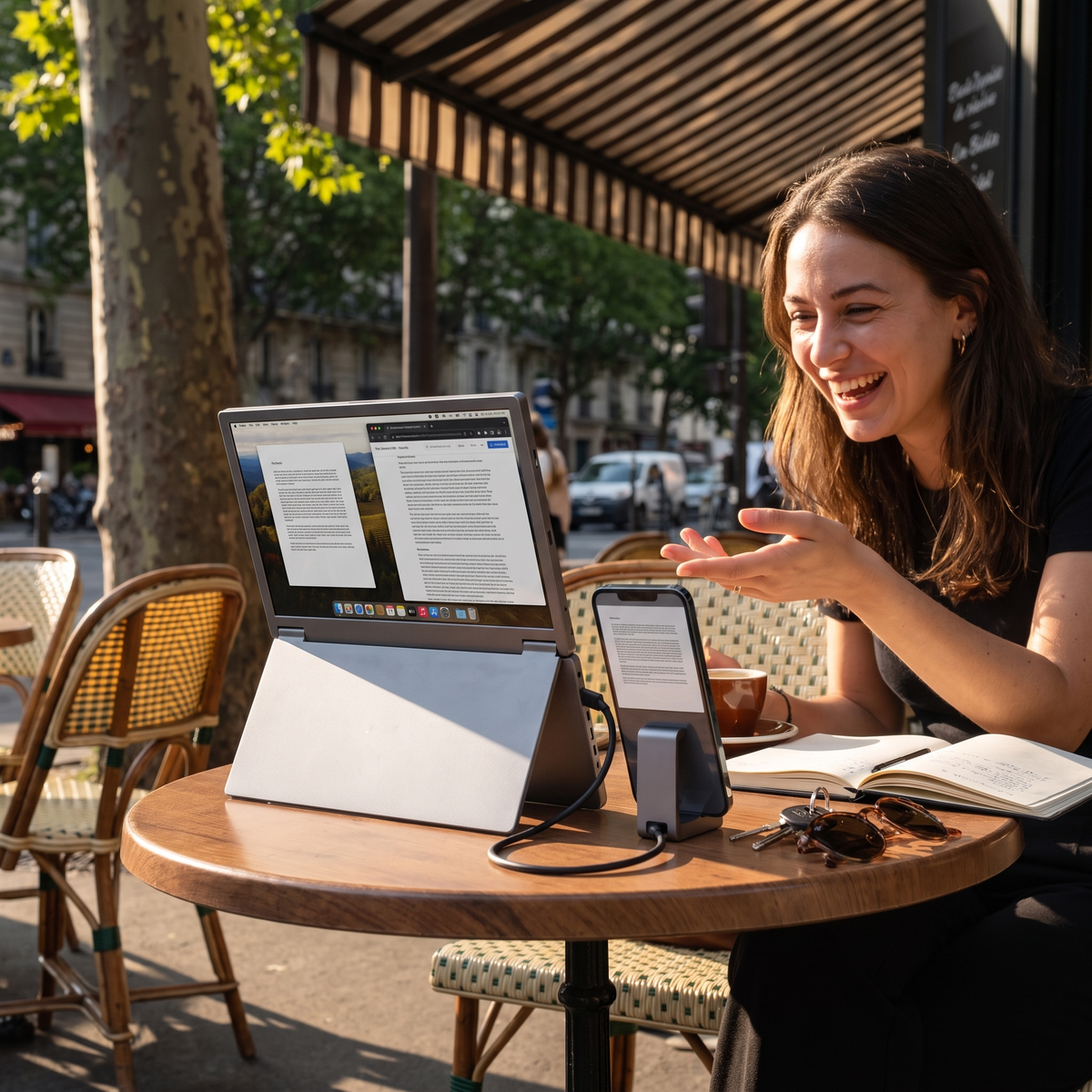
A woman at a cafe terrace with no laptop at all: a phone connected by one cable to a single Aura screen standing on its own kickstand.
  • 4.78

Your iPhone Can Drive a Monitor. Here's What It Will and Won't Do.

Read moreabout Your iPhone Can Drive a Monitor. Here's What It Will and Won't Do.

Helpdesk