


October discounts are real this year. Adobe Analytics, in its holiday forecast published on 28 September 2026, puts US online spending for October alone at $95.8 billion, up 8% year over year, with October markdowns peaking at around 19% off list price. So the question worth asking is not whether this is a good month to buy a screen. It is whether the screen you are about to buy will actually work on your machine.
Four fields on a product page answer that. Here they are, in the order that matters, and what each one is really telling you.
1. Software required, or plug and play
This is the eliminating field. Check it first, because nothing else matters if it rules you out.
Some portable screens take a native video signal from your machine. Others build their extra panels in software, which means installing a driver. We publish which is which on every product page. Our Play, Snap, Book, Fly and Air lines read No Software required — Plug and Play. The Boost and Go lines read Software required.
Neither answer is better in the abstract. But if you work on a locked-down company laptop where you cannot install anything, the software-driven lines are not an option at any discount, and no amount of 19% off changes that. Read this field before you read the price.
2. Operating systems
A list, not an argument. The field names every platform the unit is tested on, and the absence of a platform is the information.
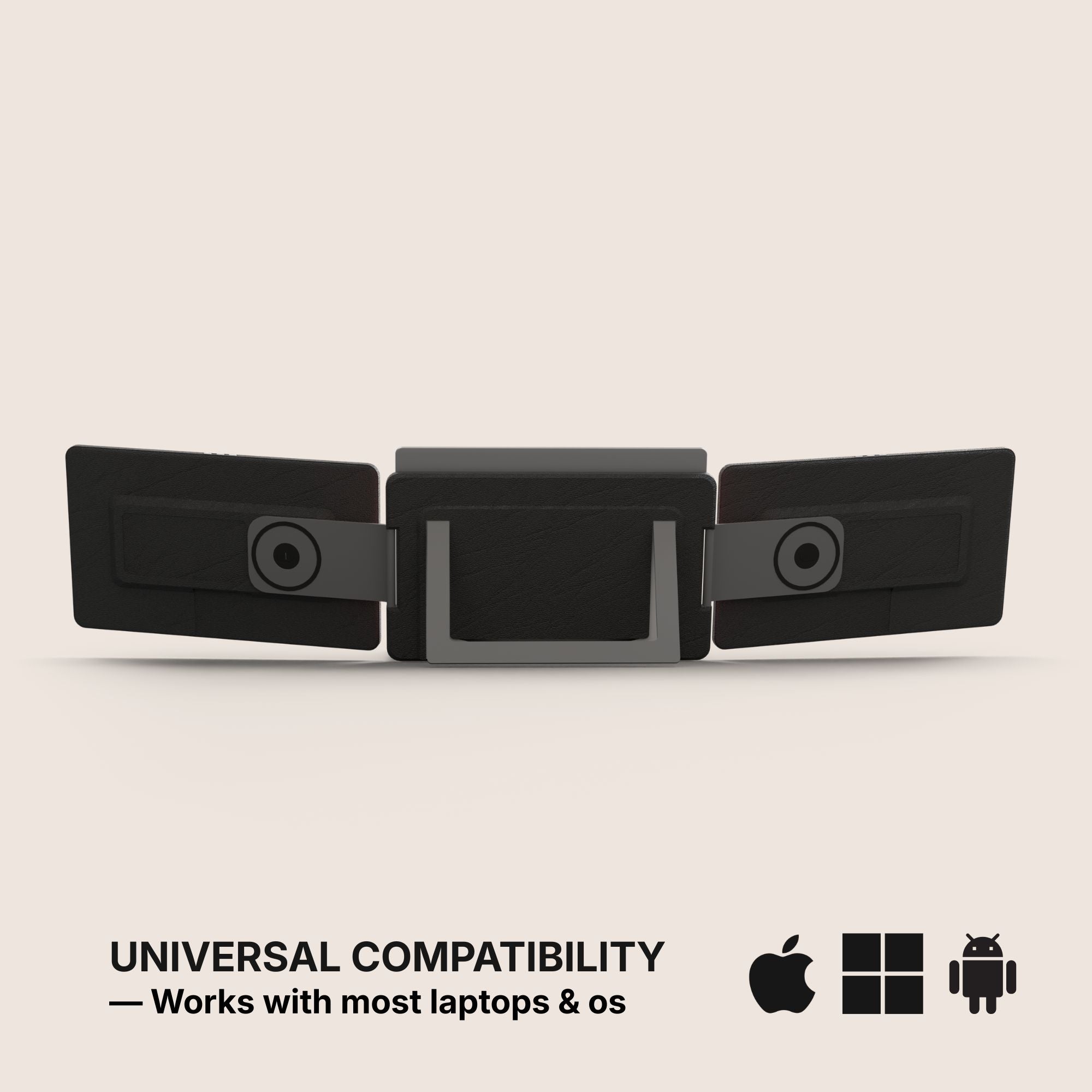
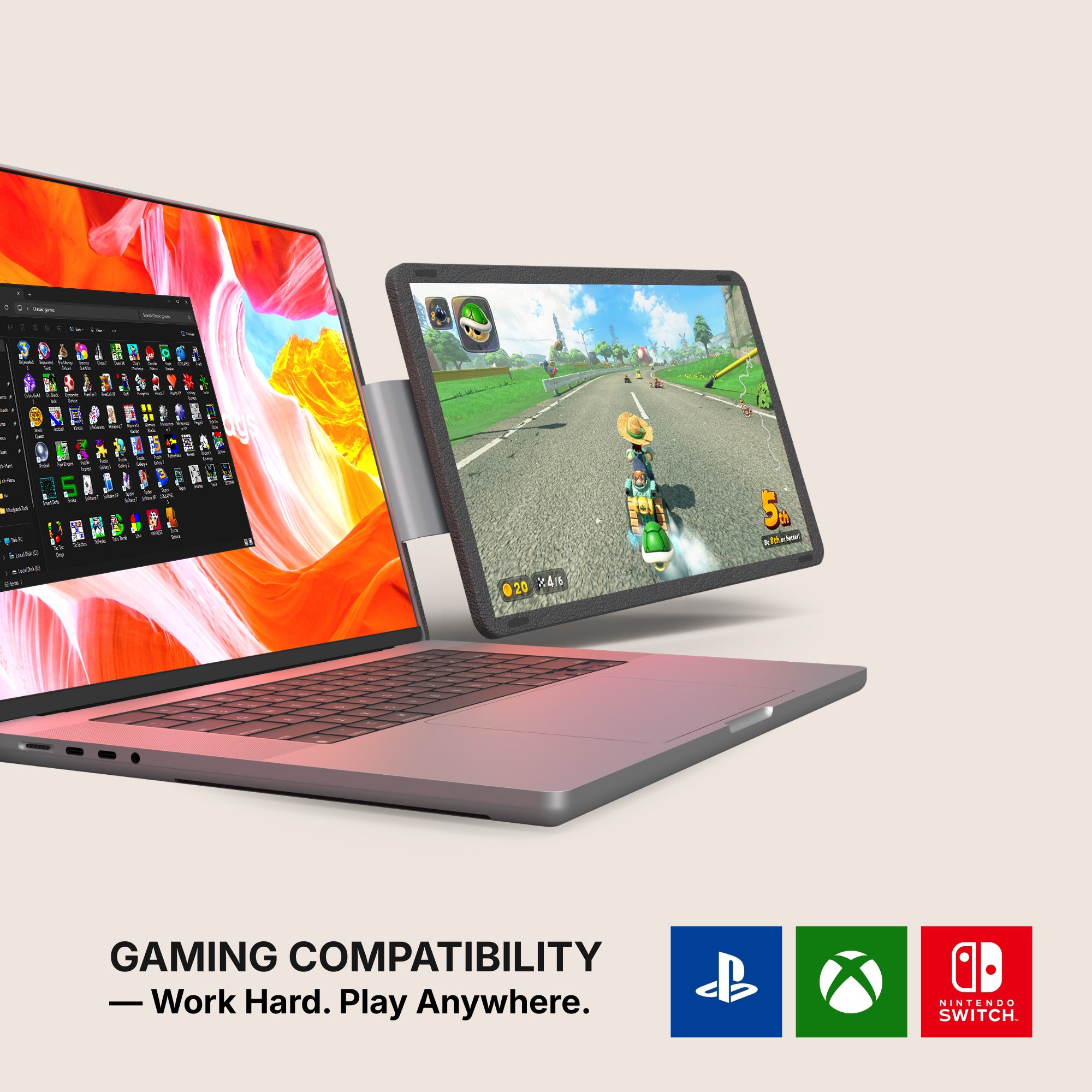
Our plug-and-play lines list macOS, Windows, Android, Game Consoles, Chromebook, Linux, Surface, and iPhone and iPad over USB-C. Triple Go (Gen 3) lists macOS and Windows, and nothing else. If you are on a Chromebook, or you wanted to park a console on one panel, that short list is a no — not a probably.
3. Connections
The ports field decides what you can feed the screen from, and it is the field buyers skip.
Count the inputs and check their type. A unit with mini HDMI as well as USB-C can take a signal from a machine whose USB-C ports are not all wired for video, and from devices that only have HDMI out. A unit with two USB-C inputs and nothing else cannot. And one panel in our range goes the other way entirely: Single Glow Infinity 27" lists DP, HDMI, DVI and VGA, with no USB-C at all. On a desk that never moves, that is a feature, not an omission.
4. Resolution and brightness
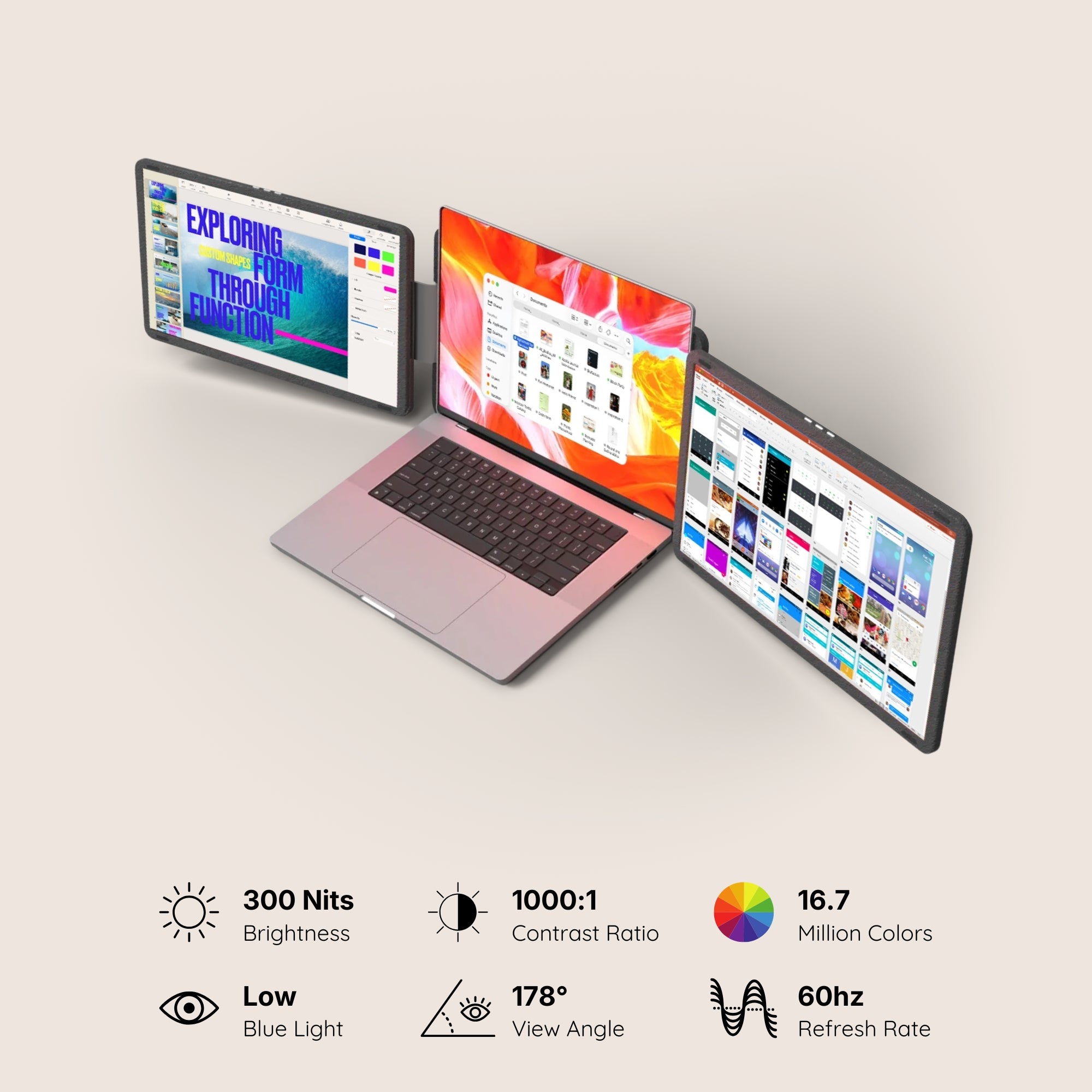
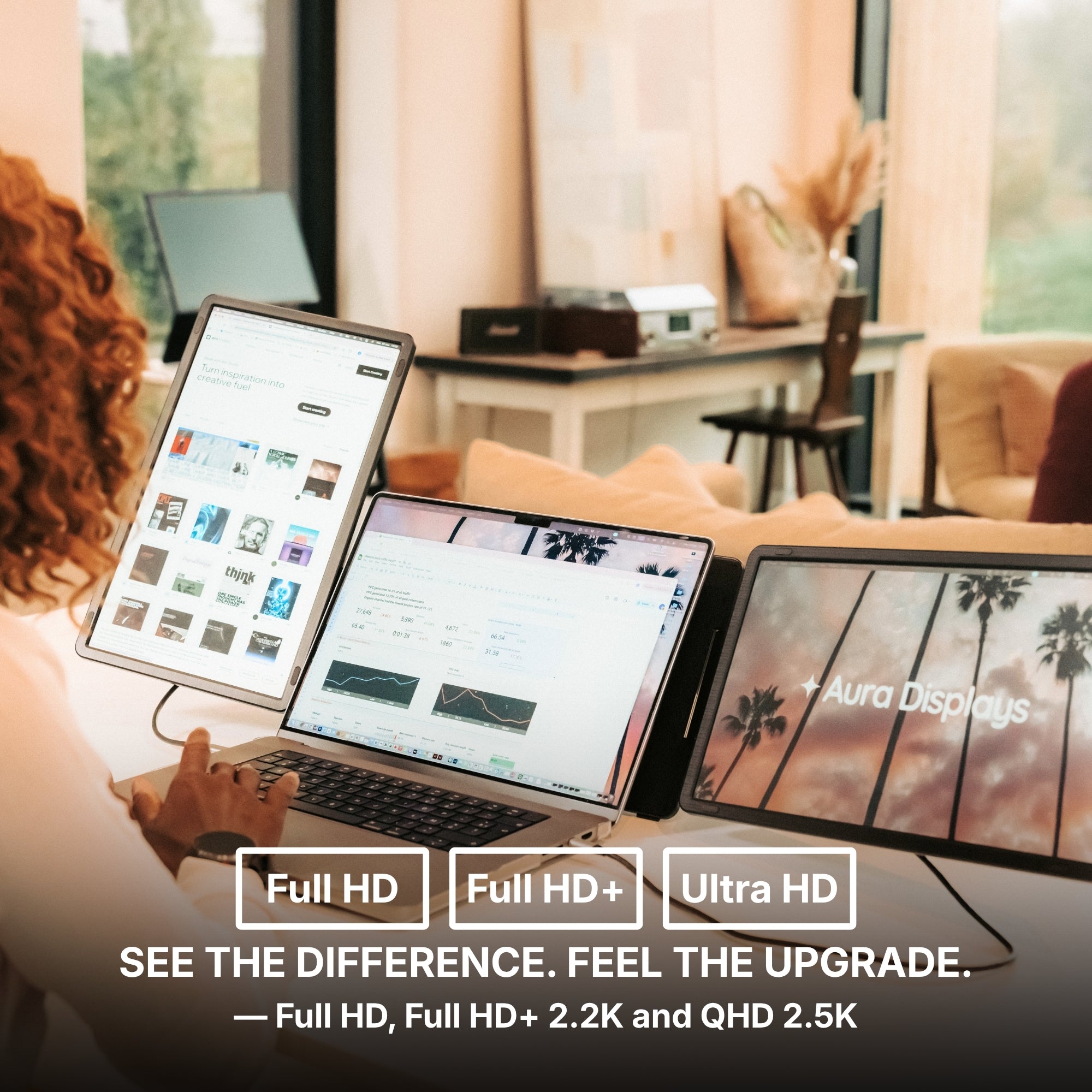
Read these two together, and read them as a range rather than a headline. A product listed at Full HD, 1920 × 1200 and QHD 2.5K is telling you the panel options differ by variant, so the figure you get depends on which one you add to the cart.
Brightness across our range runs from 280 to 350 nits. That is honest desk-and-indoor brightness. It is not a sunlit-terrace number, and we are not going to pretend otherwise.
The field that does not exist
Here is the part a discount will not fix. No product page in our catalogue declares a colour gamut — no sRGB figure, no DCI-P3 figure — and none declares a refresh rate. So do not infer either one.
What that means in practice: these panels are for laying work out, not for judging it. If your job is grading a colour or signing off a print, the second screen goes next to a calibrated display, it does not replace one. If you compete in a game for ranking, the game belongs on a high-refresh monitor. On both counts, the number of screens is not your problem and none of these is your answer.
What we would buy, and the cheaper option
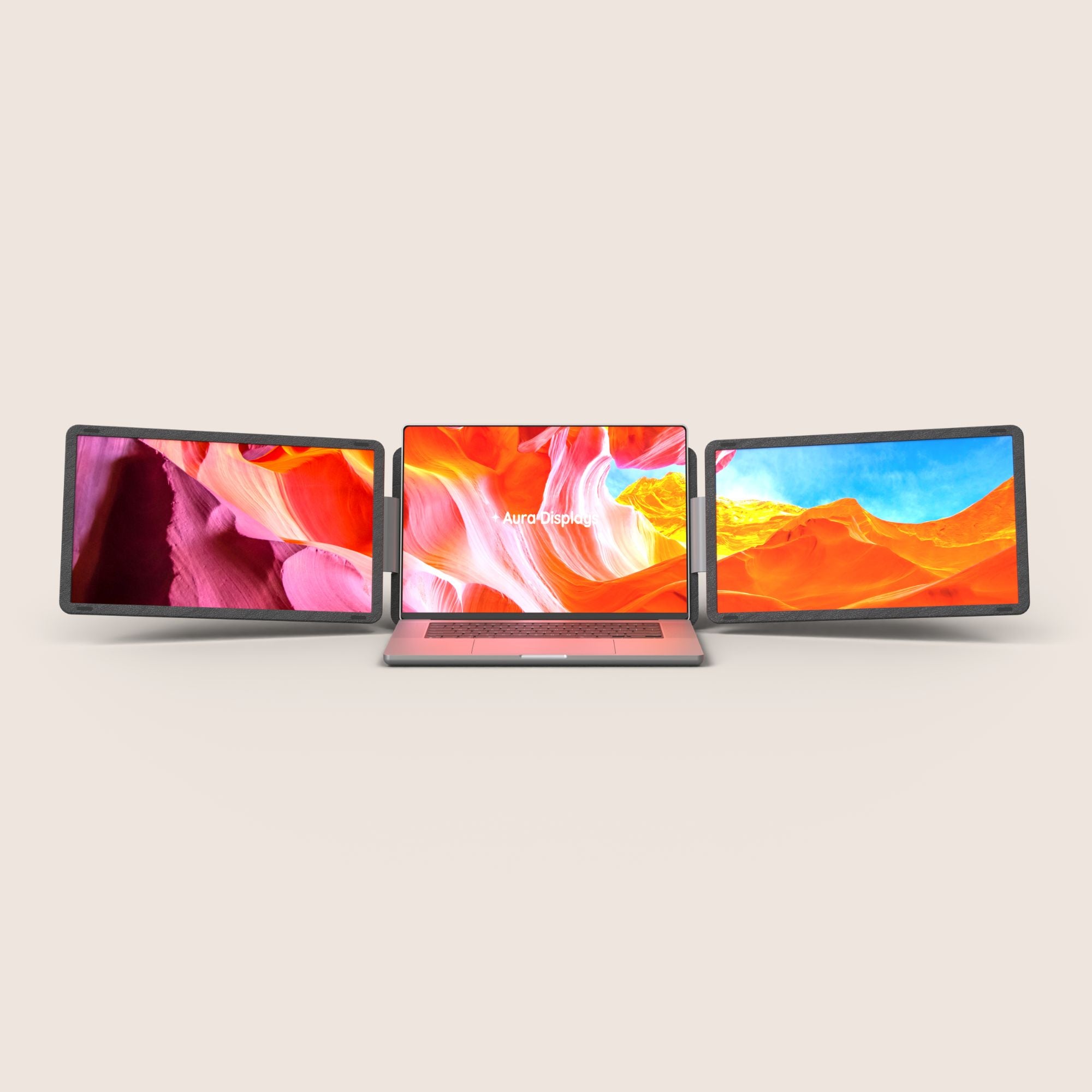
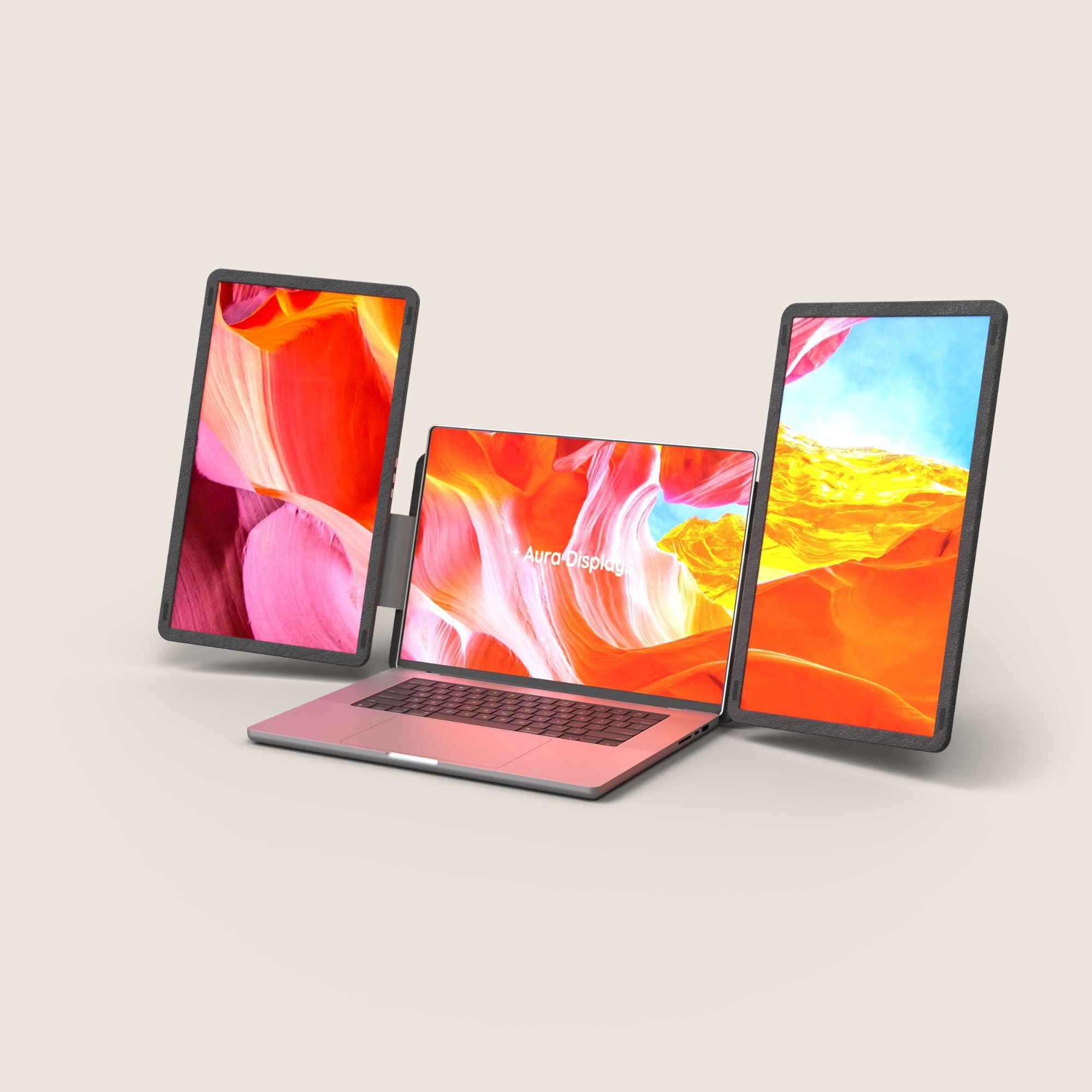
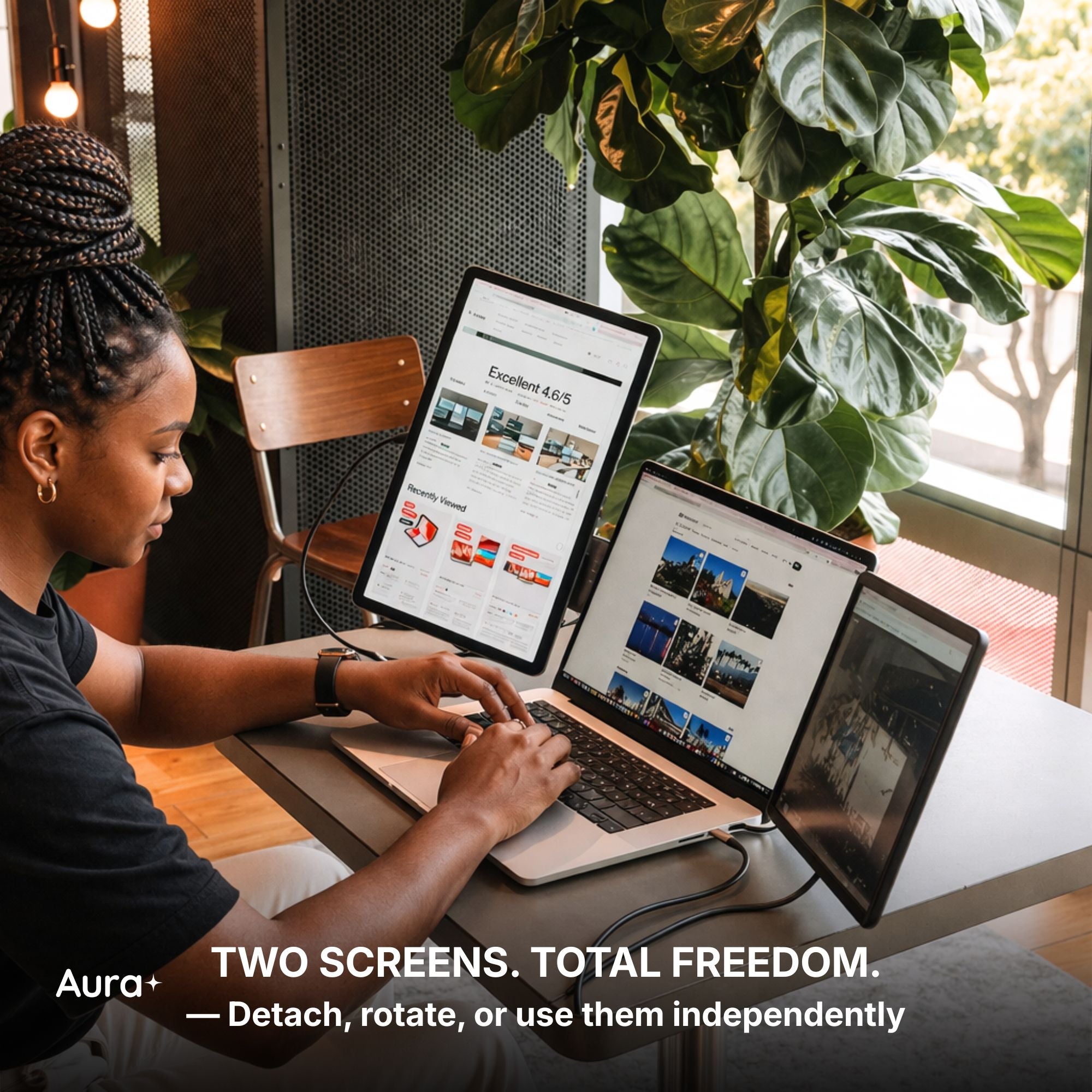
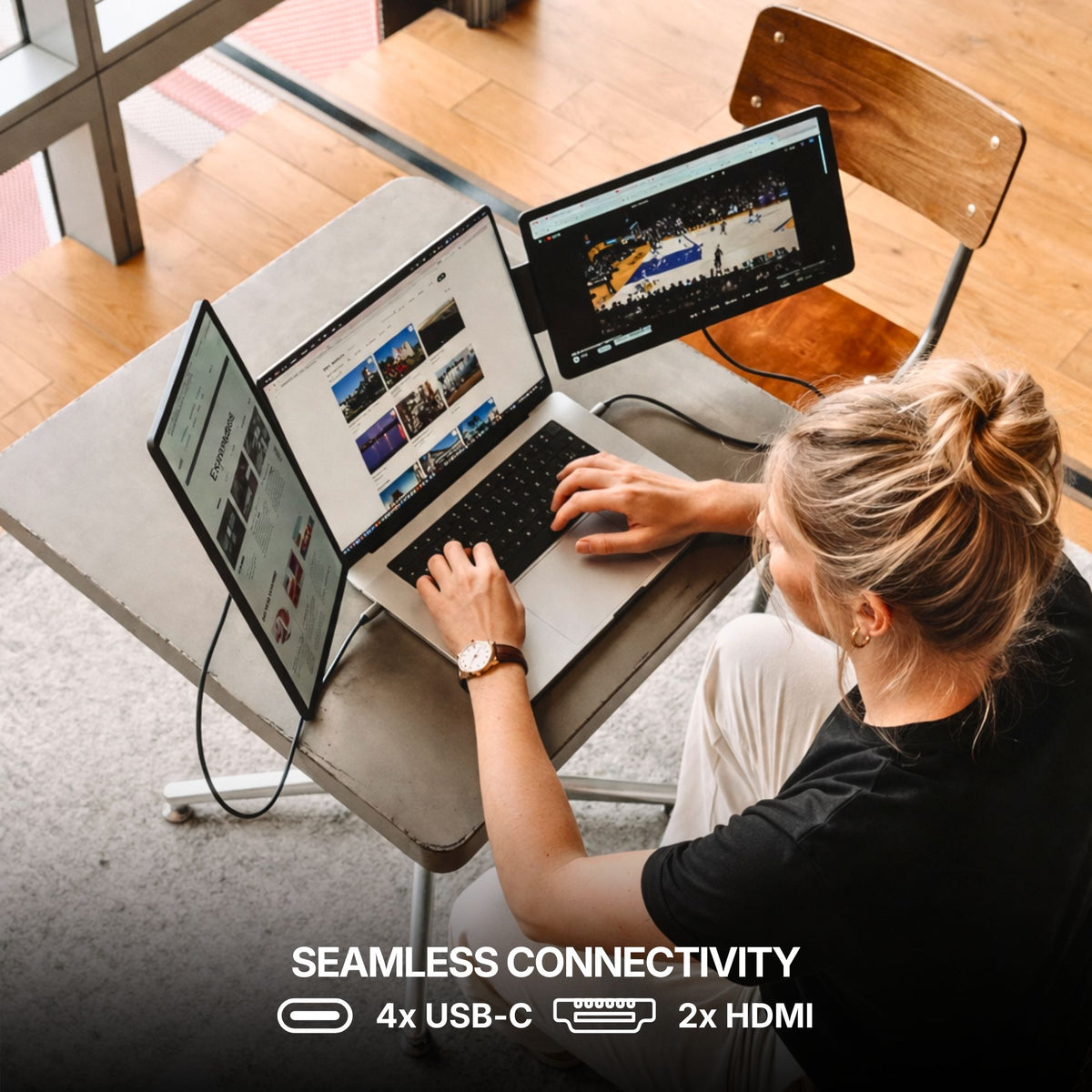
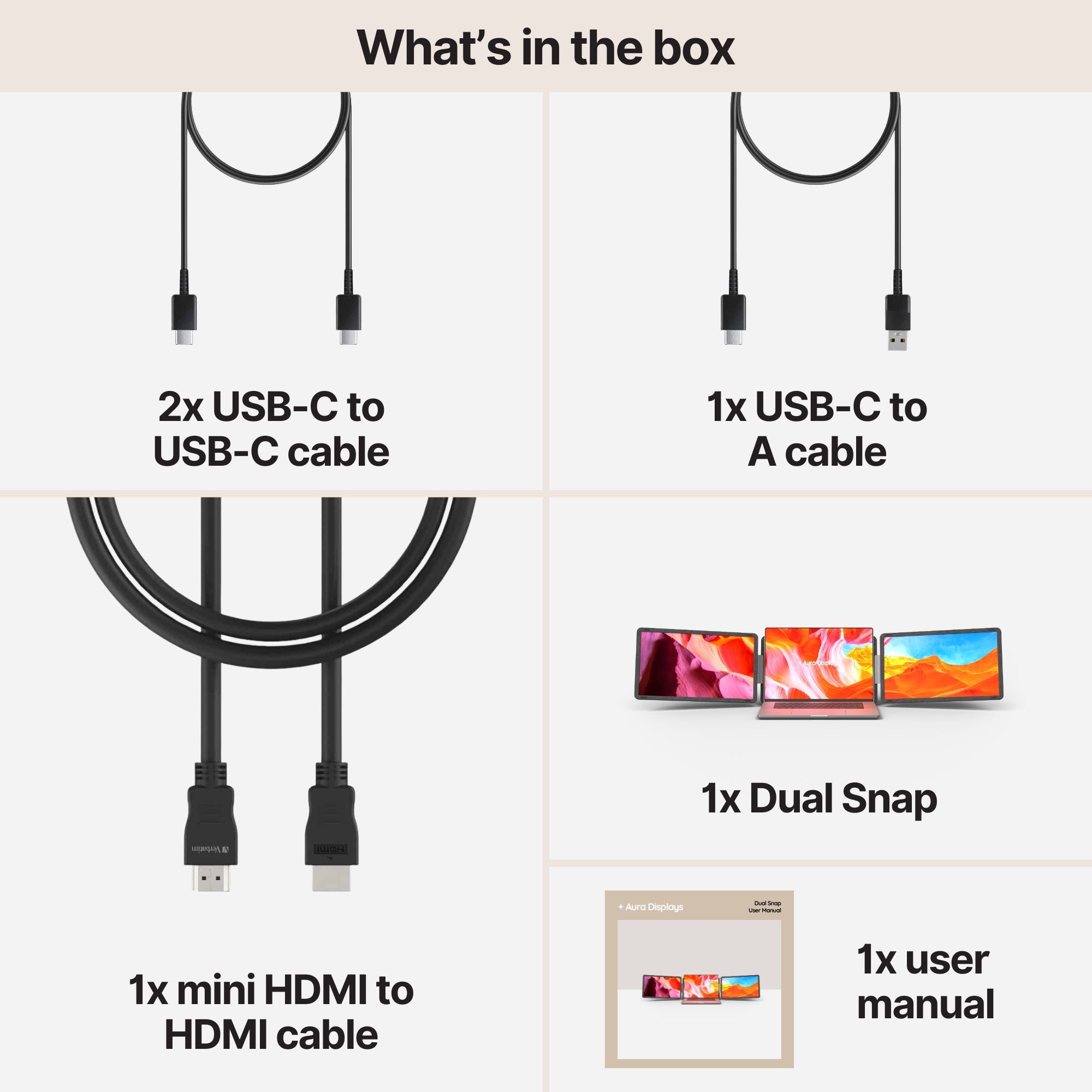
Our recommendation: Dual Snap (Gen 1), from $409. It is the product in our range whose four fields read the widest. Plug and play with no driver to install. The operating-systems list covers macOS, Windows, Android, Game Consoles, Chromebook, Linux, Surface, and iPhone and iPad over USB-C. Connections are 4× USB-C and 2× mini HDMI, which is the most forgiving input set we make. Panel options run Full HD, 1920 × 1200 and QHD 2.5K, at 300 nits. Rated 4.4 out of 5 across 53 reviews.
The cheaper option: Single Boost 15.6" at $249. One panel, plug and play, 300 nits, rated 4.79 out of 5 across 137 reviews. If what you need is somewhere to park a document while you work in another window, one panel does that whole job and you keep the difference. We find it hard to keep in stock, so it comes and goes.
Why we are not selling you more. Triple Go (Gen 3), from $549, is three panels and a genuinely good work machine — but its fields read Software required, macOS and Windows only. On the wrong laptop that is $549 of screens you cannot switch on. The cheapest mistake in October is not buying the smaller one. It is buying the bigger one before reading four fields.



















Share: