


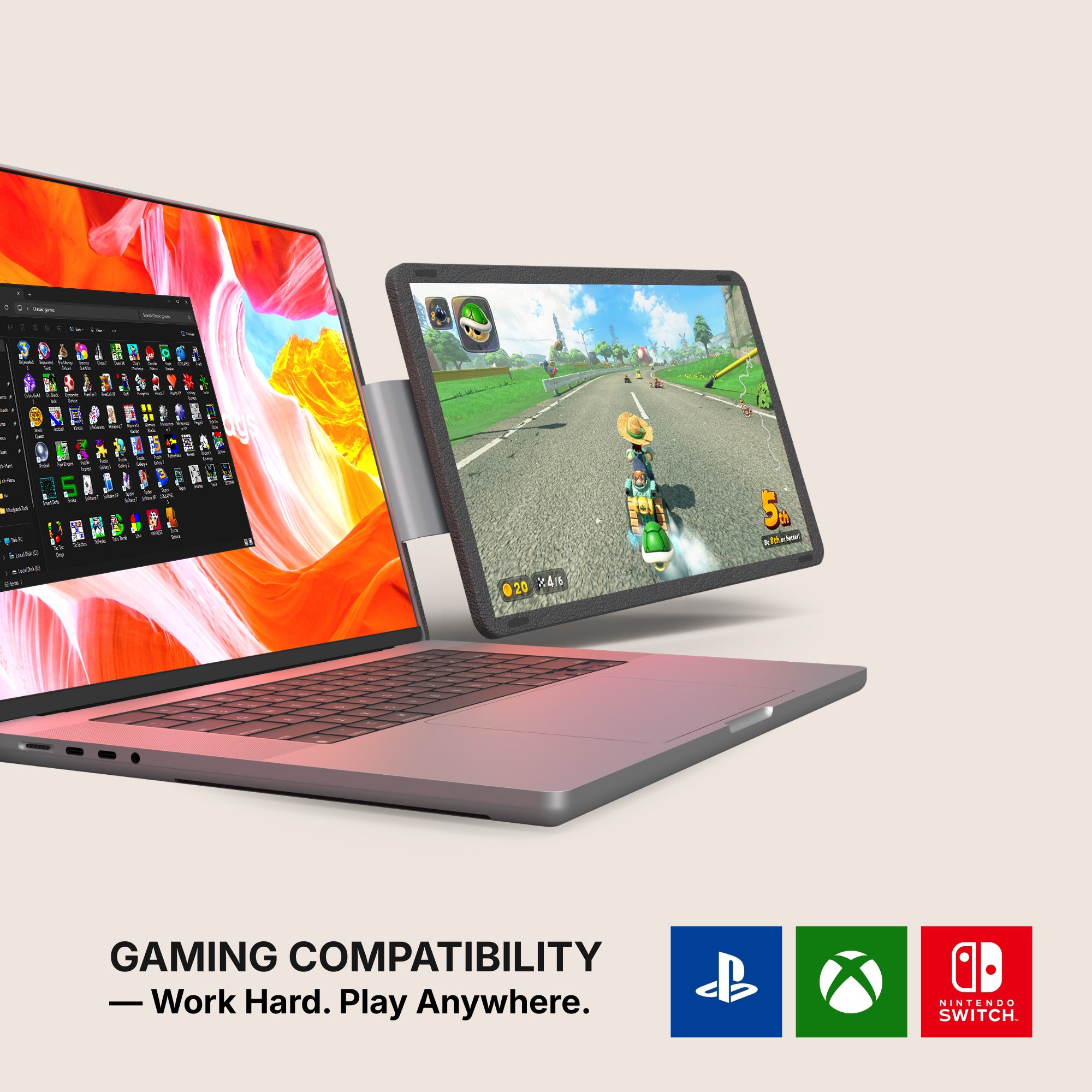
Call of Duty: Modern Warfare 4 ships on 23 October 2026 — Xbox, PlayStation 5, PC and Switch 2. If you plan to play it on a console away from the living-room TV, the first question is not which portable screen is best. It is whether the screen will take a console signal at all. On more than half of our own range, it will not.
Who this is for
You own a console, the TV is occupied or in the wrong room, and you want a screen you can set up on a desk and put away afterwards. You would rather know now than on launch night.
What actually plugs into what
A console sends video out over HDMI, and it cannot install anything. Those two facts do all the filtering.
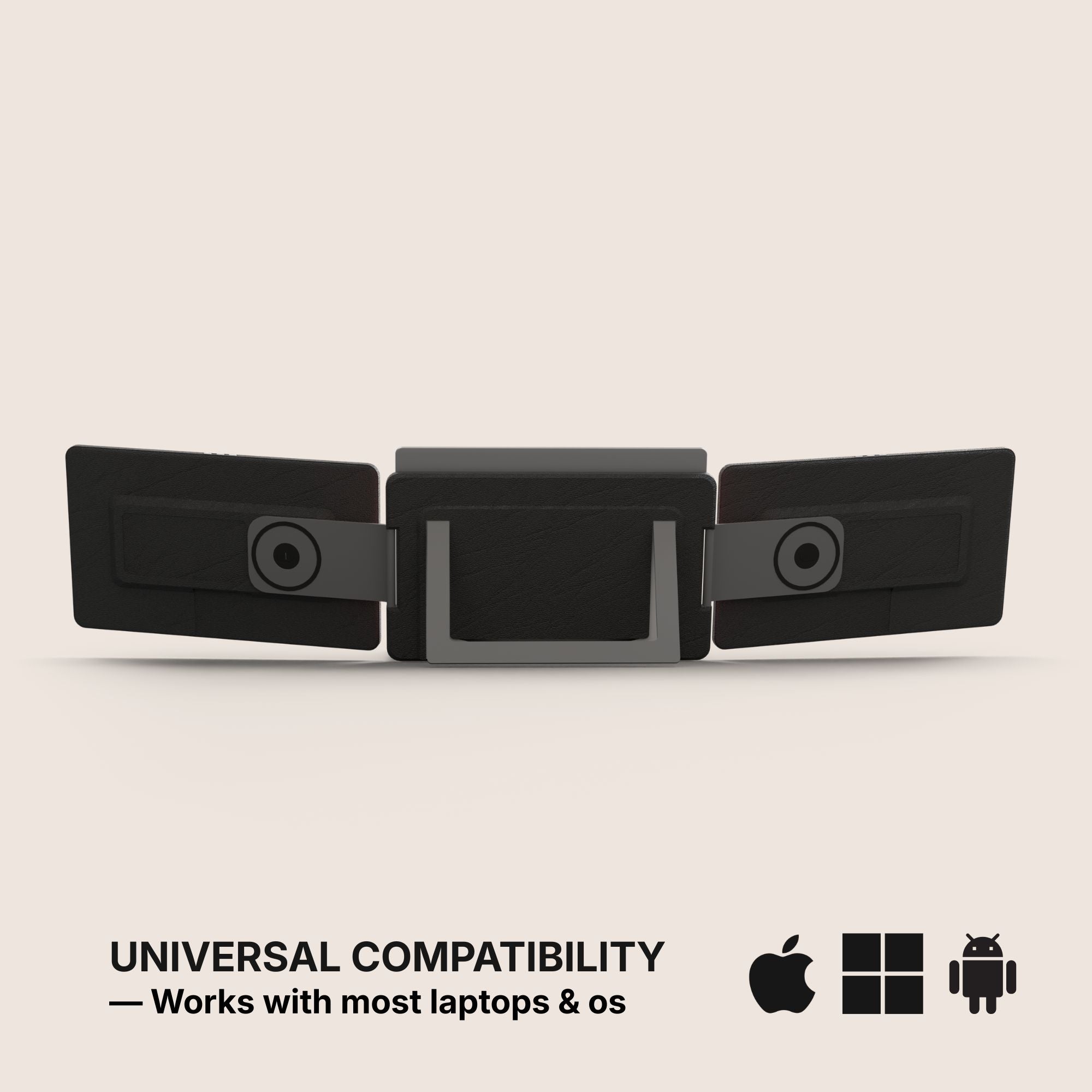
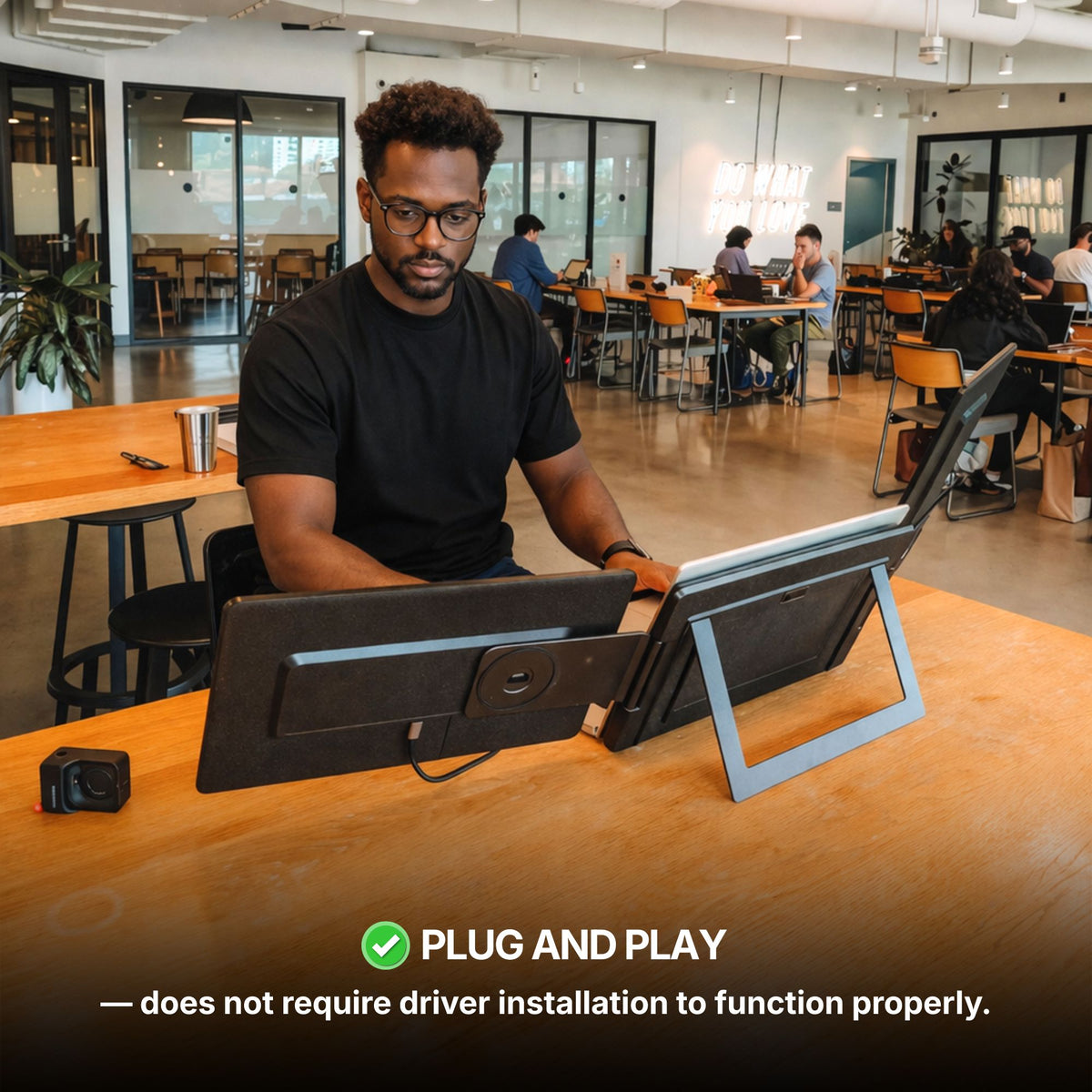
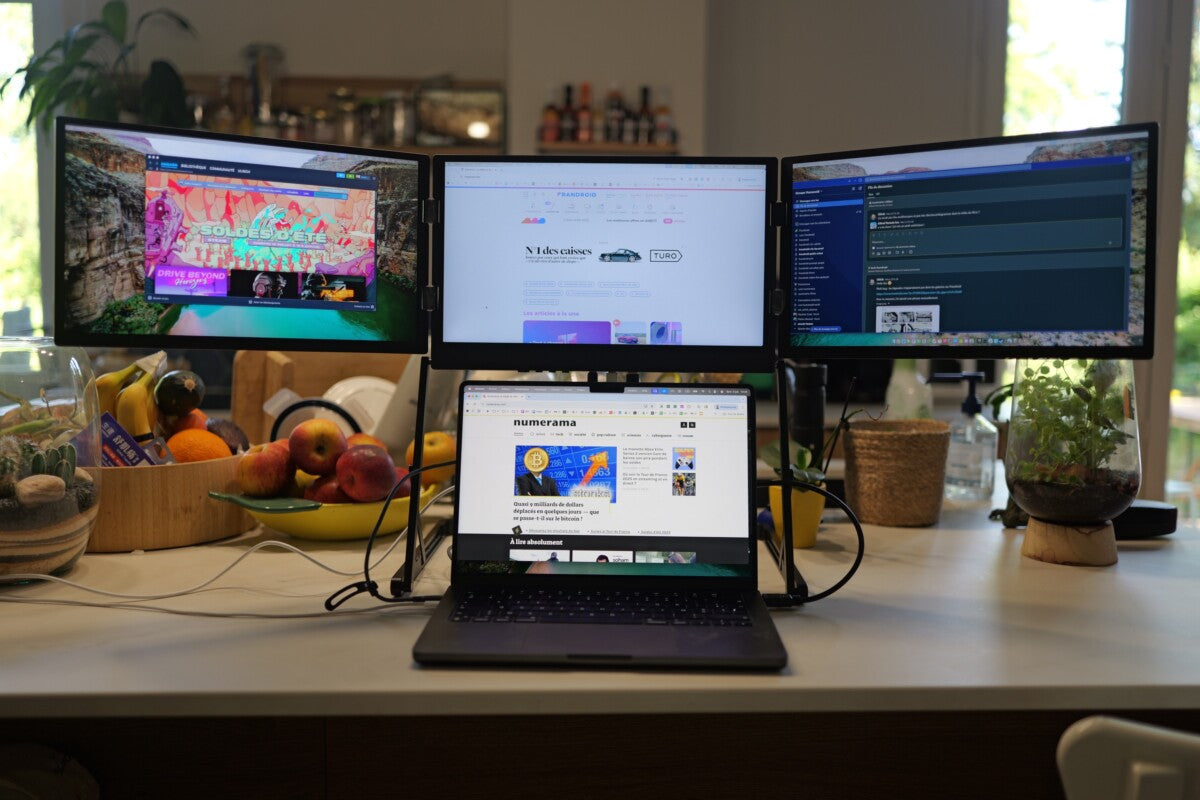
- Two product-page fields decide it. Filter: OS has to list Game Consoles, and Filter: Driver has to read No Software required - Plug and Play. A console has no desktop to install an extender app on, so anything marked Software required is out — that is our whole Boost and Triple range, Triple Go (Gen 3) included.
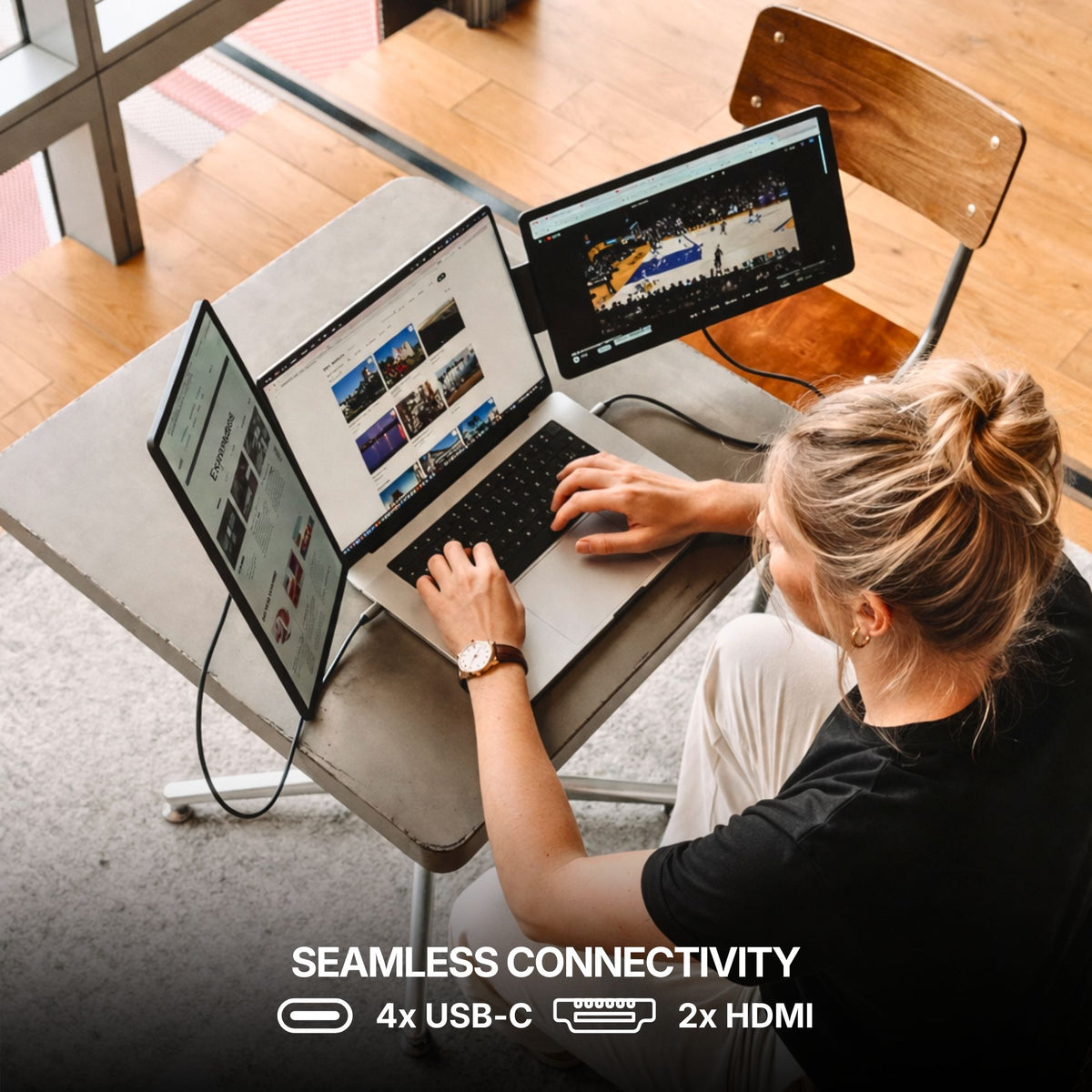
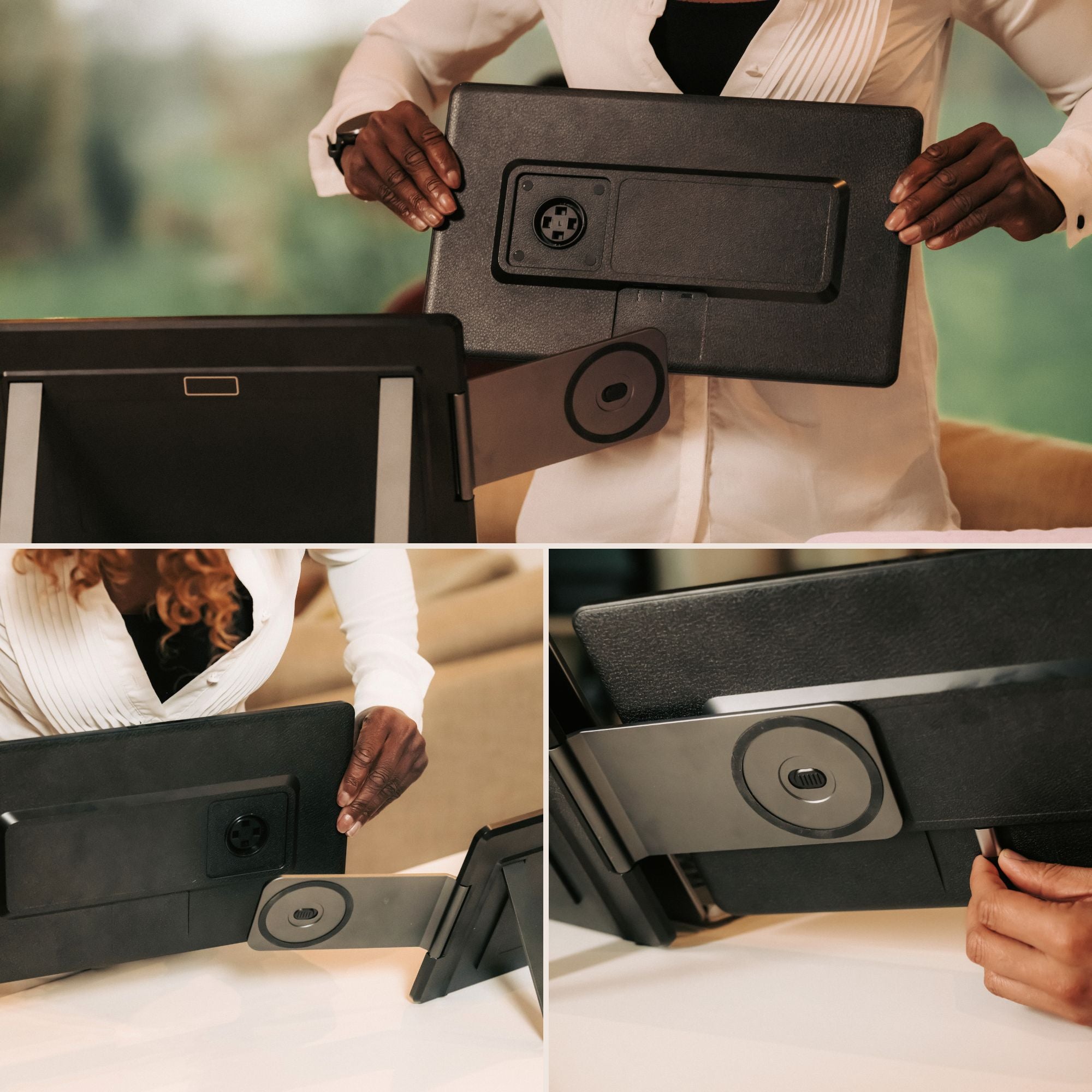
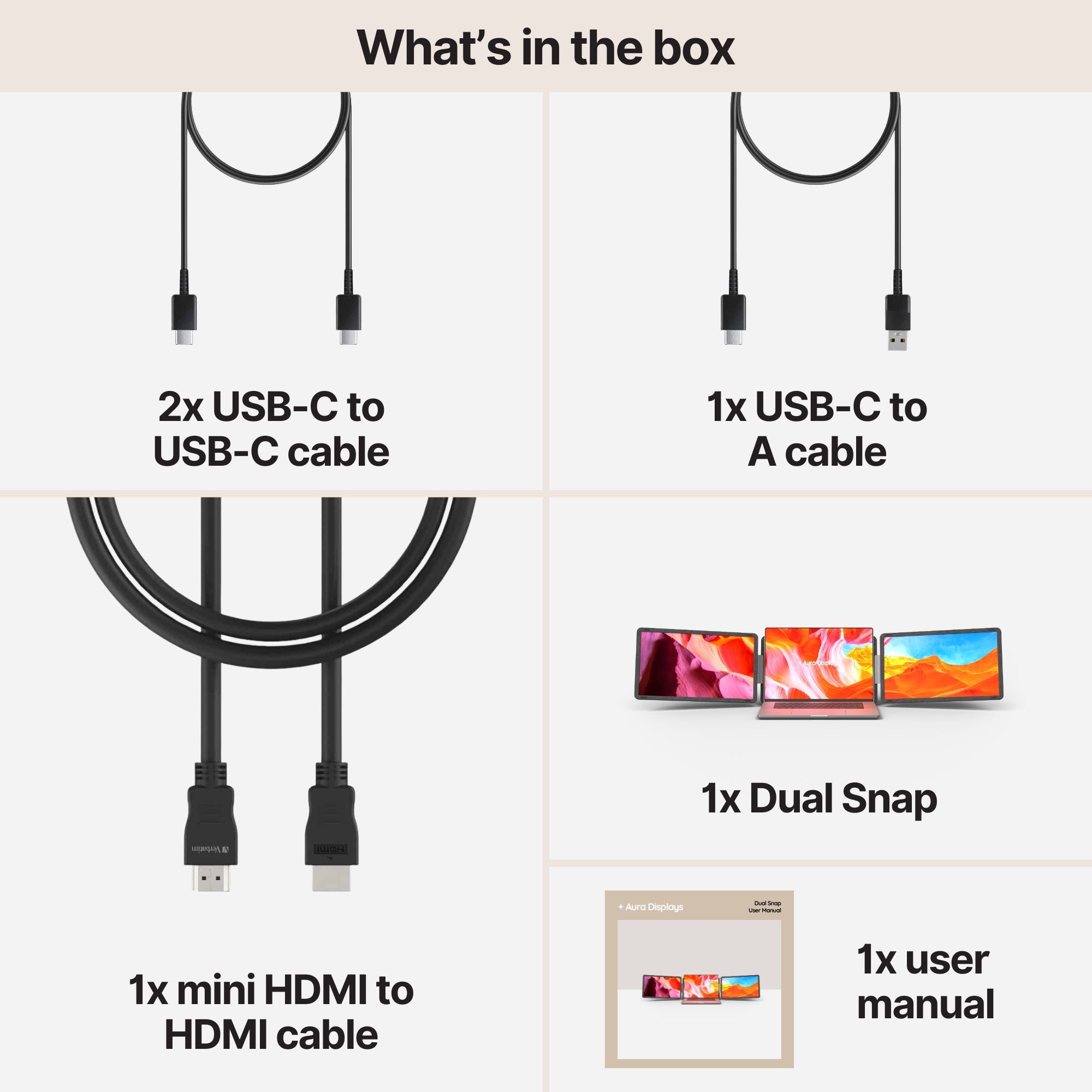
- Then read the connections line, and read it closely. Several panels are USB-C only; a console needs an HDMI input, and on the attachable panels that port is mini HDMI, so a standard console cable will not fit without an adapter. Dual Snap (Gen 1) lists 4× USB-C and 2× mini HDMI, Dual Book Pro (Gen 2) 3× USB-C, 2× mini HDMI and a 3.5 mm jack, Single Boost 15.6" 2× USB-C, 1× mini HDMI and a jack. Only Dual Book Pro Wide 48" carries full-size HDMI.
- HDMI carries no power. When a laptop drives one of these panels, one USB-C cable can do both jobs. A console cannot. Plan on a charger and a second cable into the panel's USB-C port, or you will have a dark screen and a perfectly working HDMI link.
The console-side settings that matter
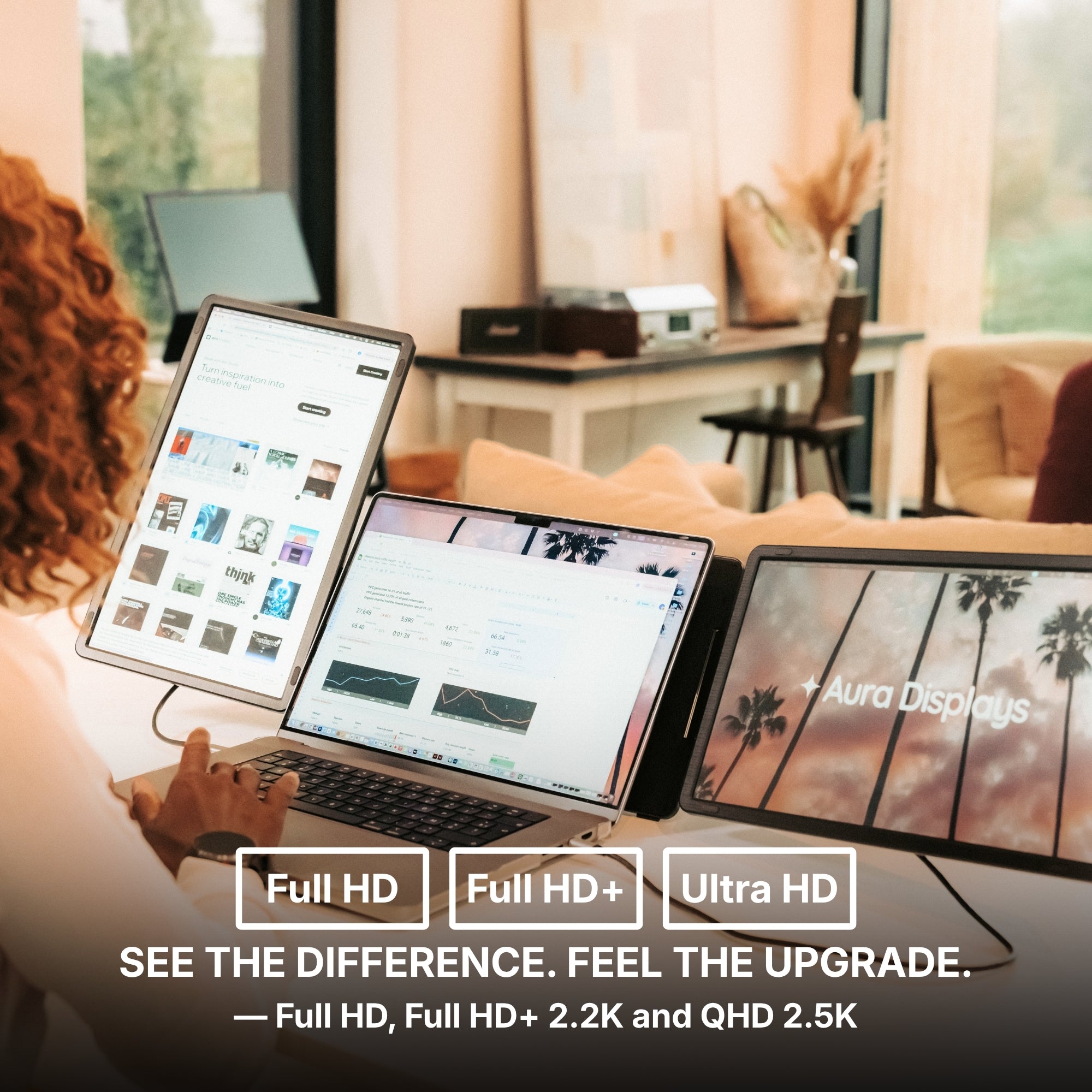
- Set the output resolution to match the panel. On PS5, Settings > Screen and Video > Video Output > Resolution. On Xbox Series X|S, Settings > General > TV & display options > Resolution. Our panels are Full HD, 1920 × 1200 or 2560 × 1440 depending on model and variant — pick the matching figure rather than leaving the console on automatic, which is where black screens and letterboxing come from.
- Decide where the sound goes first. HDMI carries audio, but only two panels above list a 3.5 mm jack: Dual Book Pro and Single Boost 15.6". On the others, route it through the controller — Settings > Sound > Audio Output on PS5, the headset jack on the pad either way.
- A Switch only outputs video through its dock. Handheld mode sends nothing out, so the dock is part of the kit.
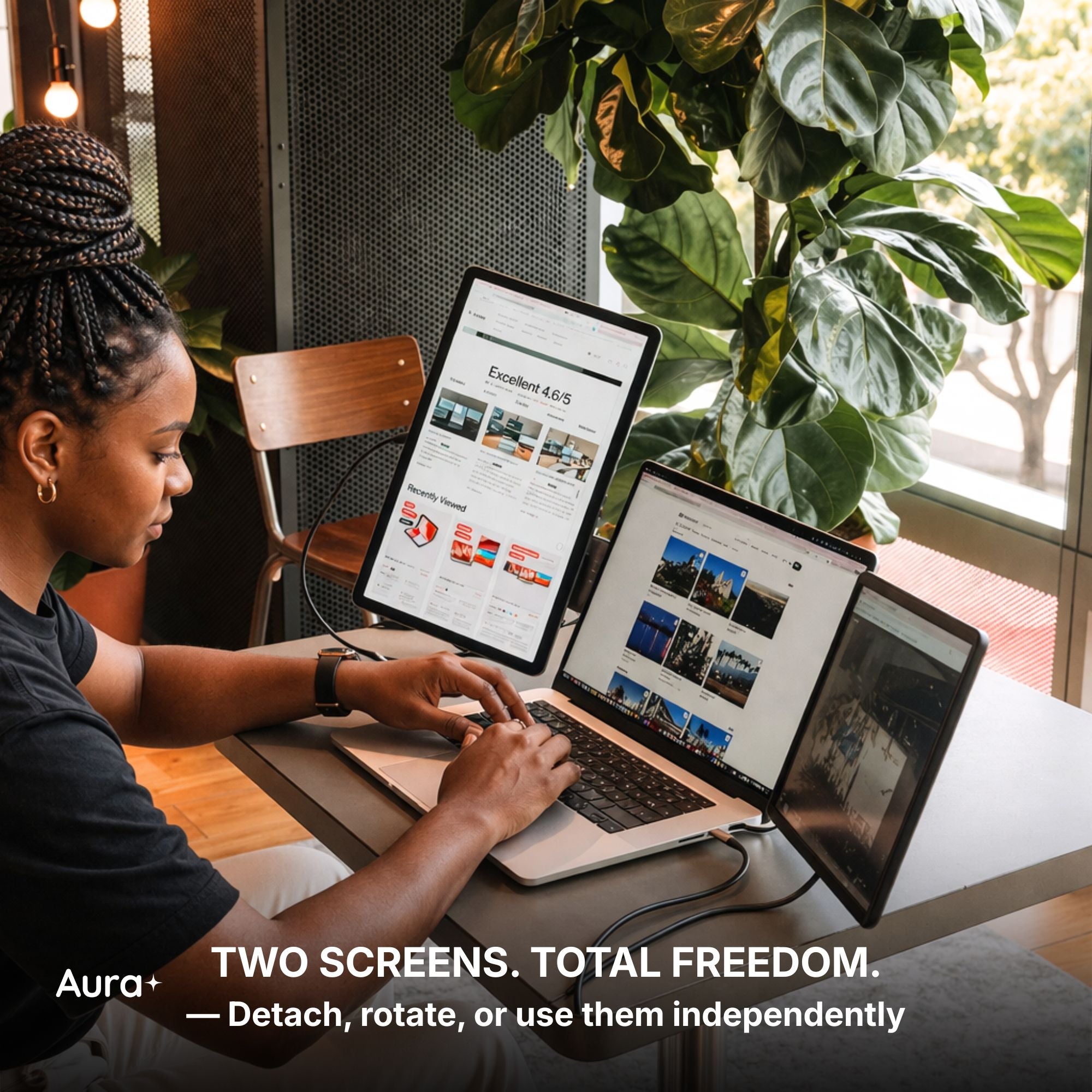
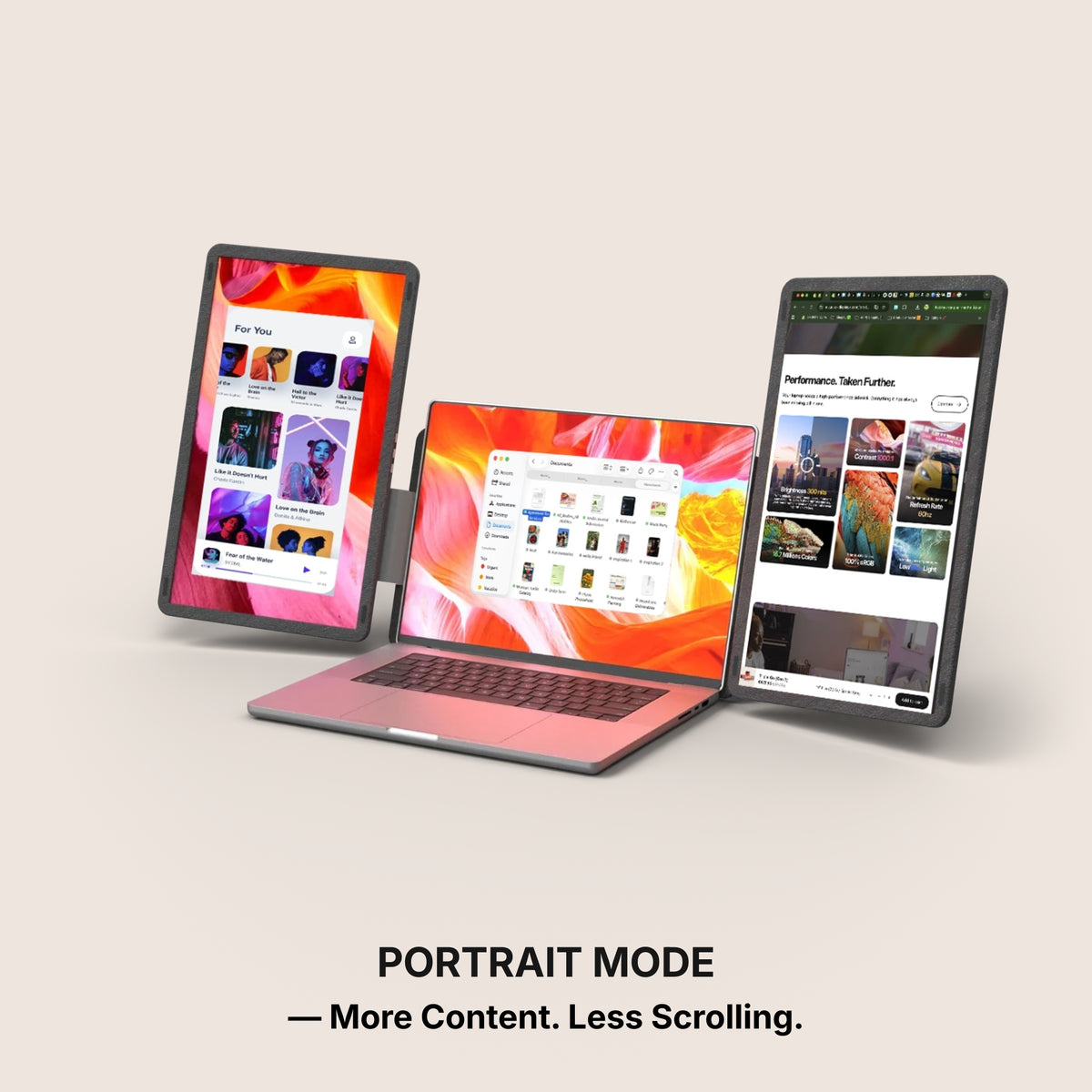
- On a dual panel, play on one side only. Give the console the panel in front of you and leave the other to a map, a guide or a chat window fed from your laptop. Console on one, laptop on the other — not one game stretched across two.
What these screens will not do for you
These are not esports panels, and we do not pretend otherwise. We publish no refresh rate on any of them. If you play competitively and you care about frames, a portable panel is the wrong purchase — nothing in our specification sheet says we can serve you there.
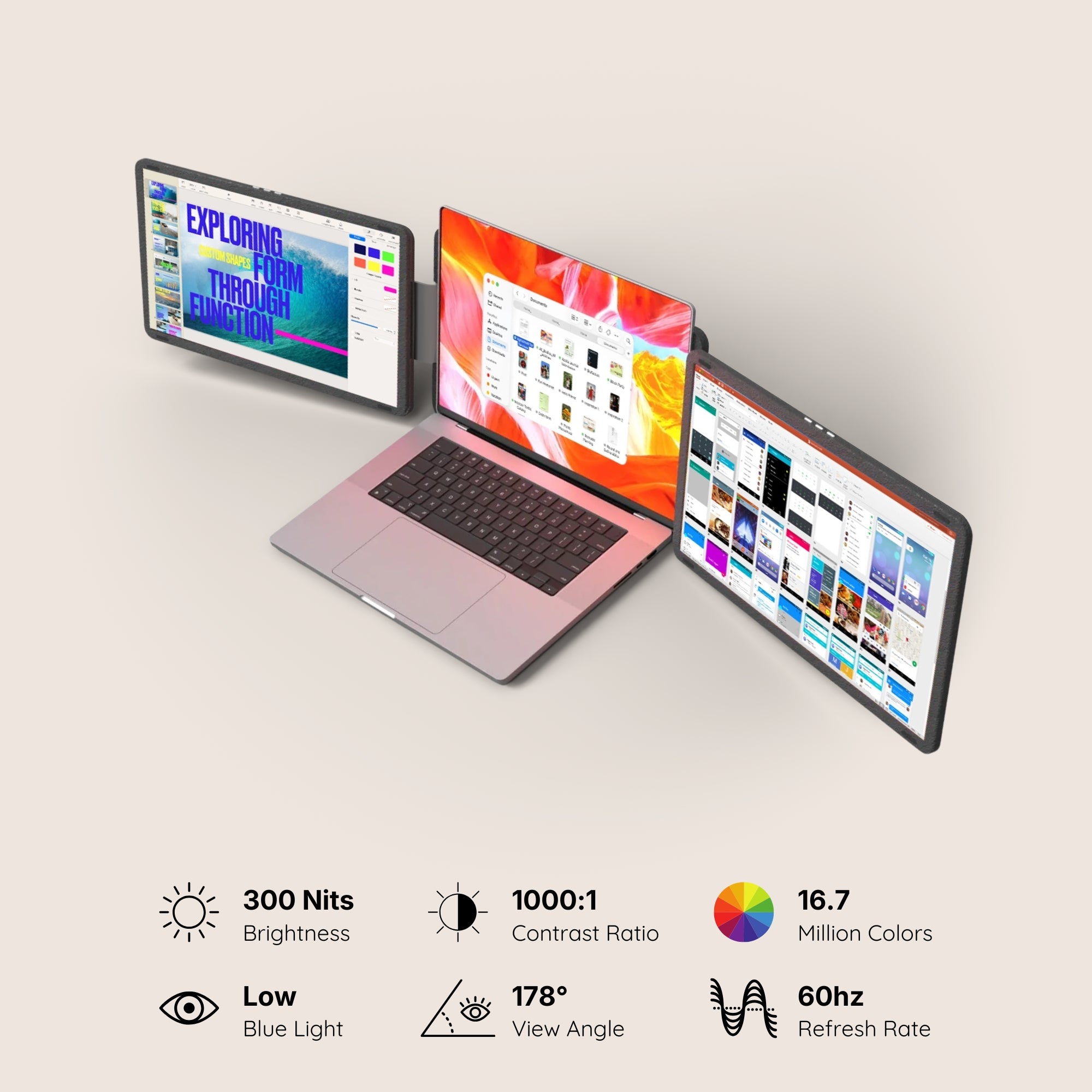
Brightness is the other limit: these panels sit at 280 to 300 nits, fine in a normal room and poor in direct sun. And no product page in our catalogue declares a colour gamut, so a dark, moody shooter will look perfectly playable and nothing like a calibrated reference of it.
Then the scores. Dual Snap sits at 4.4 out of 5 across 53 reviews — the lower end of our own range, and we publish it rather than bury it. Read the pattern instead of the number: panels that need software score below the ones that do not.
The setup we recommend, and the cheaper one
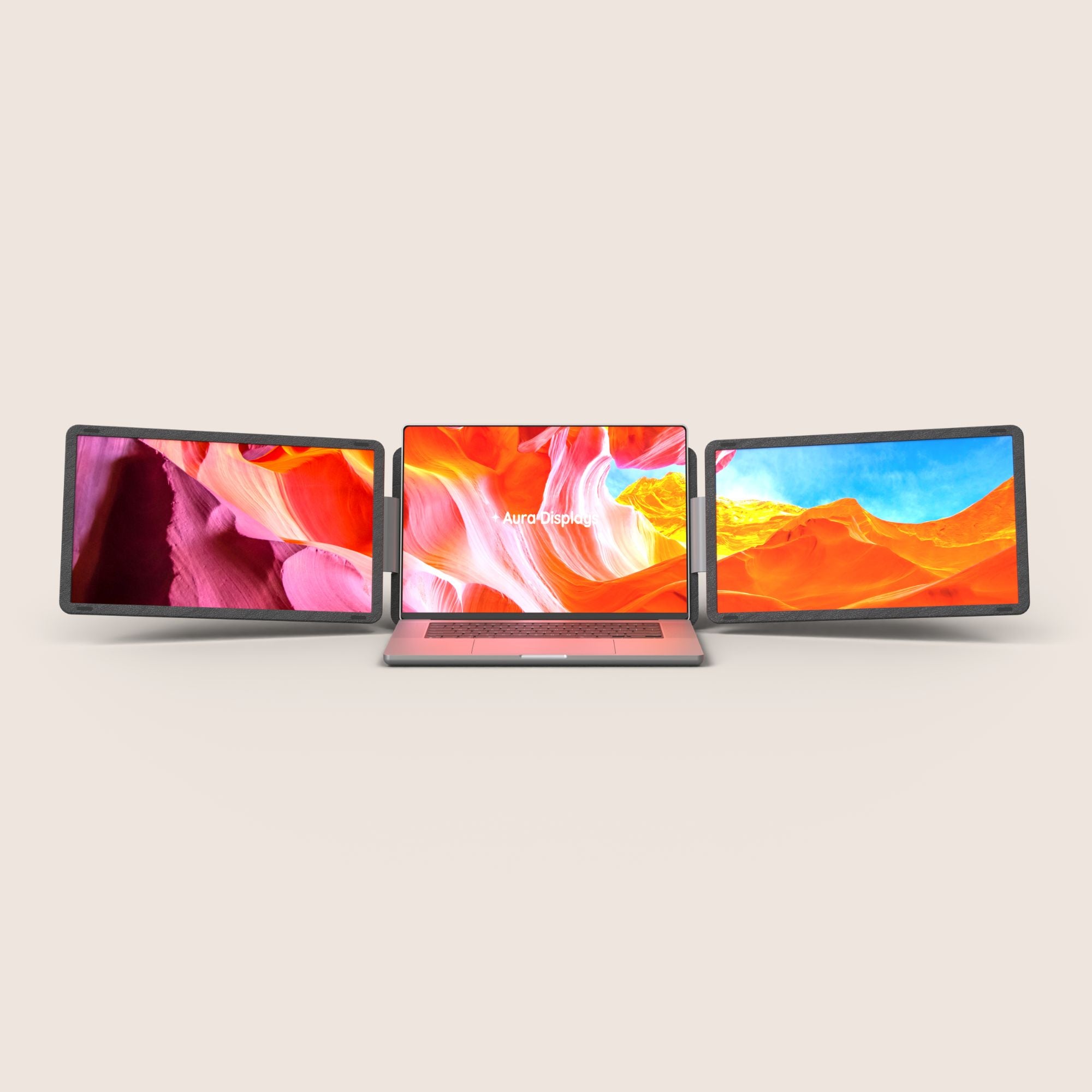
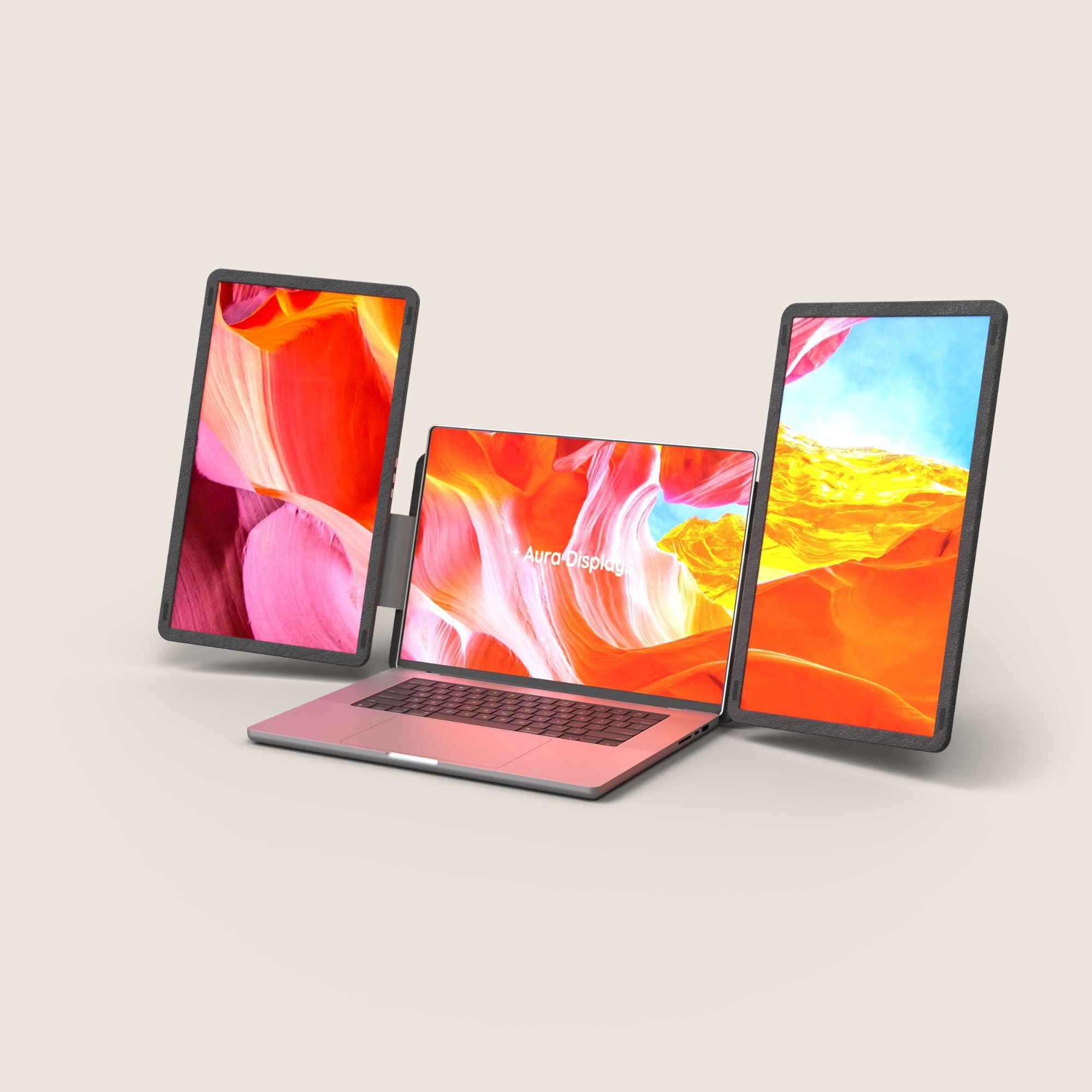
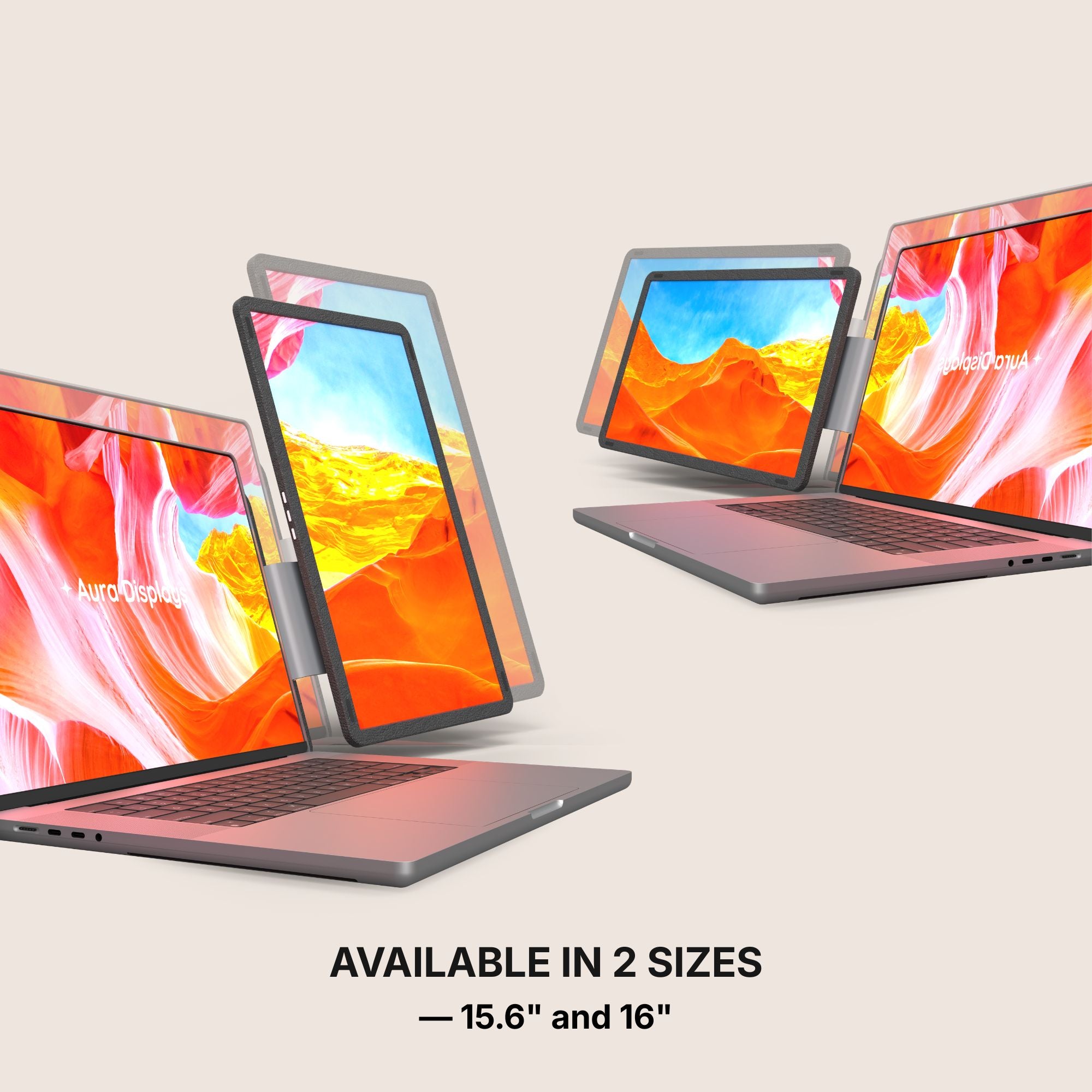
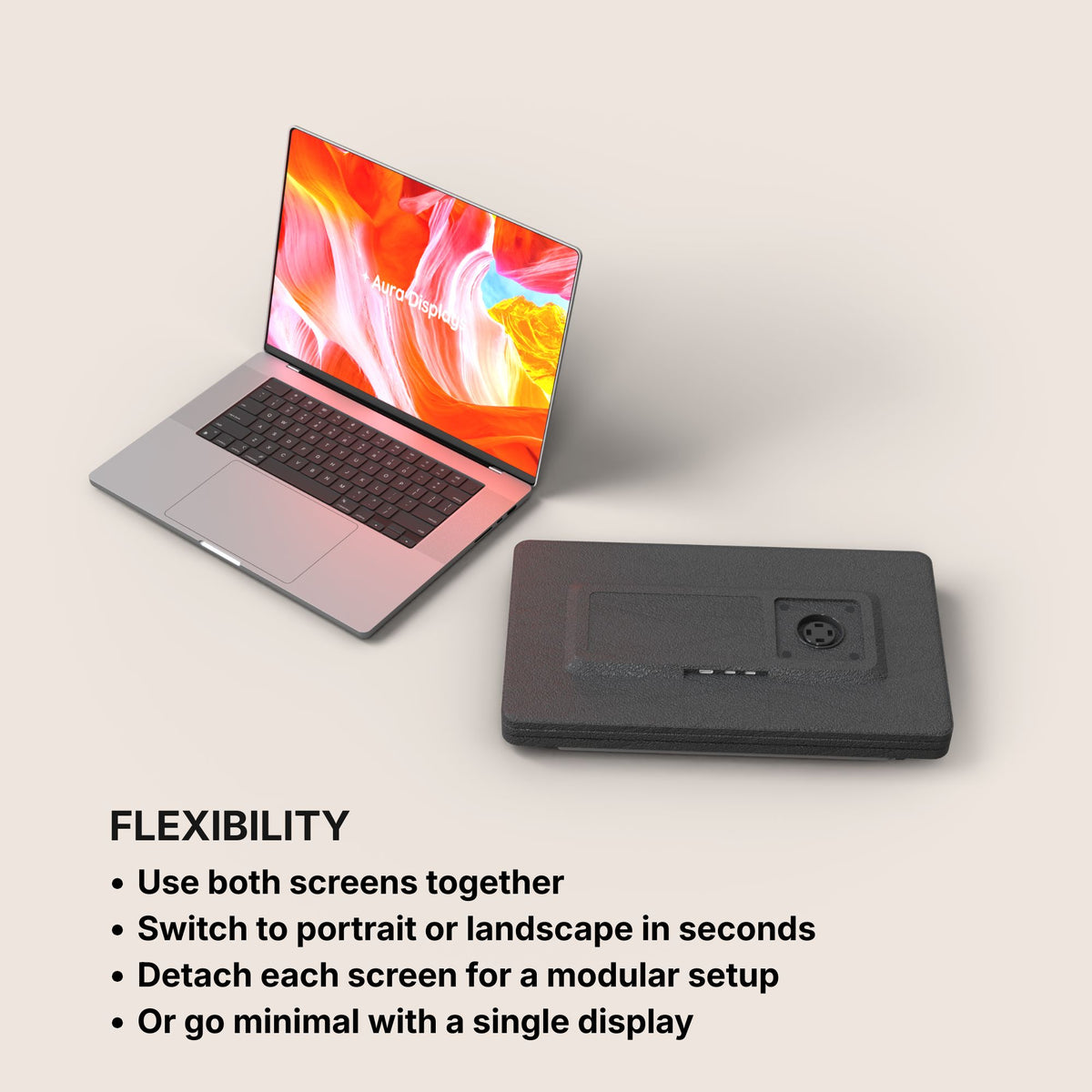
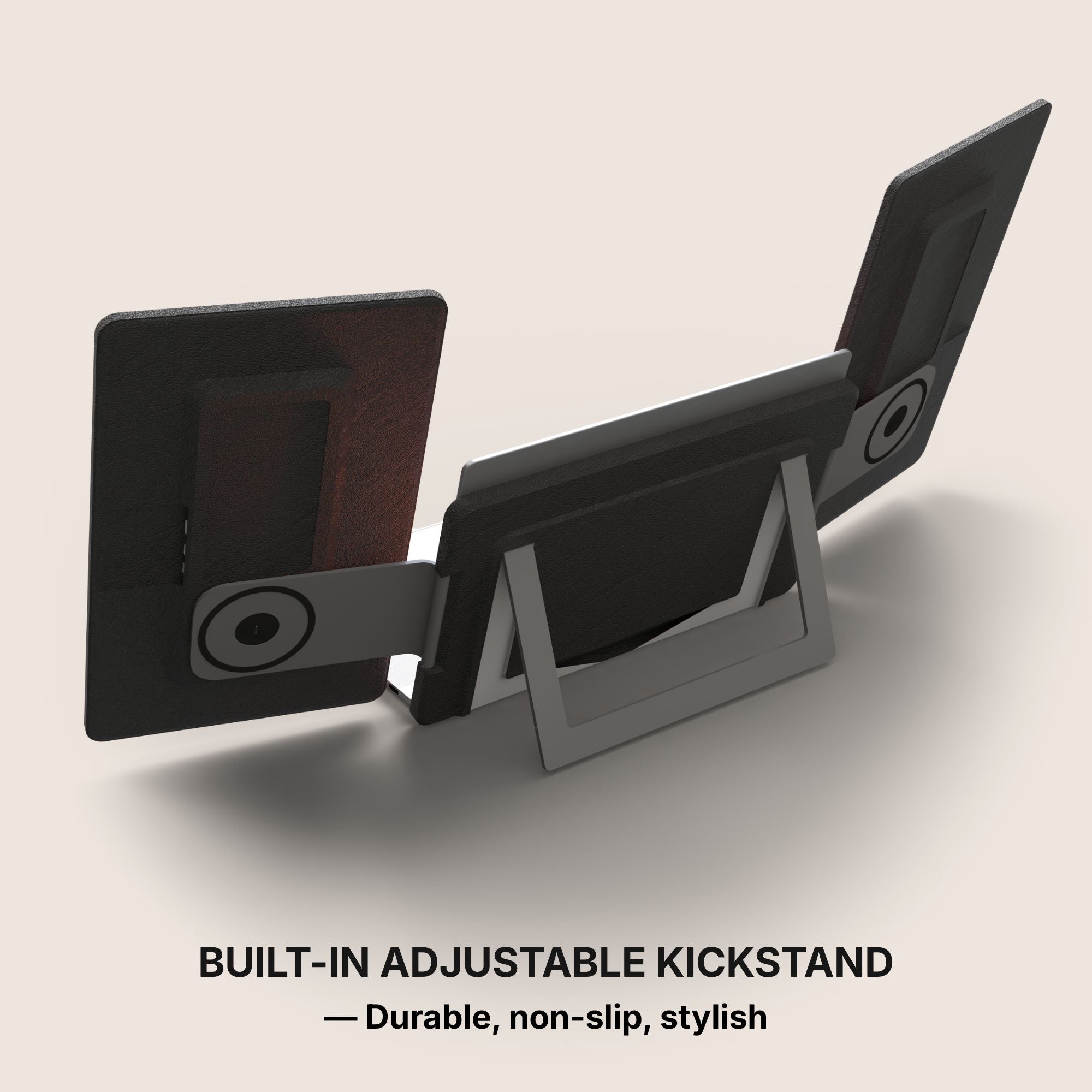
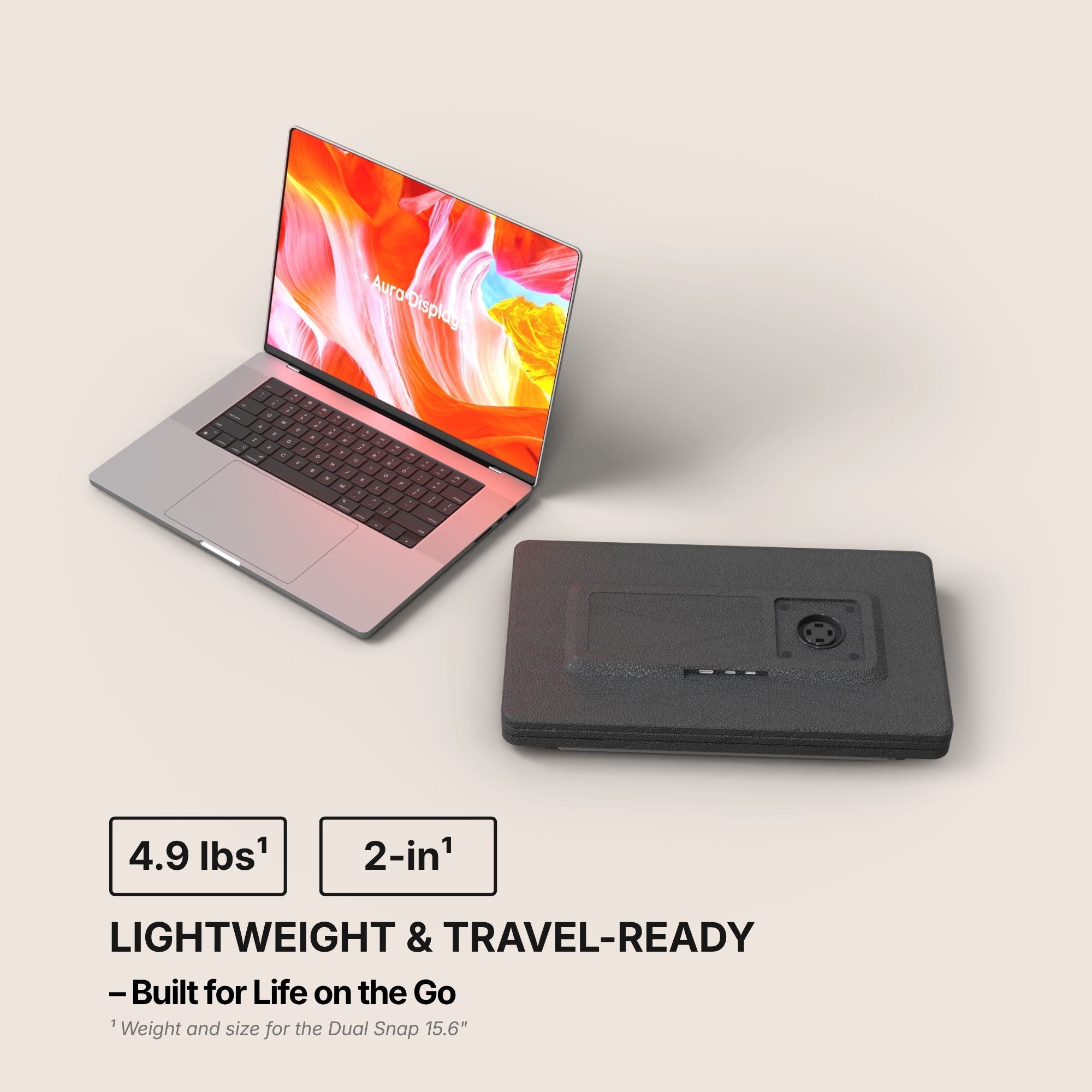
Our recommendation: Dual Snap (Gen 1), from $409. Two attachable panels, plug and play with no driver, 4× USB-C and 2× mini HDMI, 300 nits, in 14" and 16" and up to 2560 × 1440 by variant. The two HDMI inputs are why it is here: console on one panel, laptop on the other, no re-cabling in between. Rated 4.4 out of 5 across 53 reviews.
The cheaper option: Single Boost 15.6" (Gen 2) at $249. One panel, one mini HDMI, 300 nits, and the 3.5 mm jack that settles the audio question outright. Rated 4.79 out of 5 across 137 reviews — the better score, for less screen. If the console is the only thing you will ever plug in, take this one and keep the difference. It is hard to keep in stock, so check the page before planning around it.
Why we are not selling you more. A third panel does nothing for console play: you game on one surface and the spare ends up switched off. Our triples read Software required anyway. No discount code applies to any of this — if you are buying for the 23rd, buy for the ports.













Share: