


This one is for designers working on a laptop — identity, editorial layout, packaging, social assets — who spend half of every session dragging panel groups out of the way to see the thing they are making.
What goes on each screen
Design has a simpler layout problem than most jobs, and a stricter one: the artboard needs to be alone. Everything else is interface, and interface is what keeps eating it.
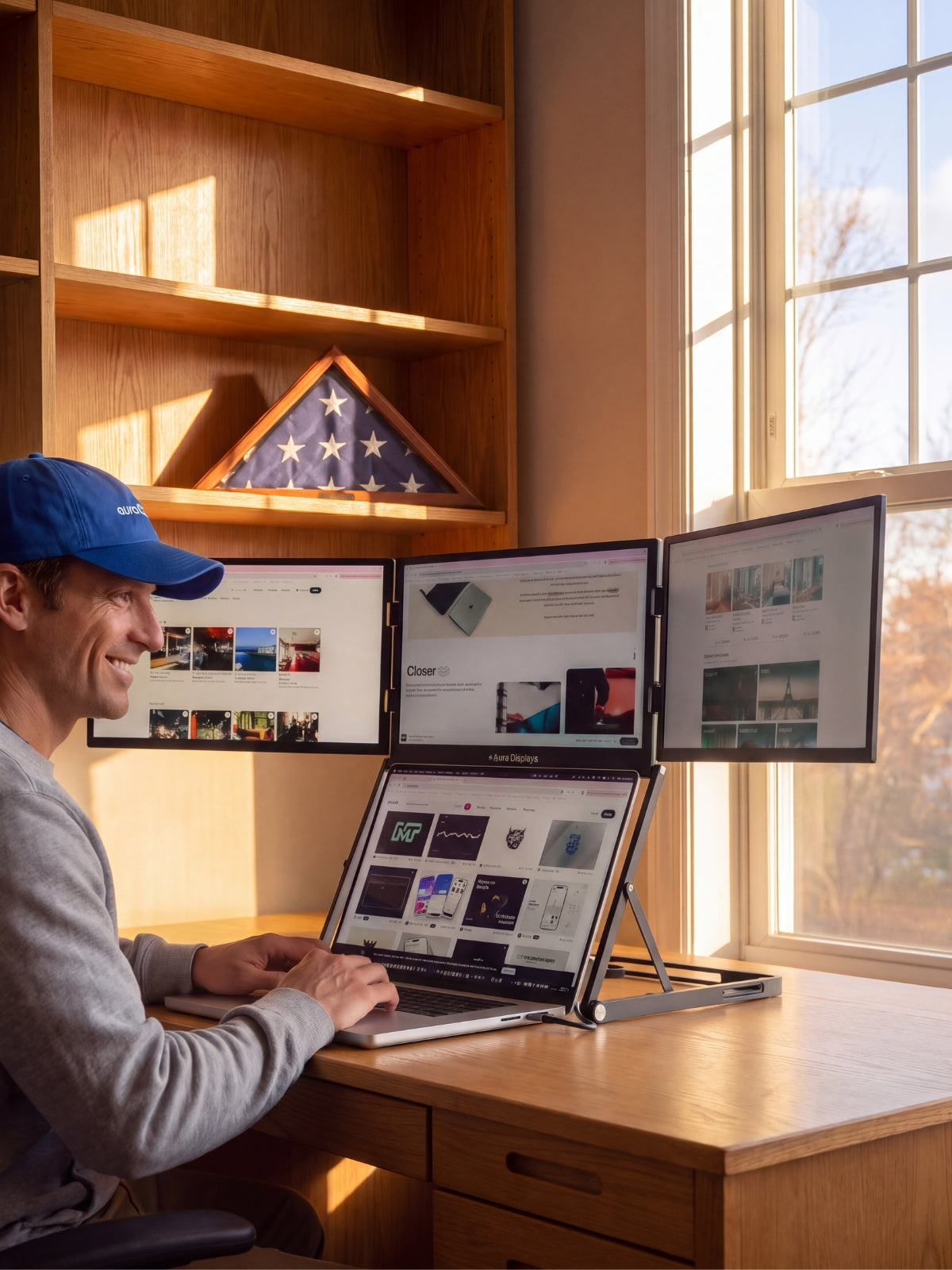
- Your main display — the artboard, and nothing else. The canvas, centred, with as much empty pasteboard around it as you can spare. No docked columns pushing it off-centre, no panel stacks cropping the top. You are judging composition and margin, and both are ruined by a canvas that is not really centred.
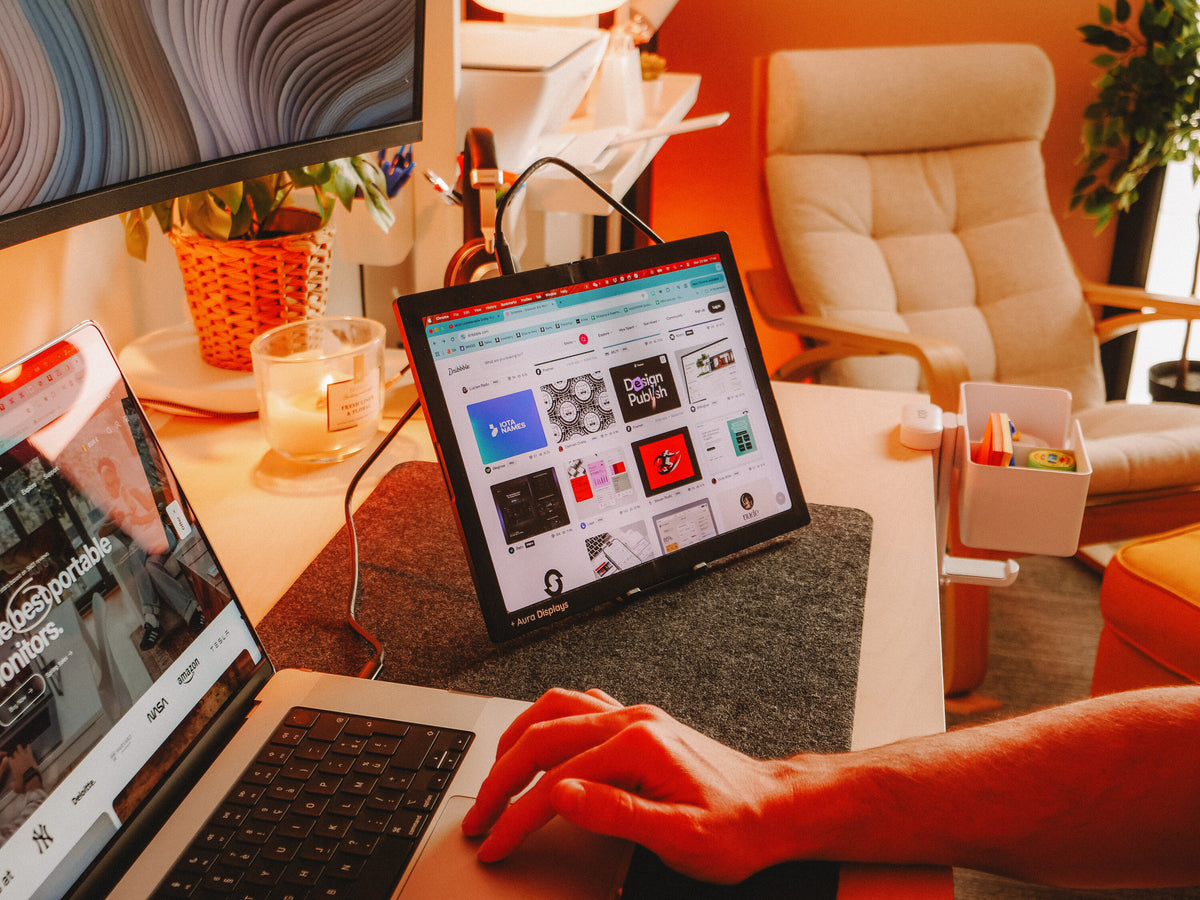
- The second panel — every palette you own. Layers, swatches, character and paragraph styles, appearance, stroke, align, pathfinder, the asset library. All of it, off the canvas screen permanently.
- The third surface — the brief and the references. The client's PDF, the image you are matching, the brand sheet. Things you look at, not things you click.
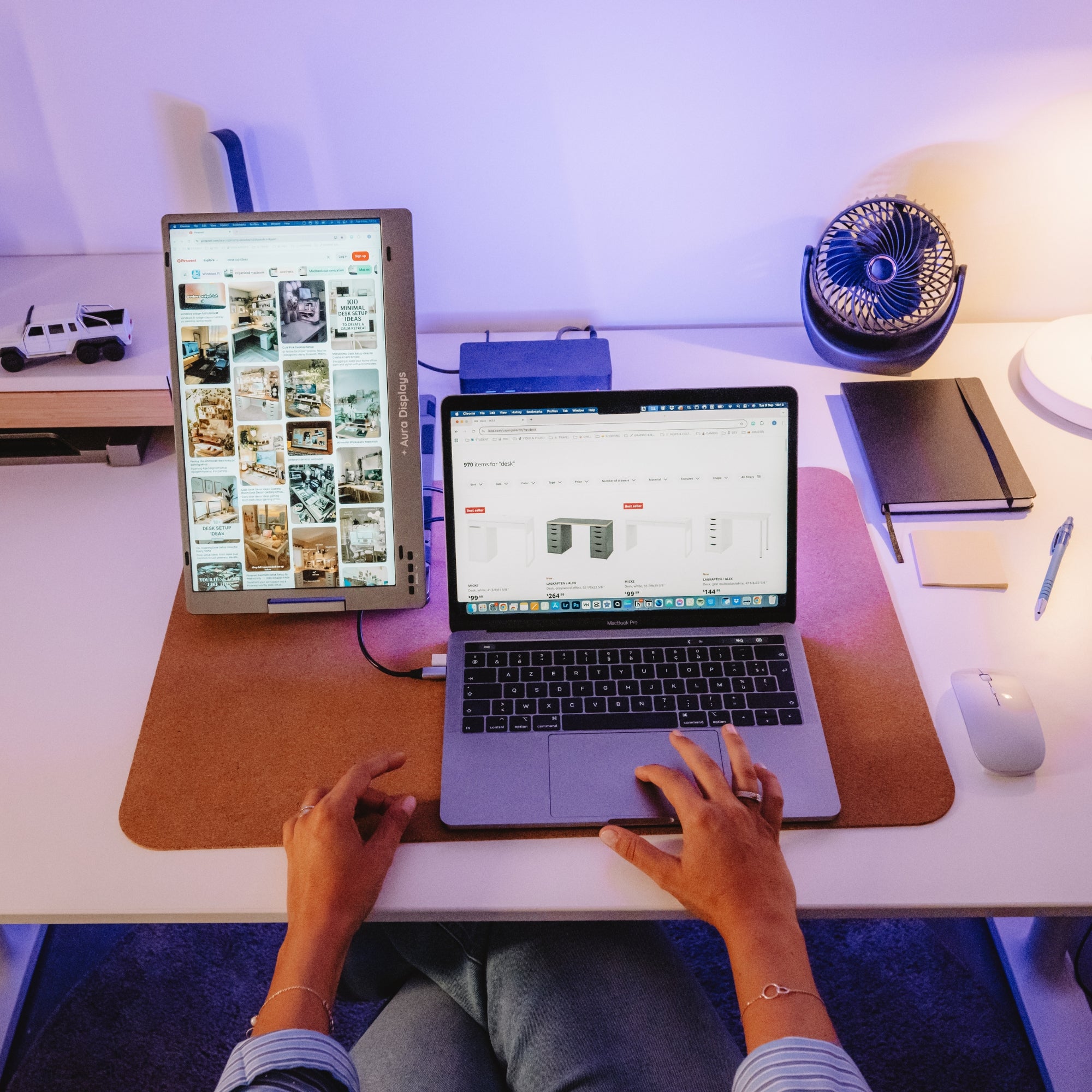
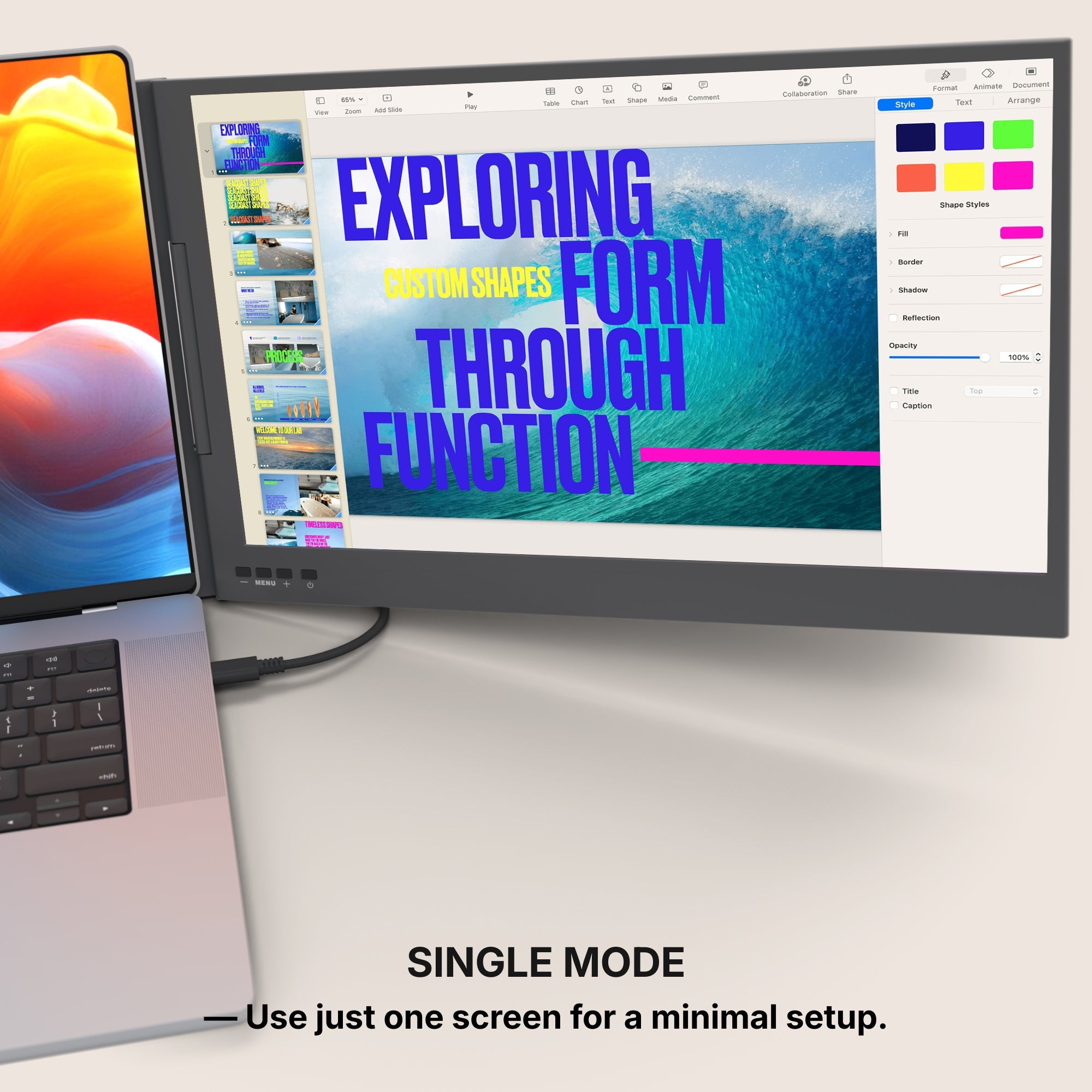
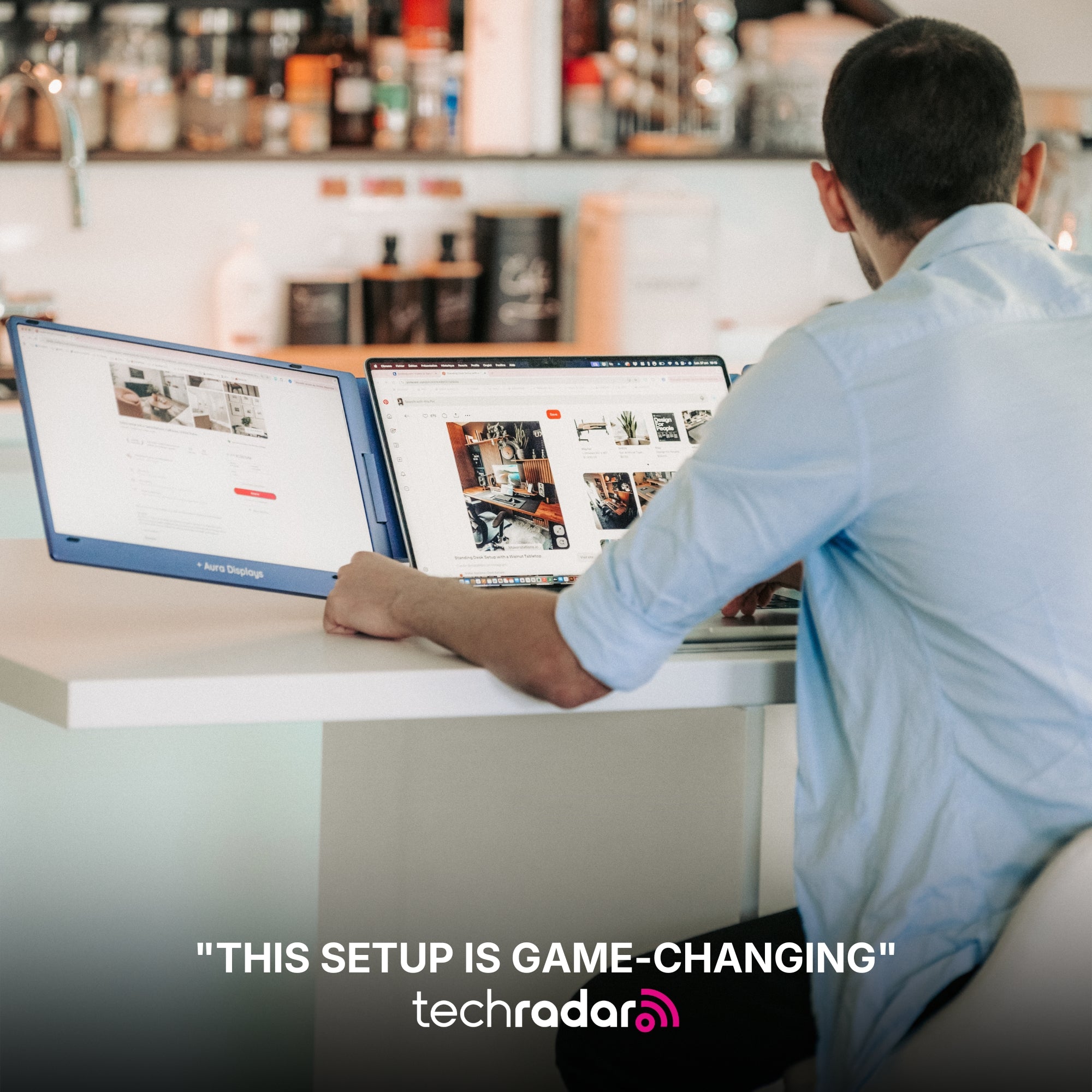
If you only have one extra panel, here is the call that surprises people: the panels go to it, not the artboard. Your laptop screen is the one you know and the one your eye is used to. Keep the canvas there and exile the interface to the new screen. A second screen used as a panel dock is worth more than one used as a second canvas.
The software settings that make it usable
Illustrator. Drag a panel group out by its tab onto the second screen — it floats as its own window and stays there. Once every palette is placed, Window, Workspace, New Workspace, and name it. Two keys worth muscle memory: Tab hides every panel so the artboard is truly alone, Shift+Tab hides all but the toolbar.
InDesign. Same workspace mechanic, but the setting that changes a layout day is Window, Arrange, New Window. It opens a second live view of the same document, so a full-spread view sits on one screen and a 100% type view on the other, scrolling and updating together. Keep Pages and Links floated on the panel screen; W toggles Preview and kills the guides. In Photoshop, the same Window, Workspace, New Workspace saves the arrangement, and F cycles screen modes.
Figma. Ctrl or Cmd and backslash hides the whole interface, turning your main screen into pure canvas in one keystroke. For the panel screen, open the same file in a second browser window and park it there — one window for the canvas, one for the layers tree. Shift+1 fits the page, Shift+2 zooms to the selection.
One setting on the panels themselves. Match their brightness to your laptop display rather than running them brighter — a brighter side panel quietly drags your colour choices toward it.
What these screens will not do for you
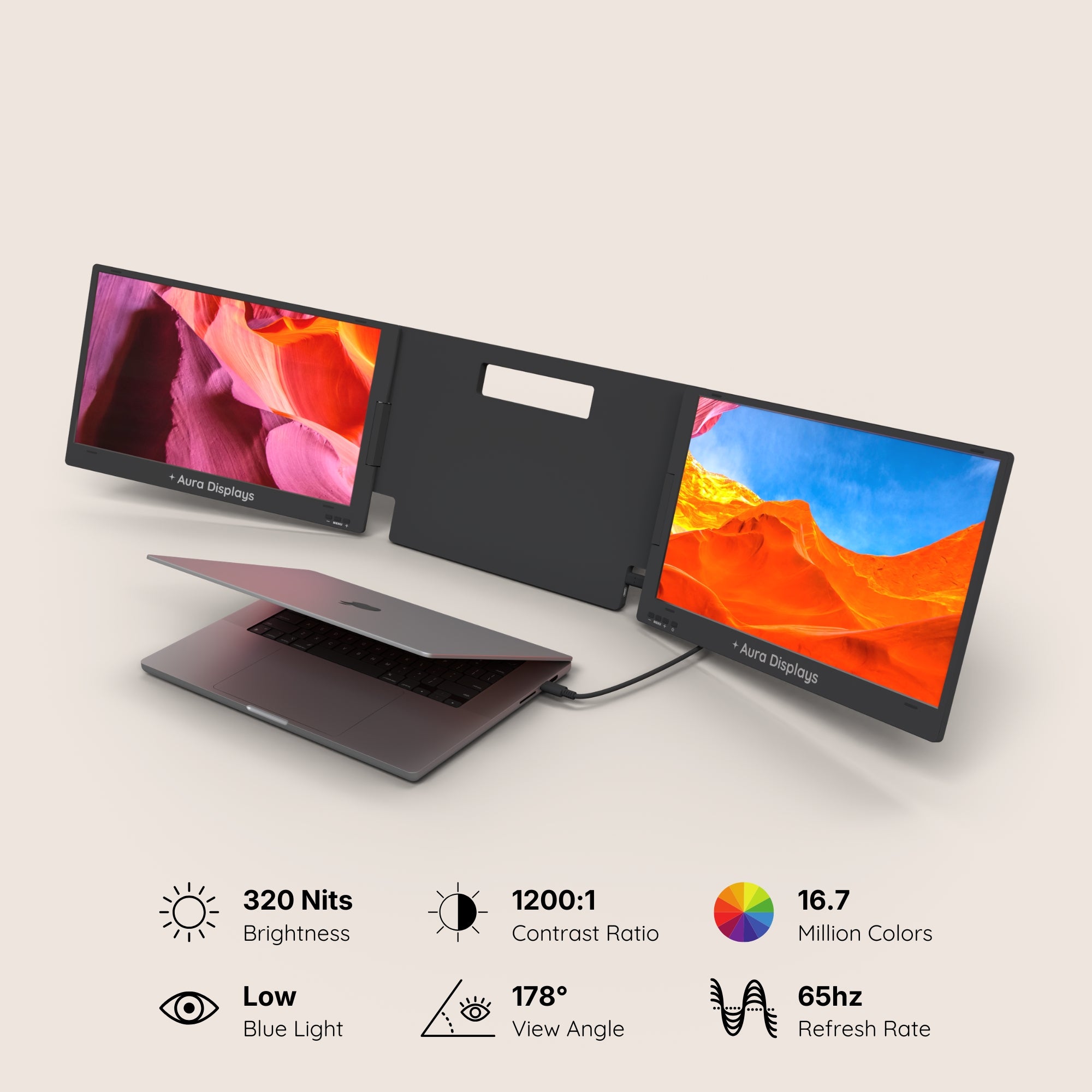
They will not sign off a colour. Our spec sheets give a colour figure as a percentage of NTSC, and the panels here run 280 to 320 nits. What they do not give you is a calibration report, a per-unit measurement, or a Delta-E — because there is not one. That is enough to design on and not enough to approve on. Build the artwork here; validate the colour on a display you have profiled with a hardware probe, and for print, on a contract proof. A client signing off a brand colour is not signing it off on a portable panel, and neither should you.
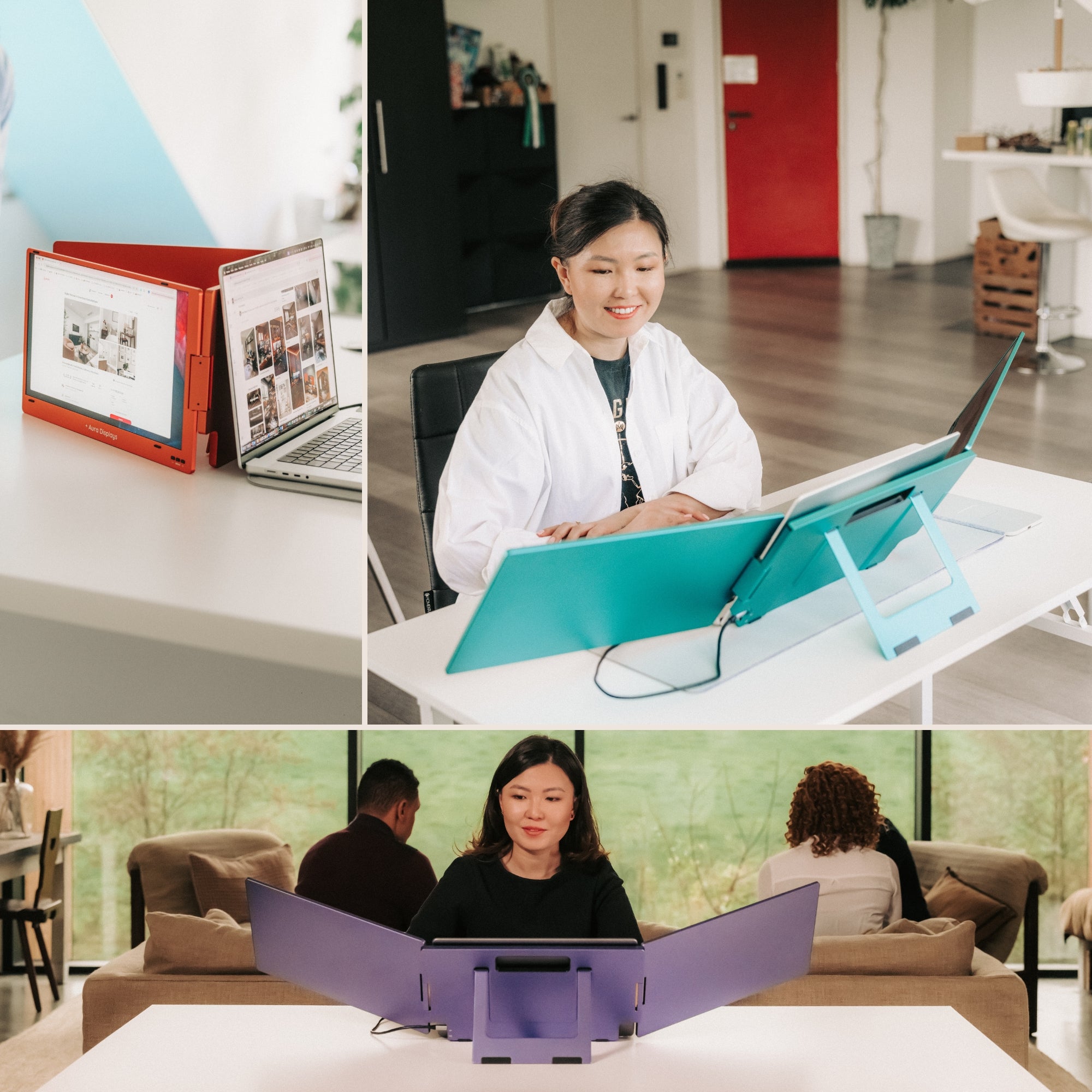
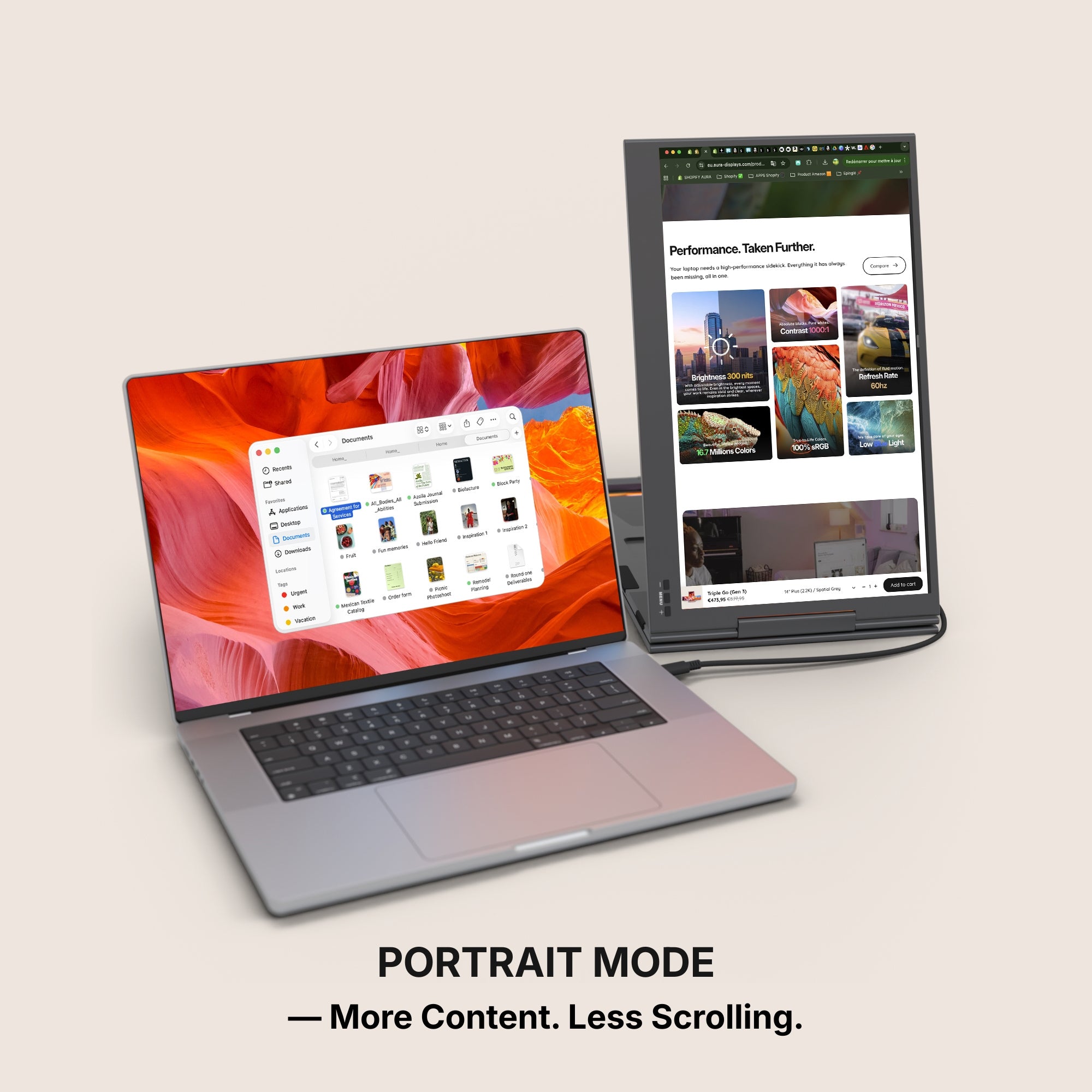
They will not give you a portrait canvas. Worth saying plainly, because designers ask constantly. Our range attaches to the back of a laptop lid in a fixed landscape orientation, and no product page here documents a portrait mount or a viewing angle. If your work is genuinely vertical — long-scroll layouts, posters, mobile screens at full height — the honest answer is a conventional monitor on a rotating arm, not an attached panel.
The setup we recommend, and the cheaper one
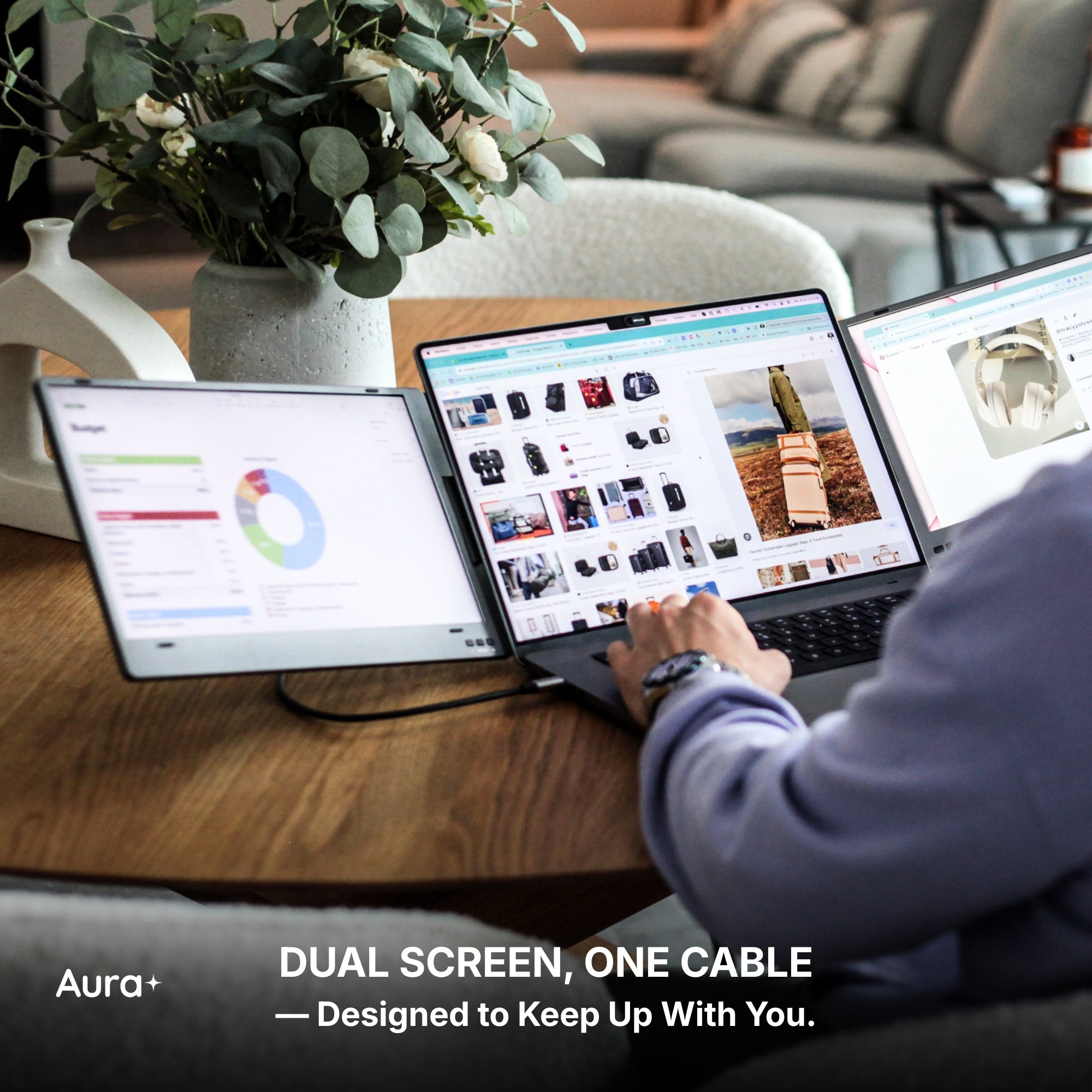
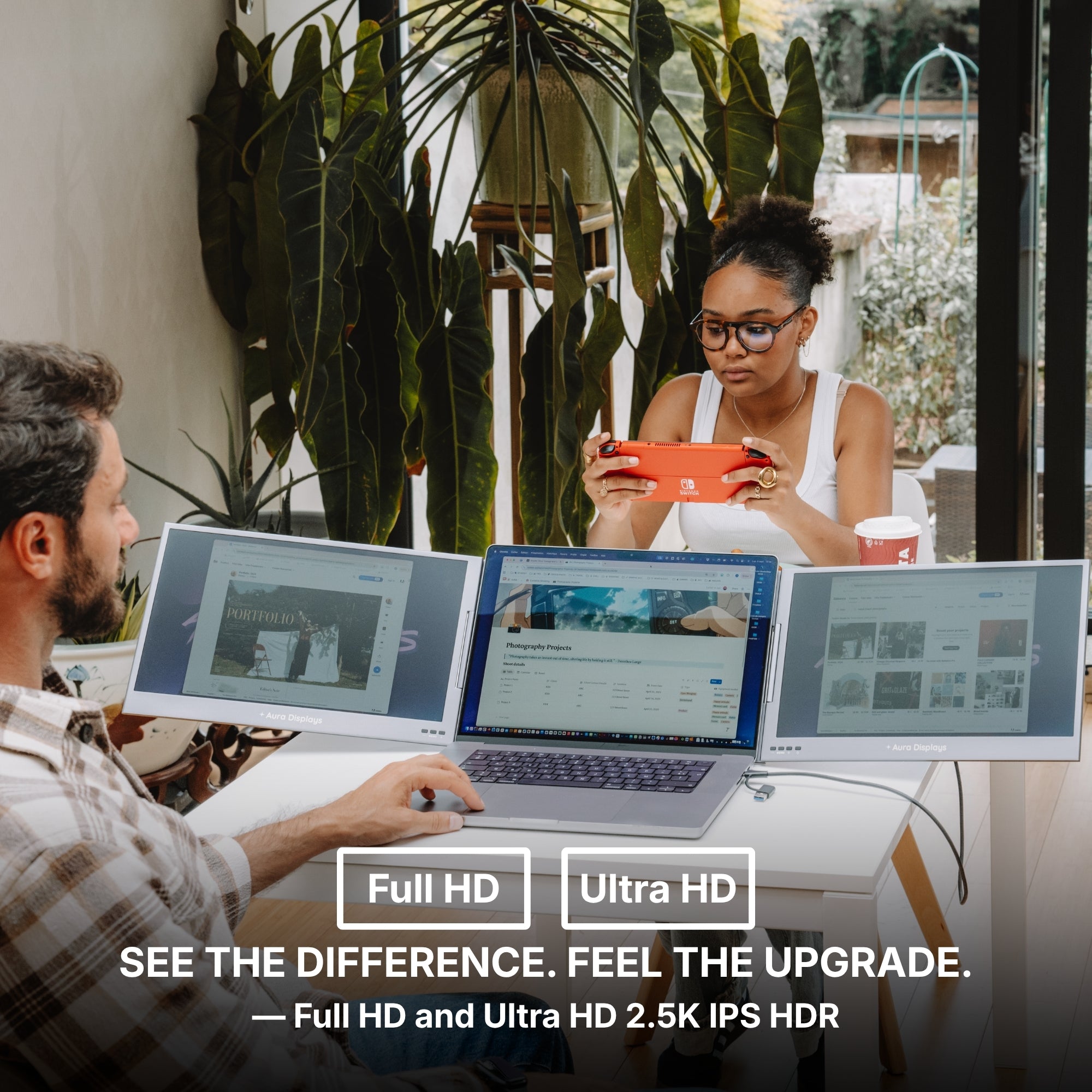
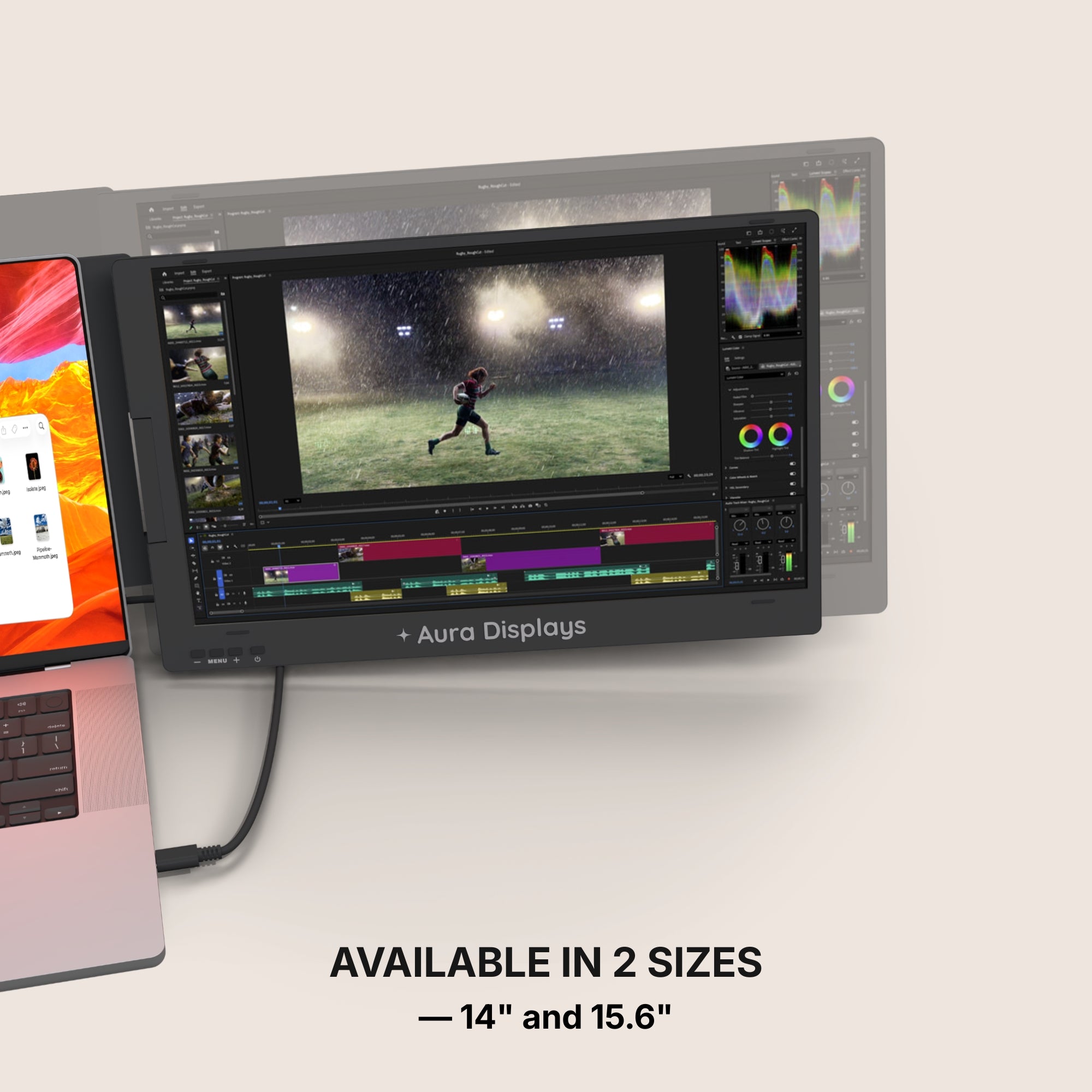
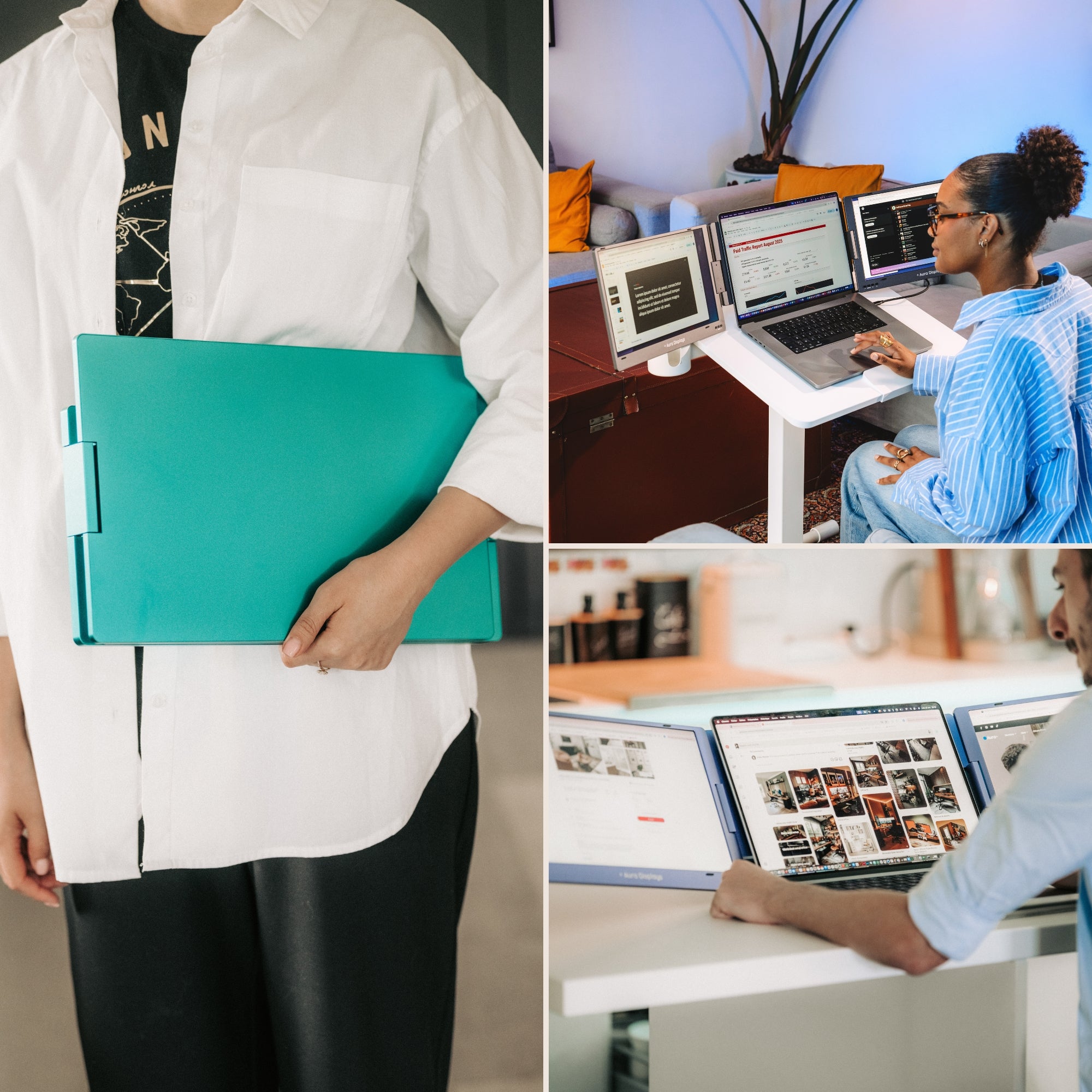
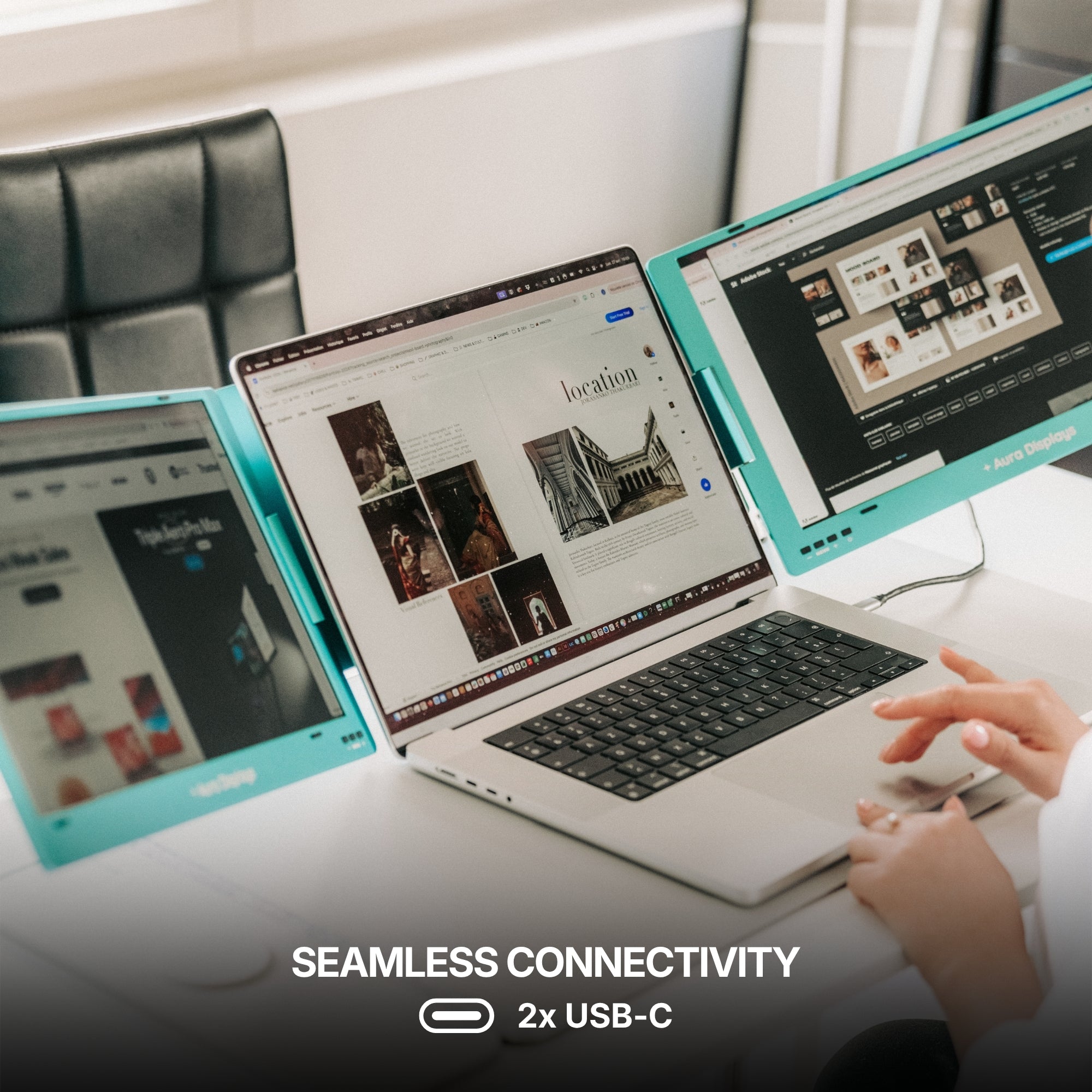
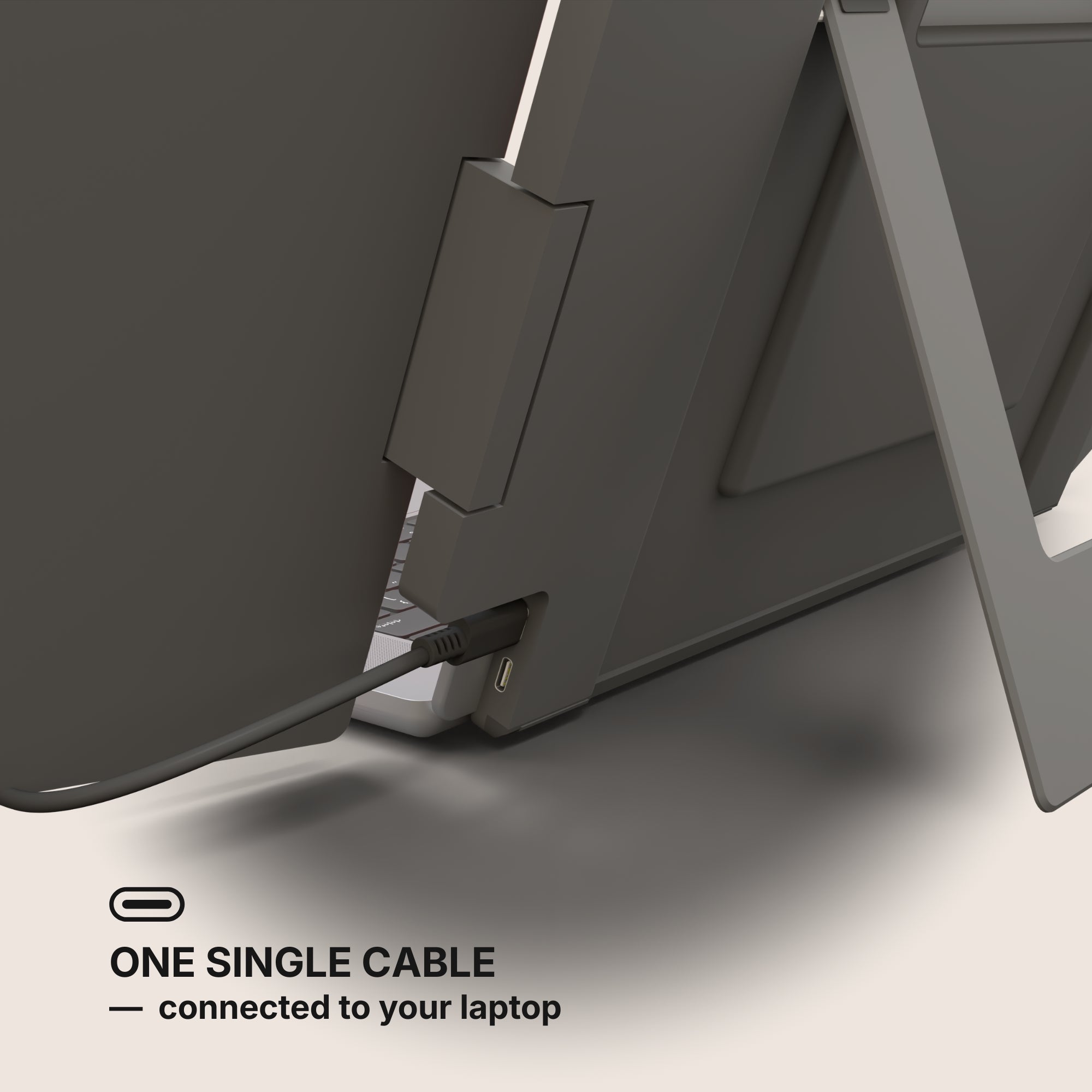
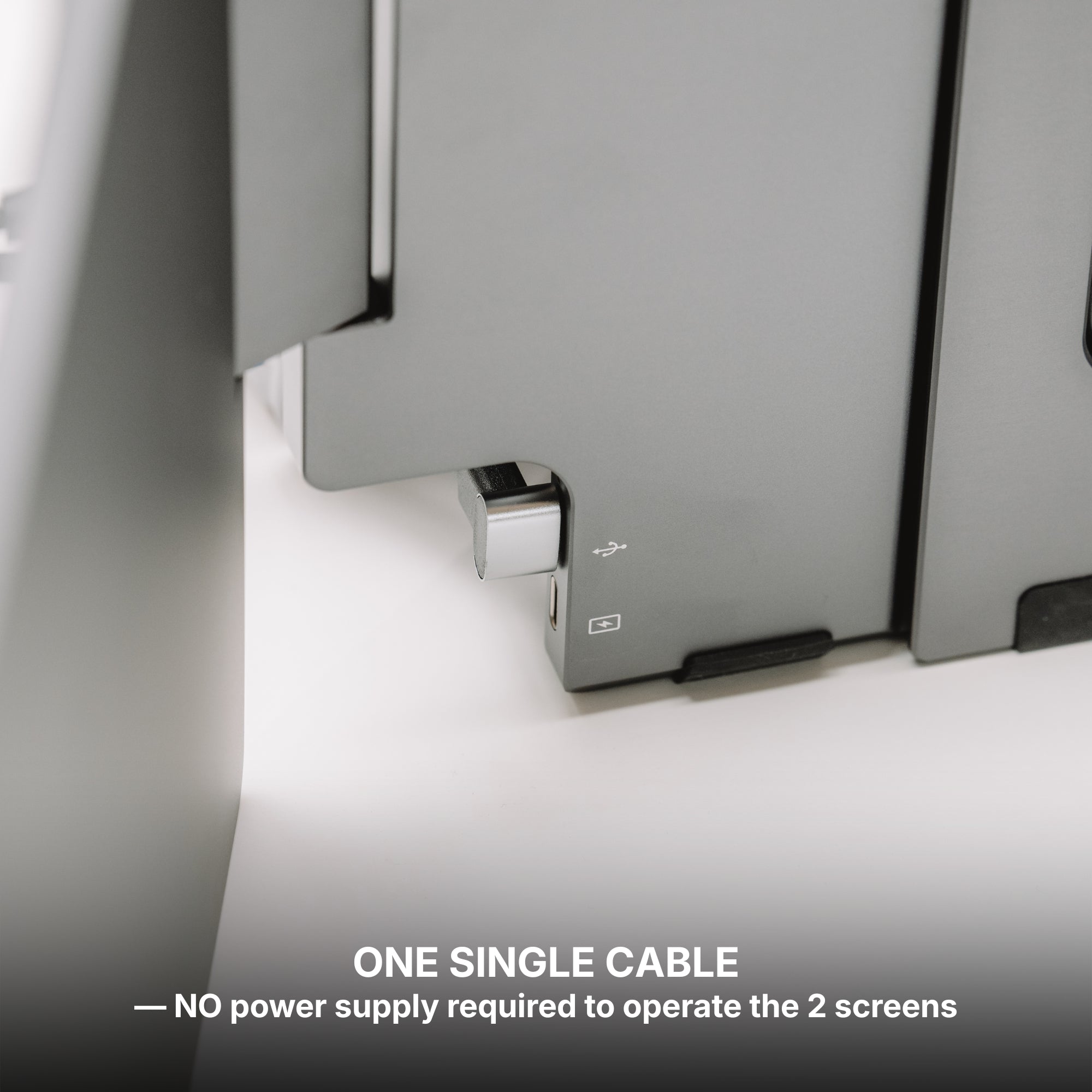
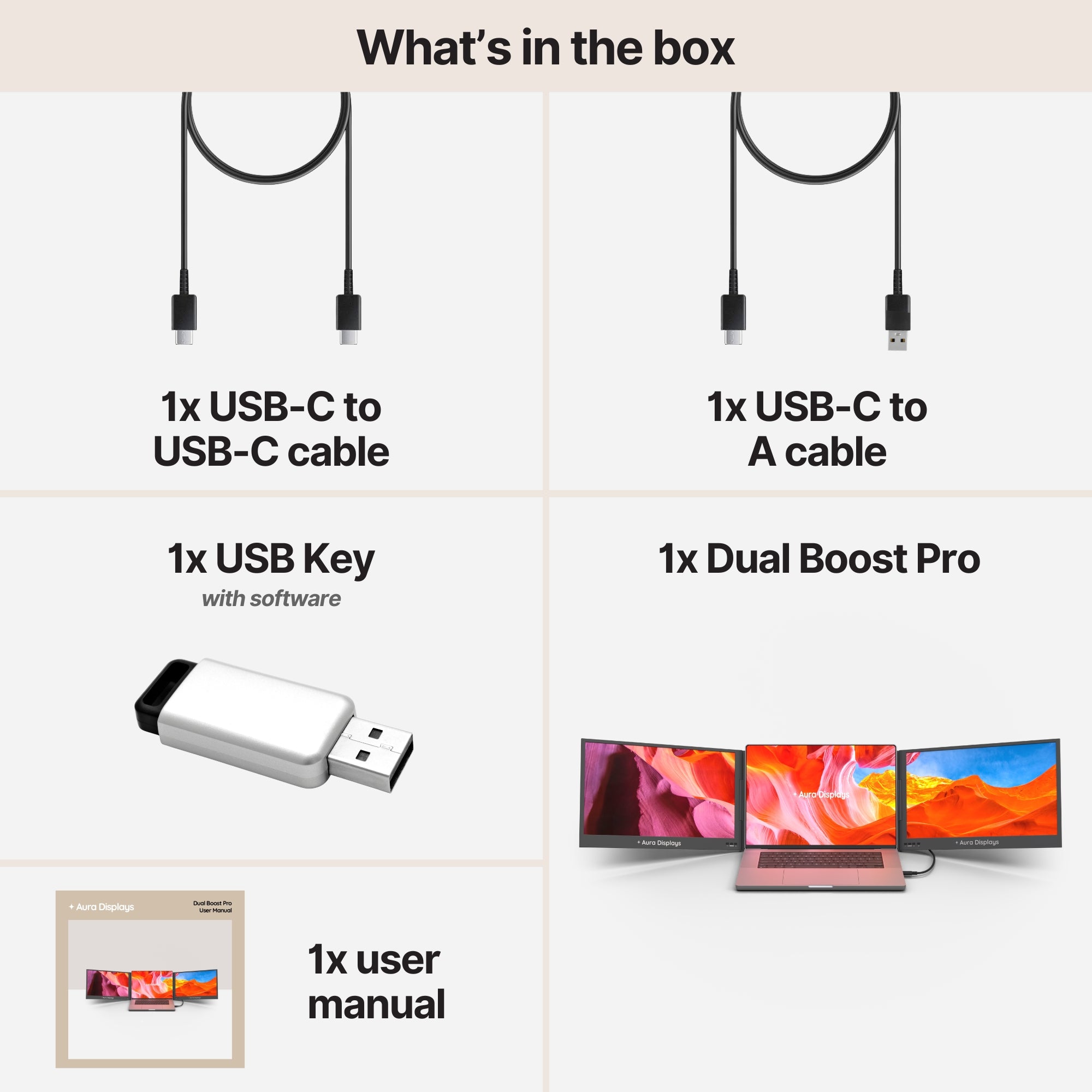
For a designer with a fixed working position, the Dual Boost Pro (Gen 4) is the one we would choose — from $399, and $449 for the standard 15.6-inch pair. Two panels at 320 nits and 1200:1 contrast, driven from a single USB-C port: your laptop gives up one port and gains two surfaces. A 15.6-inch Ultra in QHD 2.5K is there if you want the density for deep palette stacks. Rated 4.8 out of 5 across more than a thousand reviews, the highest in our catalogue.
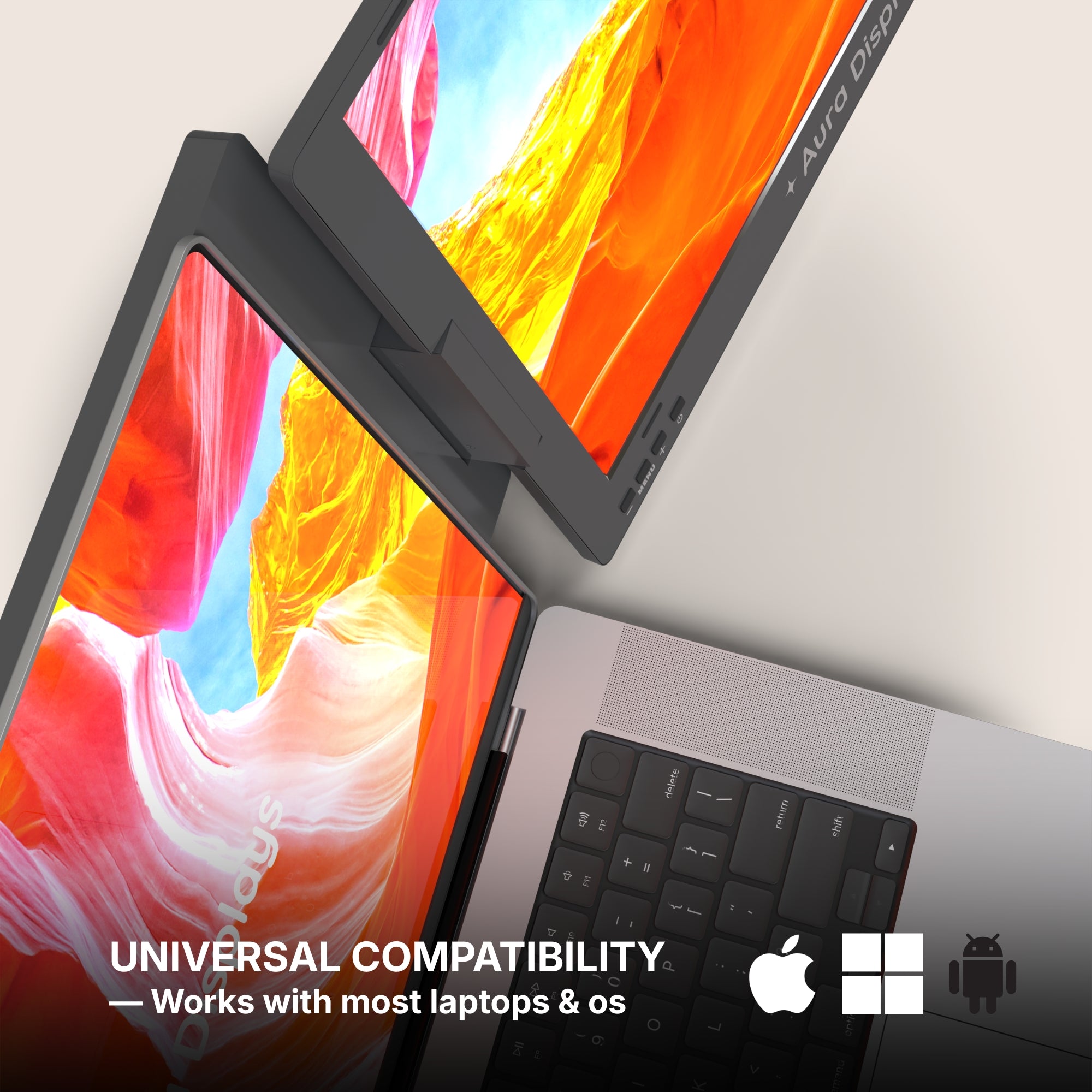
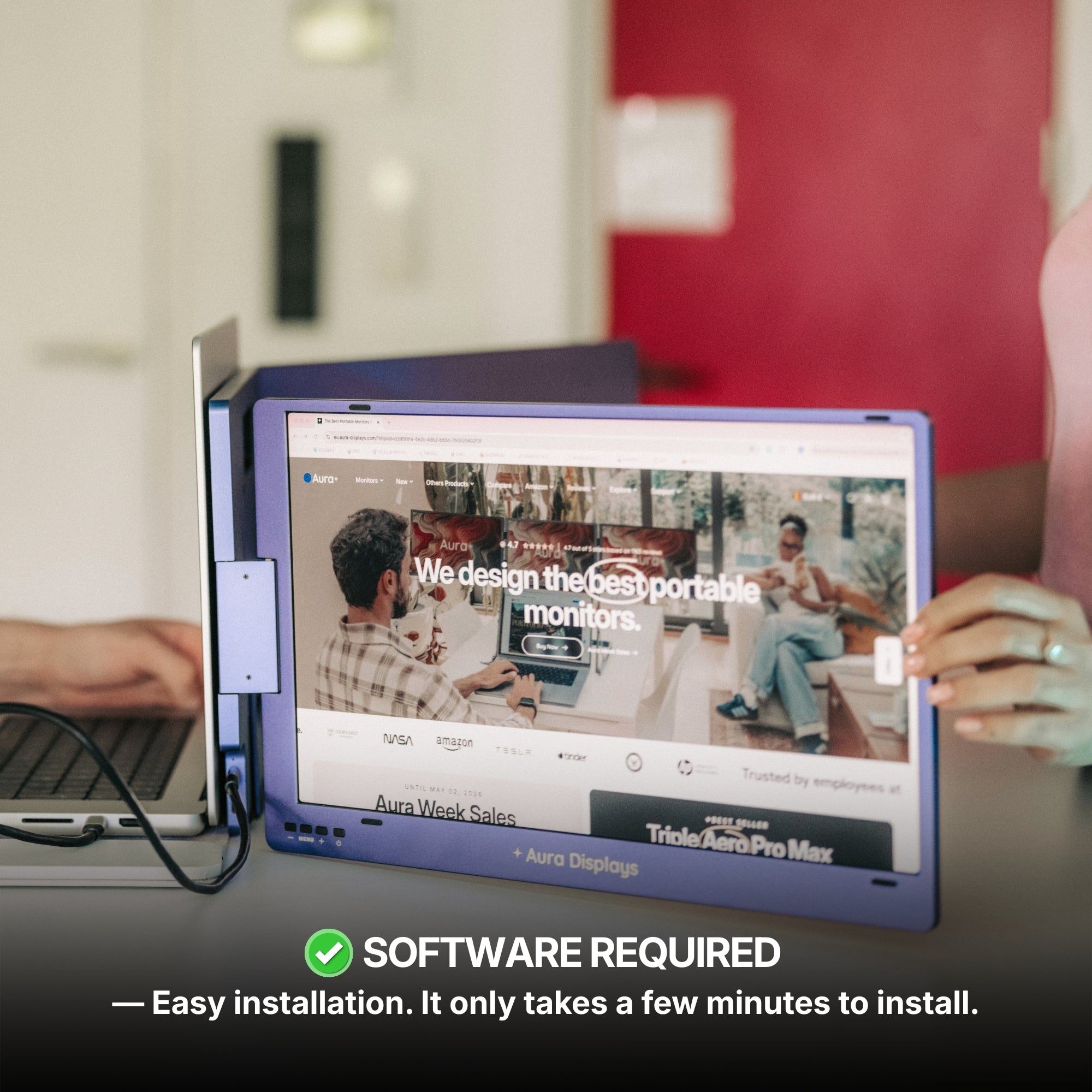
The trade is real and we are not hiding it: this range requires our companion software, and its tested operating systems are macOS, Windows, Android and Ubuntu. On a managed studio machine that will not let you install applications, this is the wrong purchase, and no rating changes that.
In that case, or if you work in more than one place, the Dual Book Pro (Gen 2) from $389 asks nothing of your machine — plug and play, no software, and the 16-inch Plus at $399 runs 1920 x 1200: 120 more rows of palette for ten dollars.
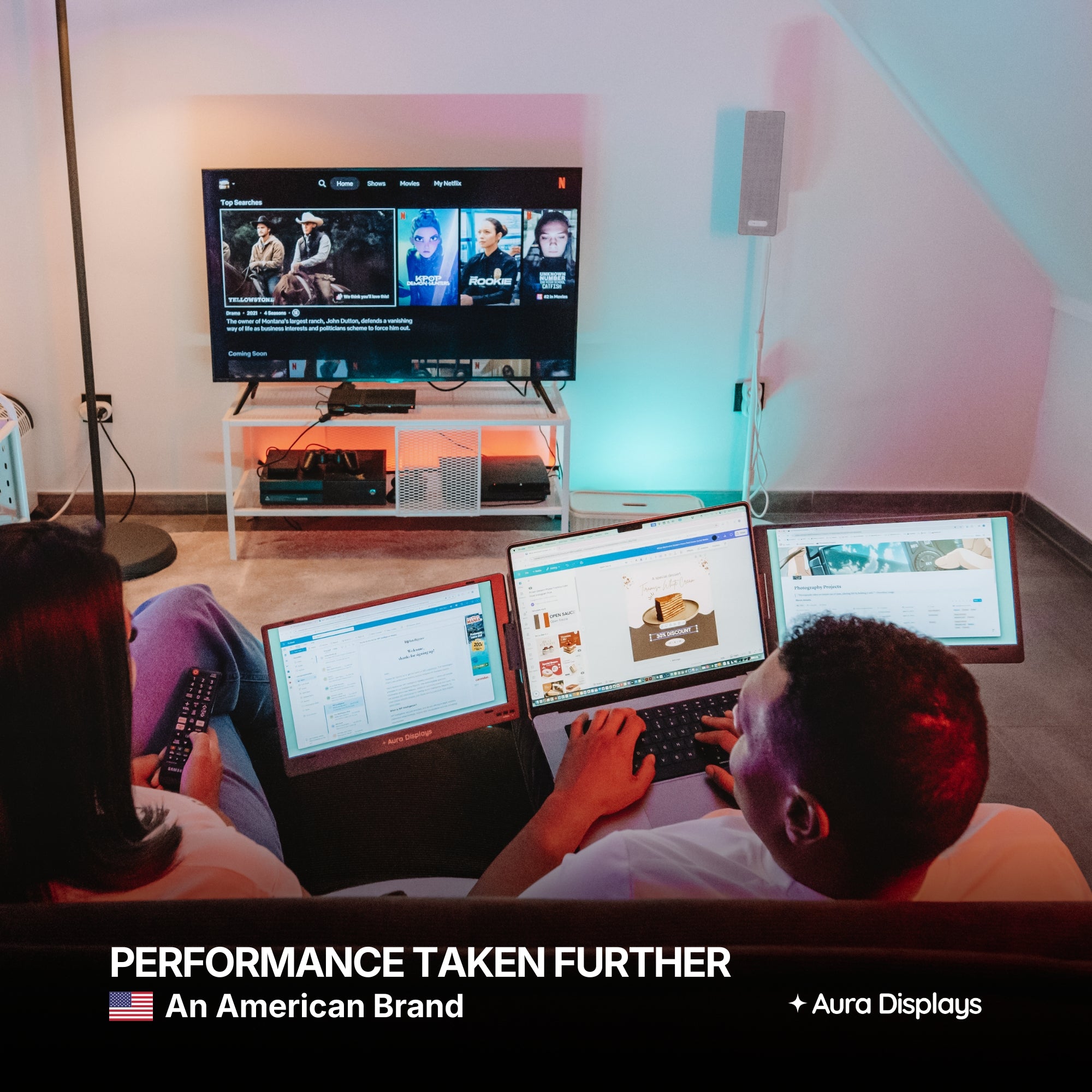
Why we would not push you to three panels: a triple here requires companion software, and that software composes the extra desktops on the same graphics hardware already redrawing your live effects, gradient meshes and smart objects. Two well-arranged surfaces beat three contended ones.











Share: