


You already know how frustrating it feels when tabs pile up, windows overlap, and notifications keep popping up while you are trying to focus. Every time you switch between applications, your concentration breaks, your workflow slows down, and small tasks suddenly feel overwhelming. A dual-screen laptop setup gives you more room to think, create, and build without constantly interrupting your momentum, allowing you to see everything you need immediately, stay organized, and move through projects with far greater ease and clarity.
Why Does Screen Space Directly Affect Your Workflow?
Every time you switch between tabs, your brain takes a moment to refocus. Those small pauses add over an hour of work. When you can see more information immediately, you spend less time navigating and more time doing meaningful work. This is especially important when deadlines are tight and accuracy matters.
Recent productivity studies show that professionals working with multiple displays complete tasks faster than those using a single screen, mainly because they reduce context switching. In daily work, that means fewer mistakes and smoother progress.
How Content Creators Work Smarter With Two Screens
As a content creator, your tools are rarely simple. You might be editing video, adjusting thumbnails, referencing briefs, and responding to feedback all in one session. With added display space, your workflow becomes visually organized instead of cluttered.
From a Creator’s Desk Perspective
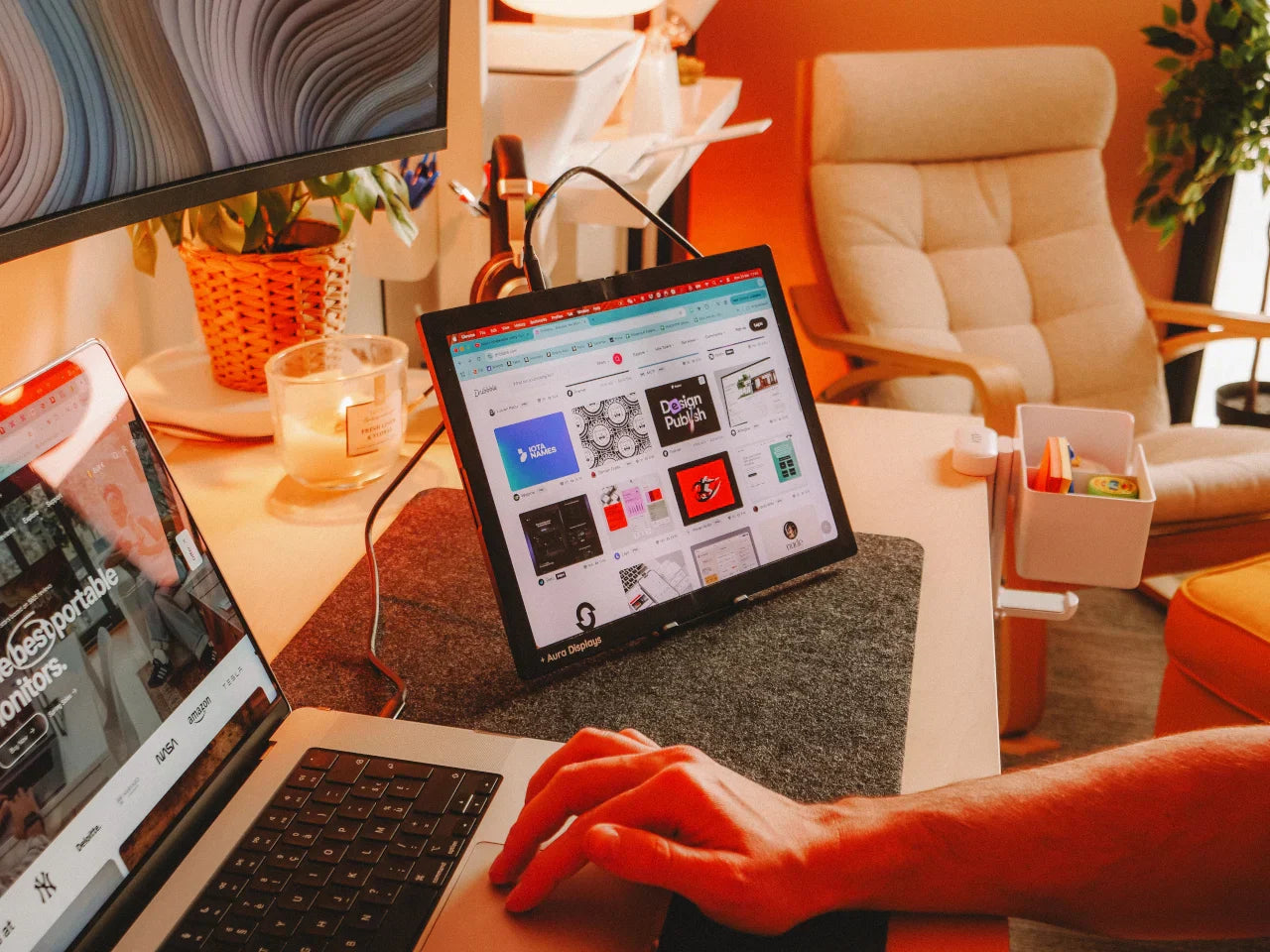
You can keep your editing timeline open on your main display while previews, assets, or scripts stay visible on another. This setup helps you make quicker creative decisions because nothing important is hidden. If you use a laptop screen extender, it integrates naturally with your existing setup and stays portable enough for remote work.
The result is less friction between ideas and execution, which matters when creativity depends on flow rather than speed alone.
Why Developers Gain More Than Just Convenience?
As a developer, your productivity depends on visibility. You often need to view code, logs, documentation, and live previews at the same time. When everything fits on one screen, compromises are inevitable.
With additional screens, you can:
-
Write and review code without shrinking windows.
-
Monitor application output without covering your editor.
-
Debug faster because relevant information stays visible.
This setup reduces mental load. Instead of remembering where something is, you see it instantly. That clarity helps you catch issues earlier and write cleaner solutions.
From a Developer’s Workflow Management
You can keep your main integrated development environment open on one screen, your terminal and live preview on another, and reference documentation or task boards on a third if needed. For full-stack projects, this arrangement allows you to move between front-end, back-end, and testing environments seamlessly. By having a dedicated screen for logs or error monitoring, you catch problems in real time, avoid context switching, and maintain focus on coding tasks.
Collaboration Made Easier
Dual screens also improve collaboration for developers. You can keep a video call or screen-sharing session on one monitor while simultaneously editing code on another. This allows you to respond to peer reviews or live debugging requests without pausing your workflow.
Portable Multi-Screen Setups That Fit Modern Work
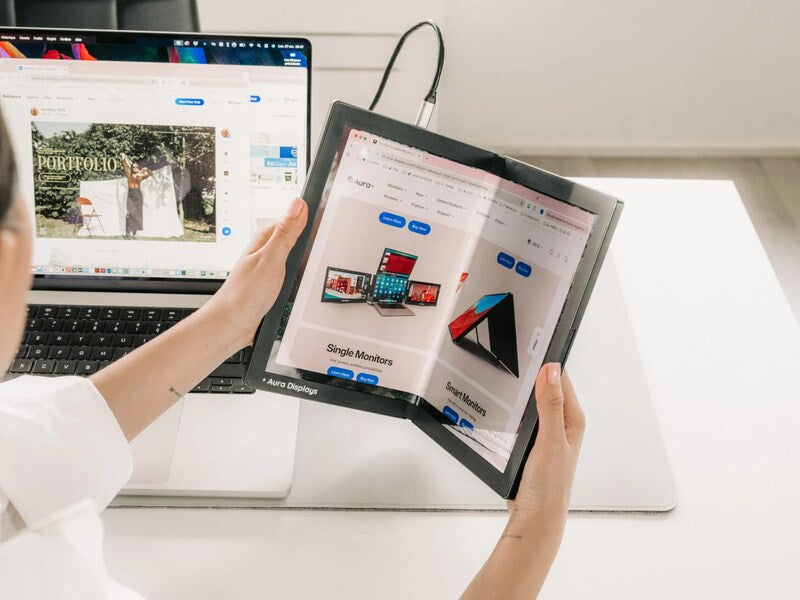
You do not need a fixed workstation to work efficiently anymore. Many professionals now rely on compact add-on displays that travel with them. Aura Displays focuses on portable designs that attach directly to your laptop, making setup quick and reliable, whether you are at home or on the move.
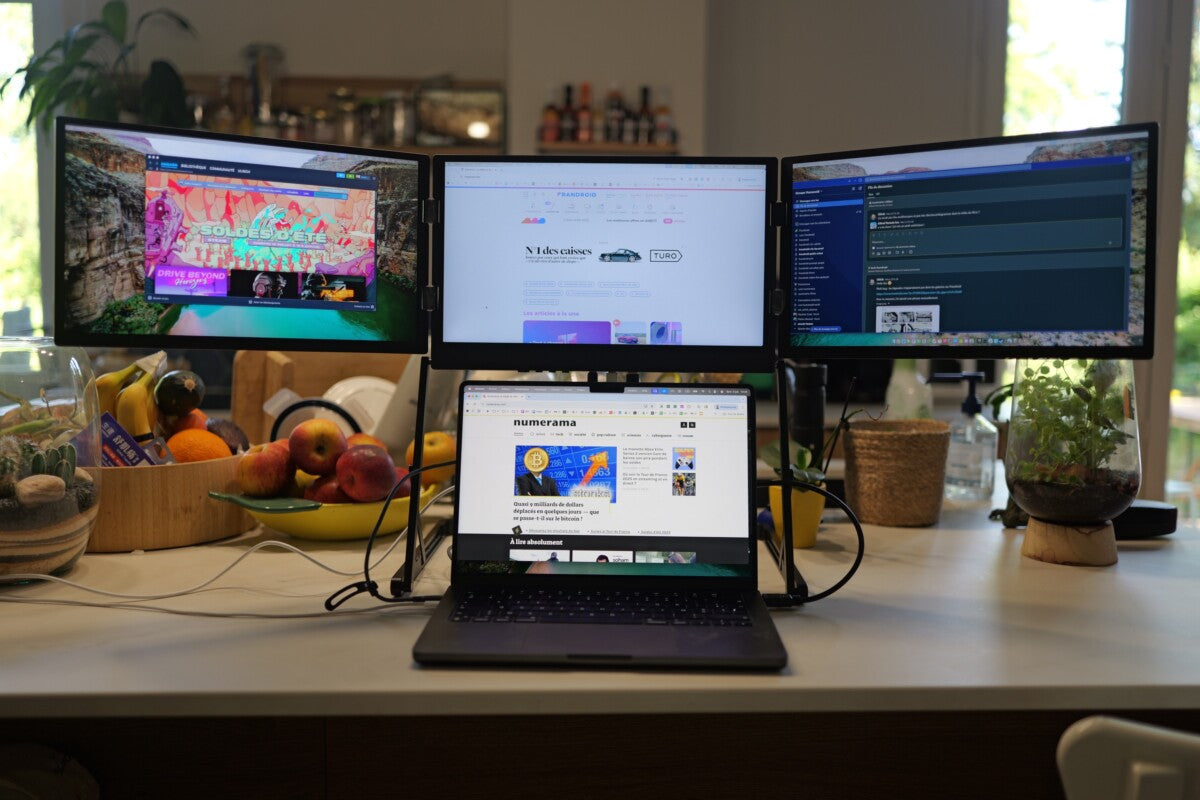
Some users even prefer a triple-screen laptop extender when managing complex projects, such as full-stack development or large-scale design work. Having dedicated screens for separate tasks creates a structured digital workspace that mirrors how you think.
How This Changes Your Daily Routine
Once you adjust to working with multiple screens, going back feels restrictive. Tasks that used to take several steps become more direct. You review, edit, test, and communicate without breaking concentration. Over time, that consistency leads to better output and less end-of-day fatigue.
You are not just adding screens; you are reshaping how your attention is used throughout the day. When your tools adapt to your workflow instead of the other way around, the difference shows in both your results and your energy level. Aura Displays’ dual monitor solutions make this change effortless, giving you seamless, portable, and high-quality screens to optimize your workflow.





Share: