


If you are studying in today’s digital world, you are juggling far more than textbooks. You are switching between video lectures, notes, research tabs, class forums, and project tools. One laptop screen can feel crowded fast, making every task compete for space. That is when a portable monitor for a laptop becomes a simple, practical addition that makes studying feel more organized and less stressful.
Actually, more students now rely on digital platforms than ever before. Whether you are using Google Classroom, Canva, Notion, or Zoom, your study routine depends on visual space. That is why portable monitors have quietly become one of the most useful study tools for modern learners, helping you manage multiple tasks without constantly switching windows.
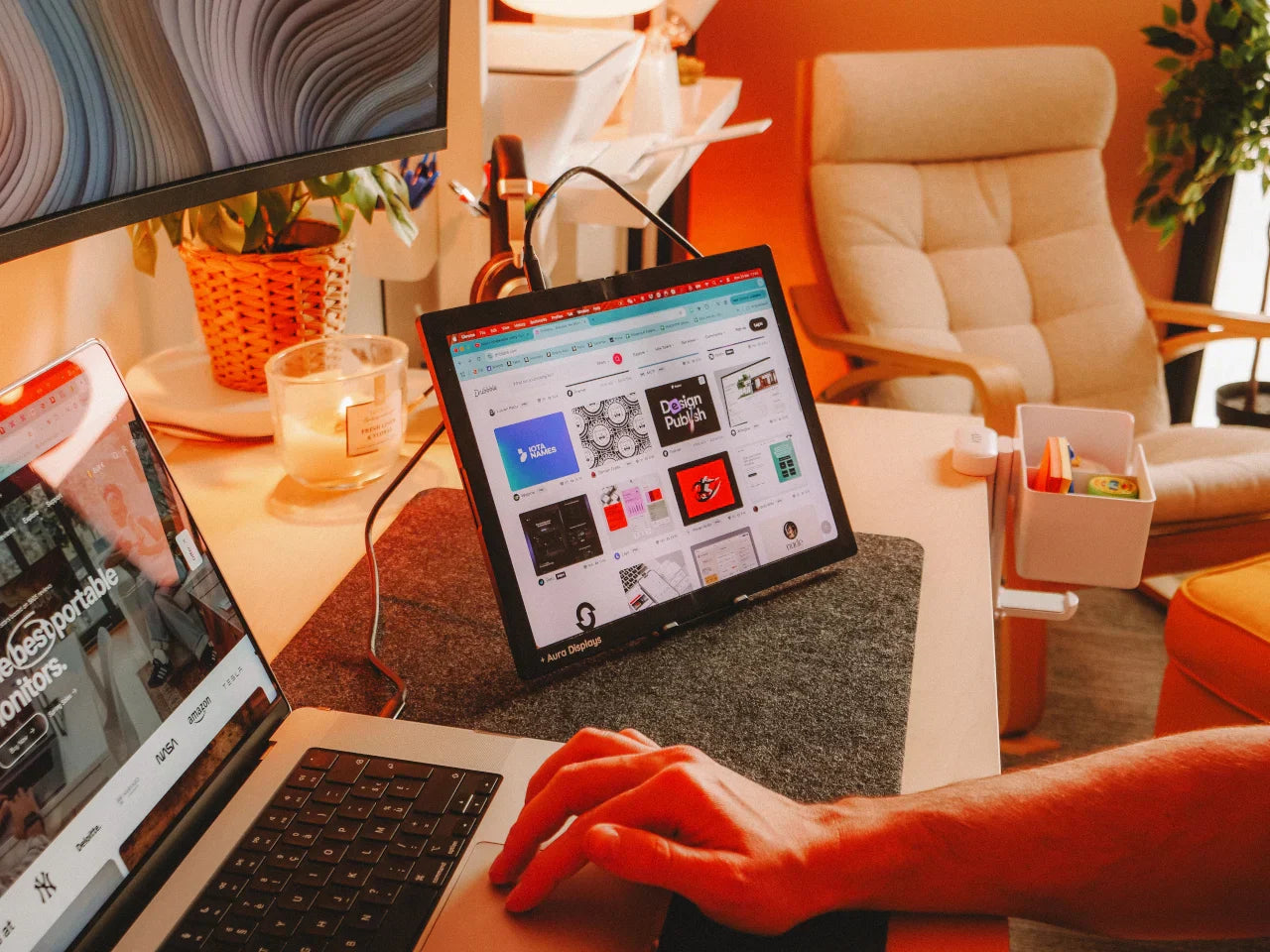
With hybrid and remote learning on the rise, a single screen often is not enough. Taking notes while watching lectures, comparing research papers, or following online tutorials becomes far easier when you dedicate one screen for reference and one for active work. Portable monitors provide that flexibility, allowing you to create an organized and productive study setup wherever you are.
Why the Traditional Single-Screen Setup No Longer Works?
Modern courses require you to switch between apps, PDFs, presentations, and online tools constantly. When everything overlaps on one display:
-
You lose focus more easily.
-
You waste time switching between windows.
Your study habits are not the problem; the setup is.
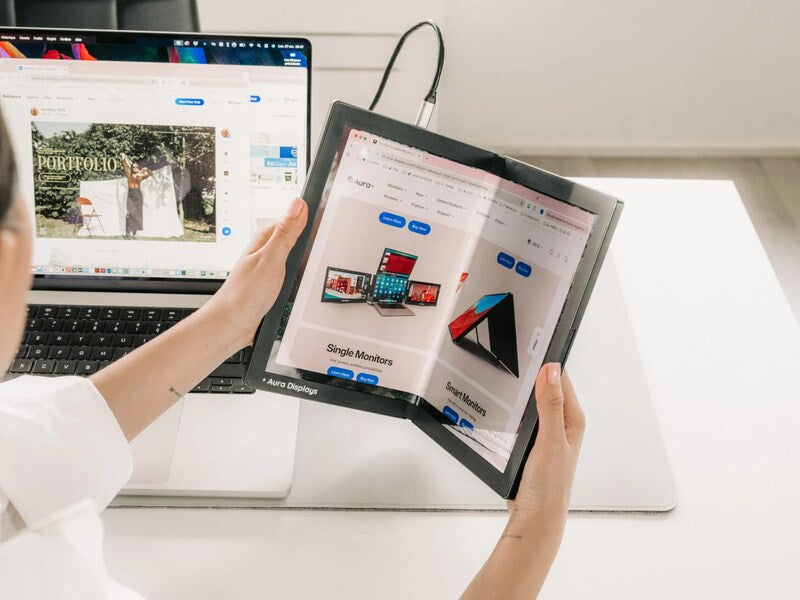
Portable monitors from Aura Displays are designed for moments like these, when your work requires more space than your laptop can offer.
Another hidden issue: constant tab-switching increases mental fatigue. Although you do not notice it, your brain works harder when it cannot see everything immediately. With a second screen, your workflow becomes smoother and far less draining.
How a Portable Monitor Changes Your Learning Flow
1. Keep Lectures and Notes Visible at the Same Time
Your lecture video stays open on one screen while your notes remain ready on the other. No minimizing windows. No swapping apps every few minutes. You follow explanations more clearly and capture details faster because your eyes stay on the material.
This is especially useful for recorded classes where instructors move quickly. With a portable monitor, you stay one step ahead instead of pausing every few minutes to switch windows.
2. Make Research Smoother and Less Stressful
Writing a paper? Keep your sources open beside your document. Read and write side by side, saving time and reducing mistakes. References stay in sight, so you never lose track of important ideas or statistics.
3. Handle Complex Subjects with Ease
Some subjects require space to work efficiently:
-
Coding lessons
-
Case studies
-
Medical diagrams
-
Engineering references
-
Art and design tools
An additional screen lets you follow instructions as you complete each step, without losing your place. Aura Displays models are bright, clear, and designed for long study sessions.
Students who use dual screens often finish tasks faster because they do not have to constantly break concentration to switch views.
4. Keep Group Projects Organized
Sharing one laptop screen during group work can feel cramped. A portable monitor lets you open visuals on one display while keeping your notes ready on the other.
It is also helpful during video calls, with one screen for the meeting and one for your work, so collaboration feels smoother and more efficient.
5. Organize Your Study Materials Visually
Two screens naturally encourage cleaner study habits:
-
Main task on your laptop
-
Supporting content on your portable screen
Everything is laid out clearly, helping you avoid the common problem of forgetting where you saved something or which tab you had opened.
A Study Tool That Fits Into Your Lifestyle
You move constantly between dorm rooms, libraries, cafés, and study lounges. Carrying a full monitor is not practical. A portable monitor slips into your backpack, sets up in seconds, and works wherever you go.
Aura Displays focuses on lightweight builds and simple plug-in connections, so you are not weighed down.
Many models now run directly through USB-C, requiring no extra power cable. This makes them perfect for study sessions on the go and ideal as a reliable laptop screen extender when your workload increases.
Real-Life Scenarios Where a Portable Monitor Helps
You will notice the difference in moments like these:
-
Exam season: Keep past papers open while reviewing notes.
-
Online courses: Watch videos without covering your workspace.
-
Language learning: Keep vocabulary lists open while practicing.
-
Business or finance classes: View charts and spreadsheets simultaneously.
-
Design programs: Keep tools and canvas separate for better workflow.
Even simple tasks like organizing schedules or checking announcements become easier with extra screen space.
Why Do Students Trust Portable Monitors Today?
It is not about being tech-savvy. It is about learning with less friction. A comfortable, organized workspace keeps your brain engaged longer. You understand more, remember more, and finish tasks faster.
Aura Displays has become a preferred choice because the designs are lightweight, sharp, and built with modern learners in mind.
Another reason students choose them? They work on studying, gaming, movie nights, presentations, and creative projects.
Take Your Study Sessions to the Next Level
Once you experience a two-screen setup, it is hard to go back. Concepts are easier to grasp because materials do not compete for space. You focus longer because you are not constantly switching windows, and you feel more in control of your workload.
A portable monitor does not change what you study; it changes how smoothly you move through each task. Once you experience that difference, it becomes a tool you rely on daily.
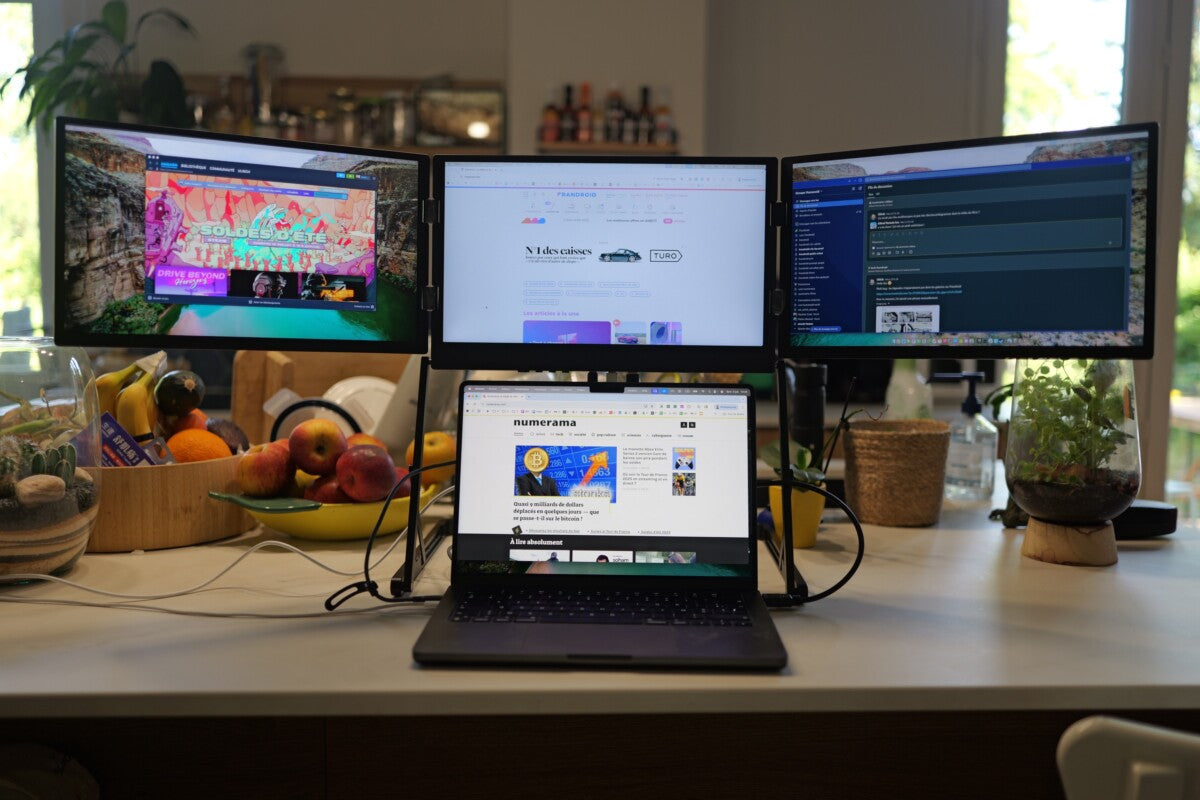
As digital learning grows, portable monitors are no longer just an accessory; they are a necessity. For students who want maximum efficiency, pairing a portable monitor with a dual-screen laptop setup can improve multitasking to the next level.






Share: