


Daylight saving ends in the United States on 1 November, and for the next four months the working evening is a dark one. That is the moment people start reading the brightness figure on a monitor spec sheet. Ours sit between 280 and 320 nits across the whole range, and that number decides far less than you would think.
The number, and what it is not
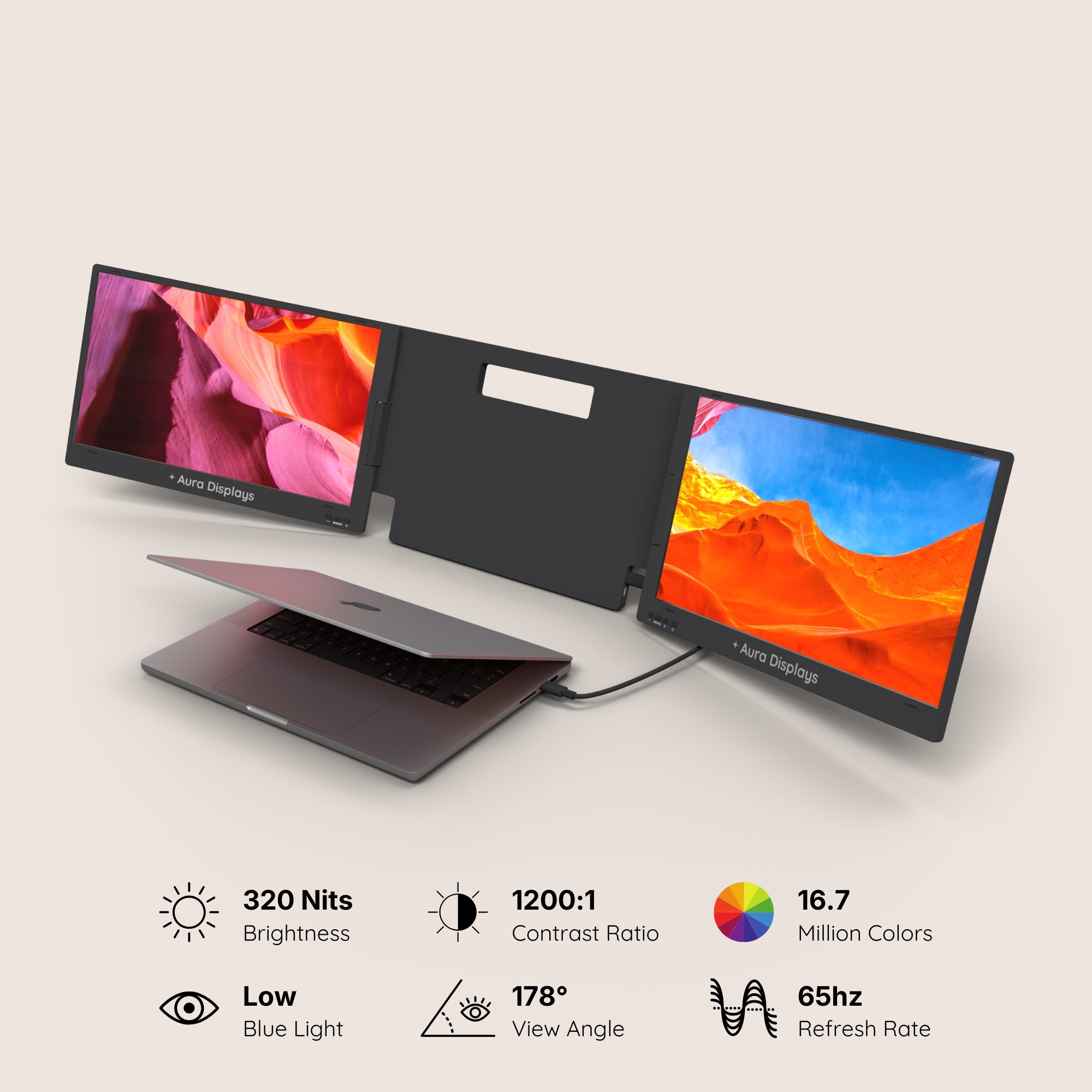
Here is the whole spread, read off our own product pages: 280 nits on Single Play (Gen 2) and Dual Book Pro Wide 48"; 280 to 300 by variant on Dual Book Pro (Gen 2); 300 on Dual Play (Gen 3) and Single Glow Infinity (Gen 1); 320 on Dual Boost Pro (Gen 4). Forty nits separate the dimmest panel we sell from the brightest.
Forty nits is nothing next to the difference between your room at two in the afternoon and your room at ten at night. Put plainly: these are indoor panels, every one of them, and none of them is going to win an argument with a window. Choosing between them on brightness means choosing on the one specification that barely varies.
There is also a figure we do not publish at all. No product page in our catalogue declares a colour gamut. Brightness and colour accuracy are different specifications, and a brighter panel is not a more accurate one.
Where the light comes from decides more than the panel does
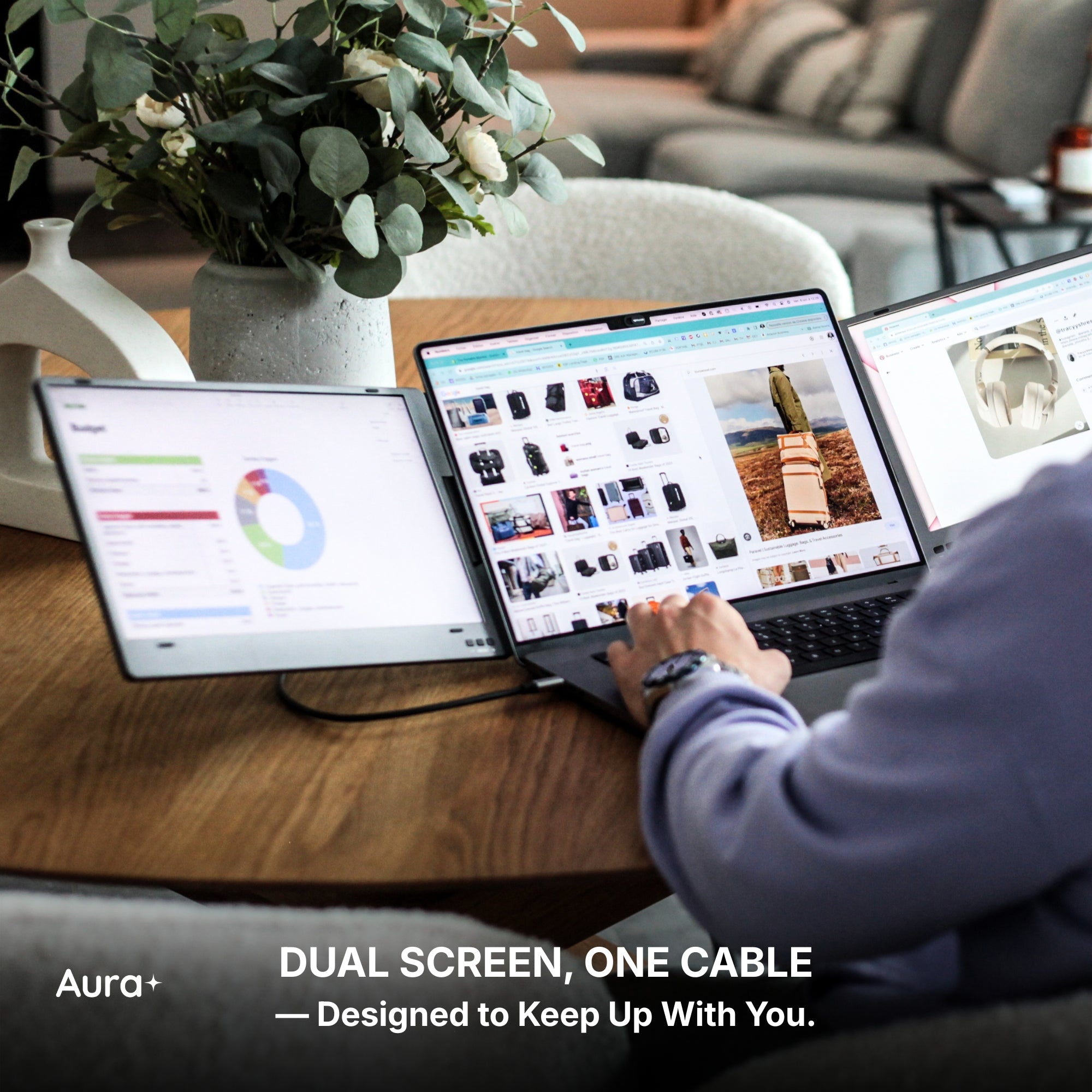
- A window behind the screens is the one that beats you. Your eye sets itself to the brightest thing in view, and if that is the daylight behind your desk, a 320-nit panel in front of it reads as grey. Turning the desk ninety degrees does more than any upgrade on this page.
- A window behind you gives you reflections instead. You spend the afternoon looking at your own shirt. This is the second-worst arrangement and the most common one in a home office, because it is where the desk fits.
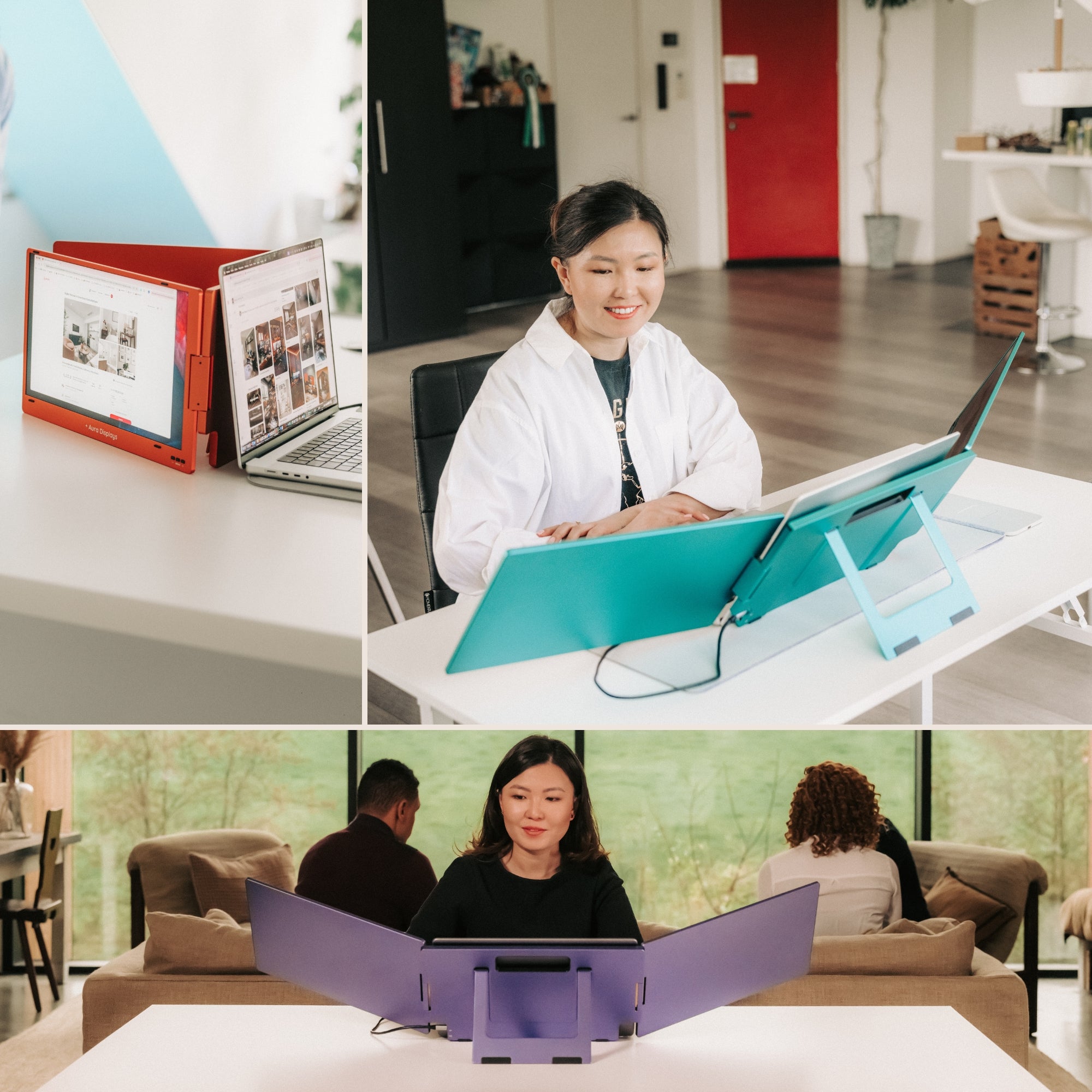
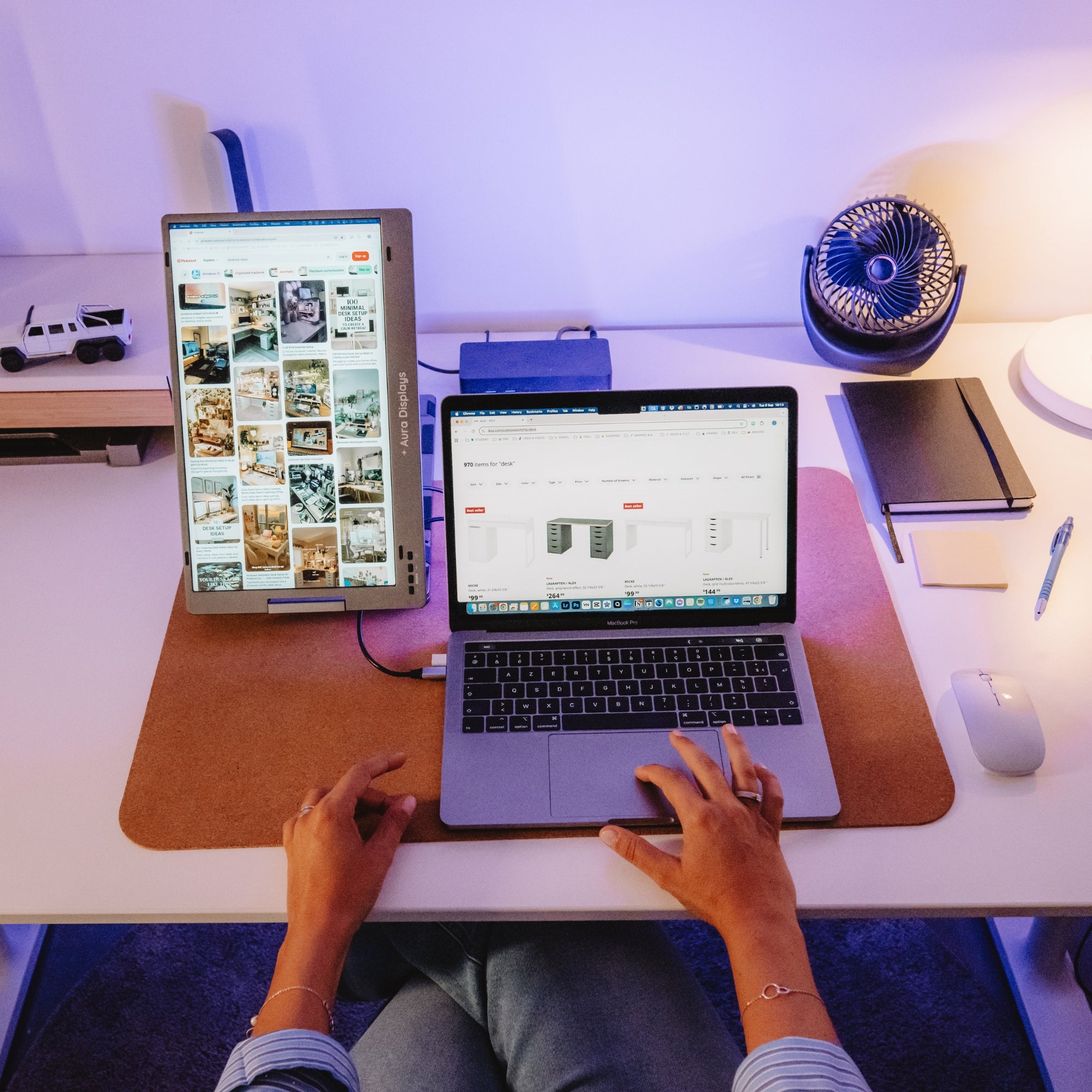
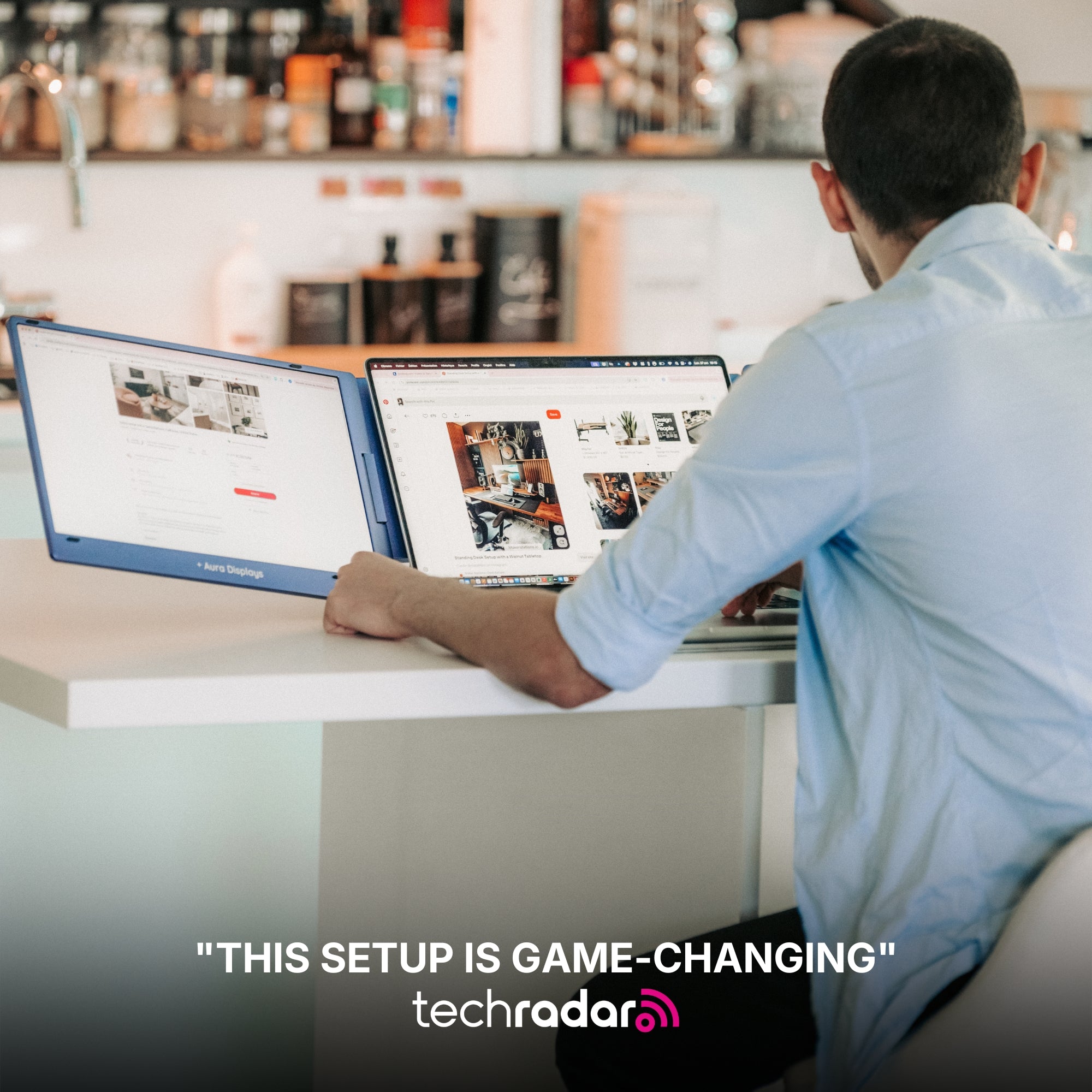
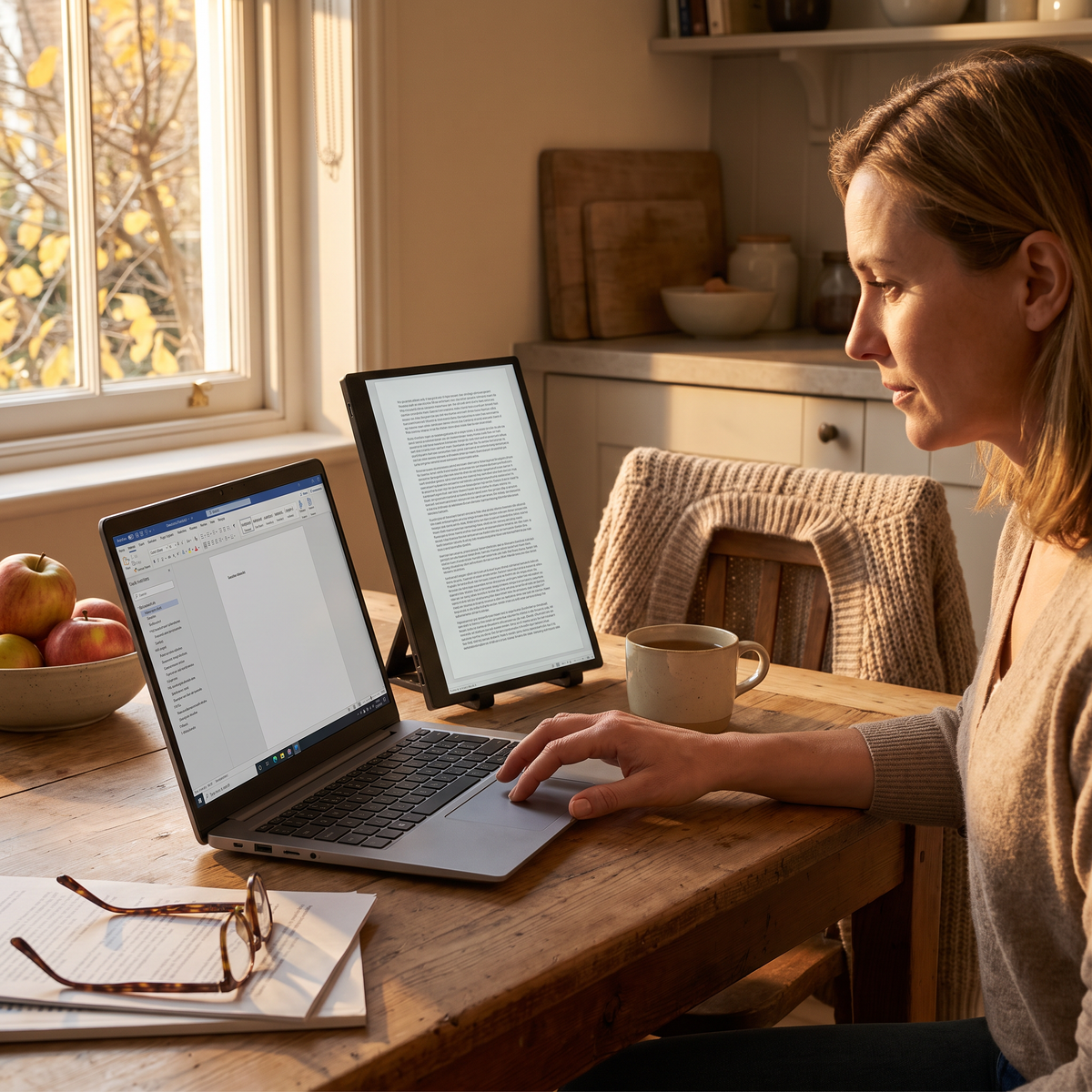
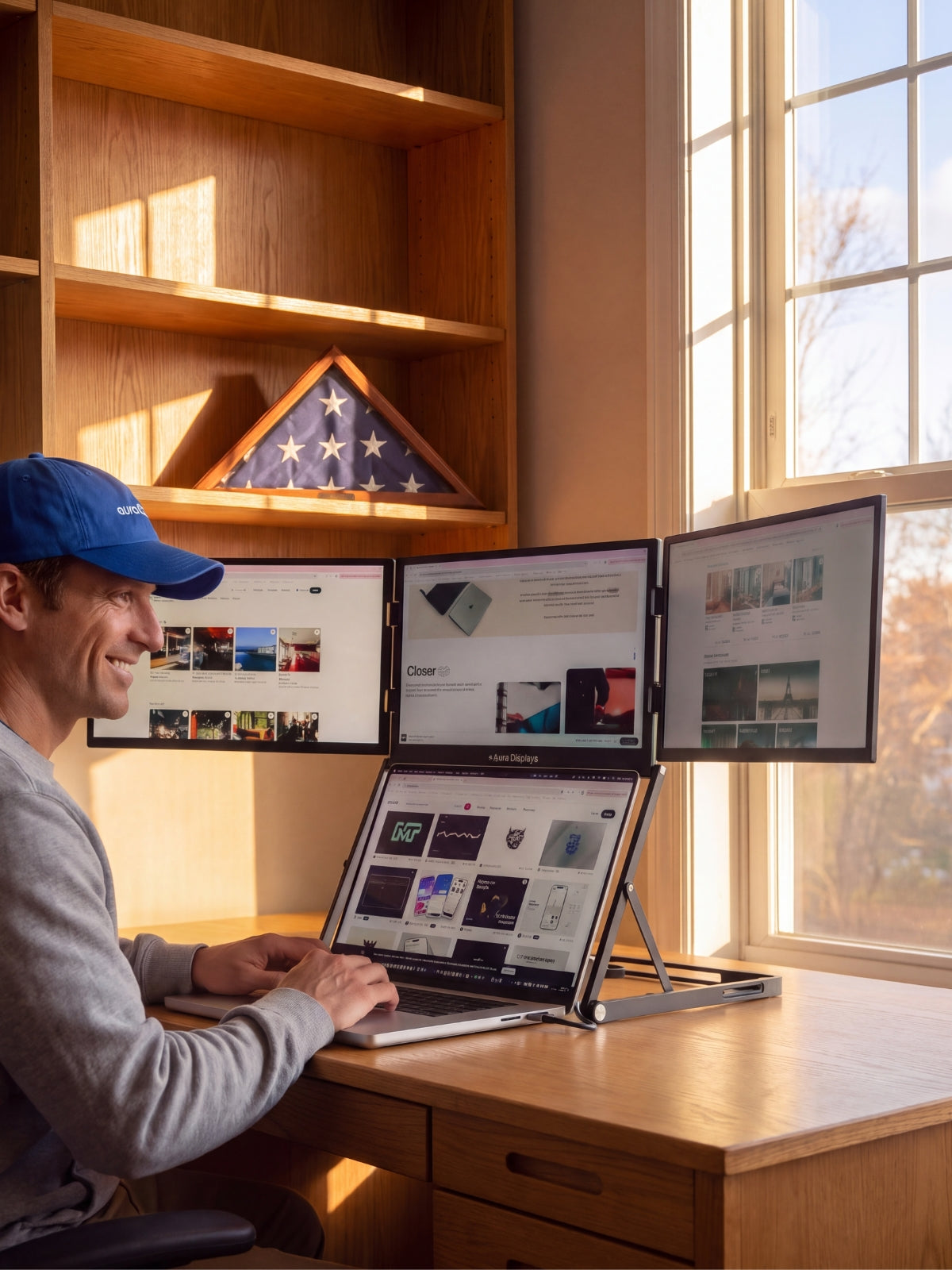
- Light from the side is what you want — window or lamp, off the screen axis, roughly at the height of your face. On an attachable dual panel this means the panel on the window side will always look dimmer than its twin. Nothing is wrong with it.
- After dark the problem inverts. A 300-nit panel in an unlit room is too bright, not too dim. The fix is to raise the room and drop the panel, not the other way round.
The settings that actually change what you see
- Turn automatic brightness off, then match the panels by hand. Windows 11: Settings > System > Display > Brightness, and clear Change brightness automatically when lighting changes. macOS: System Settings > Displays, and switch off Automatically adjust brightness. Our attachable panels carry their own hardware buttons and do not follow the operating-system slider, so matching them is a manual job — but one you only do once.
- Warm the panel in the evening rather than dimming it. Windows 11: Settings > System > Display > Night light, then Schedule night light from sunset to sunrise. macOS: System Settings > Displays > Night Shift. True Tone sits in the same pane on a Mac and applies to the built-in display only — do not expect it on a side panel.
- Treat dark mode as a brightness control. Windows 11: Settings > Personalisation > Colours > Choose your mode. macOS: System Settings > Appearance. A full-screen white document at 300 nits in a dark room is the real source of evening eye strain, not the panel's rating.
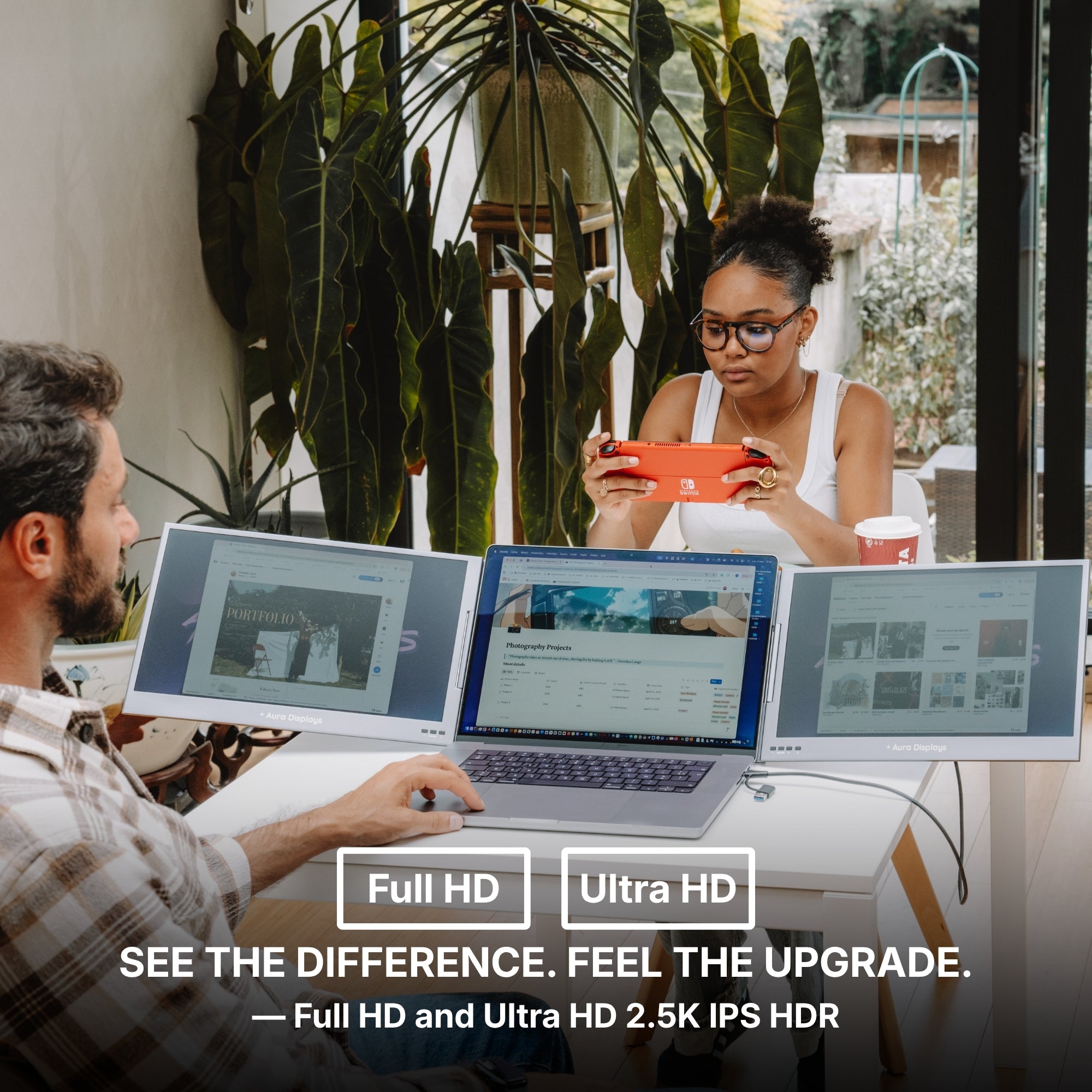
- Check scaling while you are in there. Windows 11: Settings > System > Display > Scale. Our panels run Full HD, 1920 × 1200 or 2560 × 1440 depending on model and variant, and a 2560 × 1440 panel left at 100% gives you thin, small text that reads as dim at any brightness.
- Keep the thing you read for an hour straight in front of you. Reference material, chat and terminal windows survive a dimmer panel at a worse angle. A document you are actually writing does not.
What these screens will not do for you
They will not work outdoors, and we are not going to suggest otherwise. Nothing in our range is a sunlight-readable panel, and no product page claims to be one.
They will not get you colour. Three hundred and twenty nits with no declared gamut is a surface for documents, spreadsheets, timelines and code — not for deciding what a photograph looks like.
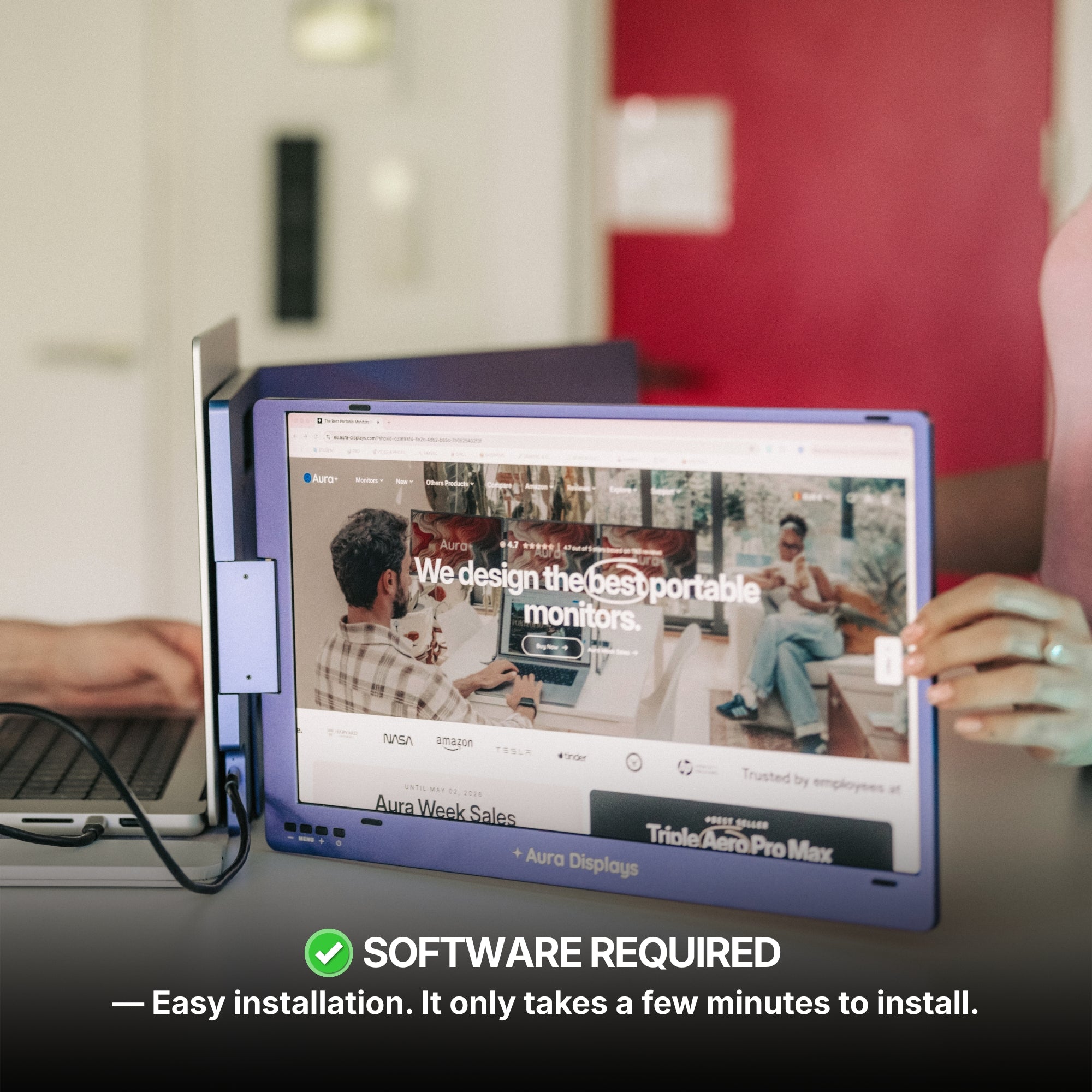
And the brighter panel costs you something that is not money. Our brightest models, Dual Boost Pro (Gen 4) and Dual Boost Pro Max 15.6", both read Software required under Filter: Driver, and their Filter: OS lists macOS, Windows, Android and Ubuntu — that list is the whole list. Twenty nits over a plug-and-play panel is a poor trade if most of your screen time happens after dark, which is the whole point of this piece.
The setup we recommend, and the cheaper one
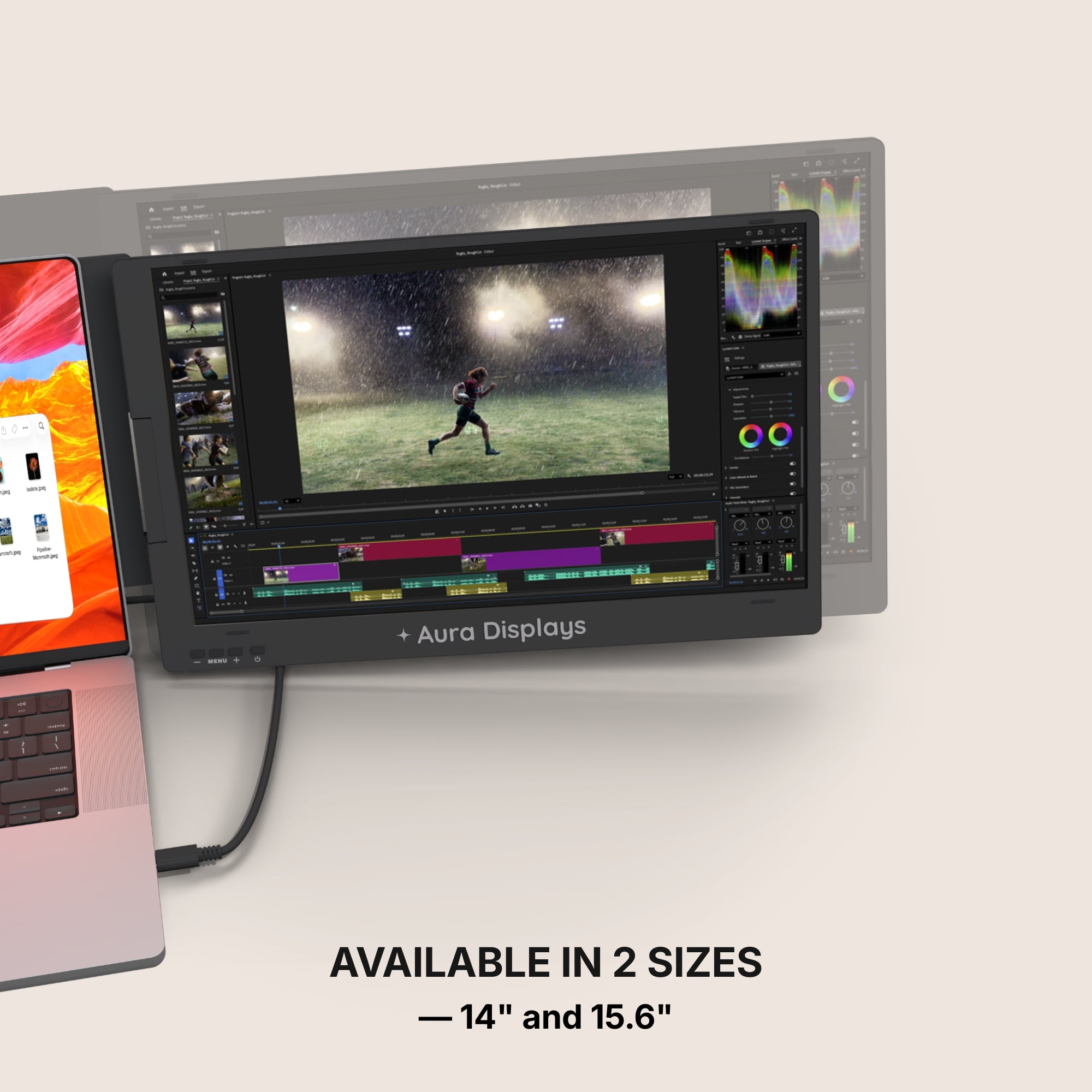
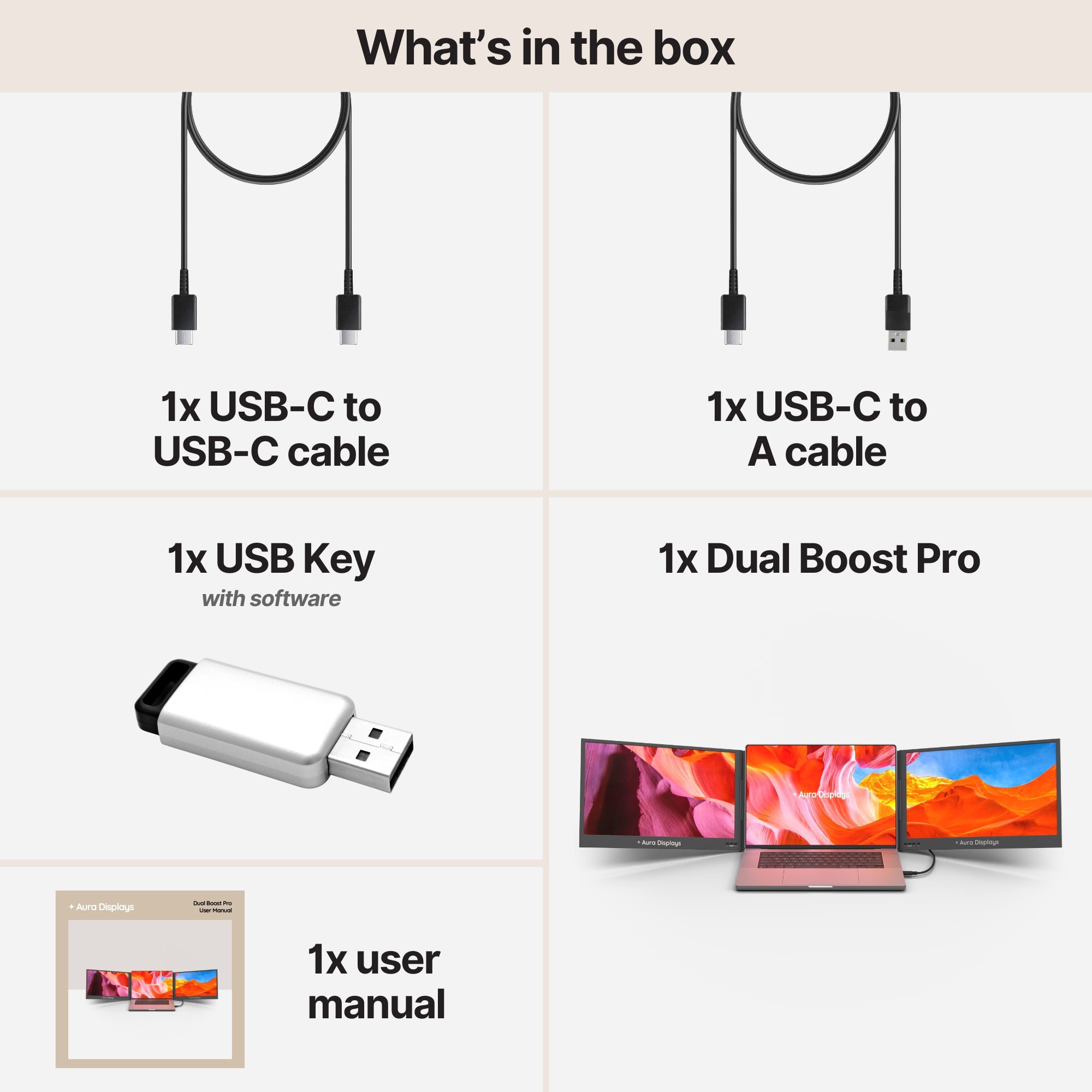
Our recommendation: Dual Boost Pro (Gen 4), from $399. Two attachable panels at 320 nits, the brightest reading in the range, in 14" and 15.6", Full HD or 2560 × 1440 by variant. Rated 4.8 out of 5 across 1,056 reviews — the best-reviewed product we sell. Buy it if your desk gets real daylight during the day and you are on one of the four systems it lists.
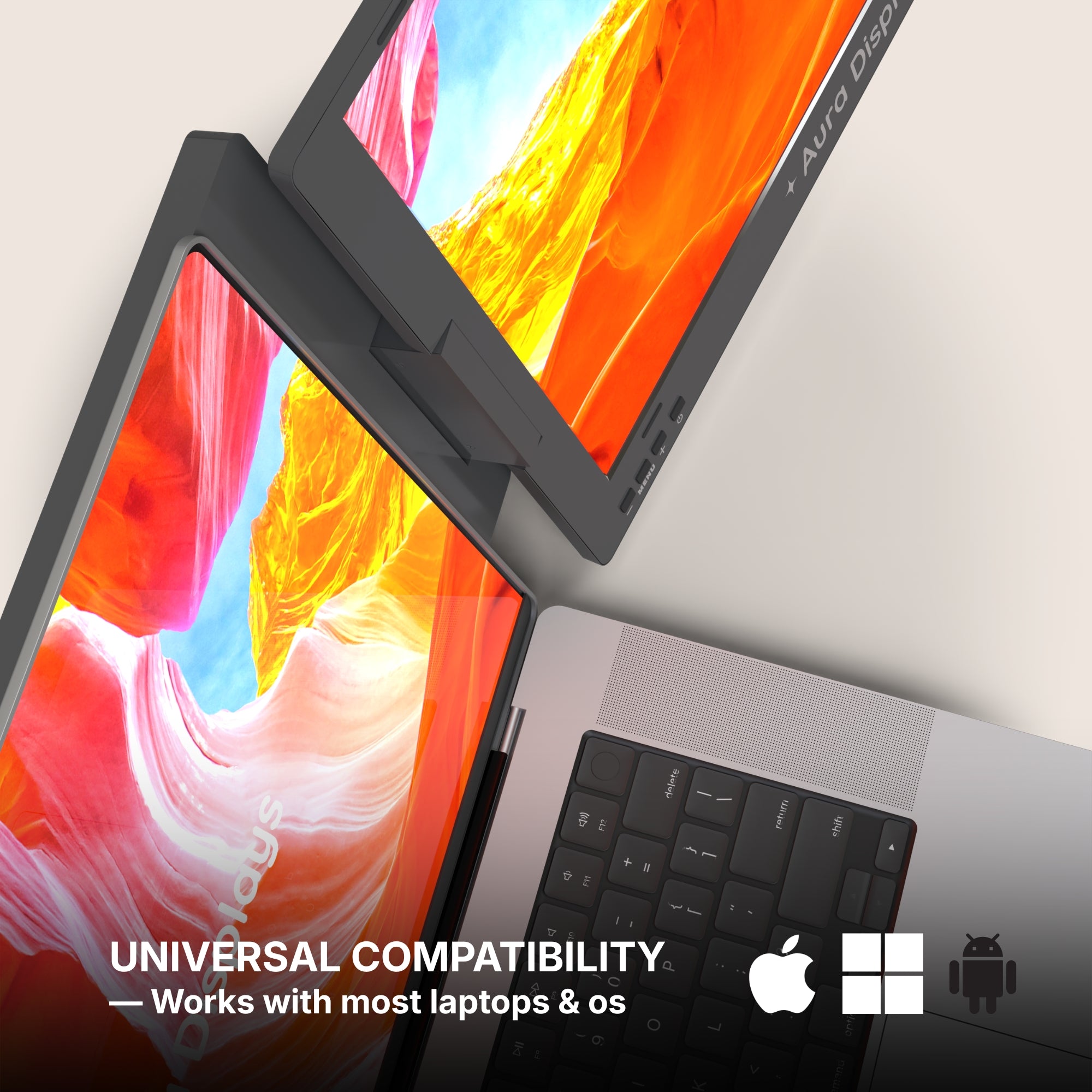
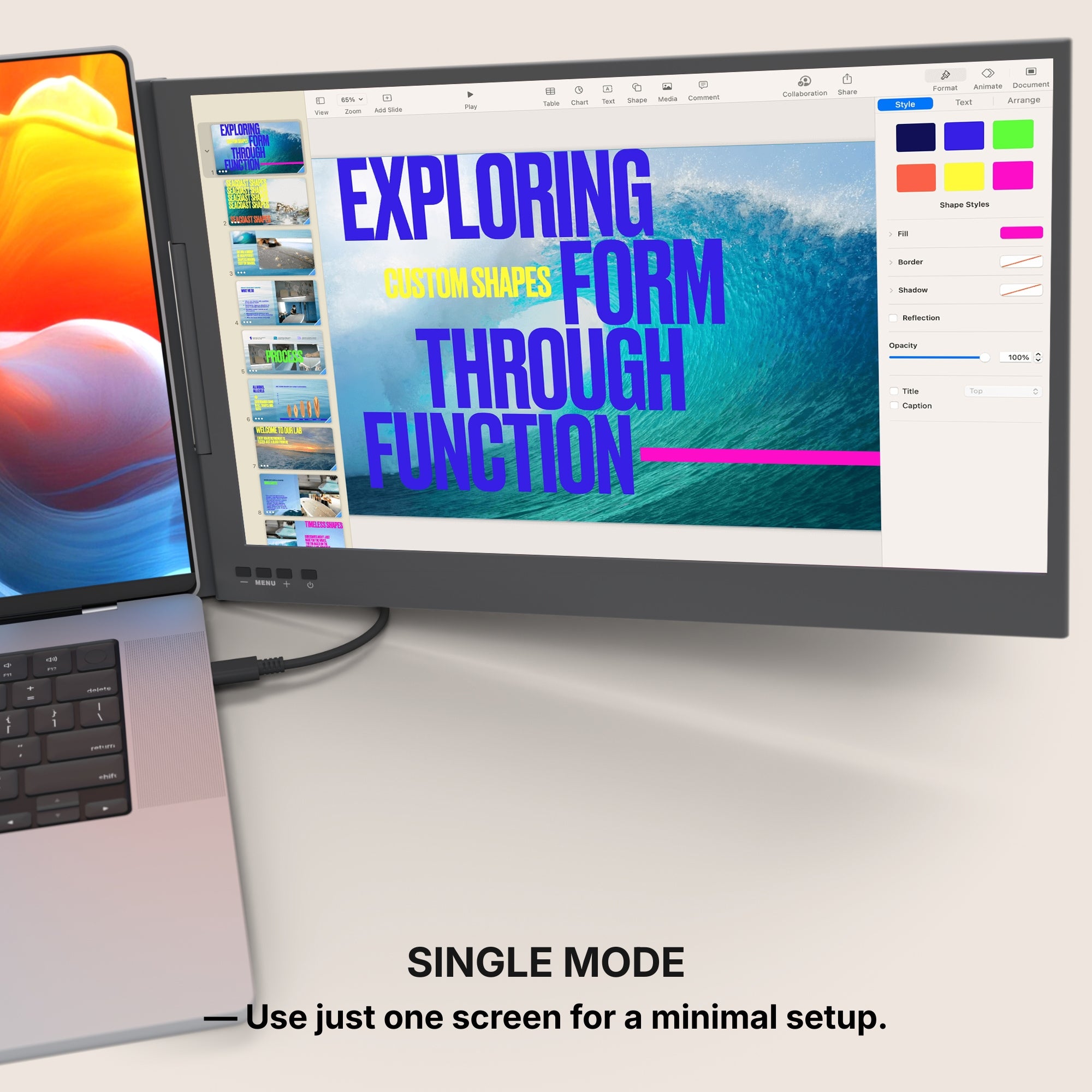
The cheaper option: Single Play (Gen 2), from $289. One panel at 280 nits — forty nits dimmer, plug and play with no driver at all, and it lists macOS, Windows, Android, Linux, Chromebook, Surface, game consoles and USB-C iPhones and iPads. Rated 4.78 out of 5 across 379 reviews, within rounding of the panel above. If your working light is a lamp rather than a window, those forty nits will never show up and the driver you avoided will.
Why we are not selling you more. Single Glow Infinity (Gen 1), at $419, is 27 inches at 3840 × 2160 over DisplayPort or HDMI with no software — a better screen than either, on mains power, on a desk it never leaves. If brightness in a bright room is your actual problem, that is the honest answer, and it is not a portable one. A third panel changes nothing here: it adds one more surface at a worse angle to the light.











Share: