


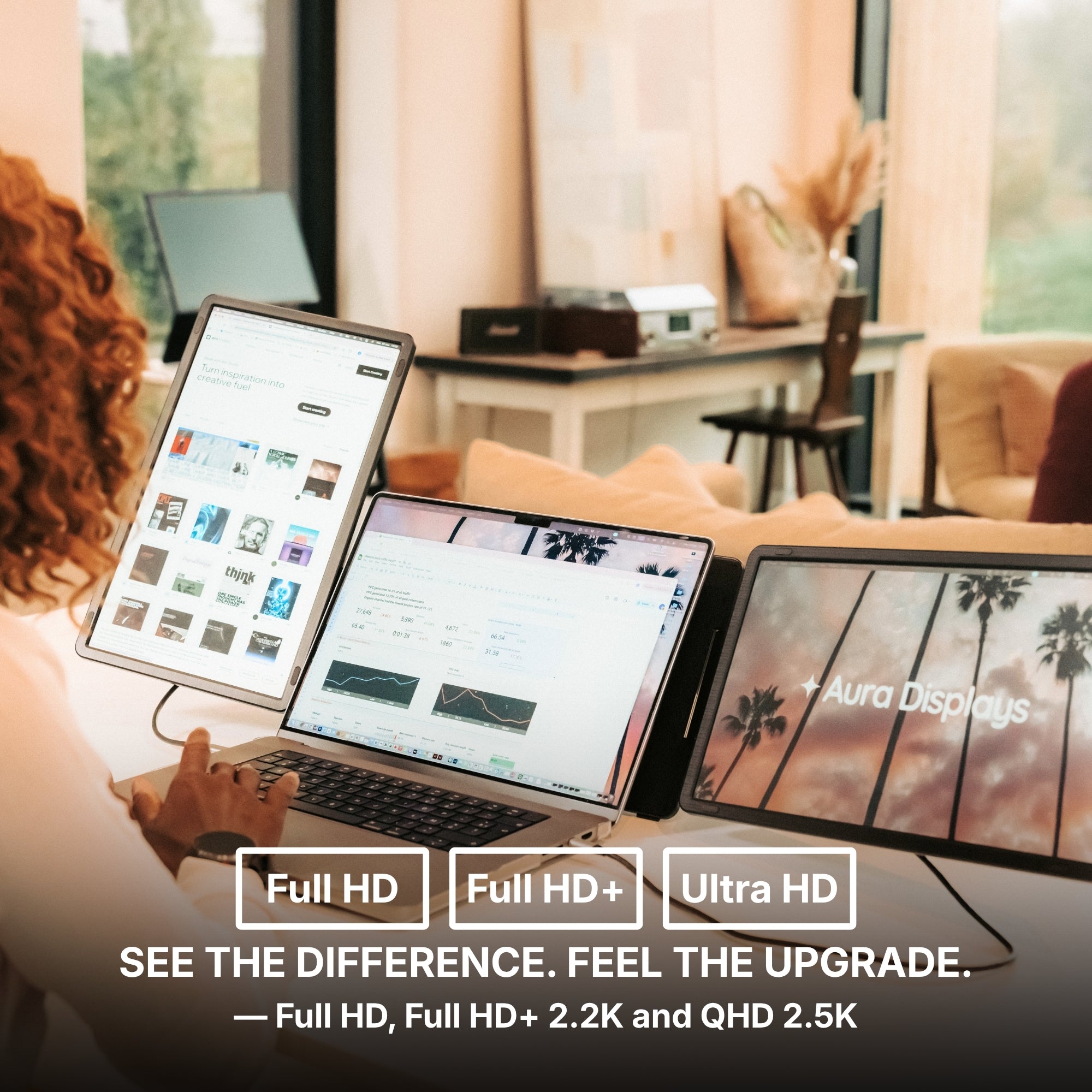
The usual question before buying a second screen is how many you need. It is the wrong place to start. Two panels of the wrong size and resolution will annoy you more than one panel of the right ones — and size and pixel count are the two specs product pages explain worst.
Size decides where it fits. Resolution decides what fits.
These get conflated constantly, and they are not the same decision.
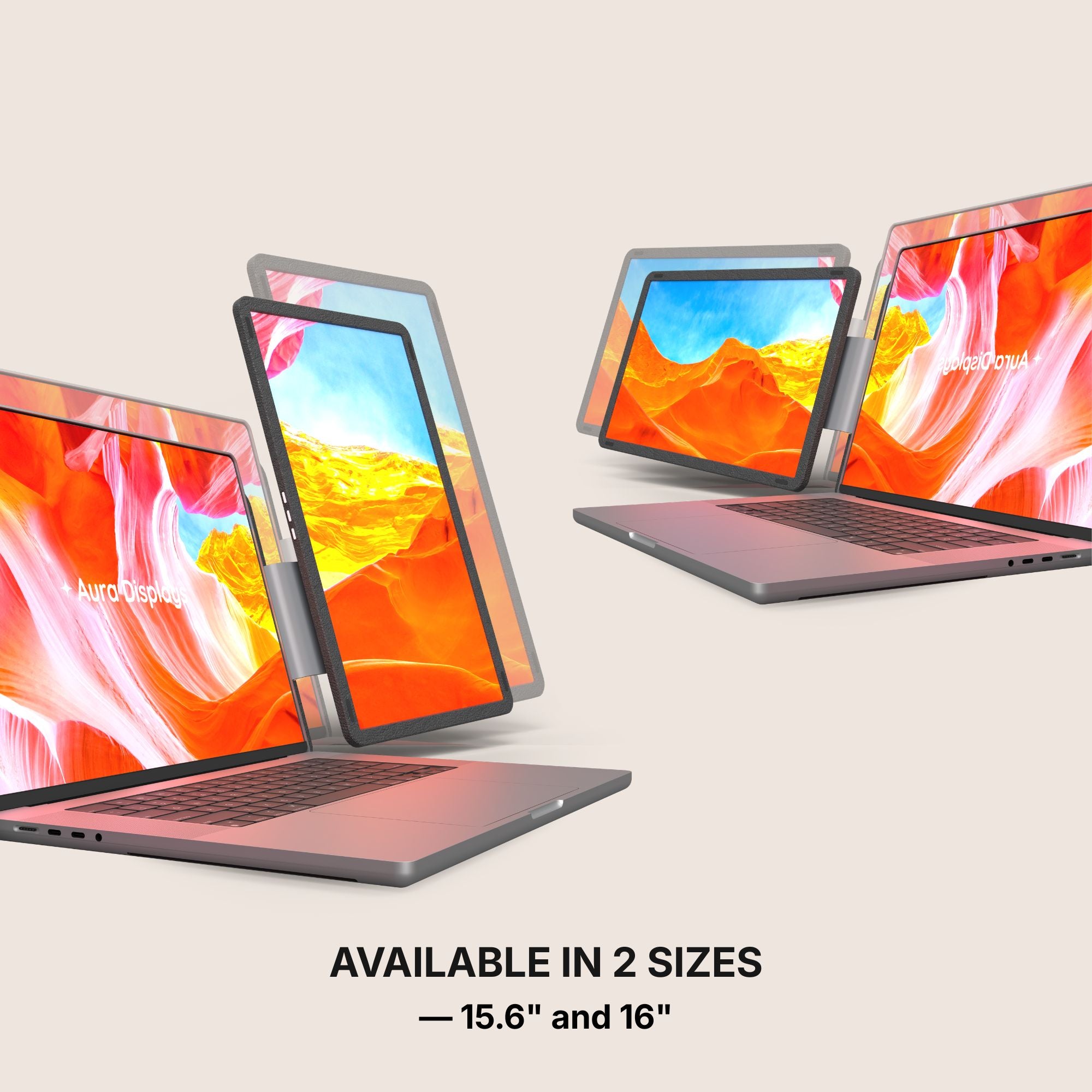
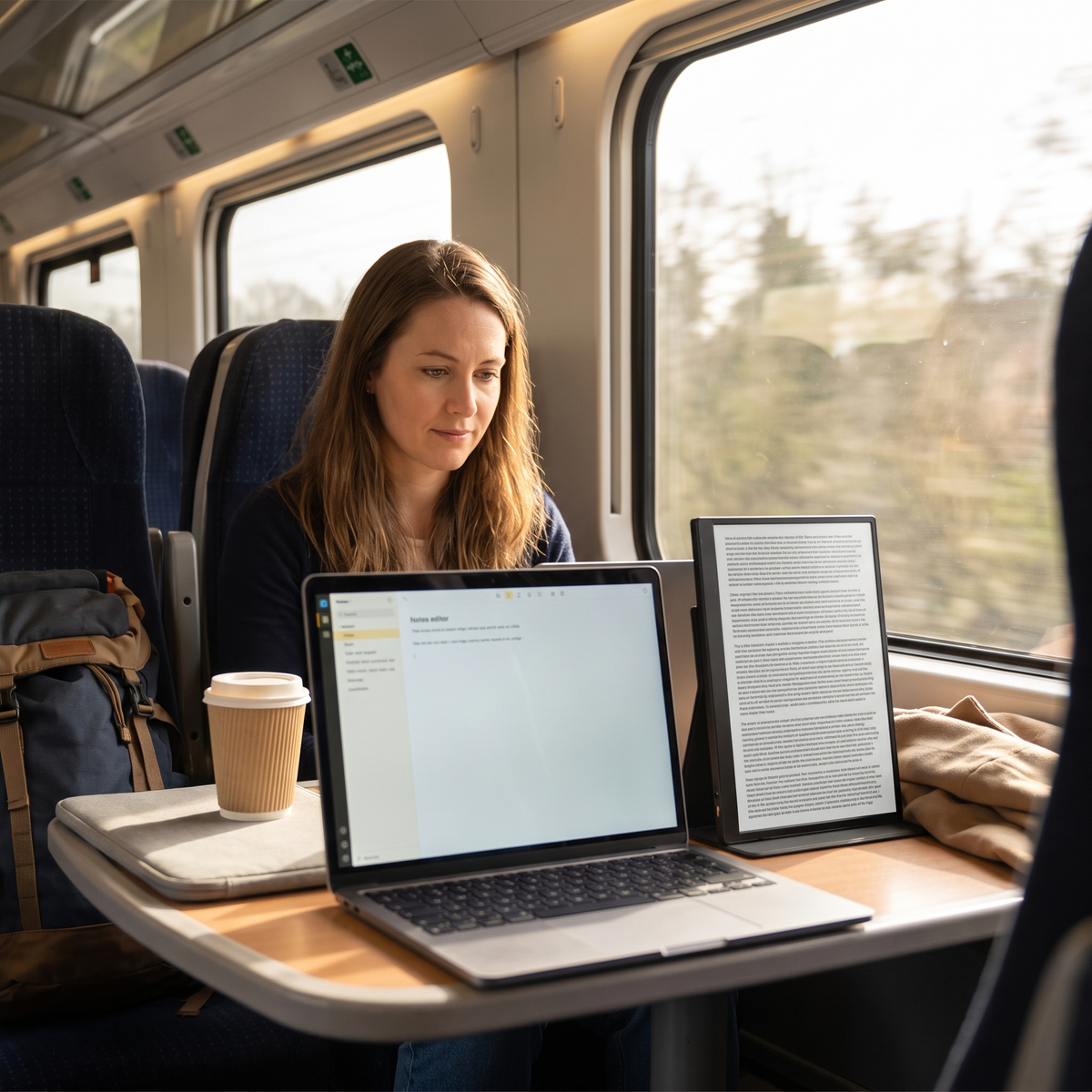
- Physical size is about your desk, your bag and your neck. A 16-inch panel beside a 14-inch laptop looks balanced. The same panel in a laptop sleeve does not.
- Resolution is about how much content fits at a readable size. More pixels only buy you more room if you leave them at native scale. Scale them back up and you have bought sharpness, not space.
Most people want the second one and buy the first one.
The 16:10 question, and why it is the cheapest upgrade here
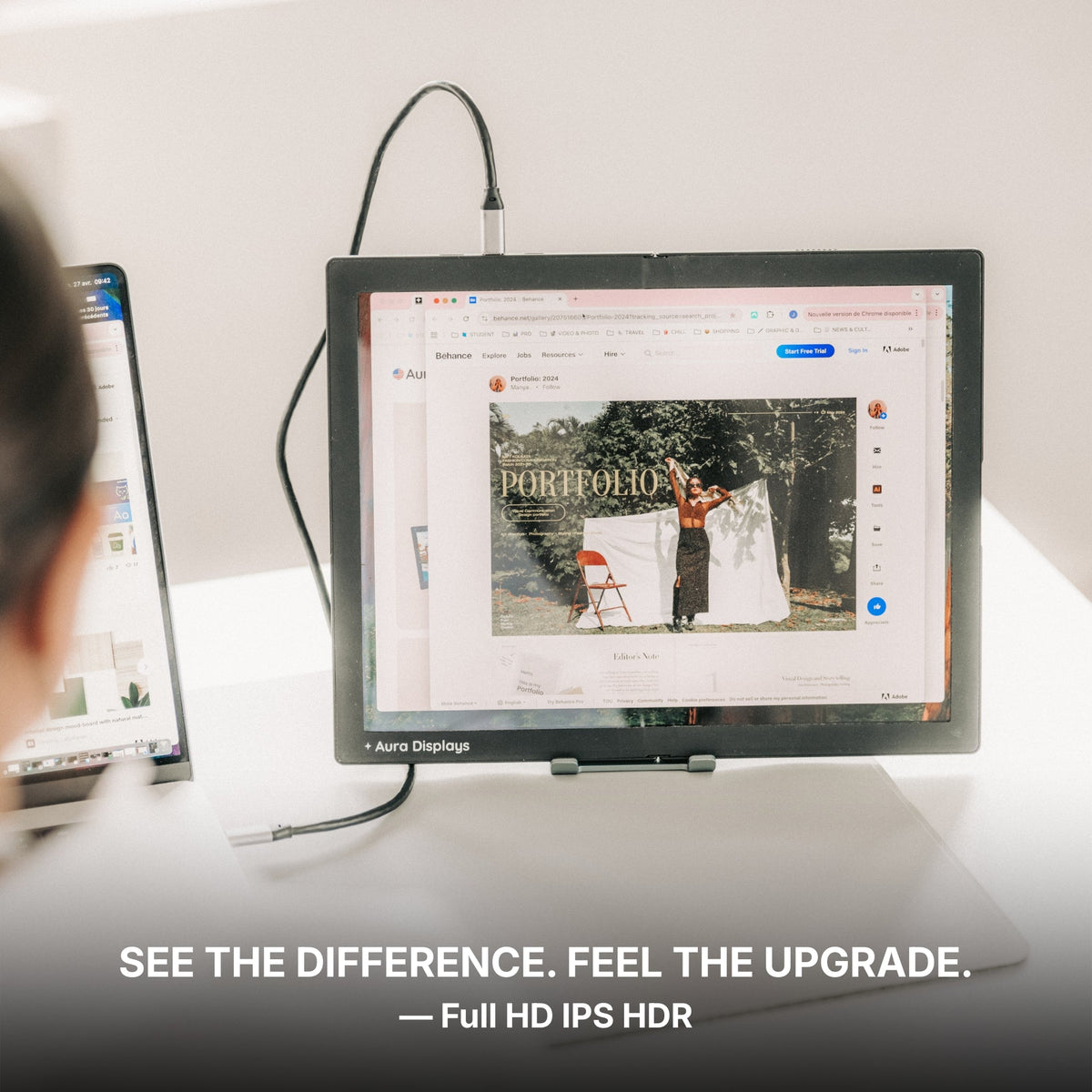
Nearly every panel on this site comes in a 1920 x 1080 version and a 1920 x 1200 version. Same width. One hundred and twenty extra rows of pixels.
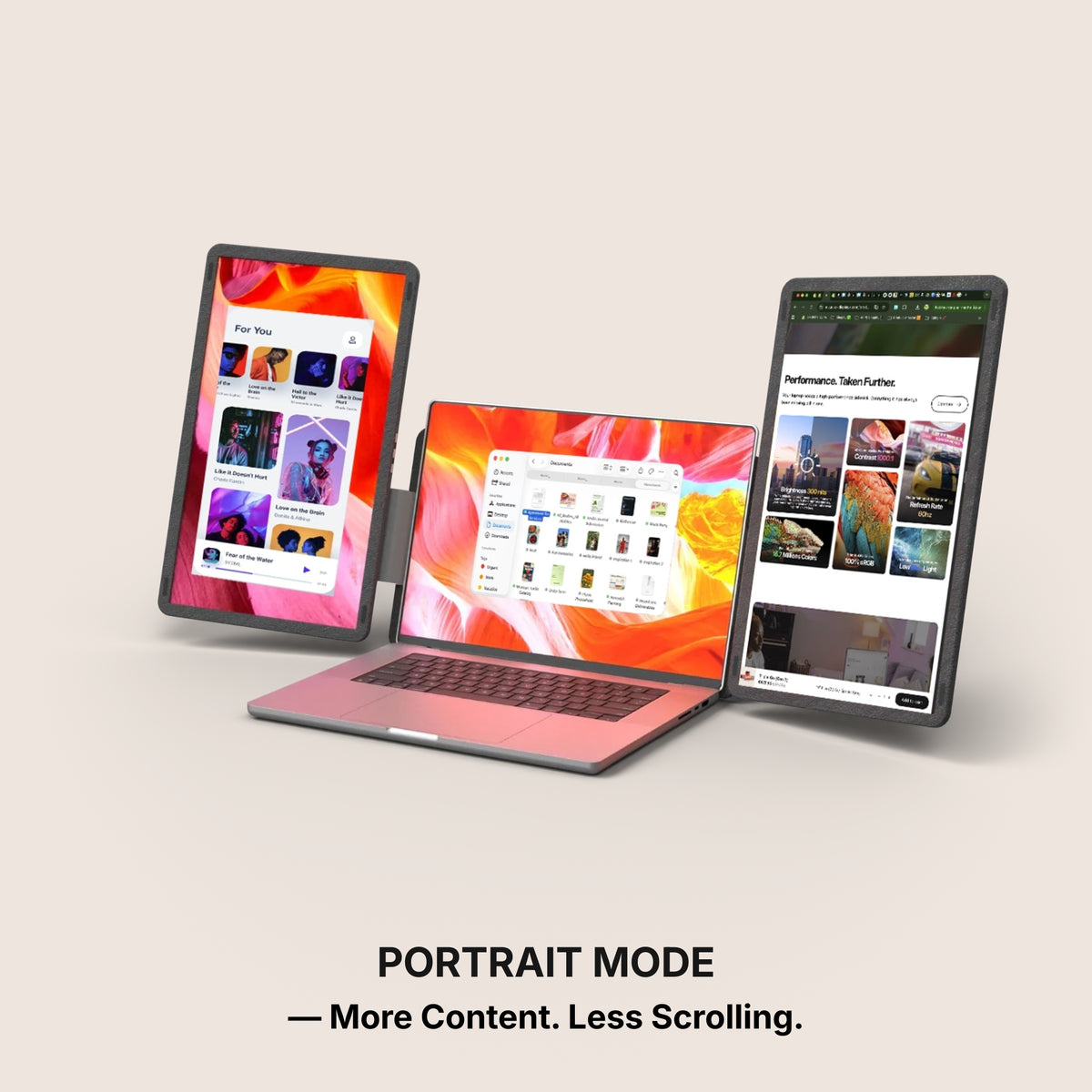
That sounds like nothing. In practice it is about one and a half toolbars, or the difference between seeing the bottom of a properties panel and scrolling for it all day. Vertical space runs out first on a laptop-class screen, and the taller ratio is the only spec here that hands it back for pocket change.
On the Dual Book Pro (Gen 2), the 15.6-inch Full HD pair is $389 and the 16-inch Plus pair at 1920 x 1200 is $399. Ten dollars. On the Dual Snap (Gen 1) it is $409 against $429. If you are choosing between a taller panel and a sharper one on the same budget, take the taller one.
When QHD 2.5K earns its price, and when it does not
2560 x 1440 on a 14-inch panel is very dense. Almost nobody runs it at native scale — you set it to 125% or 150% because the interface is otherwise too small to hit, and at that point you are back to roughly a Full HD working area with cleaner edges. Sharper is a real benefit. More room is not what you bought. QHD starts making sense on a 16-inch panel, where 100% to 125% is genuinely usable.
Check this before you spend anything. On macOS: System Settings, Displays, and read the Scaled options for your built-in screen. On Windows: Settings, System, Display, and read the Scale percentage. If your own laptop is already at 125% or higher, you will do the same to a QHD panel — and the cheaper version is the better buy.
The ten-minute test, on the screen you already have
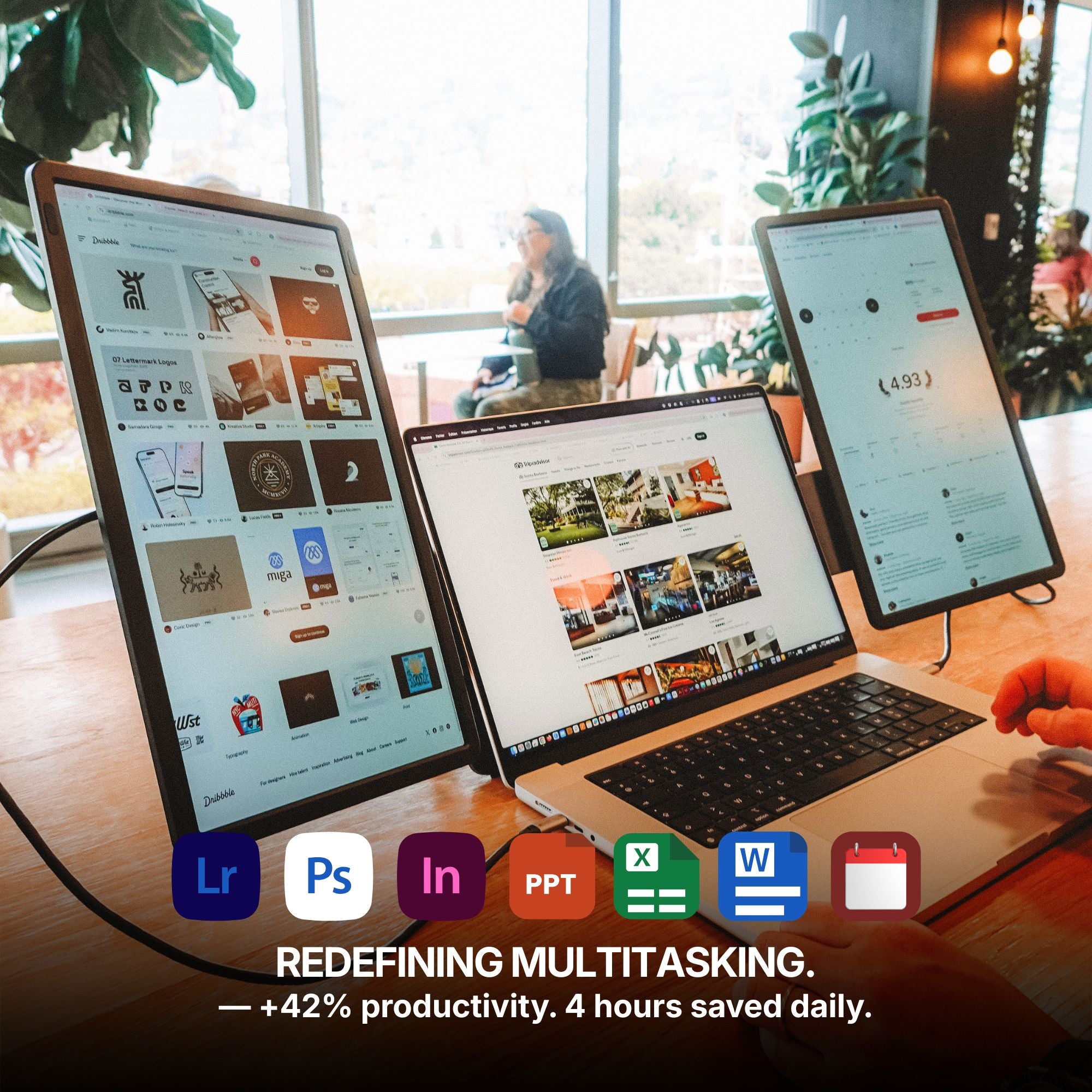
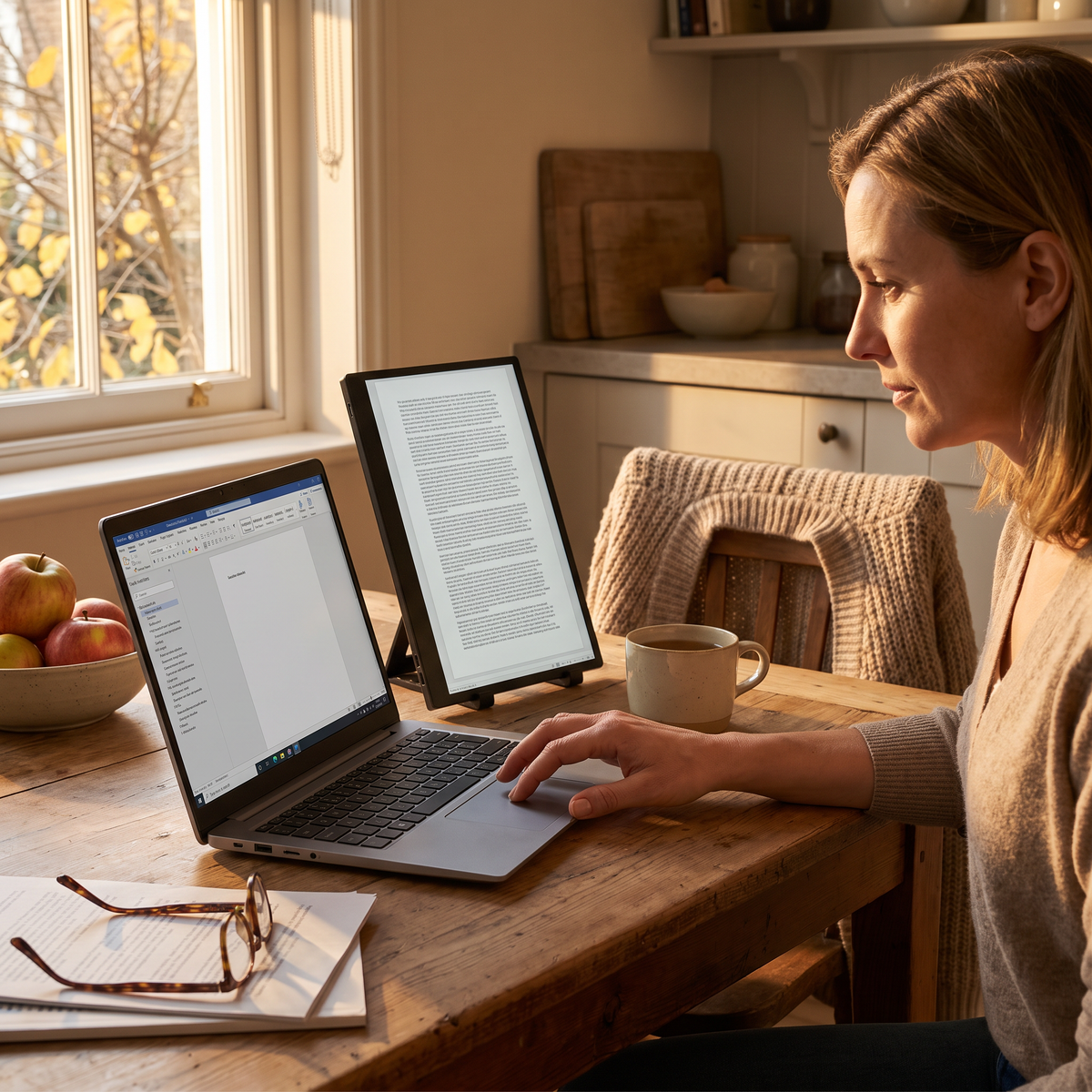
Take the two windows you genuinely keep open together and tile them half and half on your current display. On Windows that is Win and the left or right arrow. On macOS, hover the green button and choose Tile Window to Left of Screen.
Then read the result honestly. If both windows are usable that way, a Full HD panel will hold one of them comfortably. If one is cramped vertically — a properties column, a long document — you need rows, which means the 16:10 version. If one is cramped horizontally, you need physical width. Three different answers, and the test costs nothing.
What a bigger or sharper panel will not do
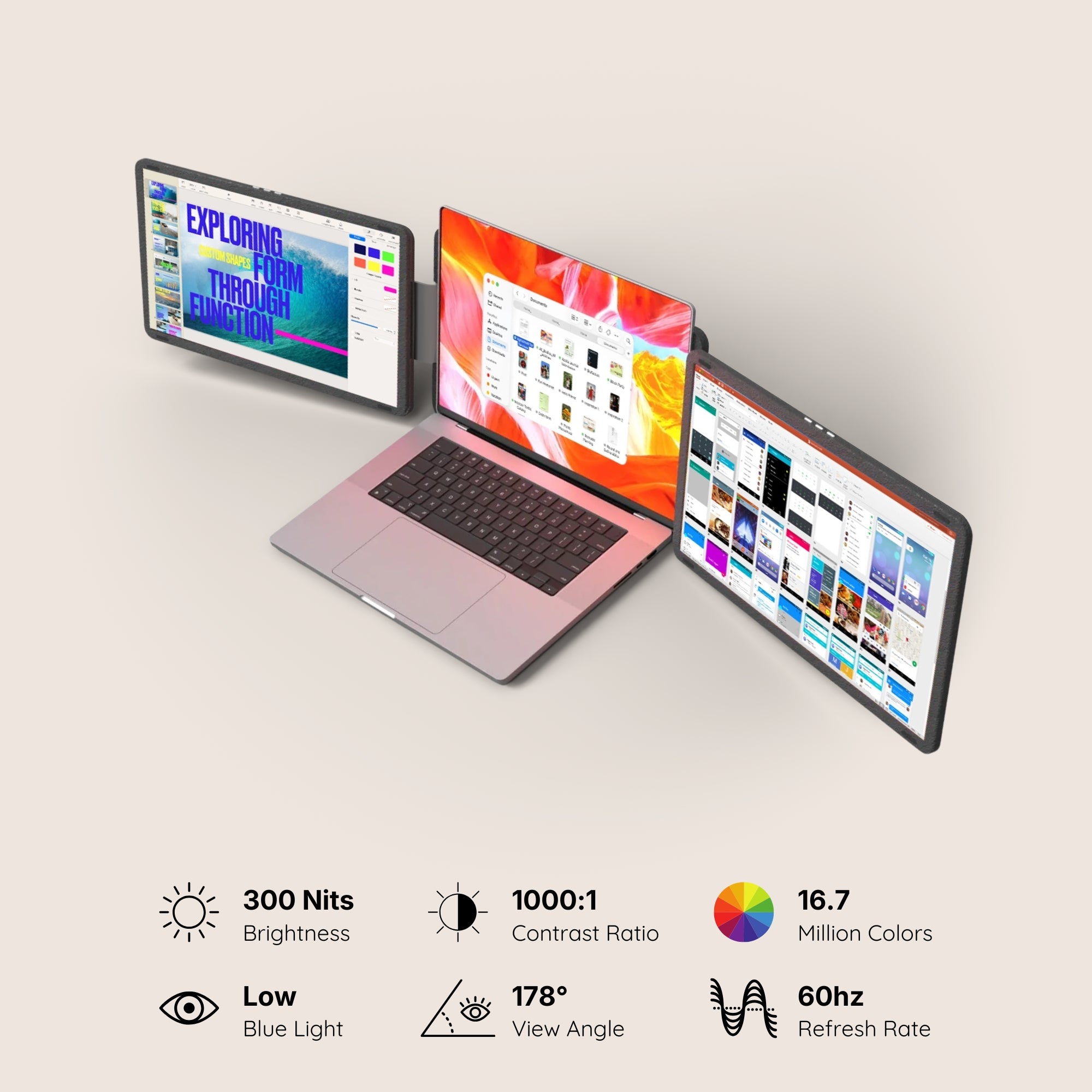
Brightness does not scale with size or resolution. The models above sit at 280 to 300 nits whether you buy the small one or the large one. If you work beside a bright window, no amount of screen area fixes the reflection — moving the desk does.
And a sharper screen is not a more accurate one. If your work depends on a colour being right, that decision belongs on a display you have profiled with a hardware probe, and neither size nor pixel count changes it.
What we would buy, and the cheaper version
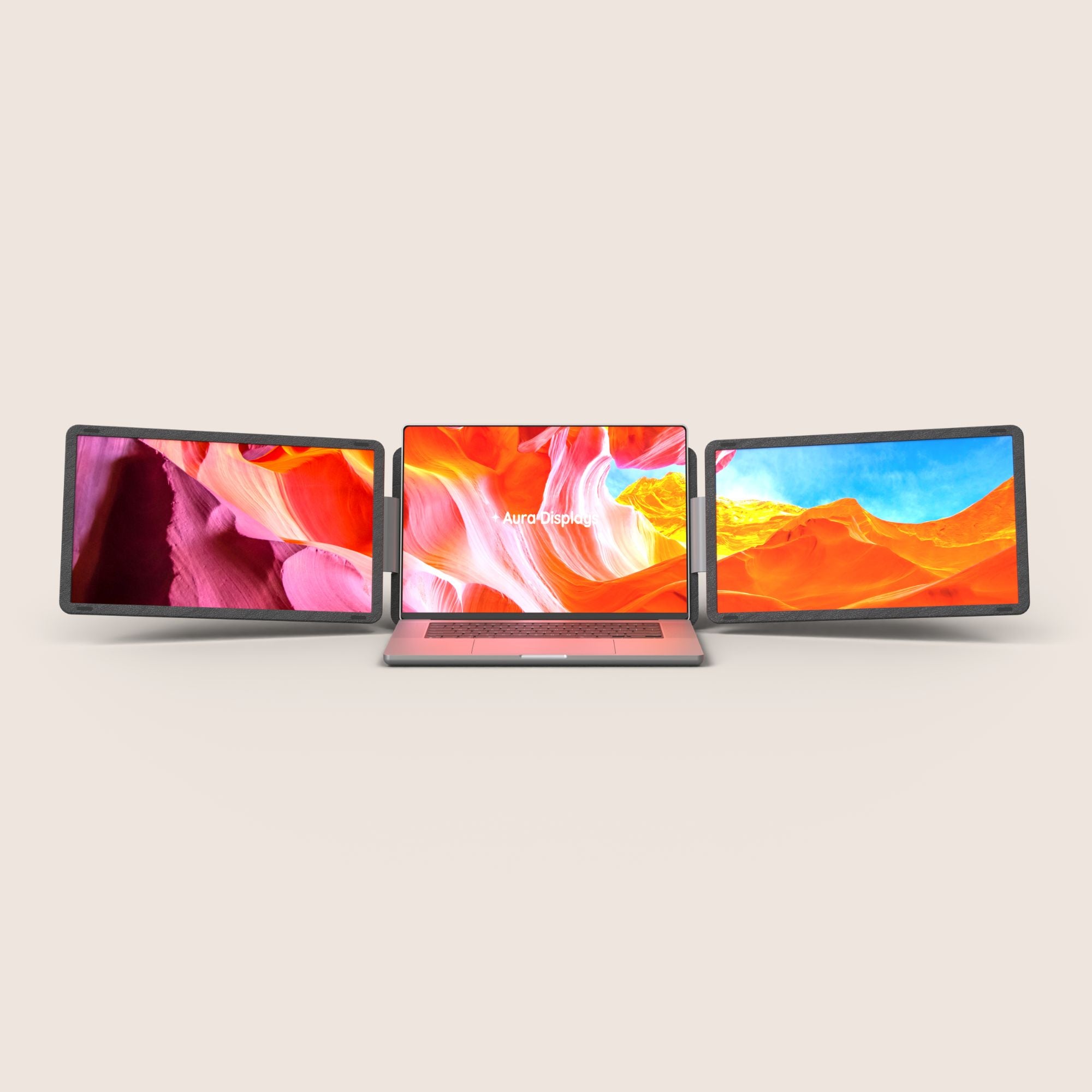
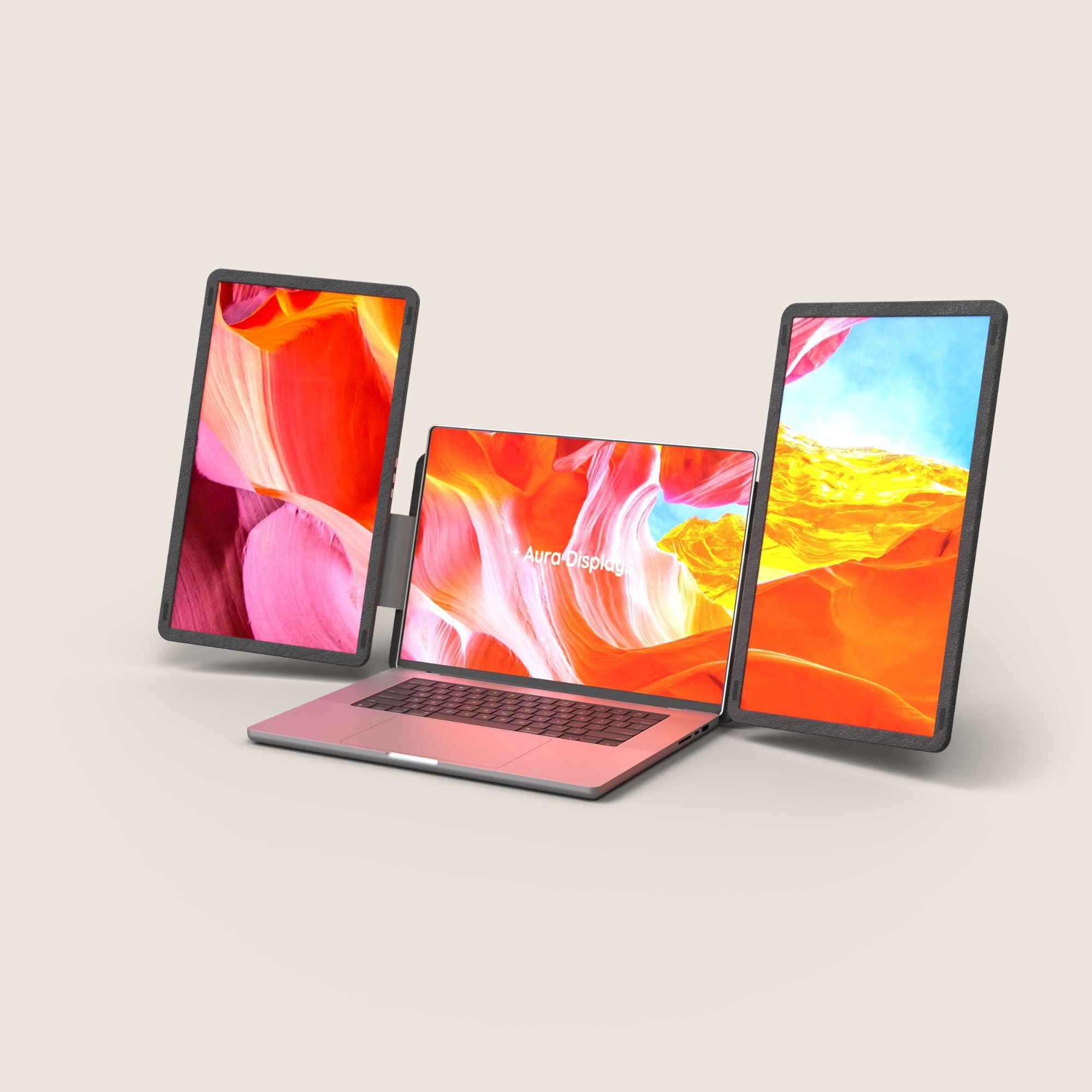
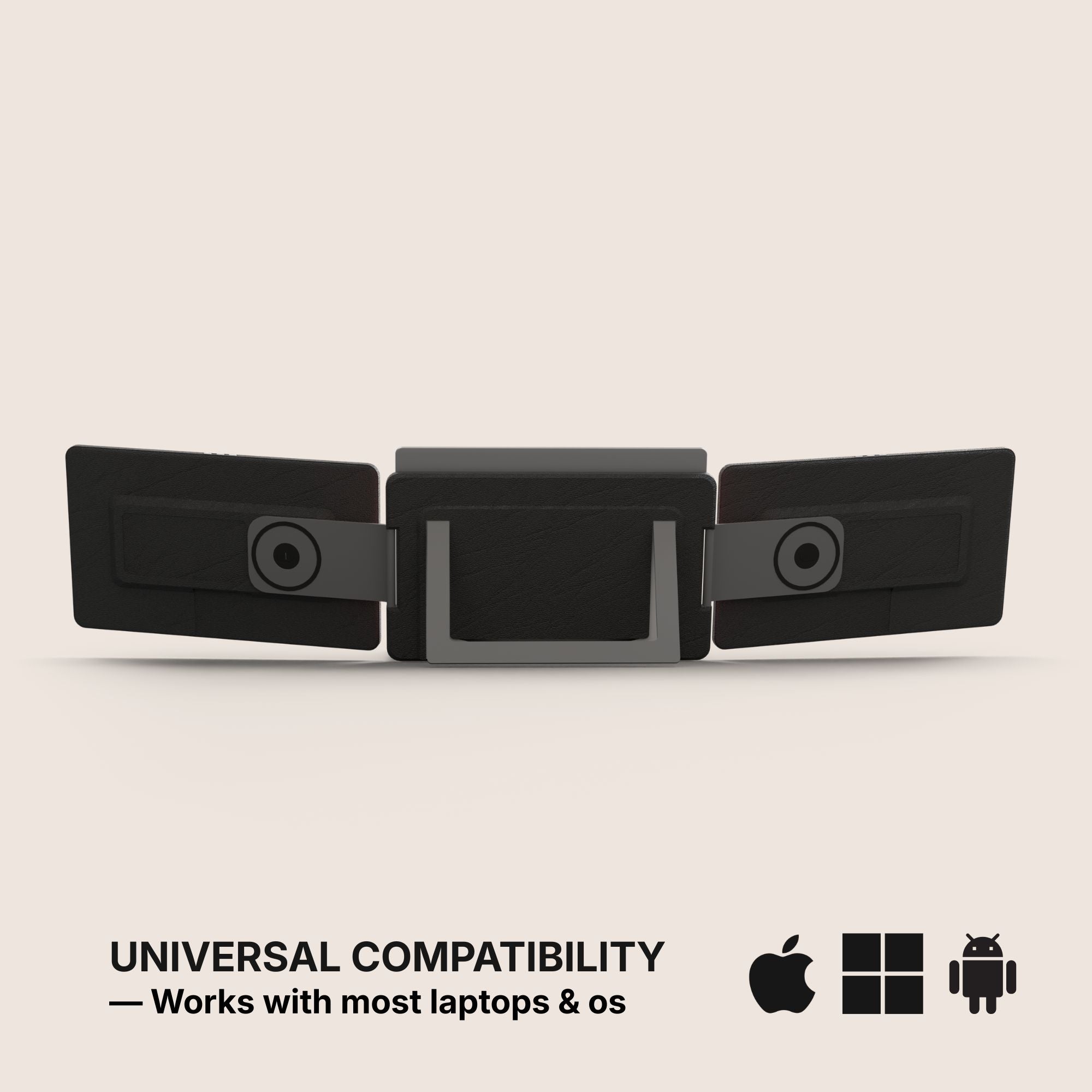
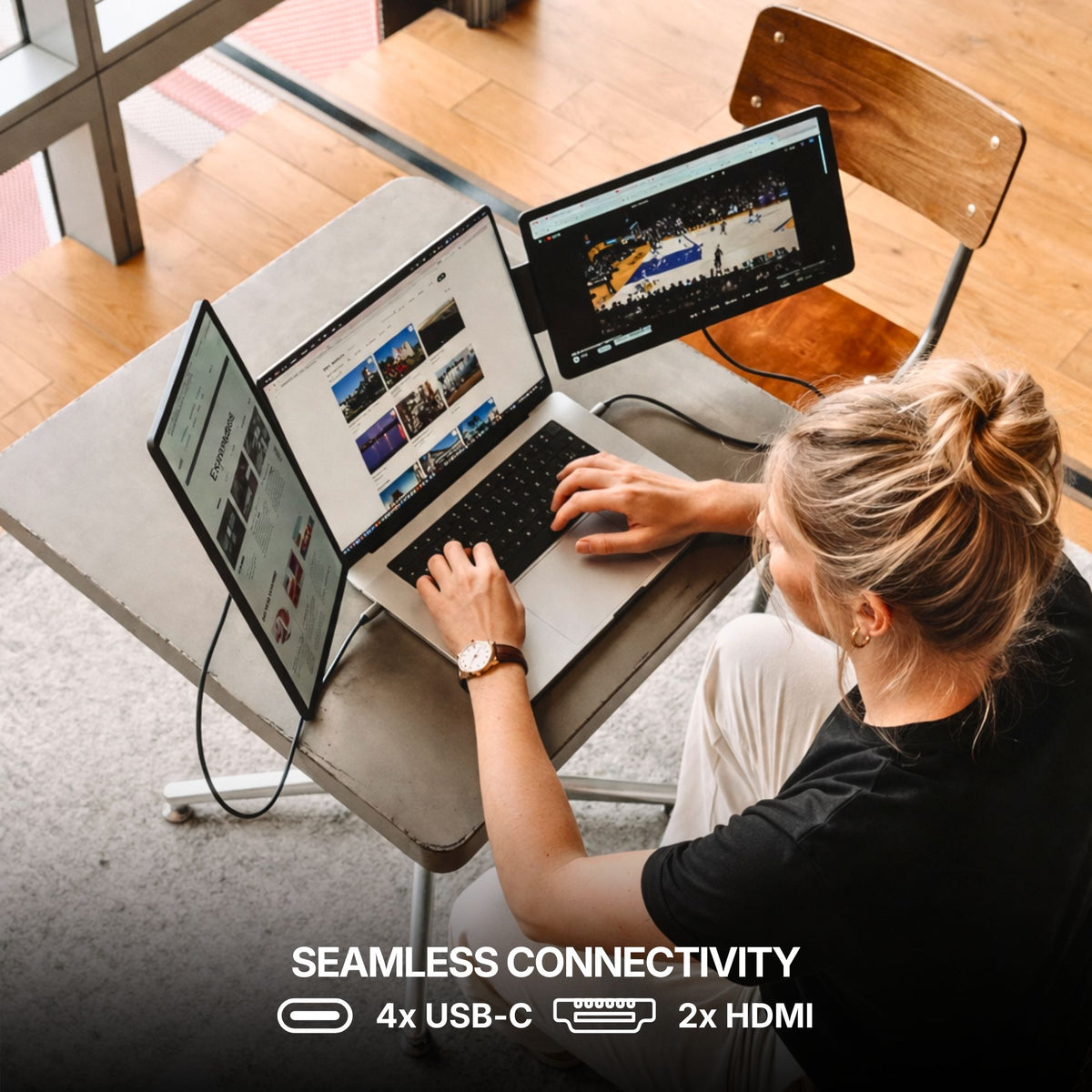
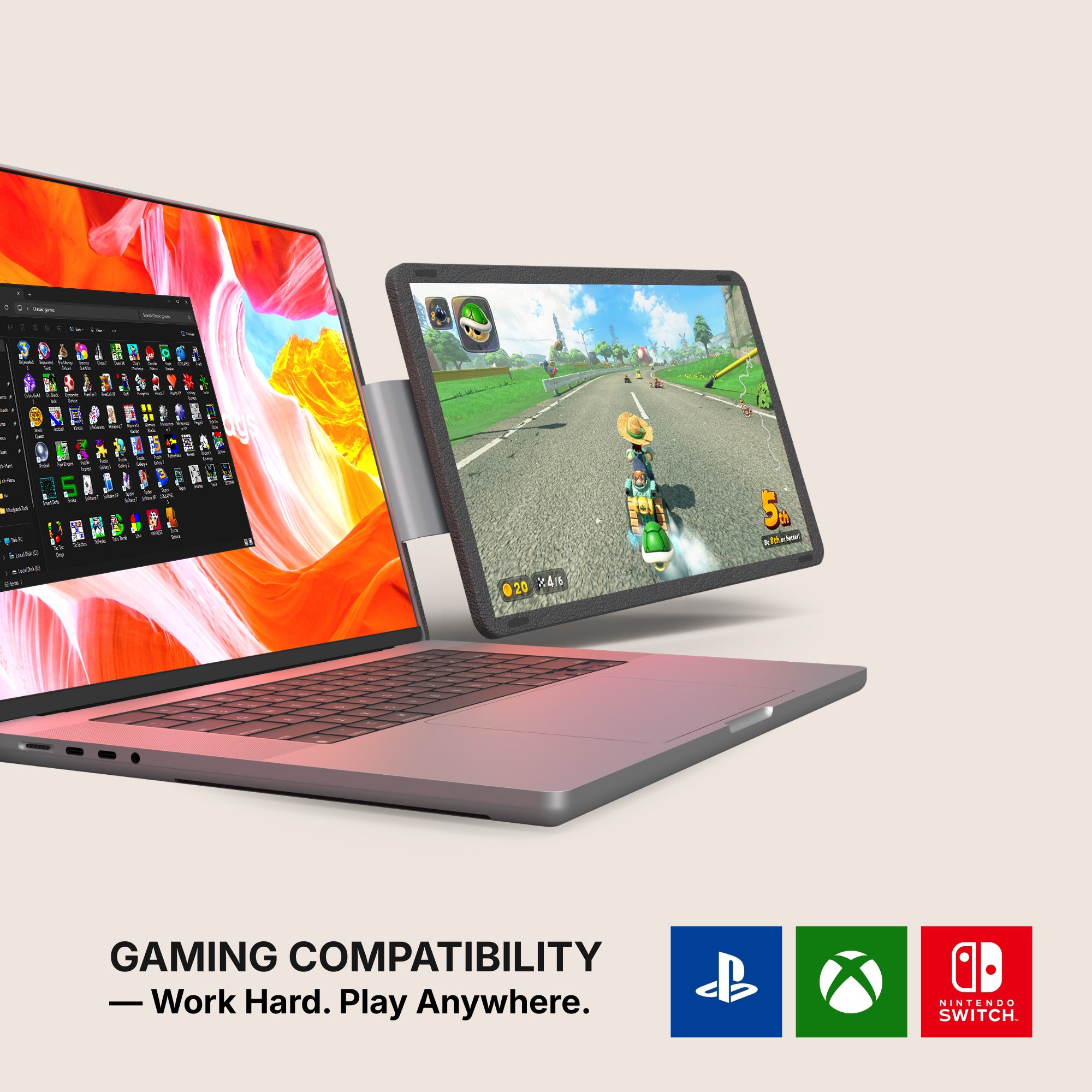
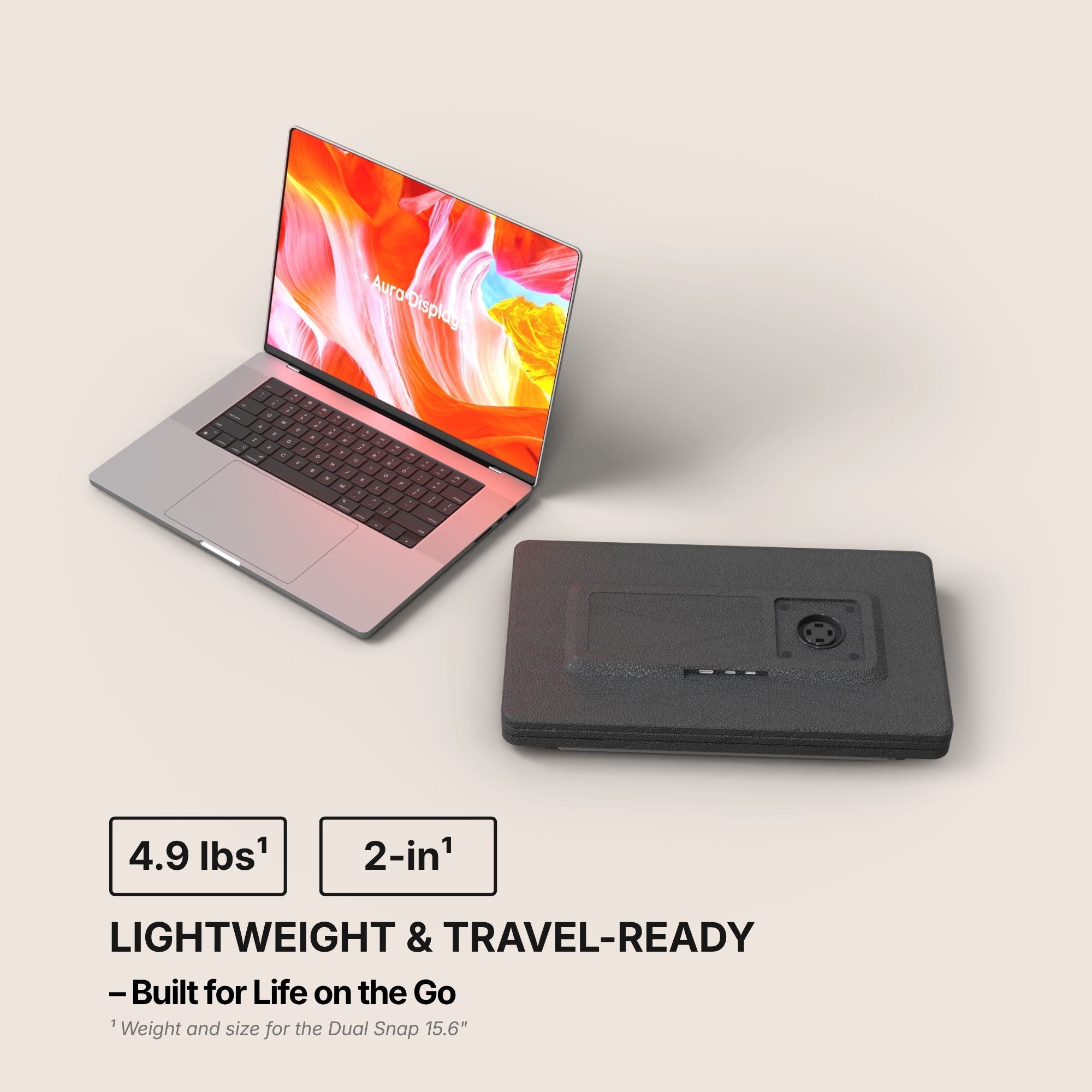
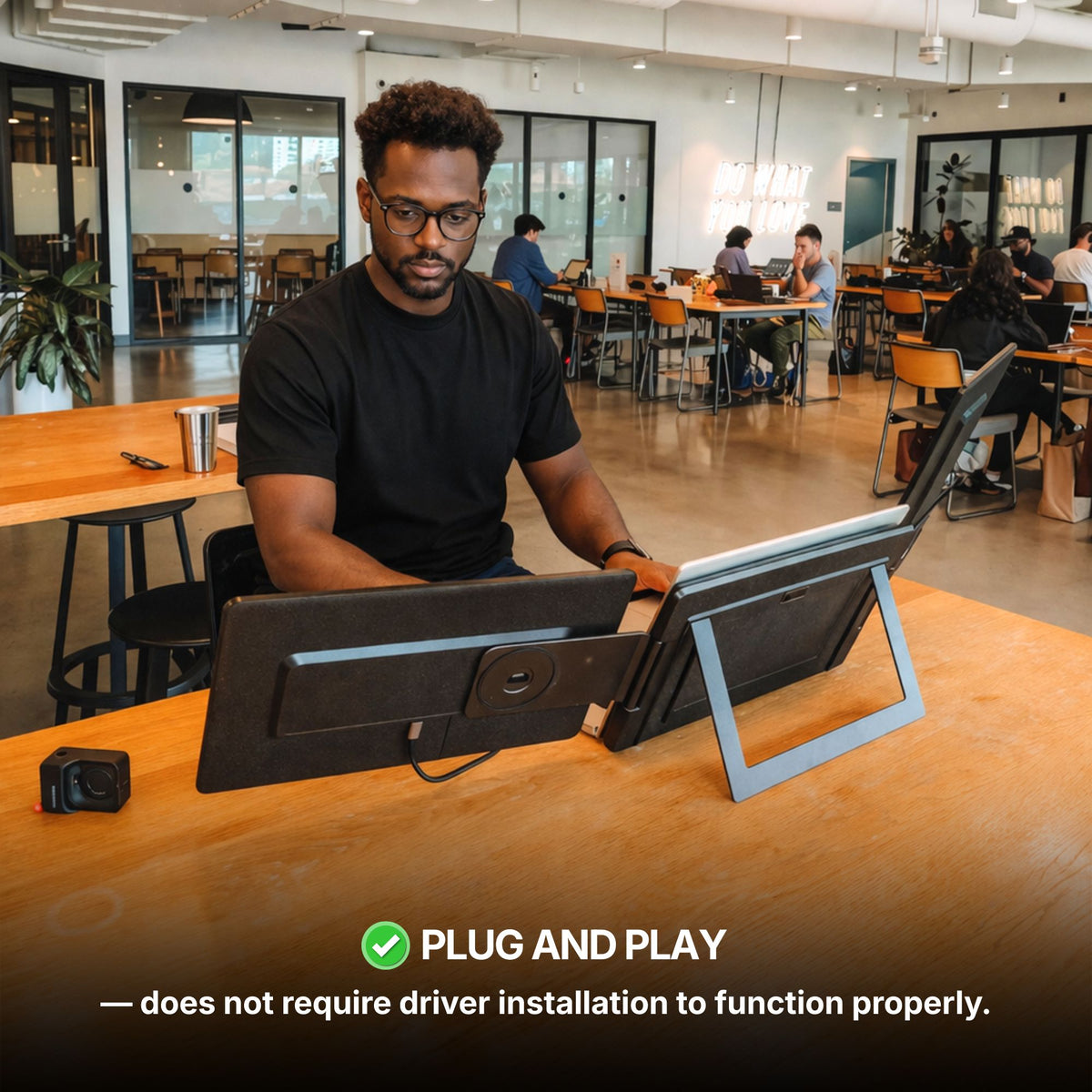
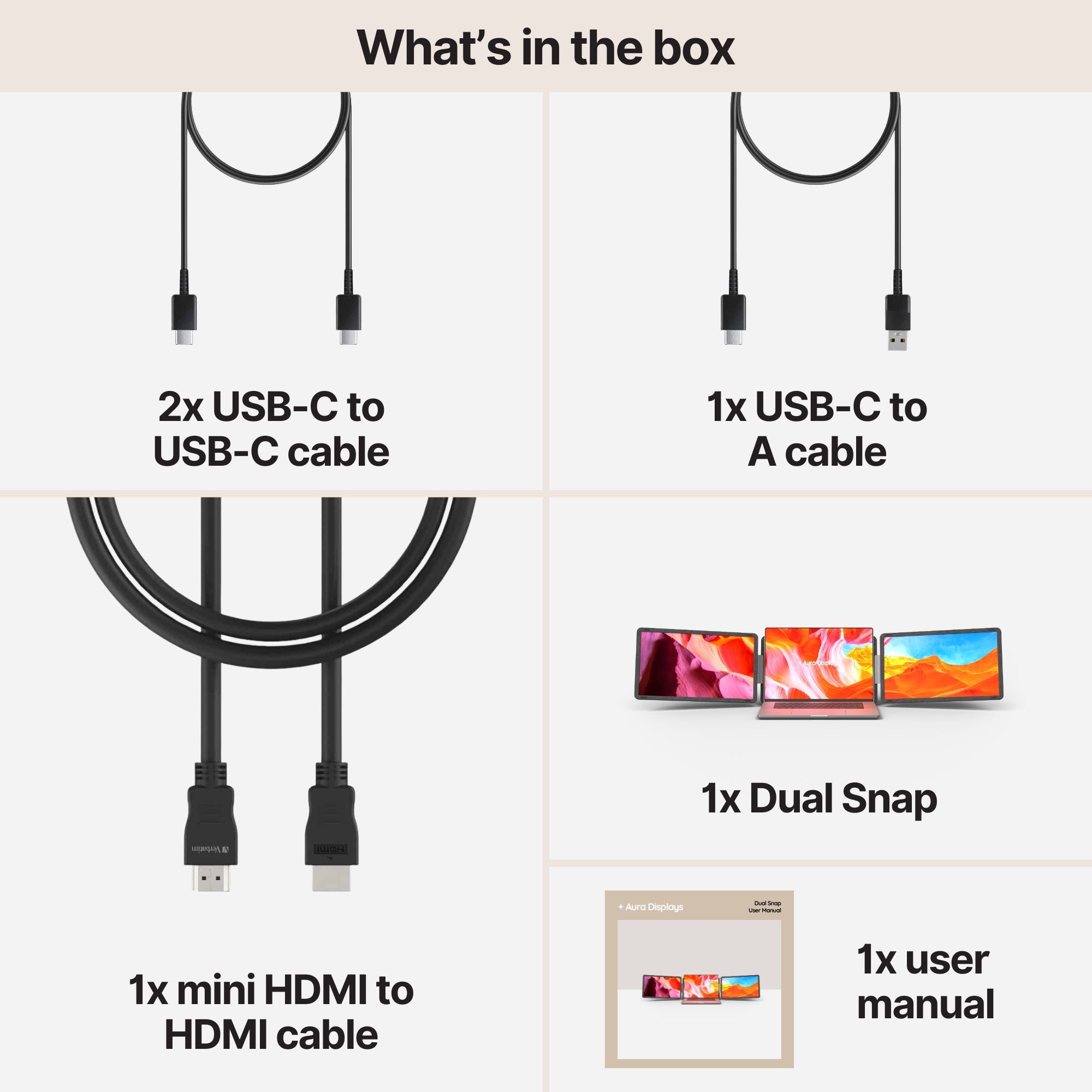
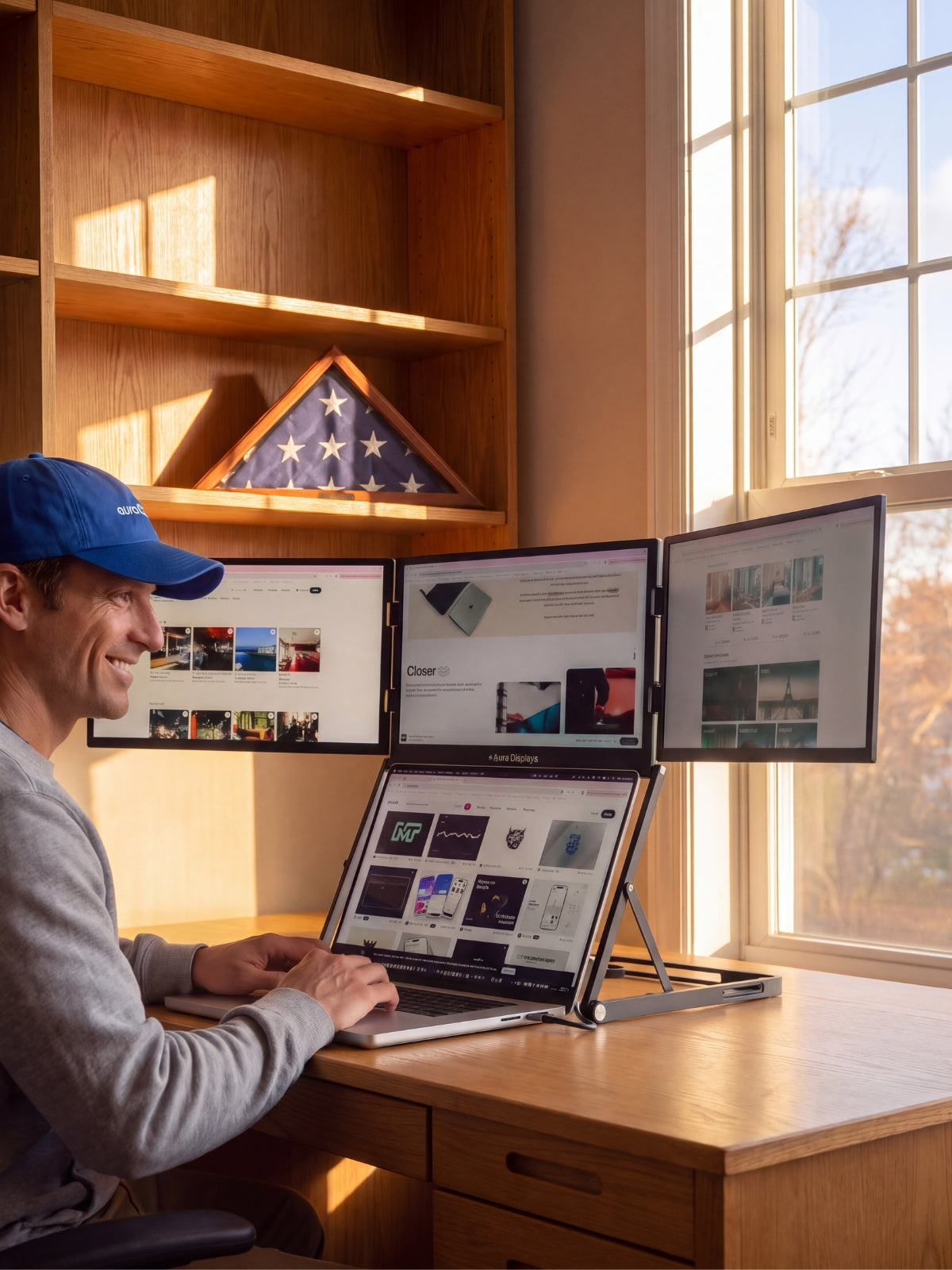
For most desks the Dual Snap (Gen 1) from $409 is the one we would point at, because it is the model that actually lets you make this choice: 15.6-inch Full HD at $409, 16-inch Plus at 1920 x 1200 for $429, and a 16-inch Ultra in QHD 2.5K at $459. It is 300 nits, plug and play with no companion software, and carries 4x USB-C and 2x mini HDMI, with a compatibility list running macOS, Windows, Android, Chromebook, Linux, Surface, game consoles and iPhone or iPad over USB-C. Rated 4.4 out of 5 across 53 reviews.
If one extra panel is all you need, the Single Play (Gen 2) is $289 at 14 inches and $299 at 15.6. It is Full HD only and 280 nits, and it runs on one cable. That is a deliberately plain screen, and for a second window it is enough.
We sell larger panels than these, and we would not start you there. Past 16 inches a portable screen stops being portable: it no longer folds behind a lid, it no longer goes in the sleeve, and it becomes a desk monitor that happens to be thin. If the screen never leaves the desk, that is a fair trade. If it moves twice a week, buy the size you will actually carry.














Share: