


The Census Bureau reported on August 14 that US retail and food services sales fell 0.6% in July, to $763.6 billion, and were still up roughly 5% against July 2025. Both halves of that matter. People have not stopped spending. They have started picking their spots.
We see the same thing in our inbox. The question we get most from people who already own one of our setups is not "should I buy more screens." It is "is the upgrade worth it." Here is our honest answer, which costs us money more often than it makes us any.
Most upgrade requests are aimed at the wrong axis
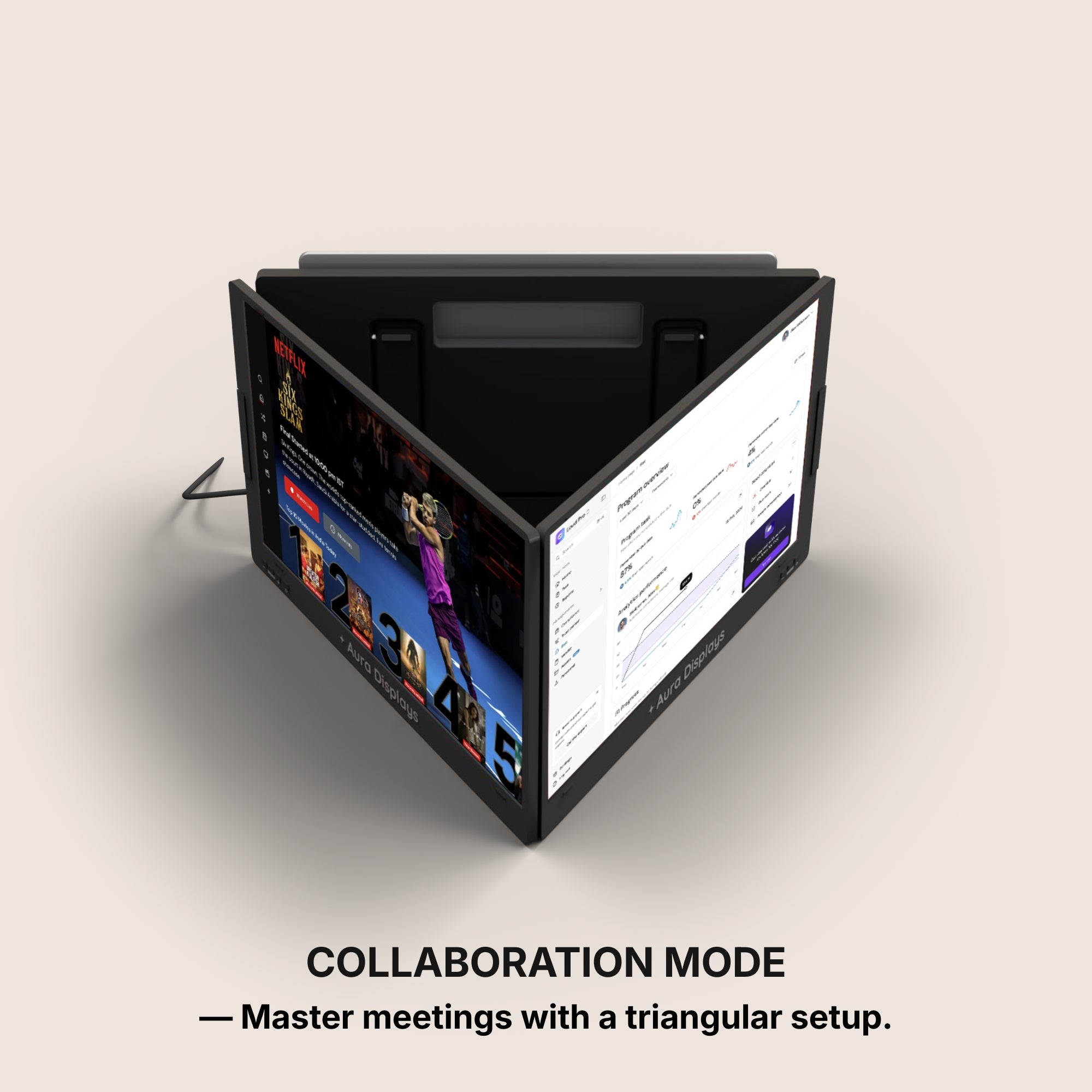
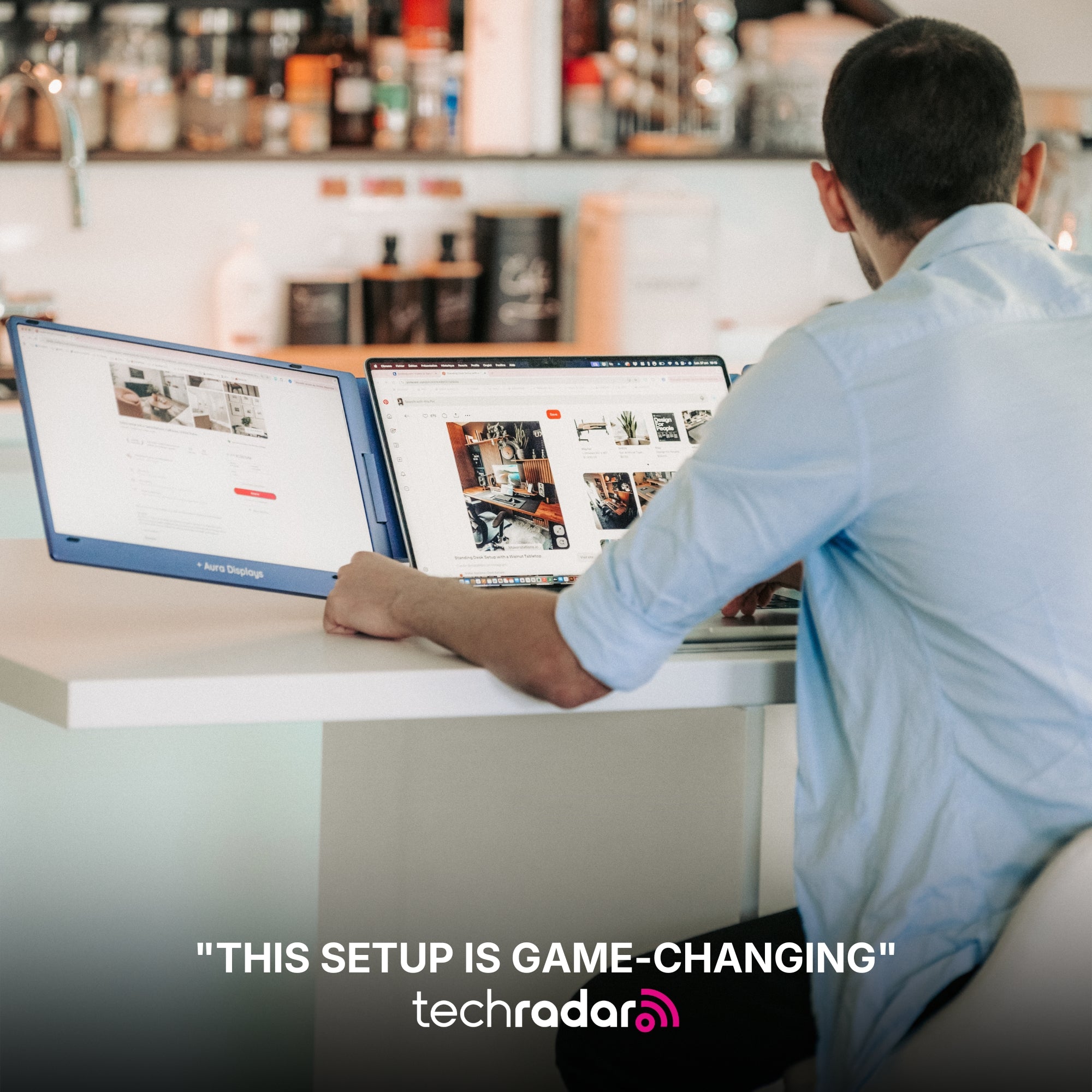
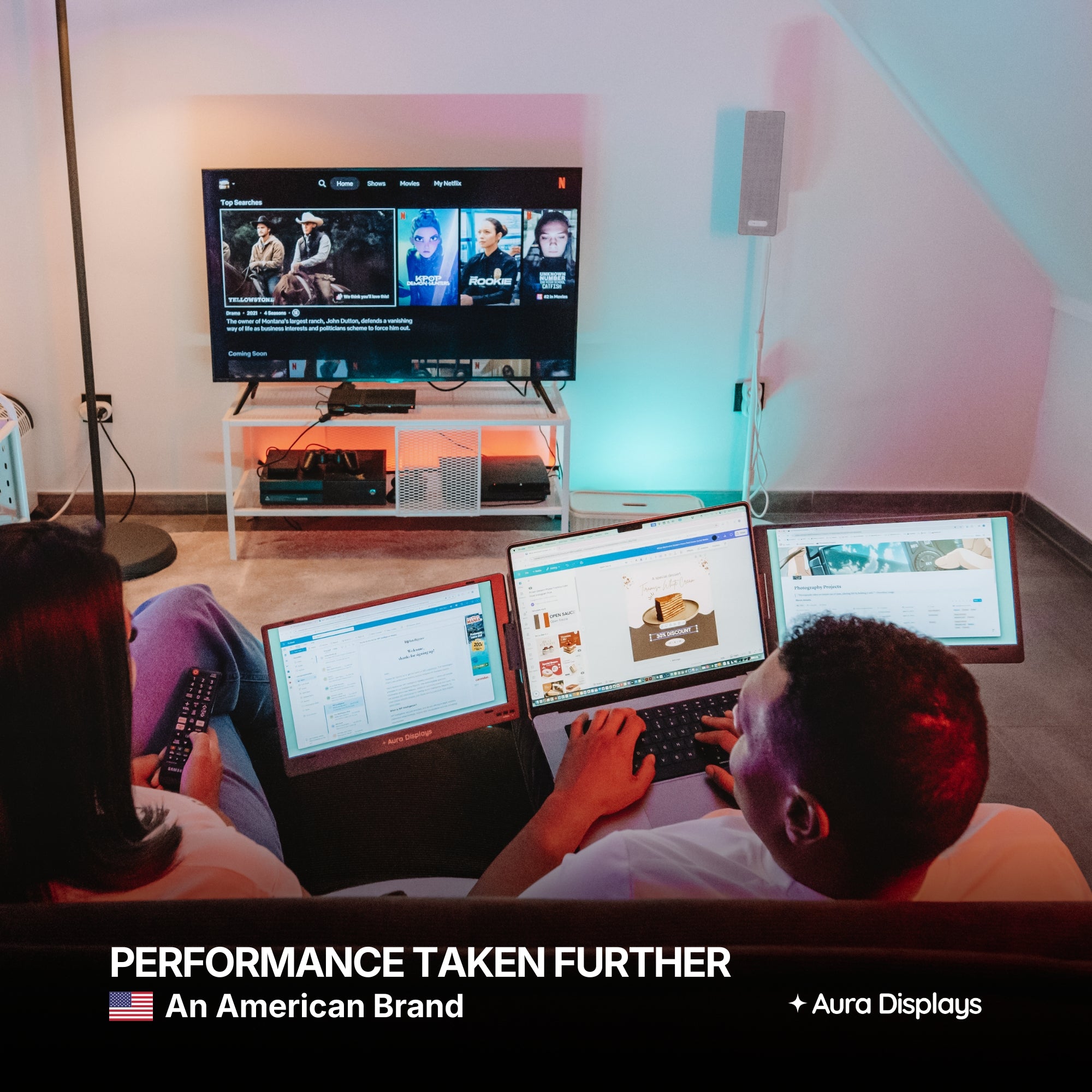
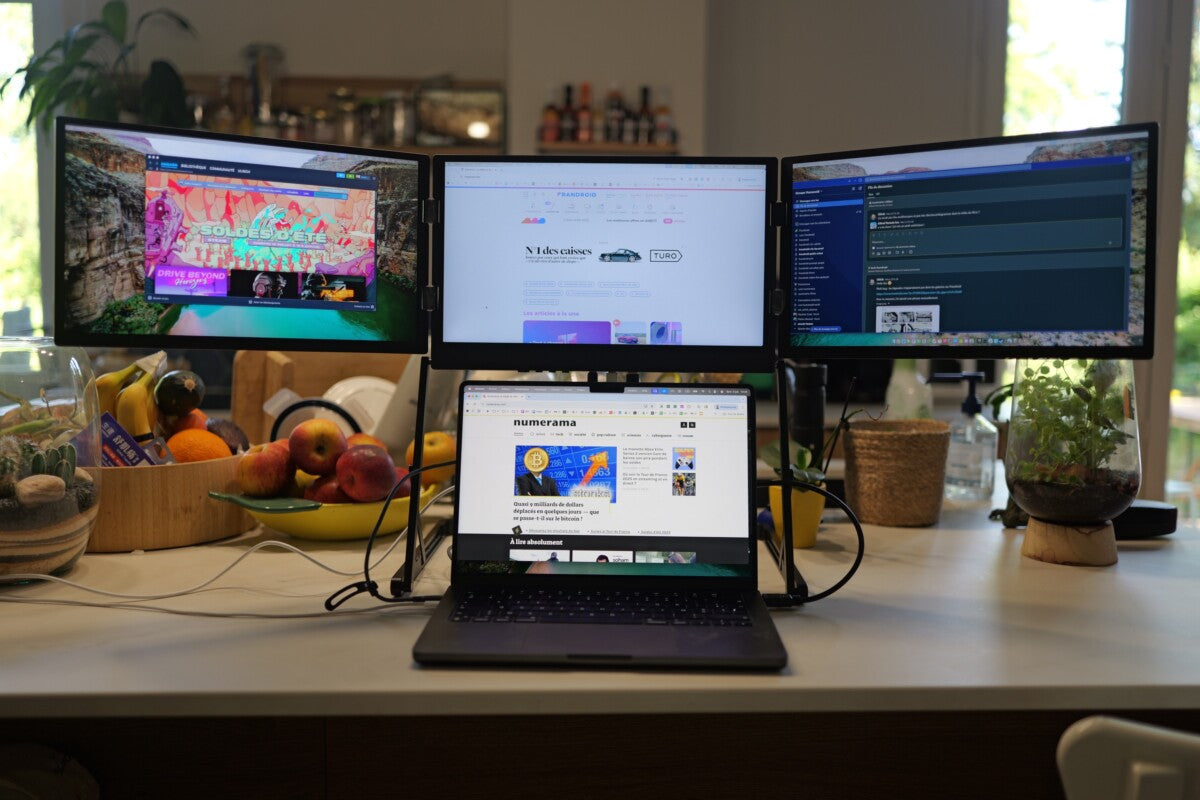
Nine times in ten, someone who owns a dual setup writes to ask about going triple. Adding a panel is the most visible upgrade and usually the least useful one. It adds weight to the bag, seconds to every setup, depth to the desk, and — the part nobody counts — head movement. A third panel sitting at 45 degrees is a place you glance at, not a place you work.
We argued earlier this month that three screens is overkill for most people, and a slightly softer retail month changes nothing about that. What it does change is how carefully you should pick the alternative. If you already have two panels and they are 14-inch Full HD, the upgrade that changes your day is not a third surface. It is more inches and more pixels on the two you already look at.
What bigger and sharper actually buys you
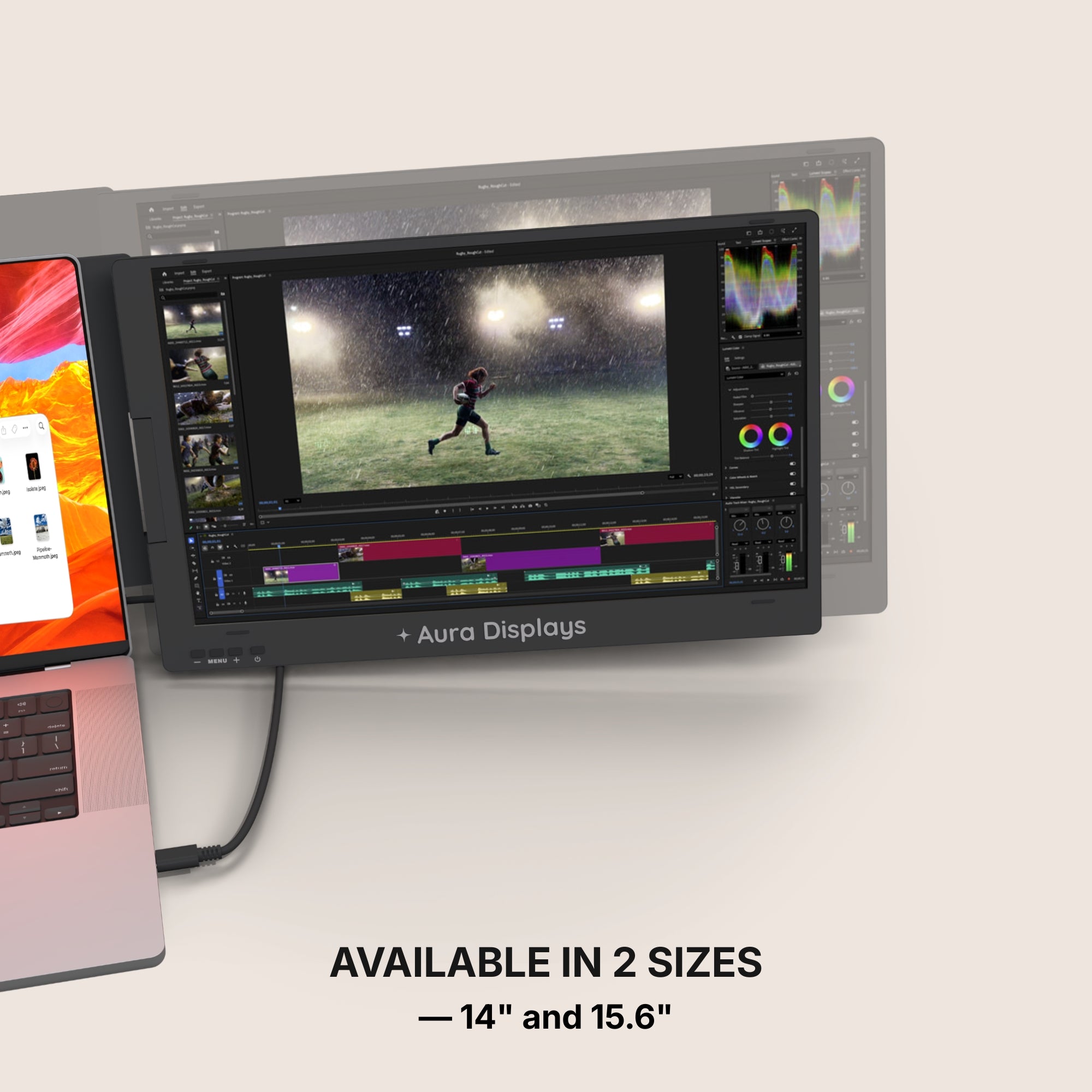
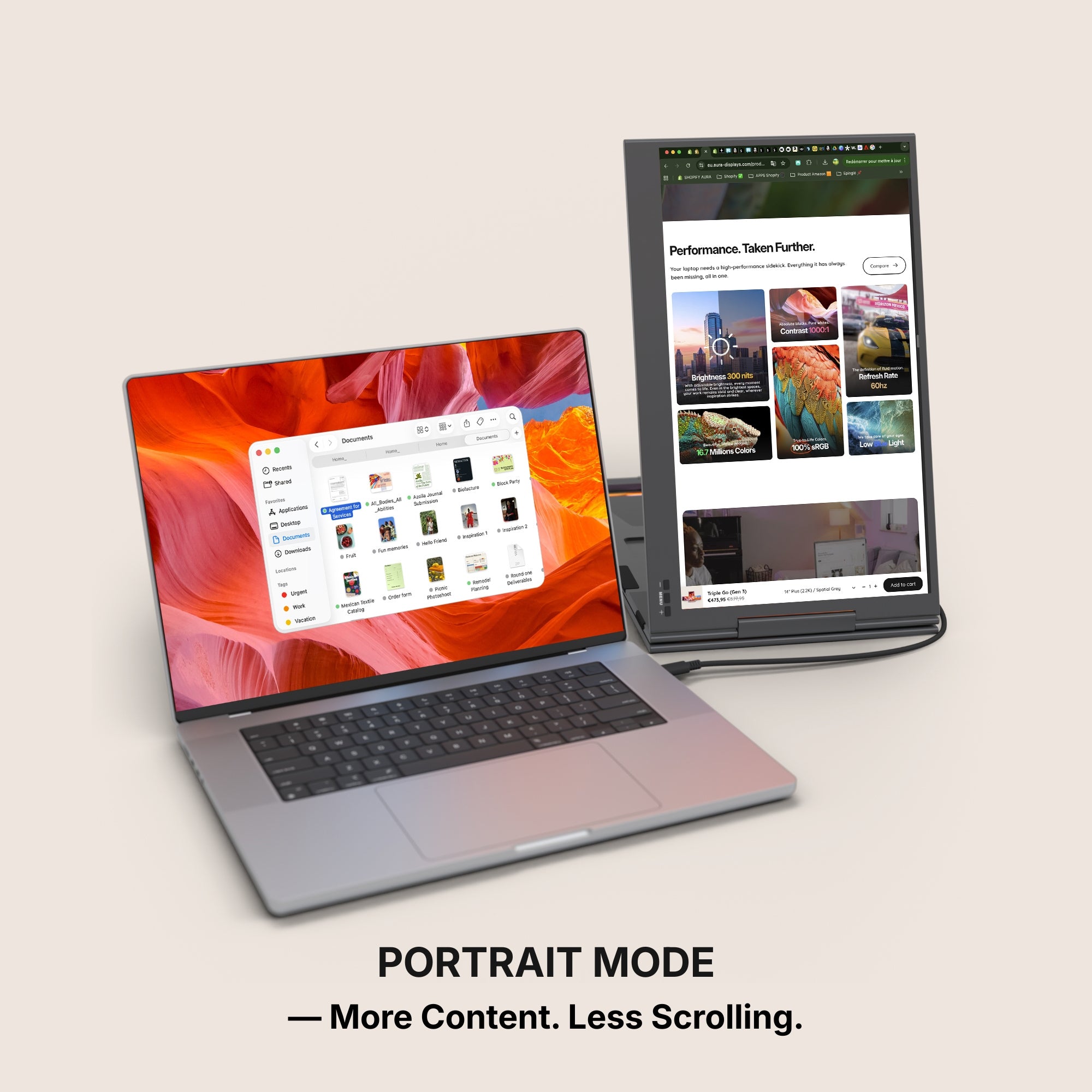
- 14" to 15.6" — roughly a fifth more surface per panel. In practice: a spreadsheet stops needing horizontal scrolling, and a document sits beside a browser without either being cramped.
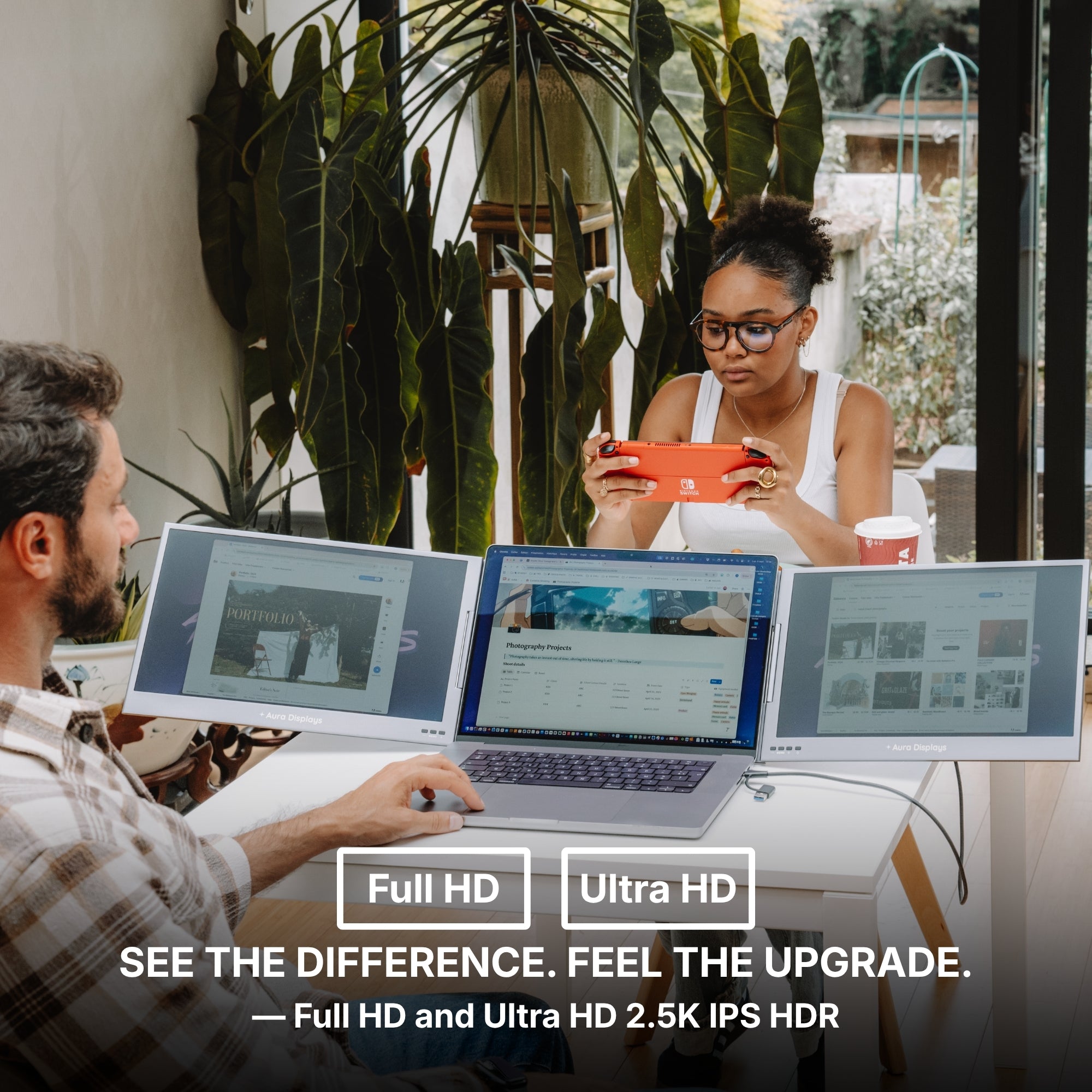
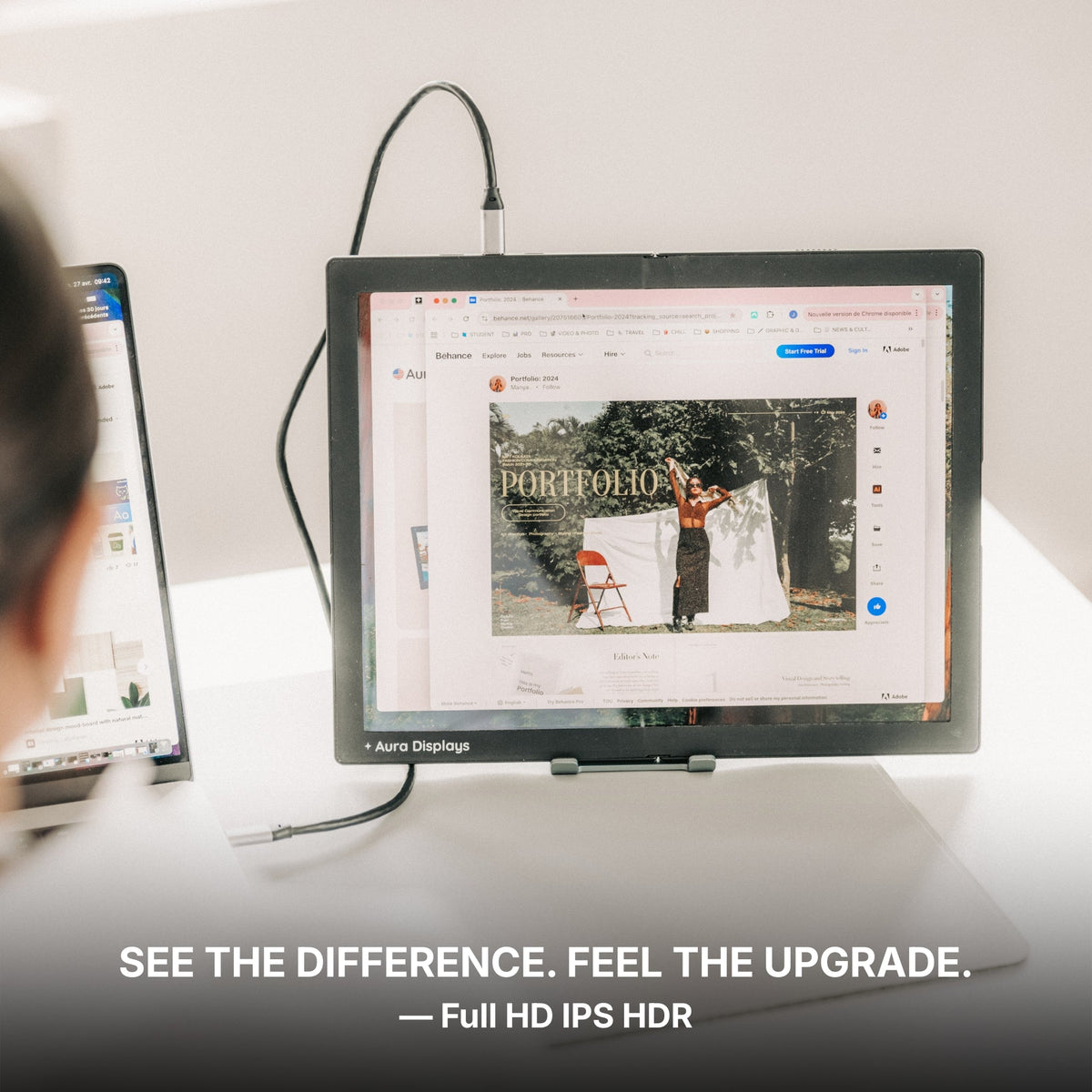
- Full HD to 2.5K QHD — only worth it if you read text all day. Code, contracts, long-form writing: sharper glyphs are the difference between a screen you use for eight hours and one you squint at for three. If your day is video calls, dashboards and email, Full HD is enough and the money is better left in your account.
Three checks before you spend anything
- Measure the desk, not the screen. Two 15.6-inch panels flanking a laptop want roughly 100 cm of clear width. Tape measure first, cart second.
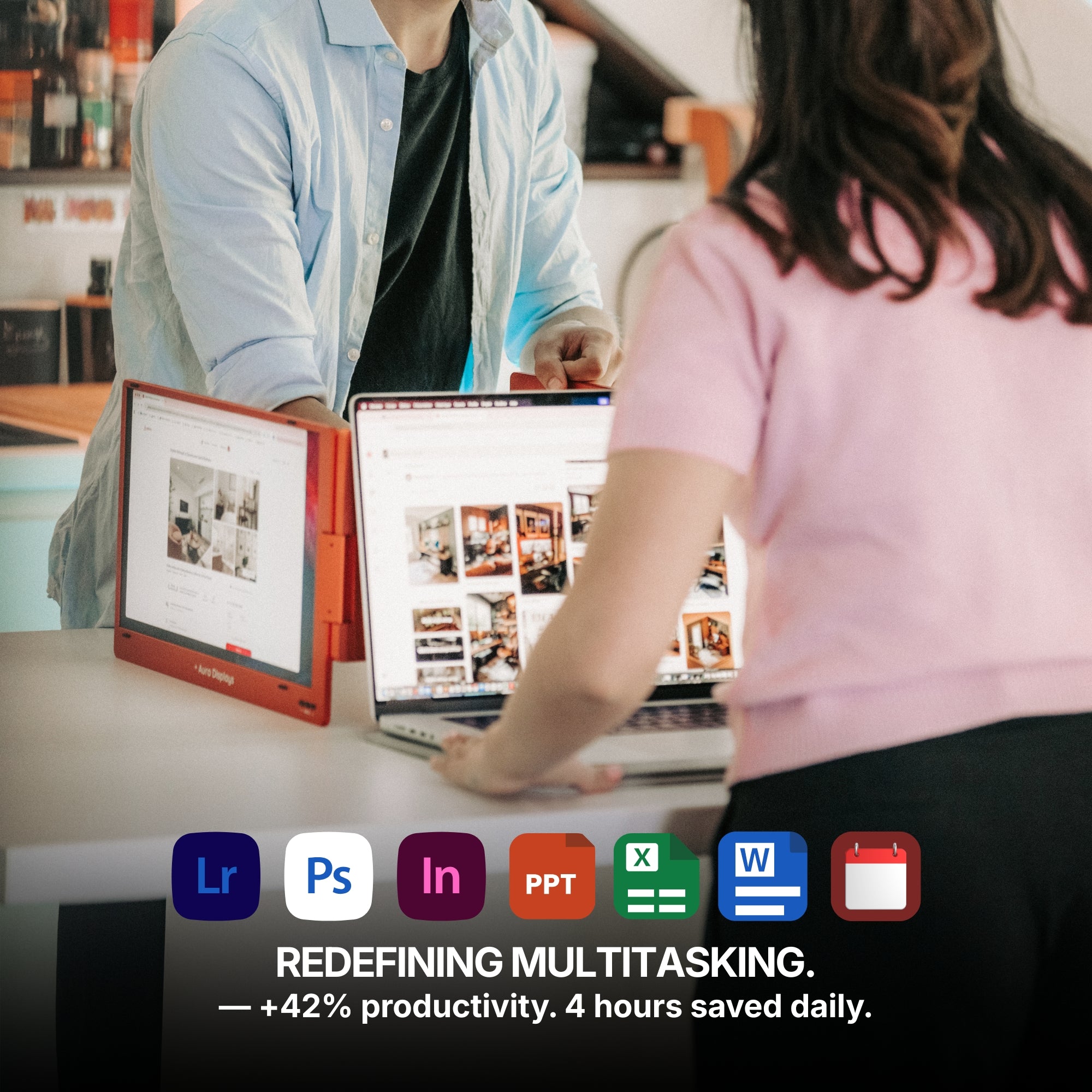
- Count your window switches for one working day. If you rarely alt-tab, more screen area will not change your output, whatever the layout looks like in photographs.
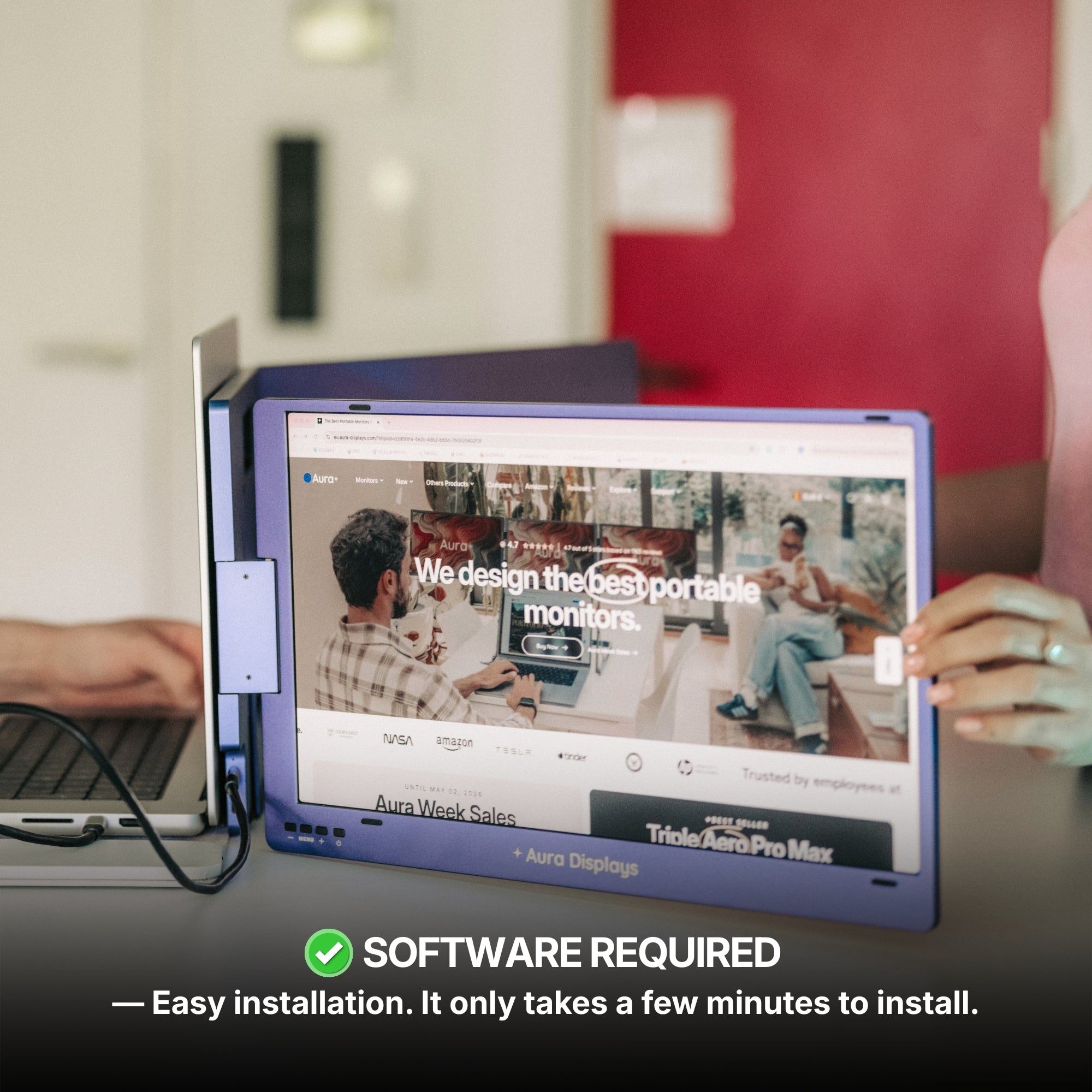
- Check whether you can install software on your machine. This eliminates more of our range than any other question, and it is the one people discover last.
What we would actually buy
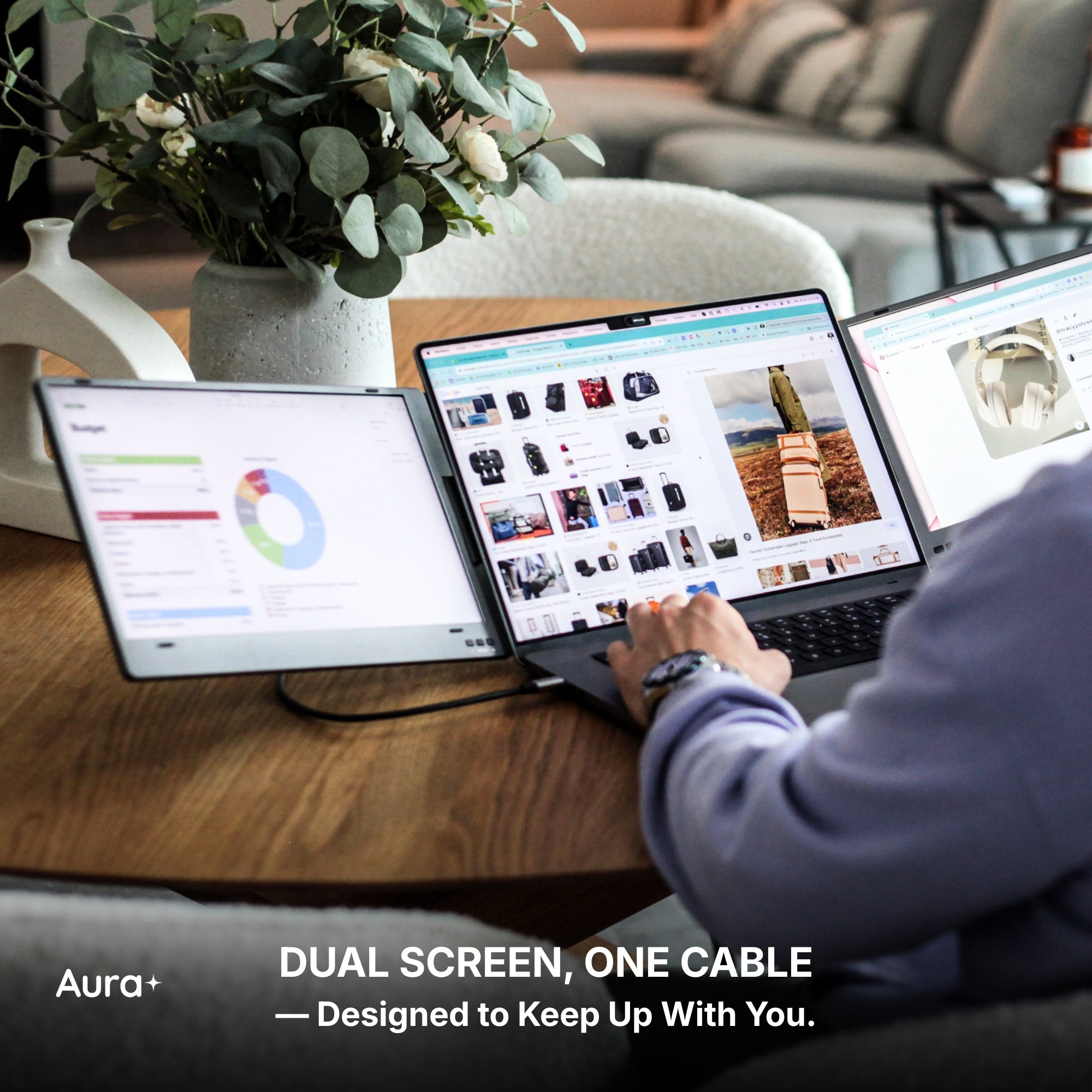
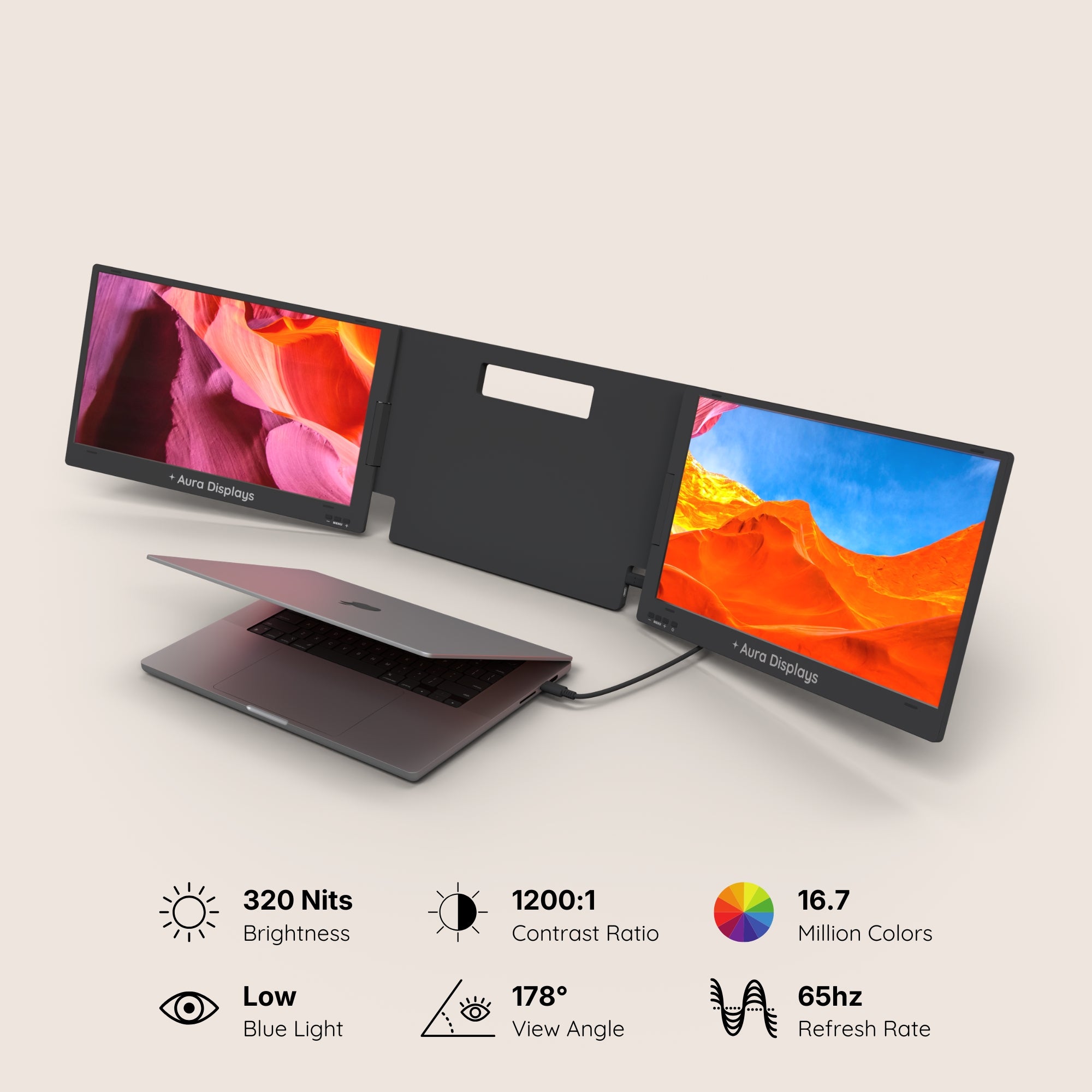
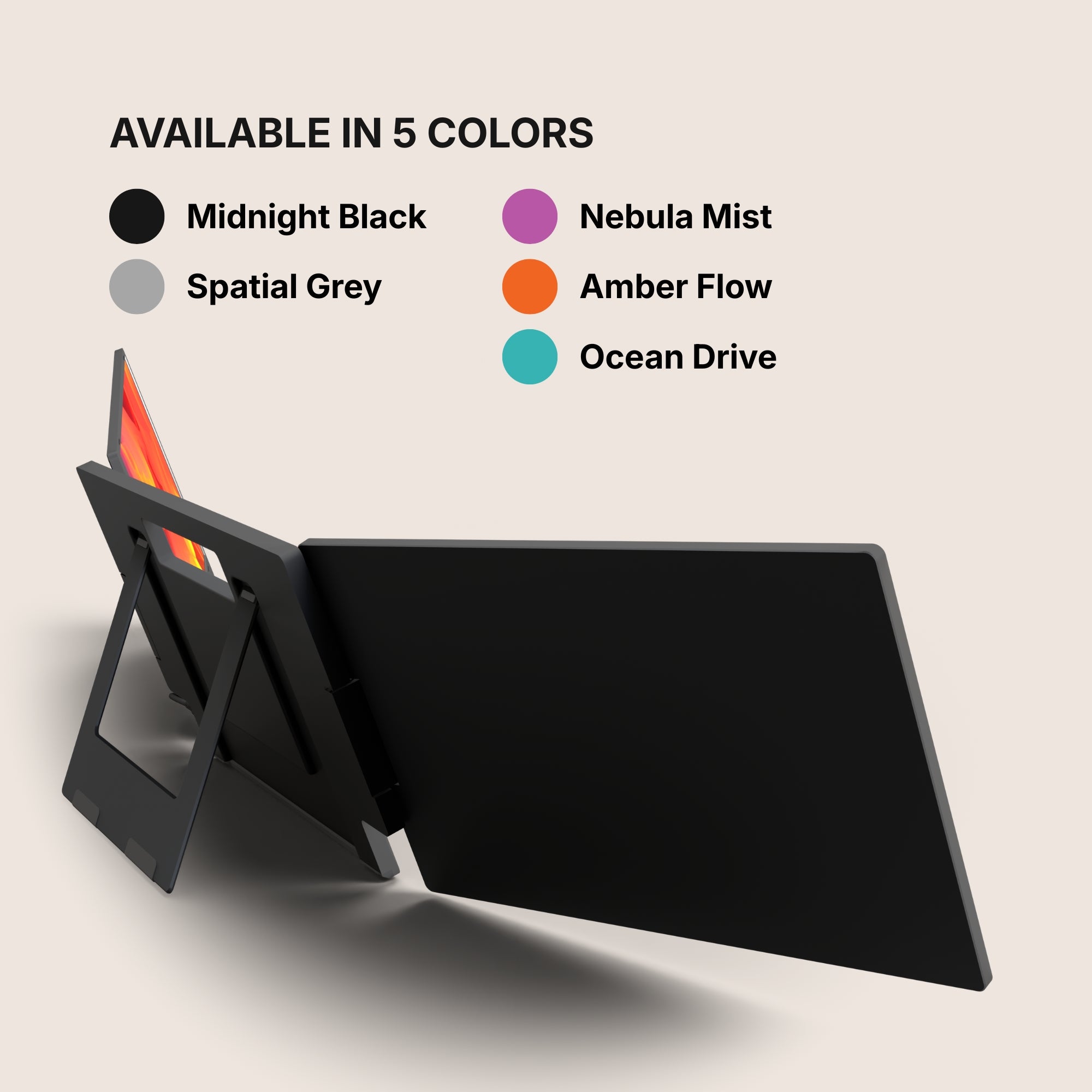
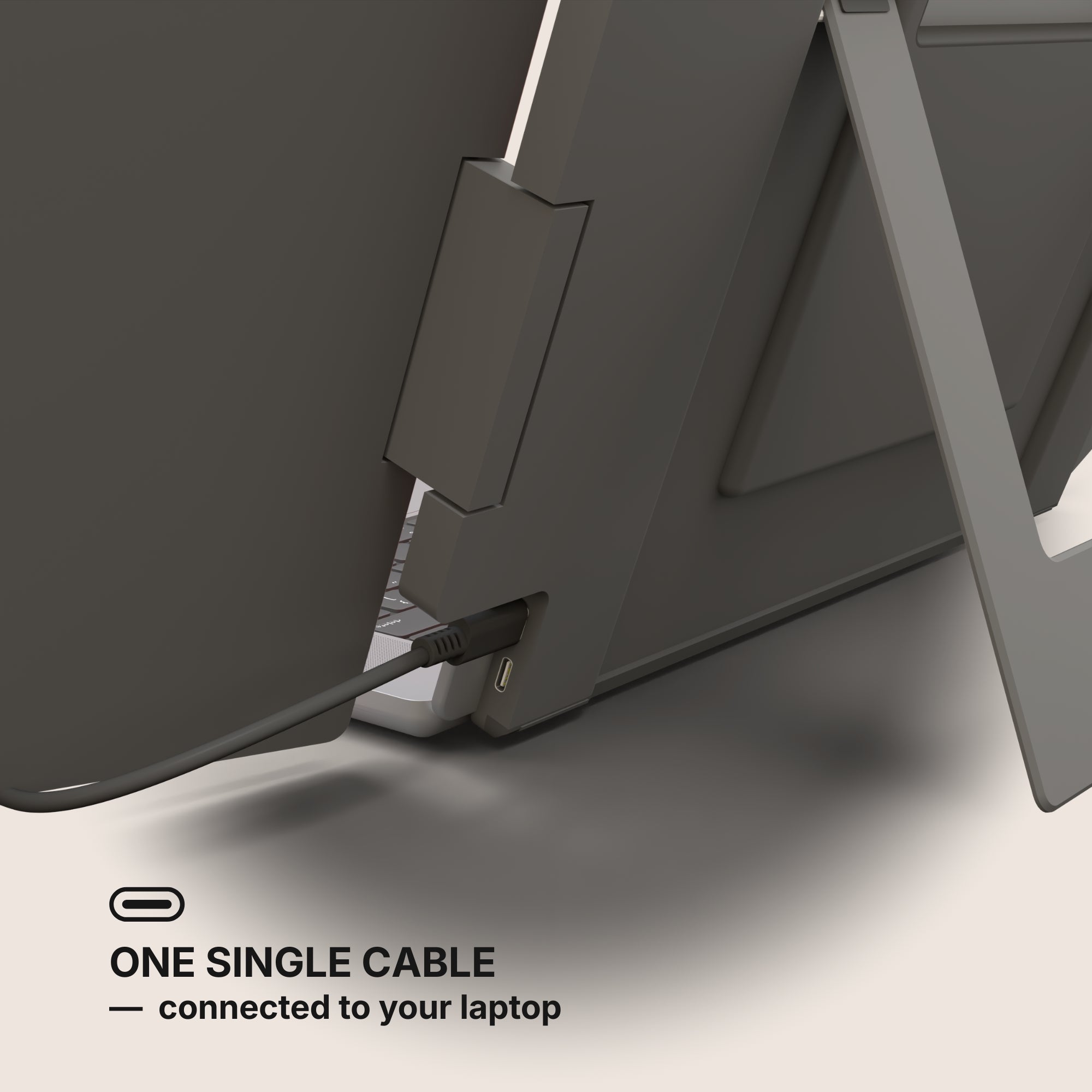
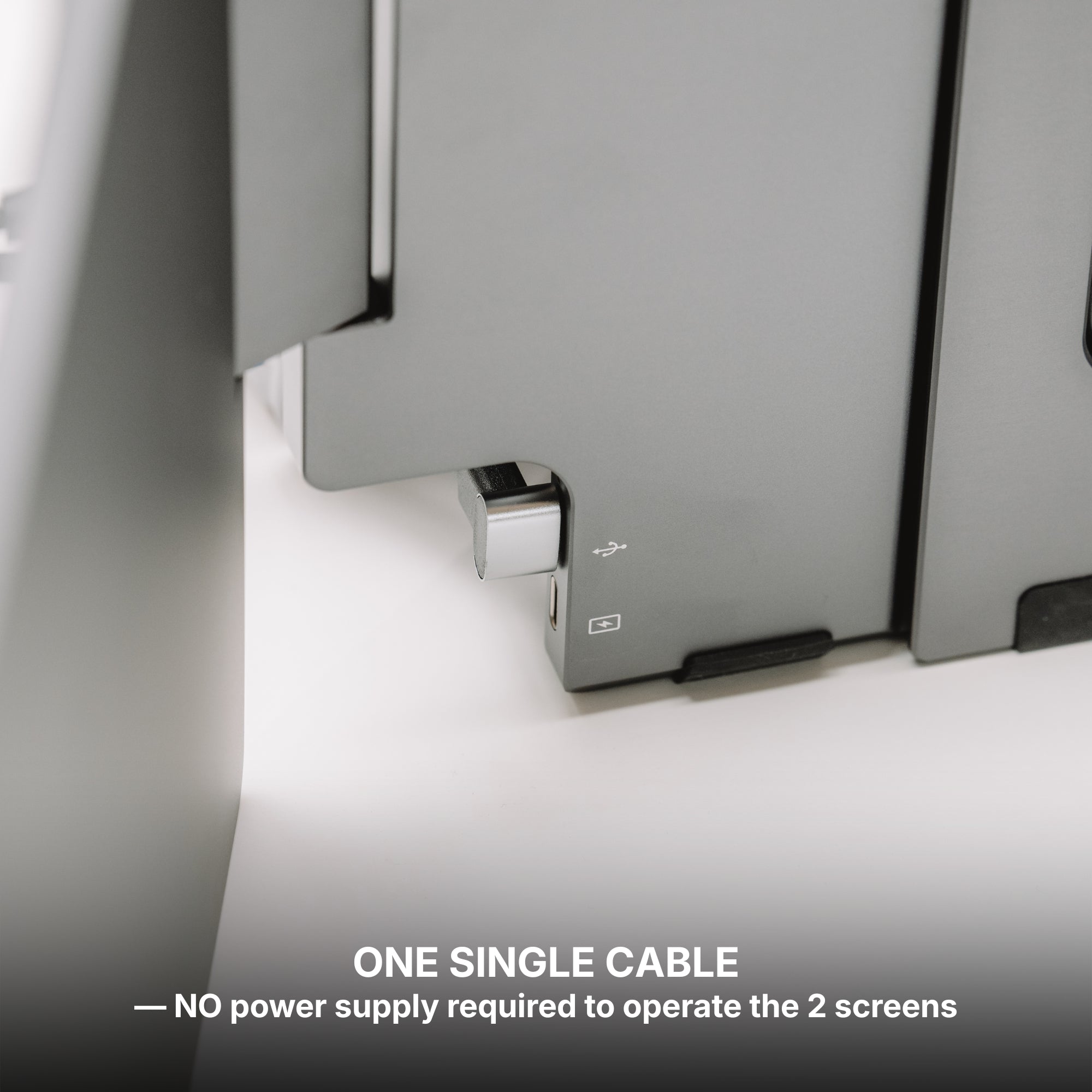
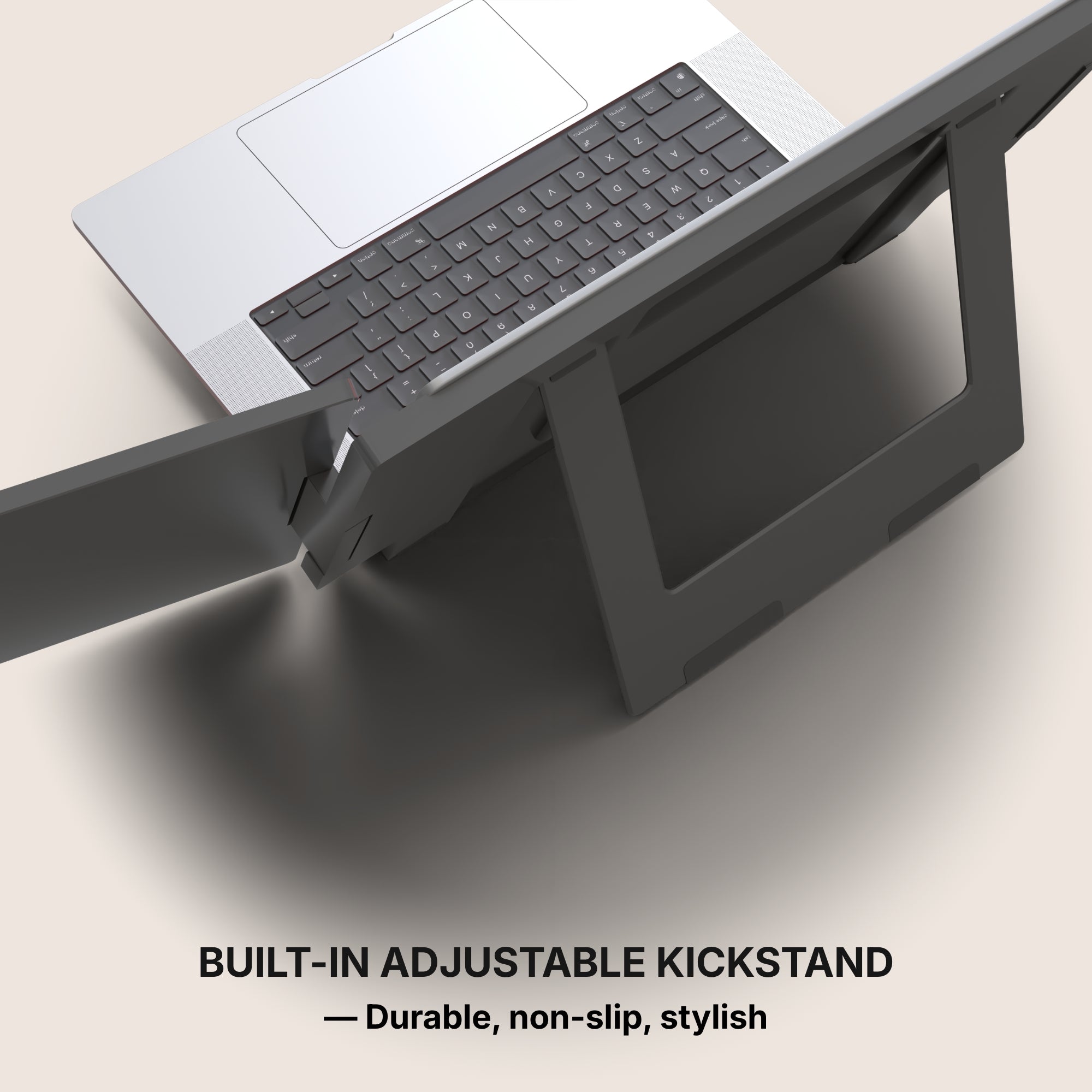
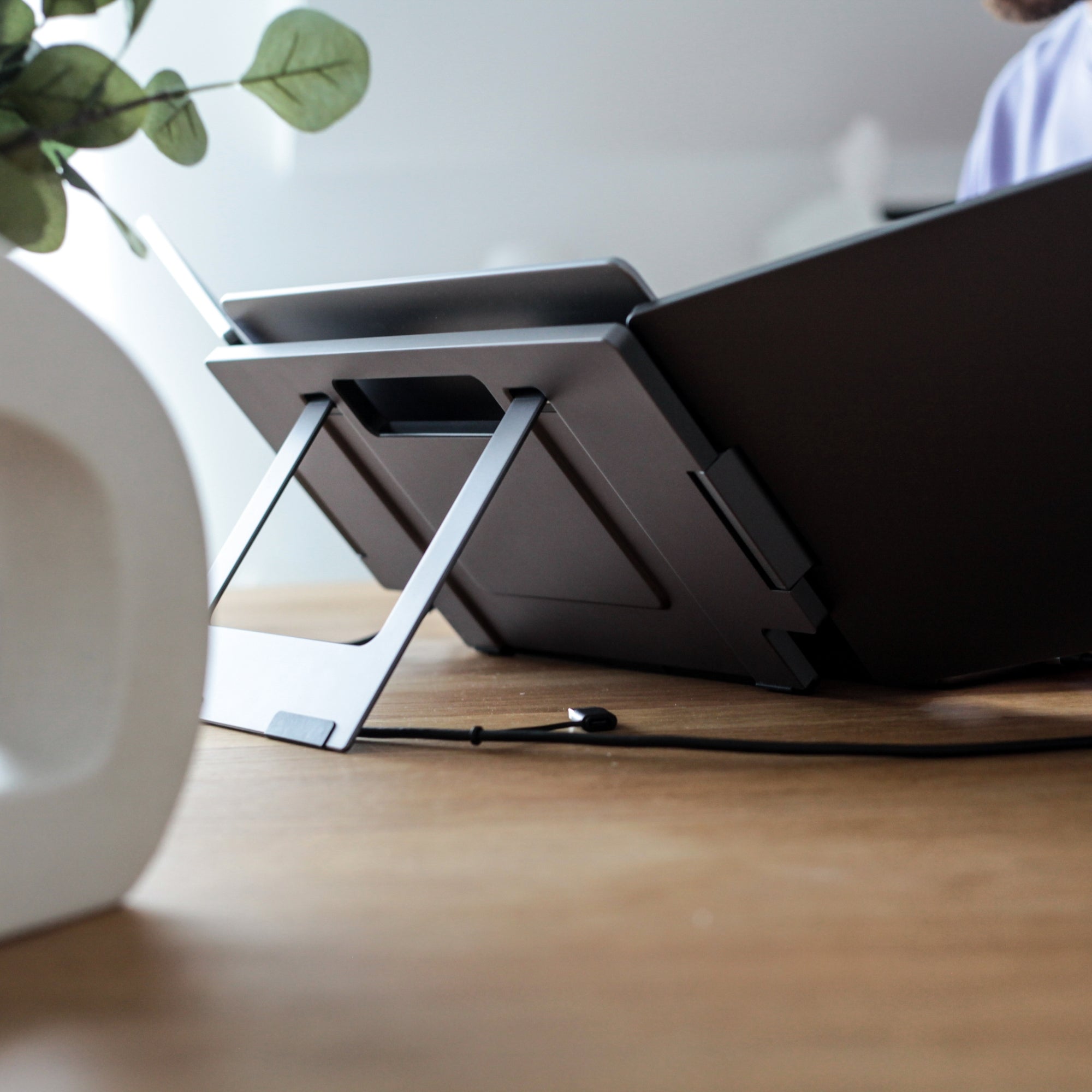
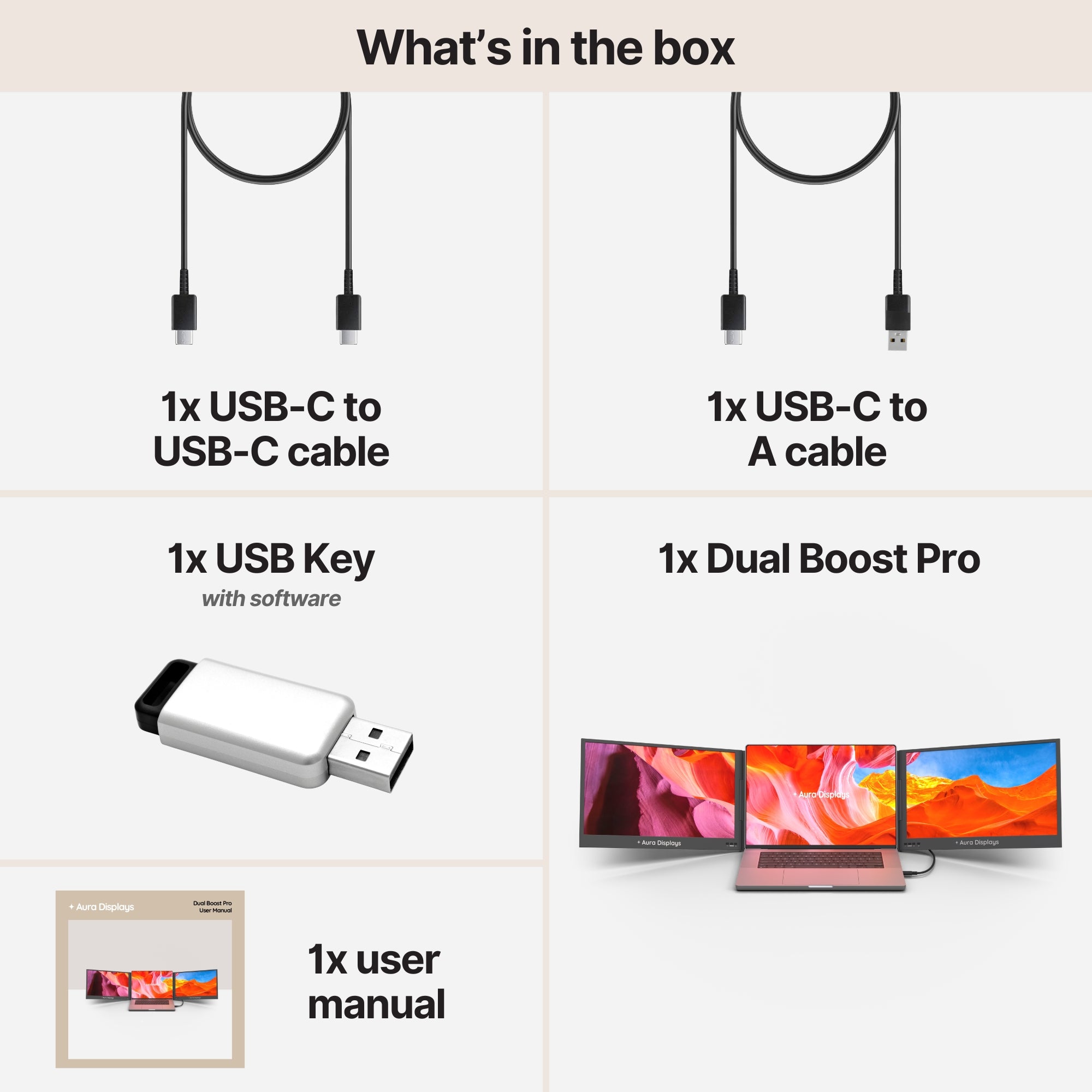
The Dual Boost Pro (Gen 4), from $399, is the upgrade we would make. Two aluminium panels mount to the laptop lid over a single USB-C cable, in 14" or 15.6" Full HD, with a 2.5K QHD version at $519 for people whose work is text. It is the "same two screens, better two screens" answer, and it is the one that survives the November test — the point at which a setup is either still on your desk or in a drawer.
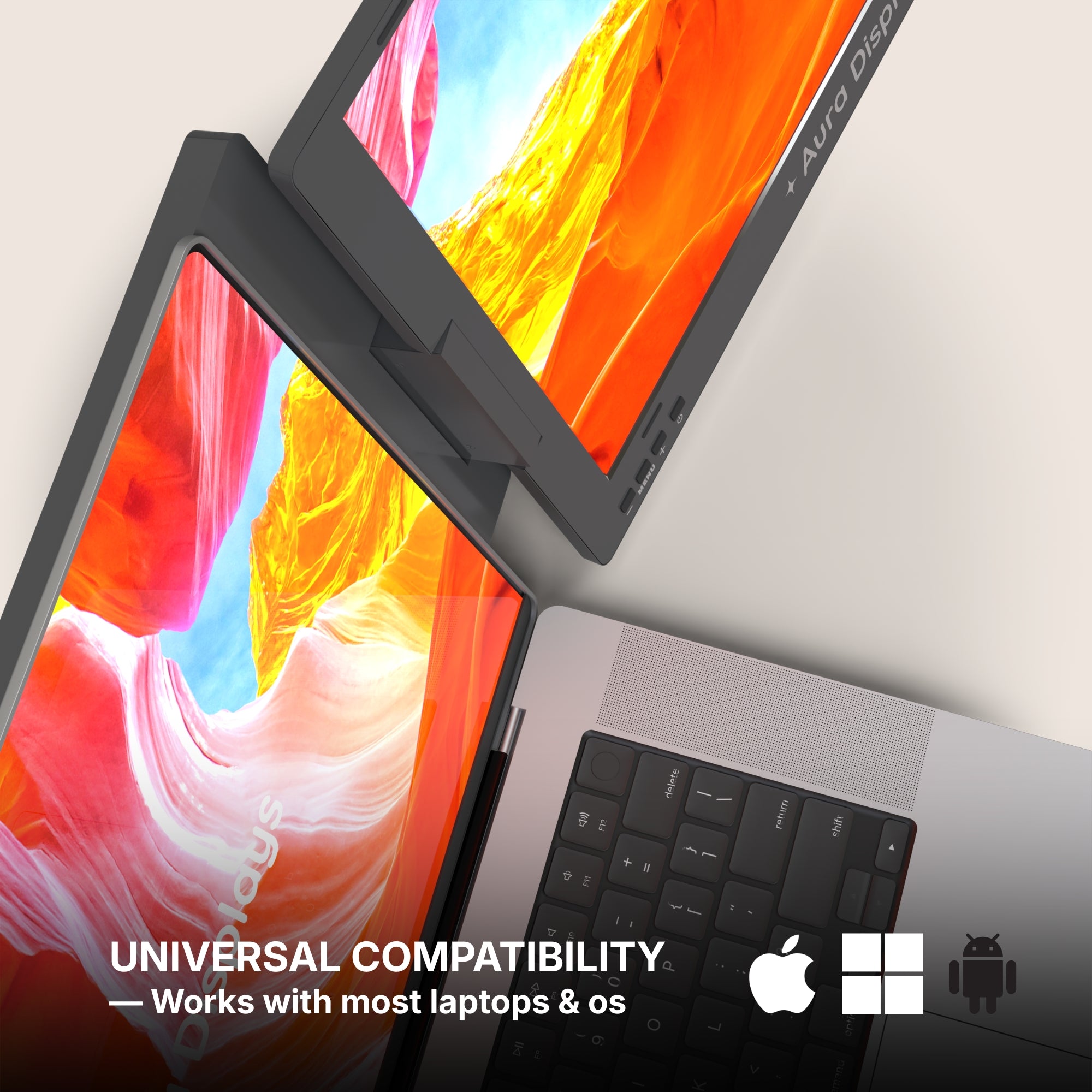
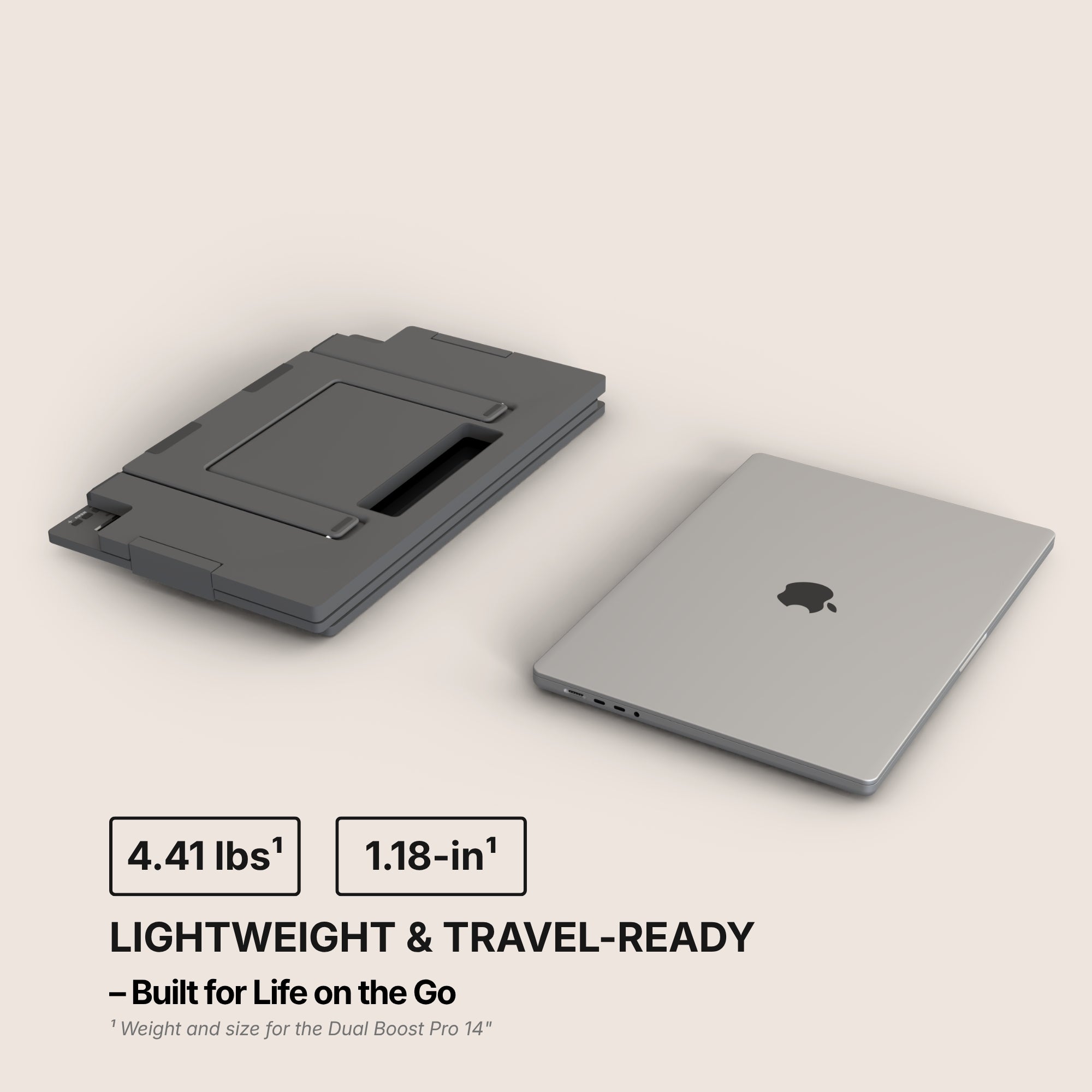
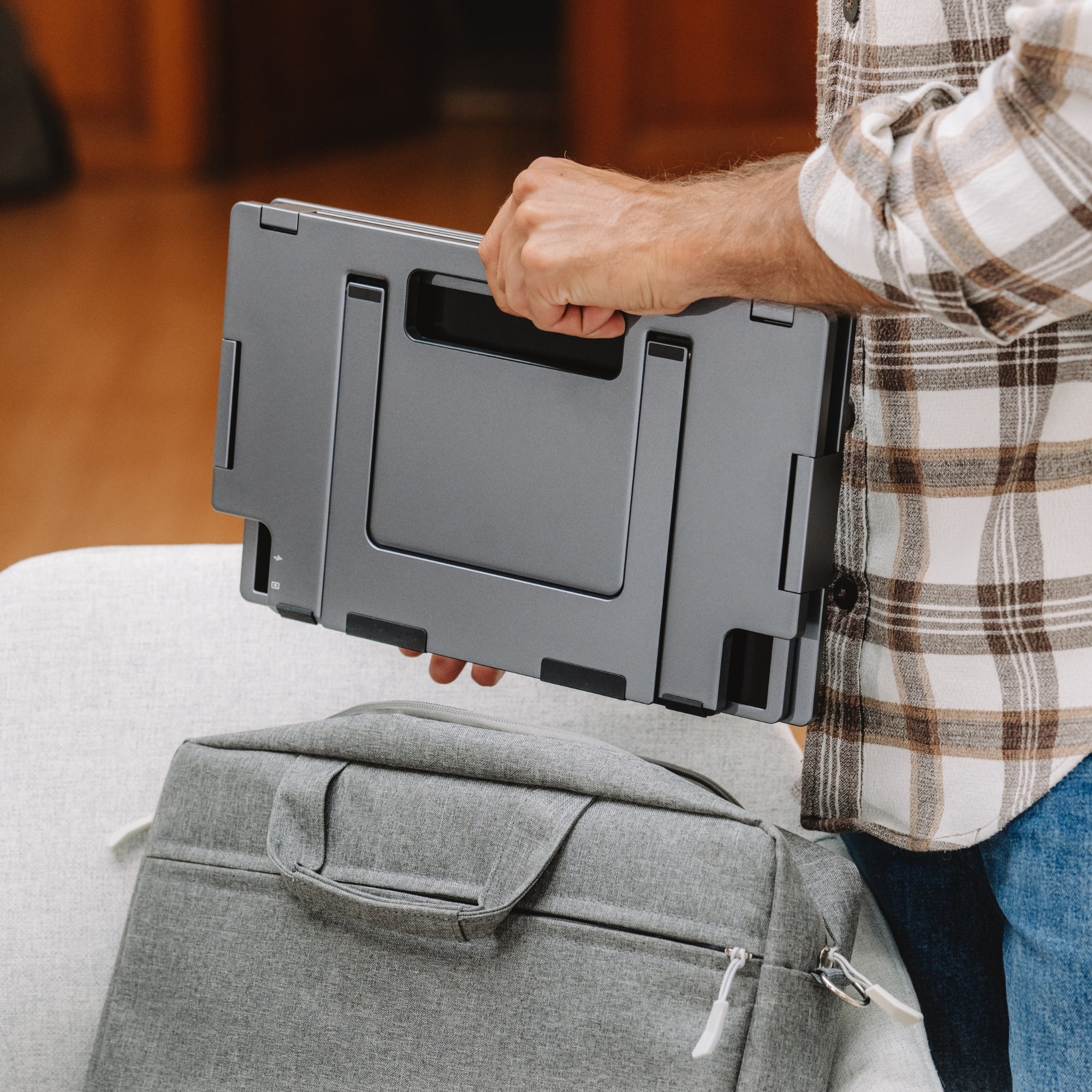
Two things we would rather you heard from us. It requires our software and runs on macOS, Windows, Android and Ubuntu: if your laptop is issued by an employer and locked against installs, or if it is a Chromebook, this is not your product. And the aluminium build that makes it feel solid also makes it heavier than a plastic panel of the same size. At 320 nits it is comfortable indoors and outmatched by a sunny window.
If either of those rules it out
- Single Play — from $289. Plug and play across macOS, Windows, Android, Chromebook, Linux and consoles. No driver, no software. The answer for locked-down machines and the lightest way to add one surface.
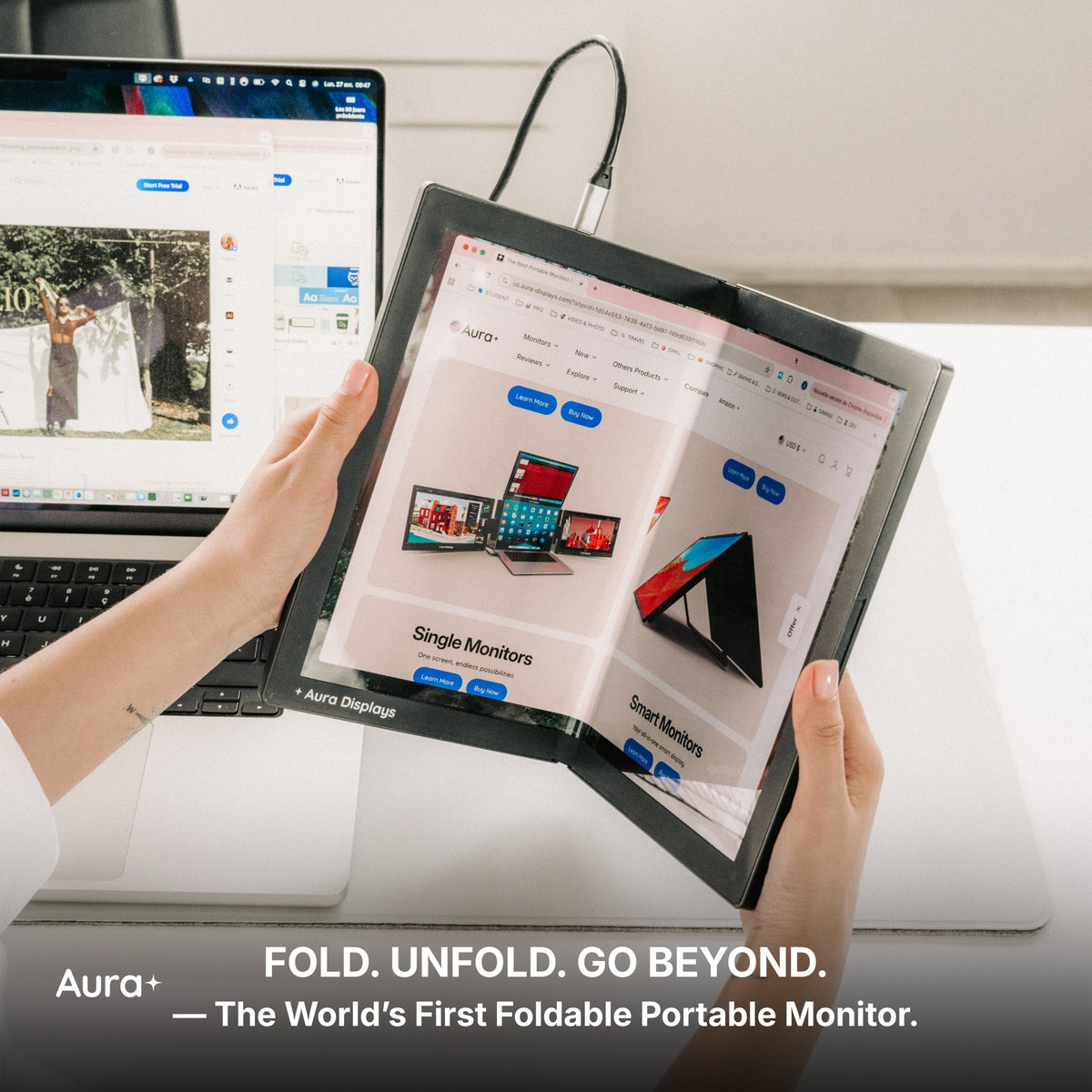
- Dual Book Pro — from $389. Folds shut like a book, which remains the best single predictor of whether a portable screen survives a commute intact.
- Dual Book Pro Wide 48" — $599. Two 24-inch panels, plug and play, no software to install. Only if the setup never leaves the desk: it needs a 65W adapter and a wall socket.
The upgrade not to make
If nothing on your list of complaints is "I run out of room," the honest recommendation is to buy nothing this month. A softer retail month is not a reason to buy and it is not a reason to wait. It is a reasonable moment to check whether the thing you were about to order solves a problem you actually have. Ours often does not, and we would rather say so now than read it in a return request in October.

















Share: