


You know the feeling of sitting down to work and realizing your laptop screen suddenly feels too small for everything you need to handle. Maybe you started with just a few tabs open, and before long, you are buried under windows stacked on top of each other. That is when the best dual monitor extender for laptop becomes far more than a convenience.
Trying to manage reports, video calls, reference material, spreadsheets, and messages at the same time can turn even simple tasks into a mental tug-of-war. When everything is squeezed into one display, you constantly rearrange windows instead of staying focused on completing your work. Space disappears fast, and your attention goes right along with it.
When You Outgrow a Single Screen
You may have caught yourself repeating the same cycle throughout the day:
Open a file → switch to a message → switch back → scroll through a window that’s too small → reopen something you accidentally minimized.
It’s more than just annoying; it disrupts your rhythm. Each time you stop to shuffle windows around, your concentration slips. Studies on screen interaction show that constantly jumping between stacked windows slows tasks down and wears you out mentally. You notice it even if you’re not timing yourself.
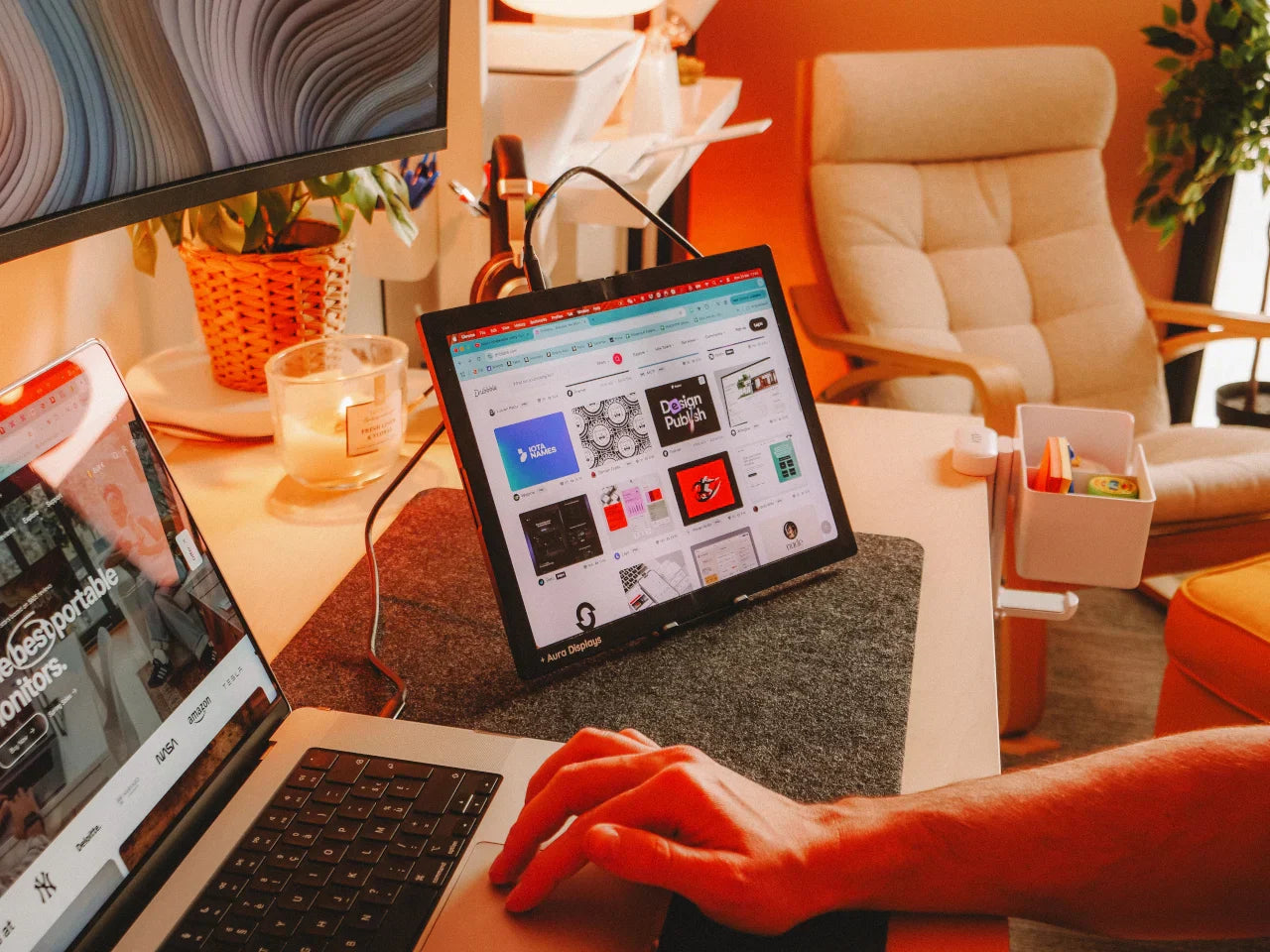
Adding a second screen lets you spread everything out so you keep working smoothly. Instead of digging for lost windows, you see what you need in real time. For example, you might keep instructions or research open on one monitor while writing on the other. You do not stop, and you do not lose your place.
Situations Where a Dual Monitor Extender Makes a Clear Difference
1. When You Need To Stay Present During Video Calls
Imagine you are presenting or taking notes during an online meeting. Without space, you constantly swap between the call screen and your documents. It is distracting and obvious, especially when someone asks a question while you are switching tabs.
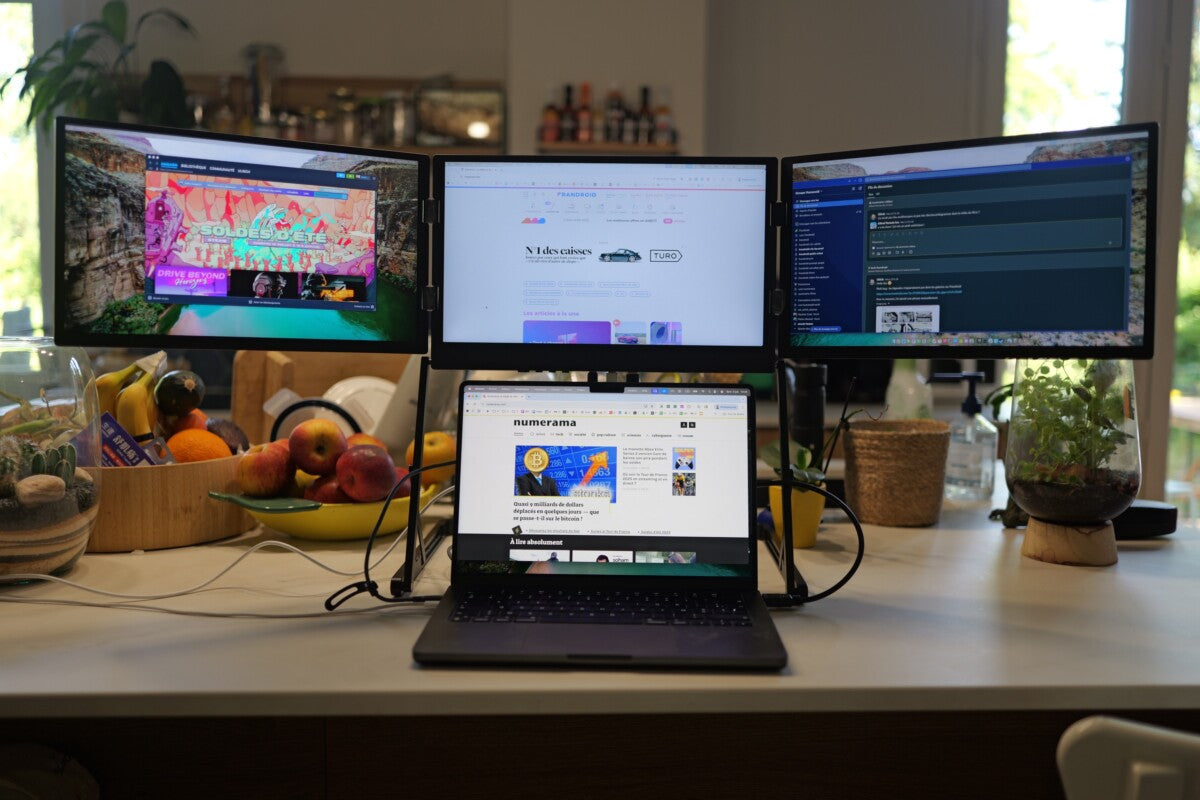
With a dual-screen setup, your call stays on one side while your files, slides, or reference material live on the other. You participate confidently, follow the conversation, and contribute without scrambling.
2. When You Work From Different Places
Most people do not sit in the same spot all week. Some days you work at a desk, others at a café or a shared table. You might even work while traveling. Carrying a large desk monitor is not realistic, and using only one screen in tight spaces slows everything down.
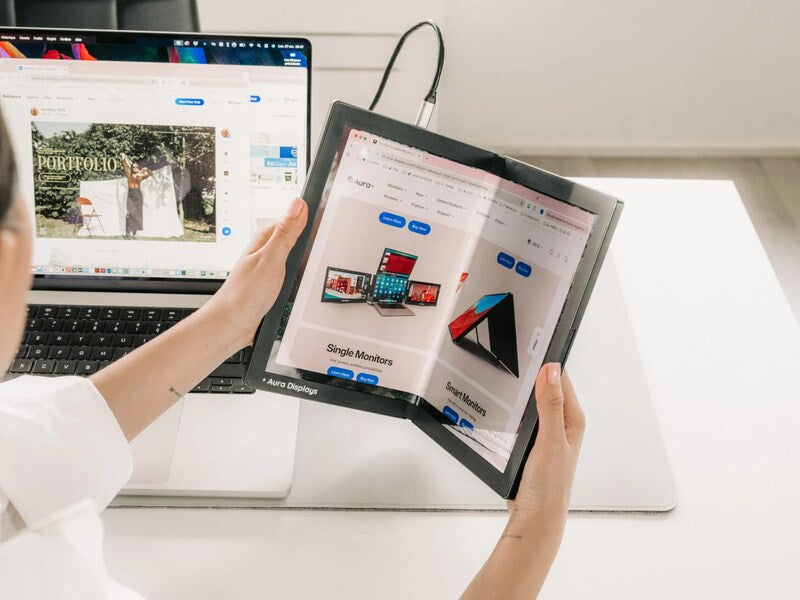
A multi-panel extender attaches directly to your laptop, folding neatly into your bag without additional stands or bulky equipment. In seconds, any flat surface becomes a functional workspace. If you have ever tried reviewing a large document on a small laptop while on the go, you know how much difference this makes. Even users who rely on a Portable Monitor for Laptop for travel convenience find that a dual monitor extender offers far more fluid access to multiple active tools immediately.
3. When You Handle Fast-Paced Tasks
If you switch rapidly between responsibilities, planning, checking calendars, analyzing data, writing content, and answering messages, the ability to keep various tools visible immediately supports your rhythm. You finish faster, not because you rush, but because nothing interrupts you.
What Matters When Selecting a Dual Monitor Extender?
You need something that works with your real needs, not just something packed with specs. Focus on features that affect everyday use:
-
A stable mounting system that feels secure
-
Clean plug-and-play setup without complicated steps
-
Sharp, bright screen quality that remains comfortable for long hours
-
Smooth compatibility with laptop ports
-
A layout that folds safely for travel
-
Adjustable angles so you can position each panel comfortably
-
Lightweight structure that does not add pressure to your laptop hinges
Even the strongest technology fails if it becomes difficult to carry or configure. You should feel ready to work the moment you open your device, not after rearranging cords or searching for space.
What Makes a Dual-Screen Setup Different From Other Display Solutions?
You might already use an External Monitor for Laptop at a traditional desk. It offers a large viewing area, but only when you are sitting in that same spot. The moment you move, the extra space disappears, and you return to juggling everything on one display.
Adding a portable option offers consistency. Your routine does not fall apart when your environment changes. You can build a predictable workflow anywhere, whether that is a kitchen counter, library table, or lounge chair.
Contrarily, if you carry a Portable Monitor for Laptop, you know it takes more space to arrange and usually requires extra support. A dual monitor extender avoids that problem by attaching directly to your laptop and operating as one solid unit.
Both approaches offer benefits, but a fold-out extender stays closer to your natural working habits with quick setup, minimal parts, and full visibility.
Why Aura Displays Matter in Your Day-to-Day Work?
When you seek smarter workspace tools, you want something built with real practicality rather than complicated add-ons. Aura Displays creates solutions that support your momentum instead of interrupting it. You gain more freedom in how you organize your screen space and more clarity when moving through demanding tasks.
Once you experience the advantage of keeping everything visible immediately, going back to a single display feels limiting. You do not realize how much attention you lose to constant switching until you stop doing it.
More space on your screen means more space in your mind. When your workflow feels clear and uninterrupted, you make better decisions, produce higher quality work, and finish with more energy left over. Choose the setup that lets you work the way you think: steady, intuitive, and fully in control.





Share: